Analog Photography
Analog Camera
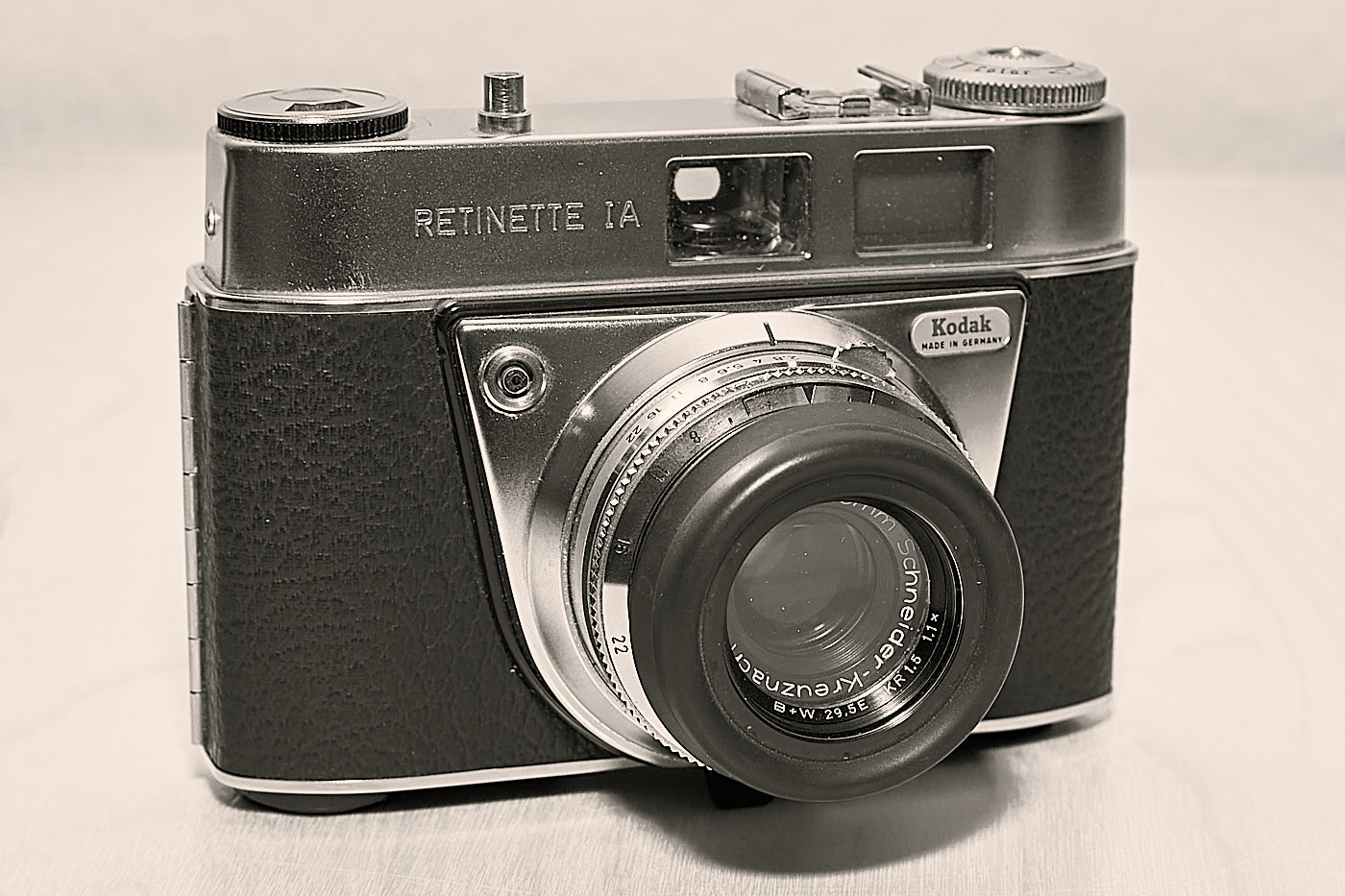
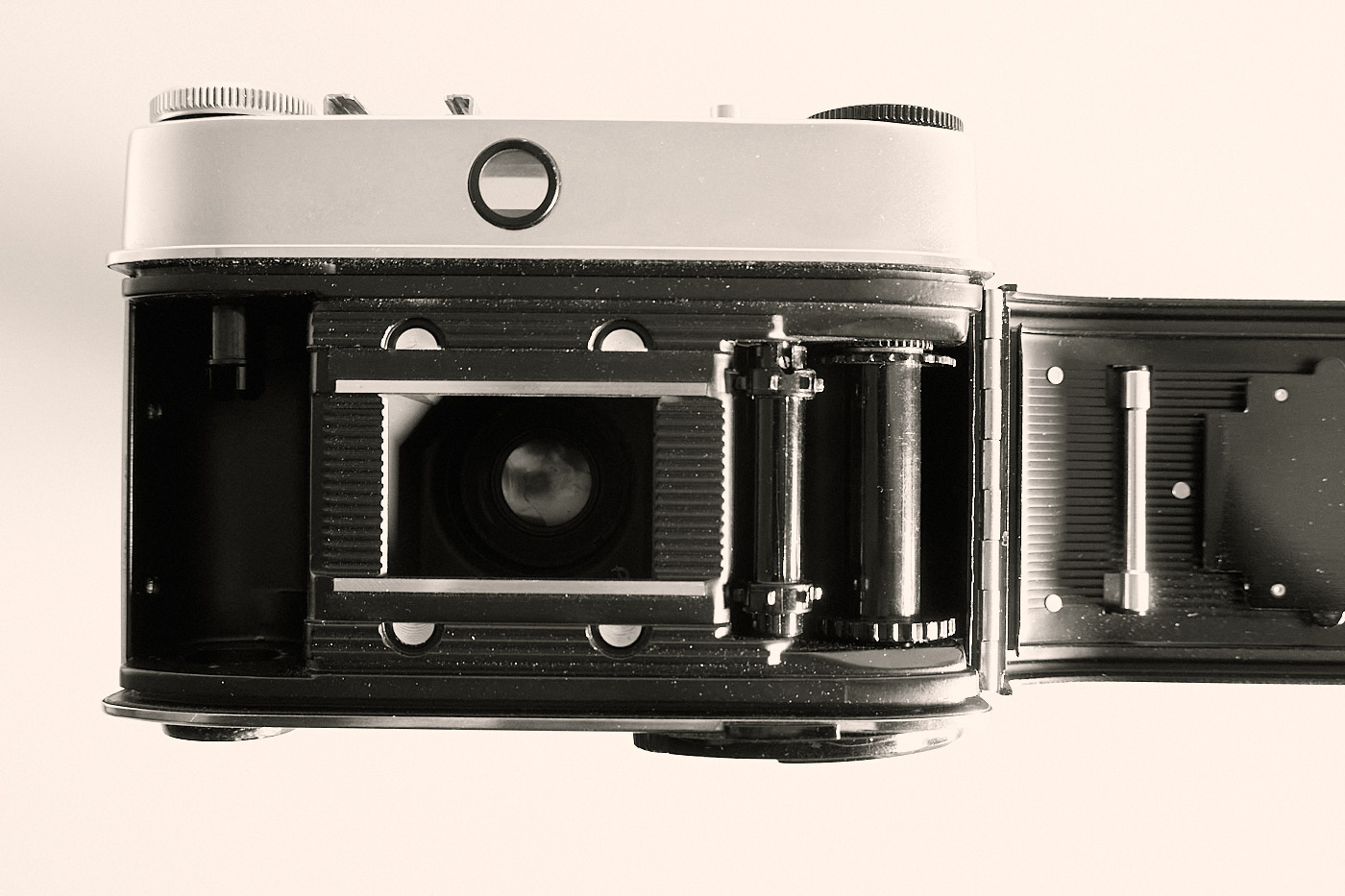
In its simplest form, an analog camera consists of a lens that focuses the incoming light so that it appears sharp inside the camera on the film plane, and a film on which the image is “saved”. The film is later chemically developed (Section 1.5) so that the image becomes visible.
Films
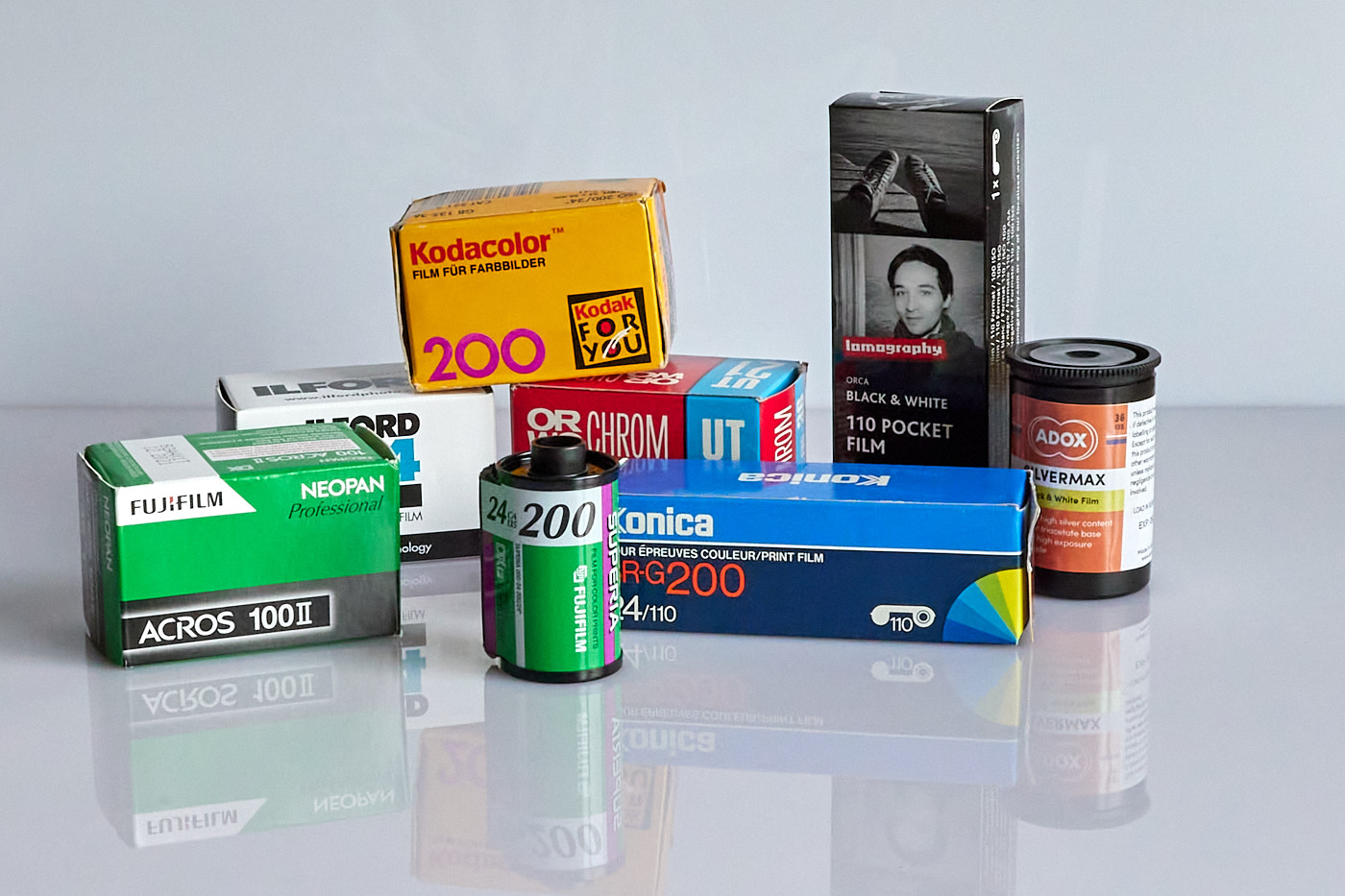
Until the introduction of digital cameras, there were countless films and film formats. The most famous are:
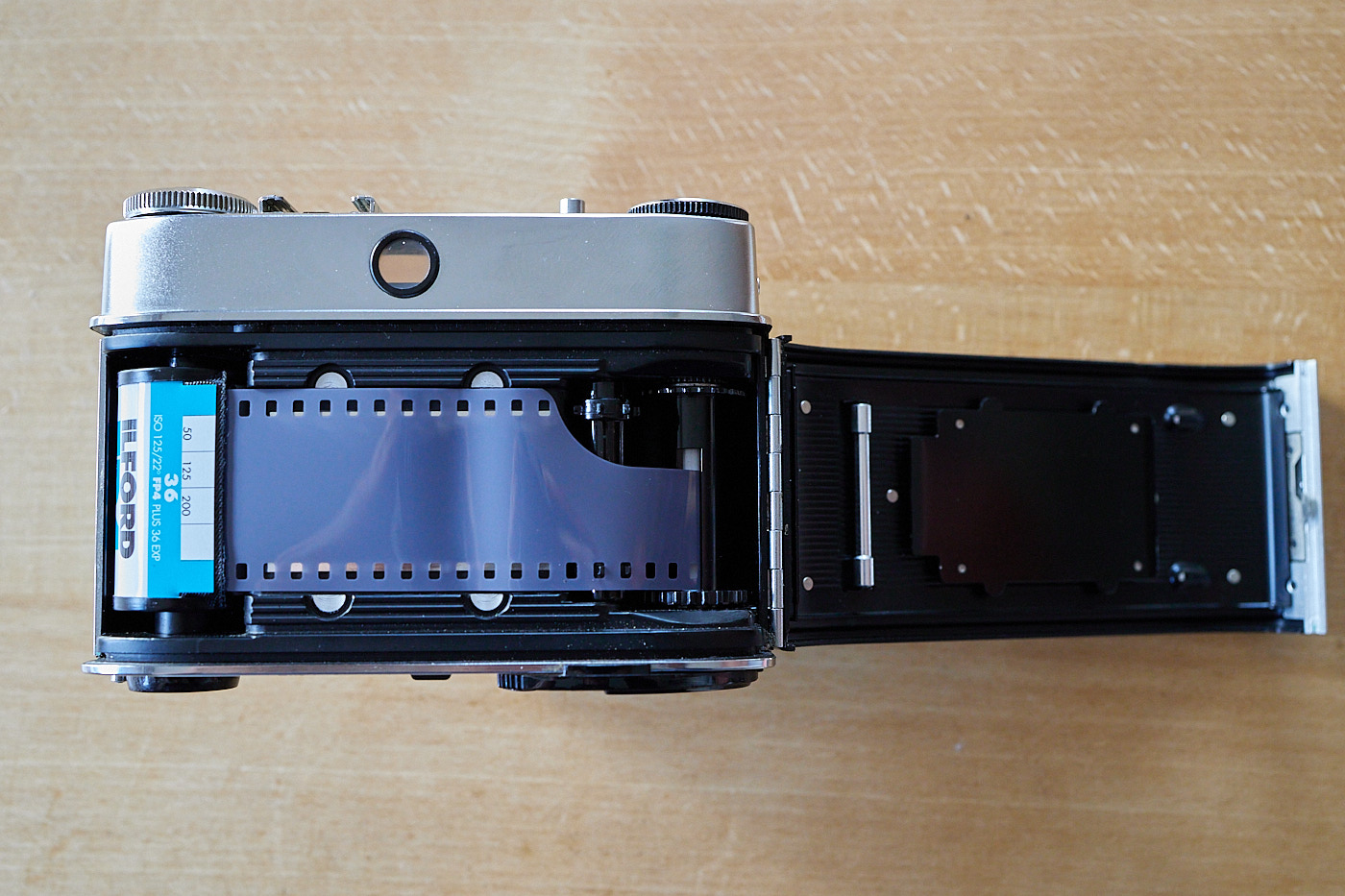
- 35 mm film, 35 mm wide, also known as Type 135
- Pocket film, 16mm, Type 110
- Roll film, medium format, 61.5 mm, Type 120
The 35 mm format was the most widespread, and its size corresponds to a modern full-frame sensor.
The most common film types are:
All types were available in various speeds, which correspond to today’s ISO values of 100, 200, and 400. Anything else was already a very expensive specialty film.
Most photographers took their films to a drugstore or a specialized shop to have them developed. This used to be expensive back then, but not as expensive as today because the production volumes were much larger. It is cheaper to develop and print them yourself if you own the necessary equipment.
Aperture, Shutter Speed, and ISO
In analog photography, controlling the aperture and shutter speed works exactly the same way as on a digital camera (sections Aperture and Shutter Speed).
However, the ISO value is fixed by the film and cannot be changed.
Focusing
A distinction is made between manual focusing by turning the focus ring on the lens and automatic focusing. Autofocus was only introduced to analog cameras in the 1980s.
With many old analog cameras, you can only estimate the distance. For orientation, there are distance markings on the focus ring and sometimes additional small pictograms. High-quality cameras have a split-image rangefinder.
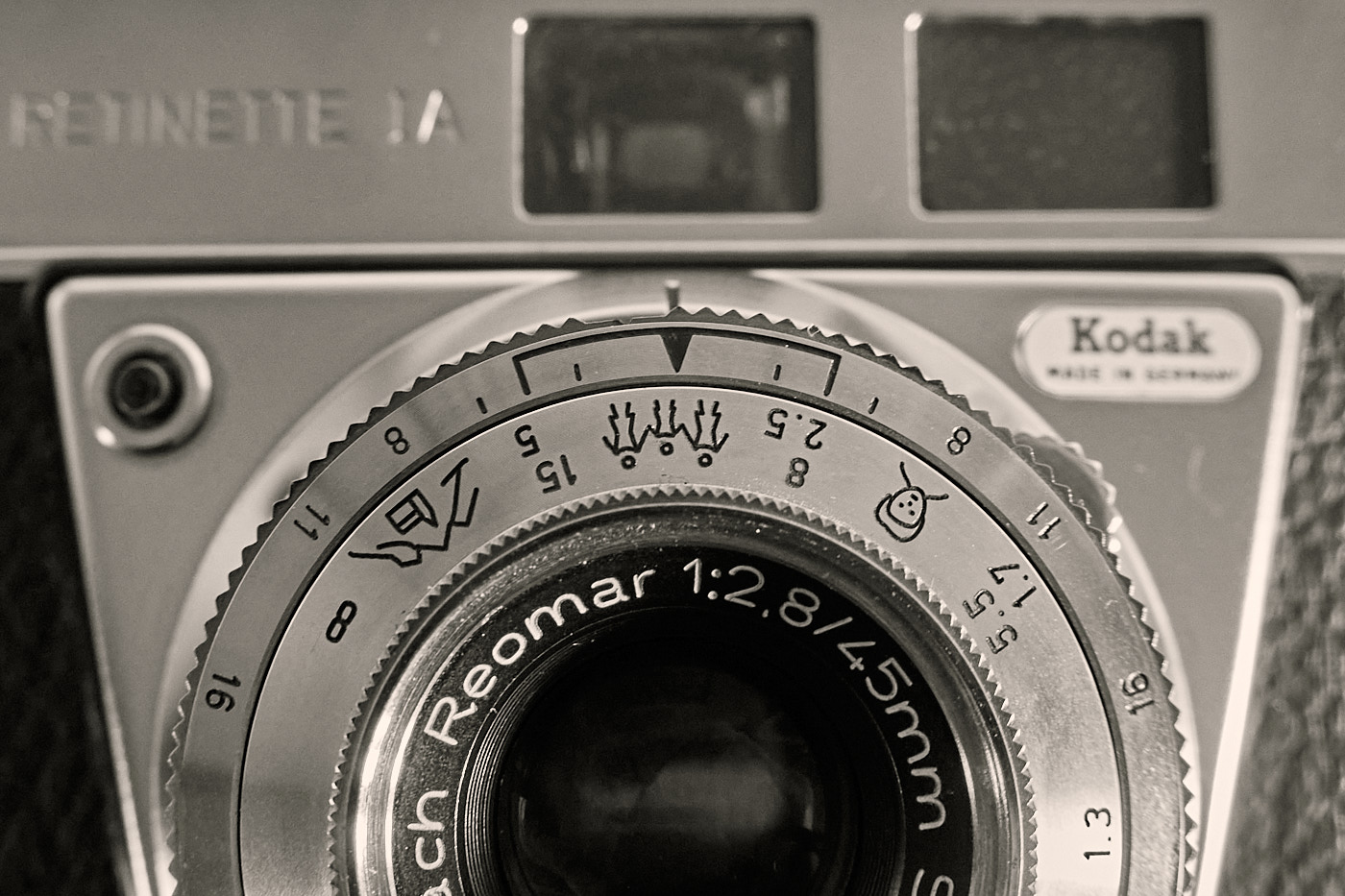
Rangefinder cameras, whether analog or digital, usually have more advanced focusing aids, such as split-image rangefinders.
Film Development
Tiger Graphics only has experience with developing and printing black-and-white negative films. Therefore, only this process is described here. The description only provides a first impression of the necessary steps.
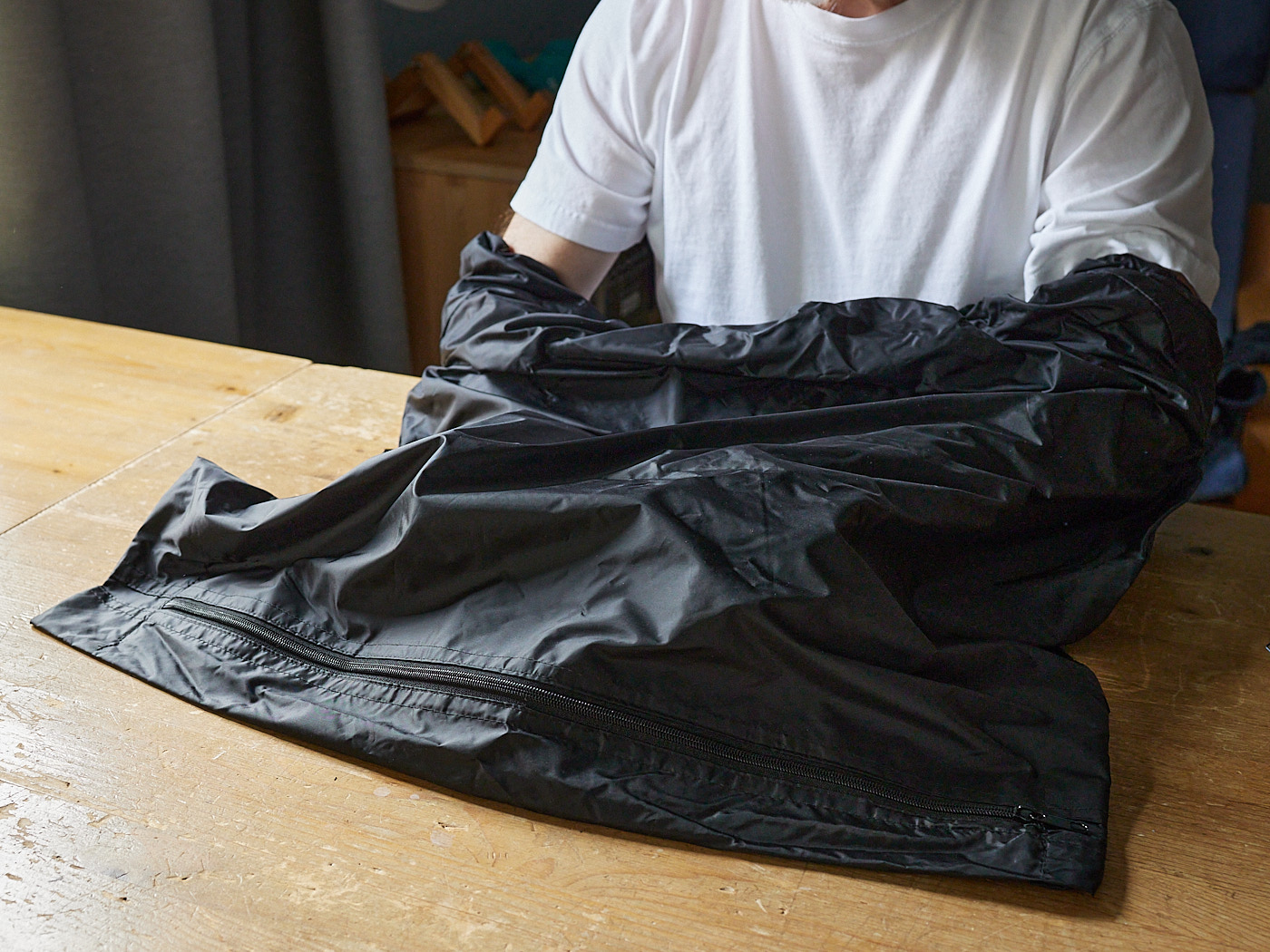
Quite a bit of equipment is needed for film development. First and foremost is a darkroom—a totally dark room where even door locks and gaps must be light-tight. Alternatively, there are film changing bags that are absolutely light-tight.
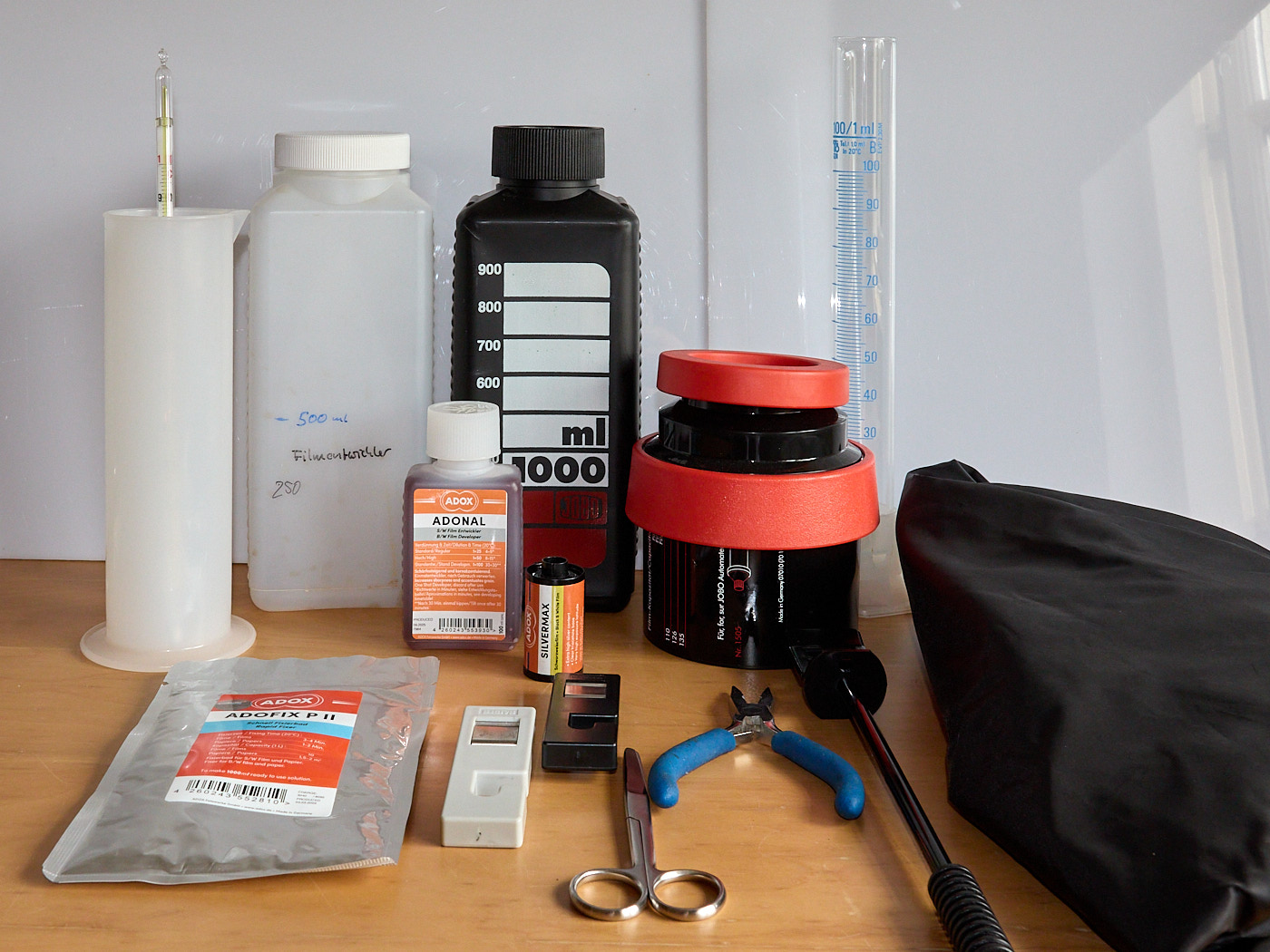
Required Equipment
- Darkroom or film changing bag
- Exposed film
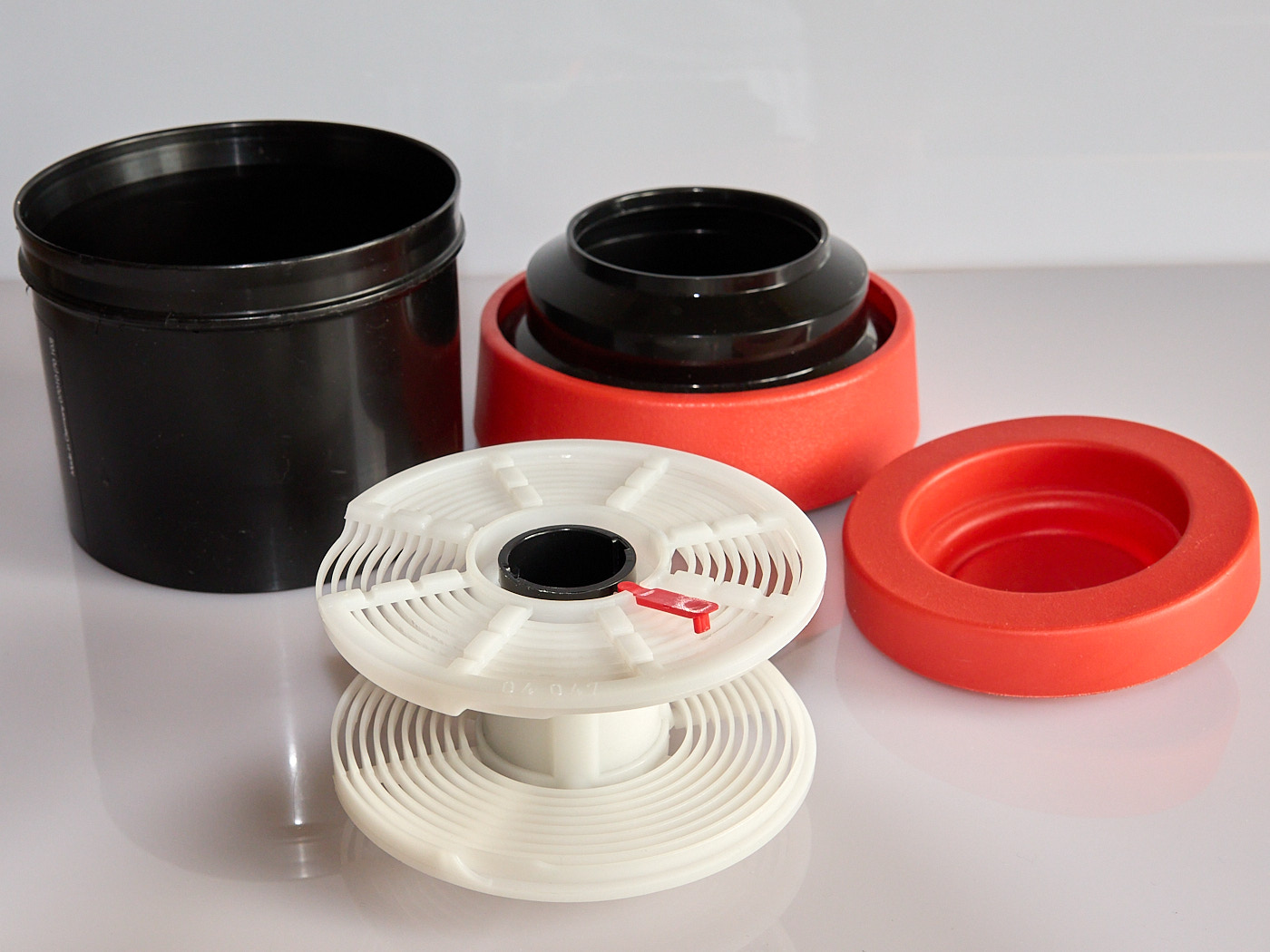
- Developing tank with a reel, onto which the film must be loaded for development
- Film developer and film fixer
- Distilled water or wetting agent or dish soap
- Containers for mixing the developer and the fixer. Warning: never mix the two together. Not even a single drop!
- Measuring cup
- Stirring rod
- Liquid thermometer
- Timer (e.g., on a smartphone)
- Bottles for storing and disposing of photo chemicals
- Pliers or opener to open the film cartridge
- Scissors to trim the corners of the film and to cut the film from the spool
- Temperature-controlled tap water
- Clips for hanging the films
Preparation Steps
- Set up the equipment and completely darken the room if no film changing bag (Fig. 10) is used.
- Mix the developer and the fixer according to the manufacturer’s instructions. It is important to pay close attention to the temperature specifications.
Steps That Must Be Done in the Dark
- Opening the film cartridge. If the film disappeared completely into the canister during rewinding, the canister must be opened in total darkness. To do this, the cap of the canister must be removed either with your thumb or with pliers. Then the film can be removed.
- Trimming the film corners to make threading easier (see Fig. 11 and 12).
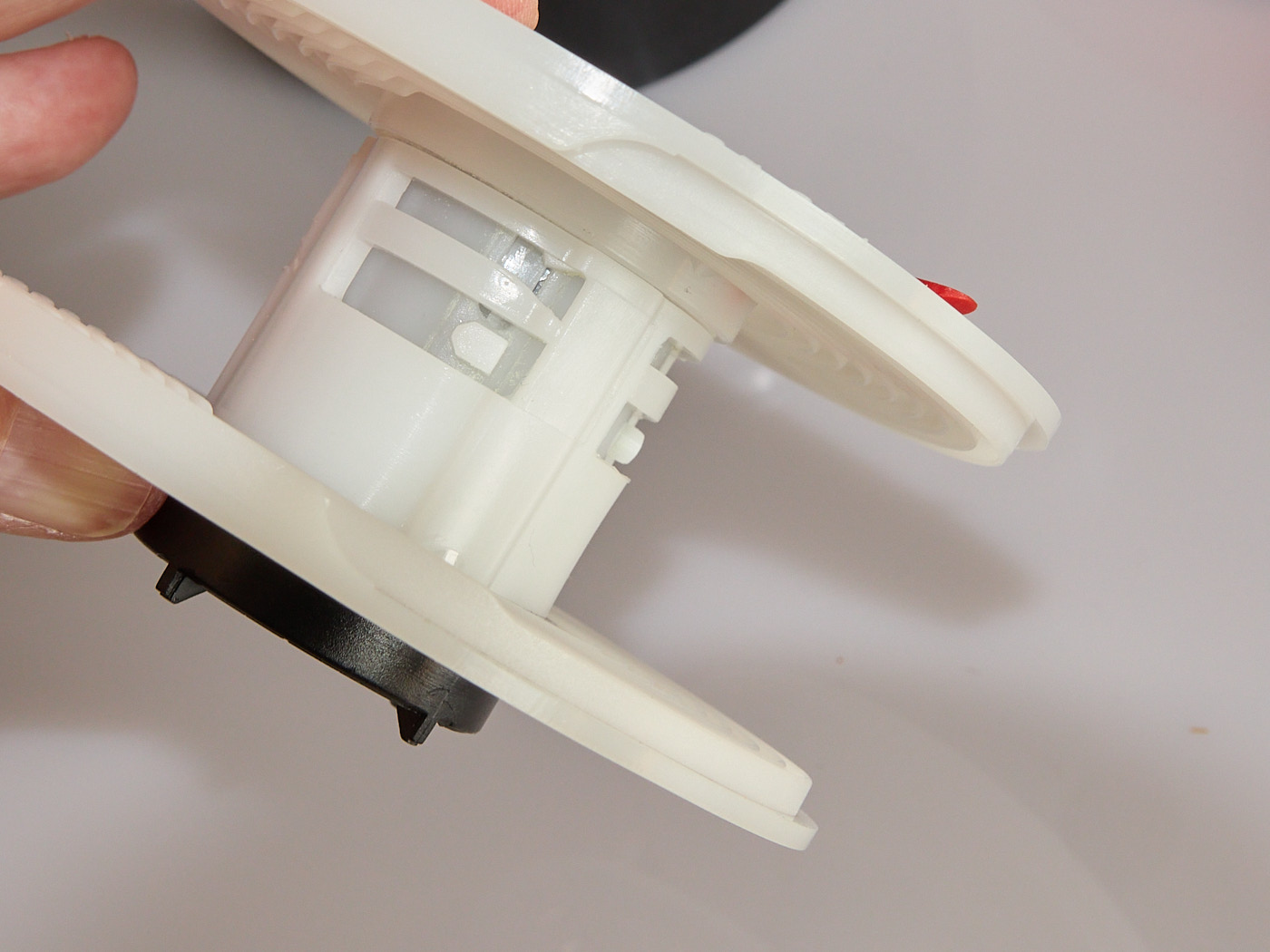
- Loading the film onto the reel. To do this, the film must now be drawn bit by bit into the spiral reel. This works differently depending on the type of tank. It is best to watch a video from the manufacturer for this. Some reels have a small red stop brake. This must be opened before loading (see image) and pushed back into the reel after loading. Since you cannot see in the dark whether the film is sitting correctly in the reel, there is a notch where you can feel if the film was guided in properly. Correct loading is absolutely necessary, otherwise the photo chemicals cannot coat the film in all places.
- Finally, the film must be cut at its end. So always remember to bring the scissors into the changing bag.
- Inserting the center column and placing the reel into the developing tank. The column prevents the reel from wobbling inside the tank and ensures that the tank is light-tight when you pour in the chemicals.
- Close the tank tightly before bringing it out into the light.
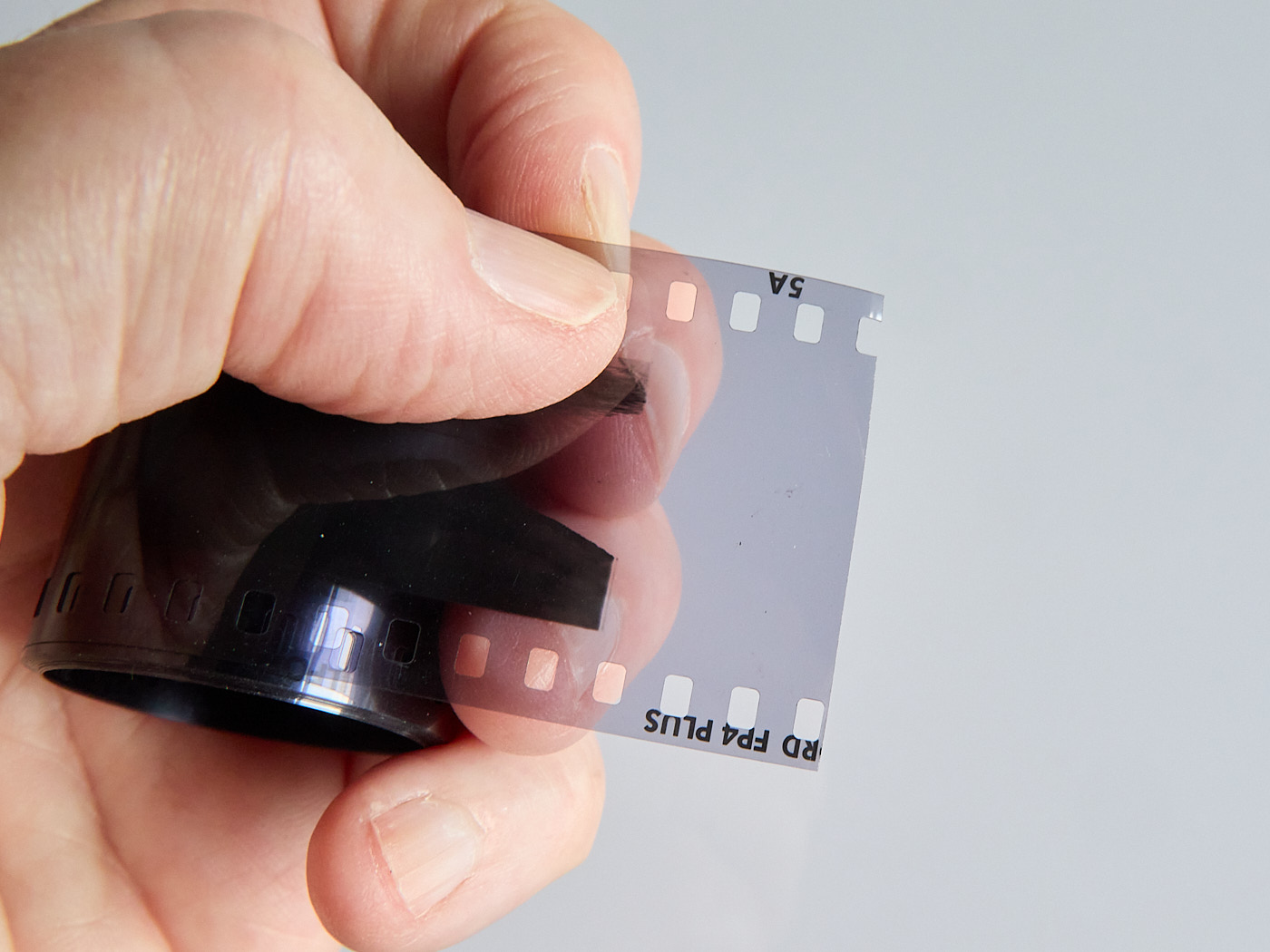
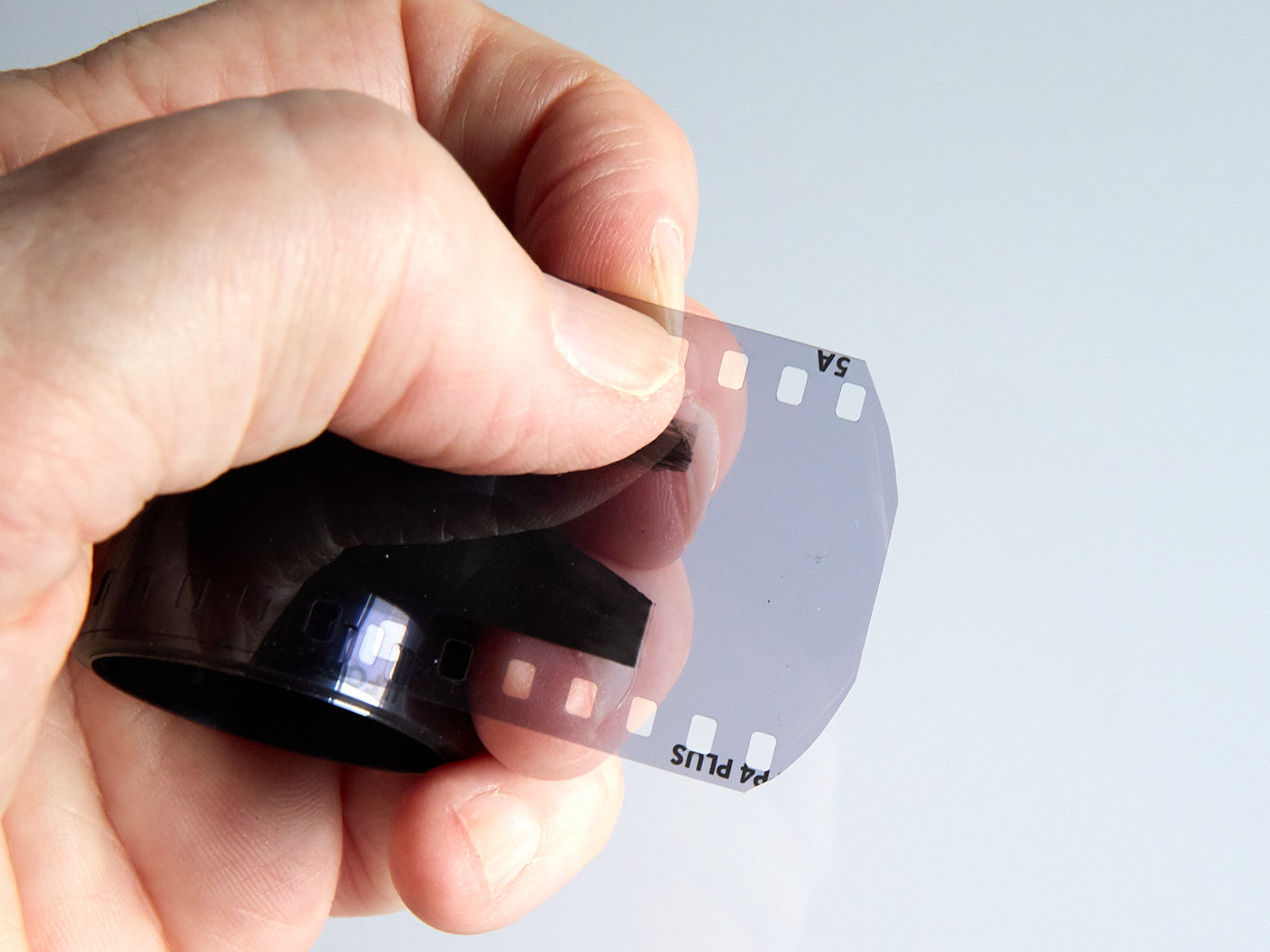
If you rewind the film very slowly inside the camera, you can usually hear when it slips off the spool spindle. Then turn it just a tiny bit further. This way you can prevent it from disappearing completely into the canister. You can then easily trim the edges in the light and don’t have to break open the film canister in the dark, but can simply pull the film out of the canister in the dark. But be careful, do not stop rewinding too early.
Such film canisters should definitely be marked as exposed so that the film is not accidentally used/exposed a second time!
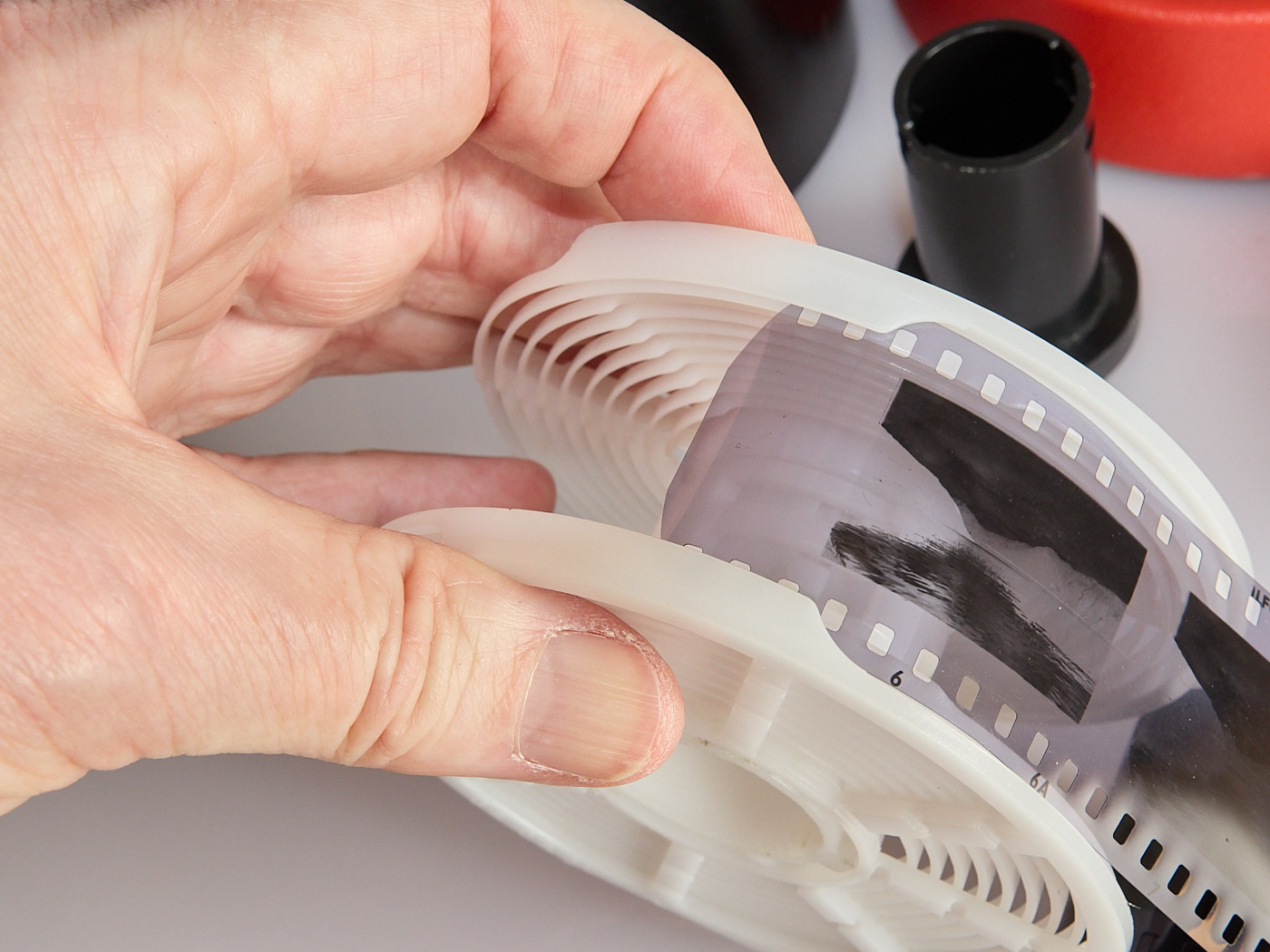
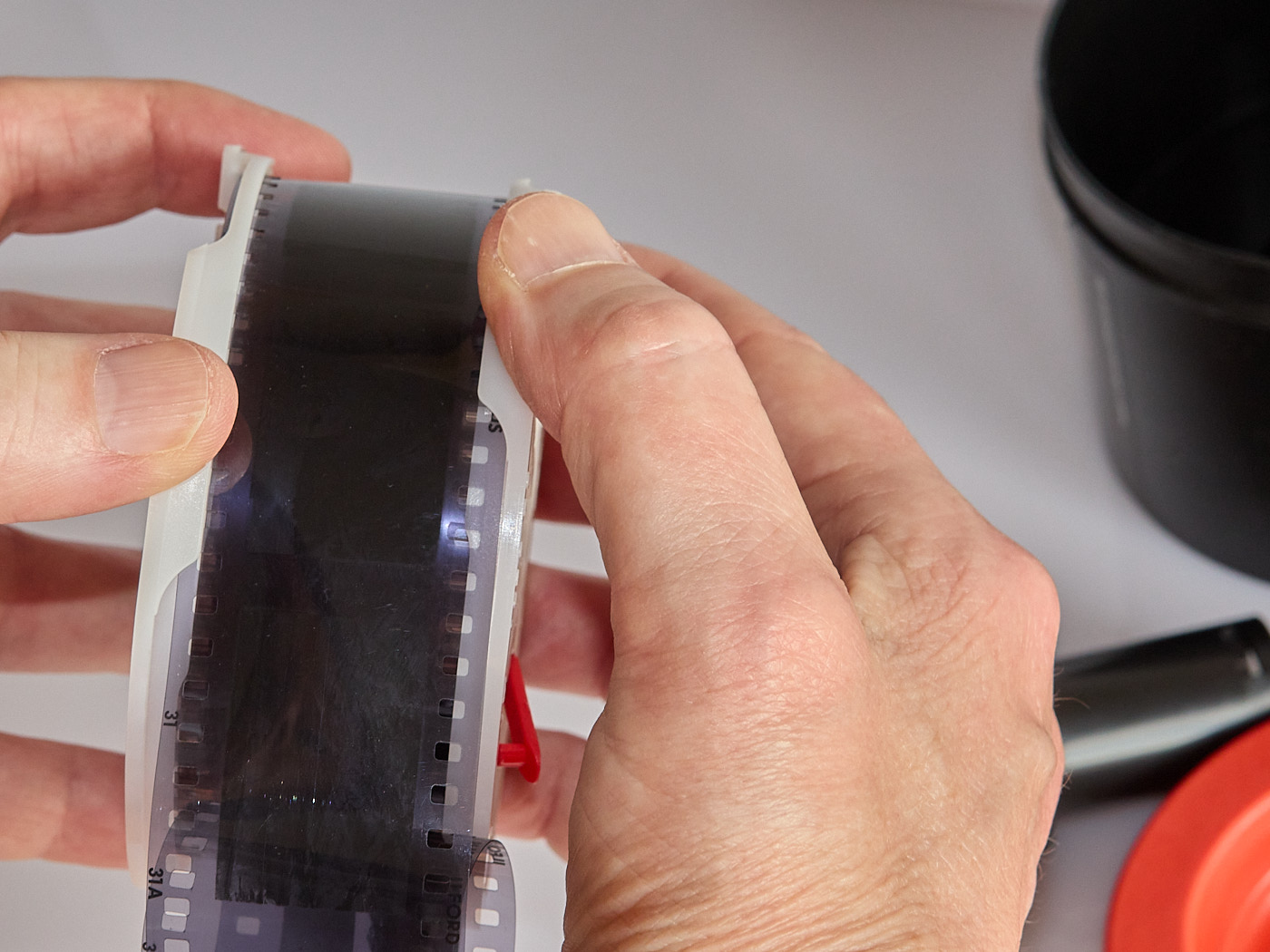
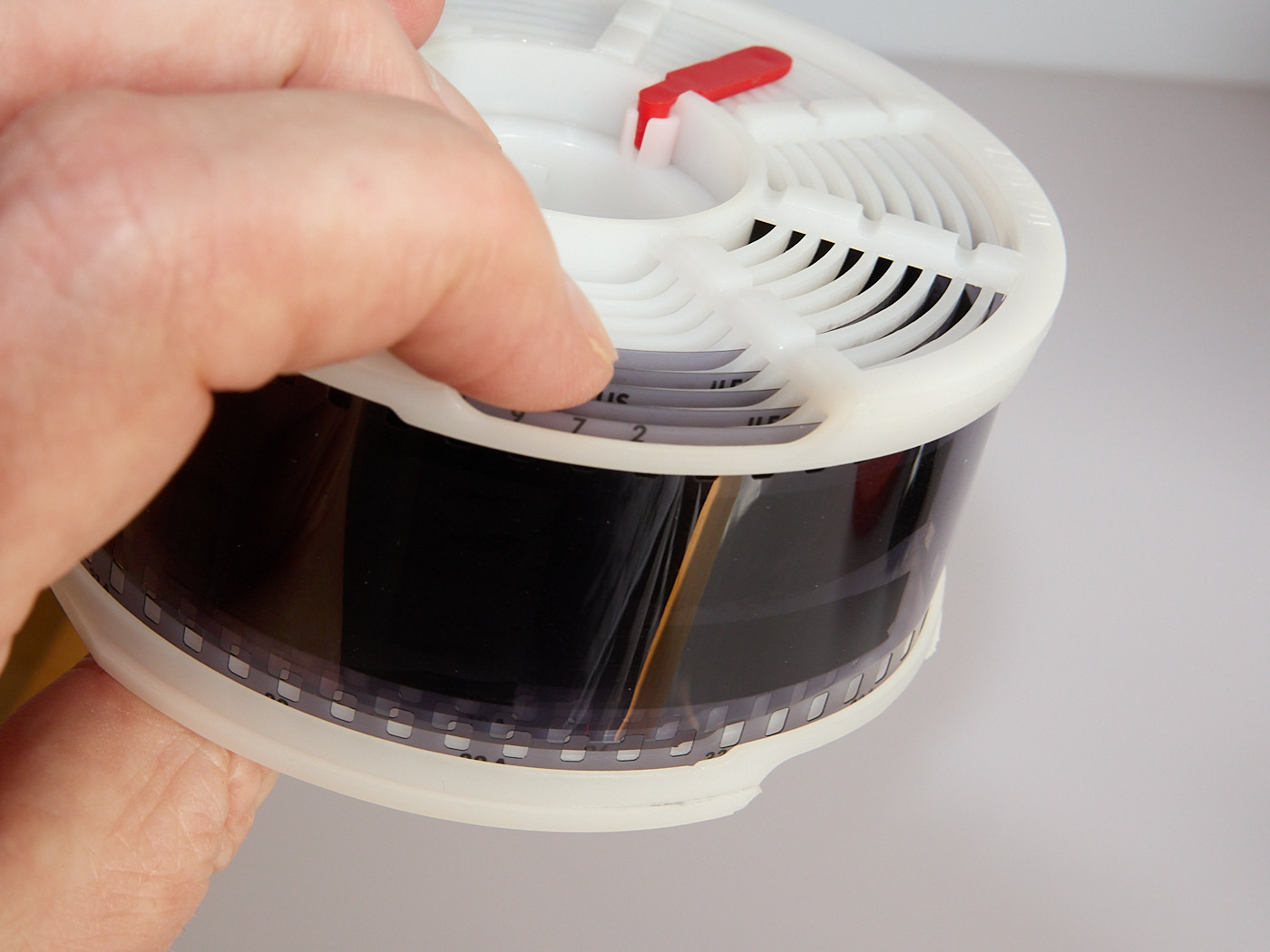
Some developing tanks have a small brake so that the film cannot move out of the reel during development. This must be opened before loading the film.
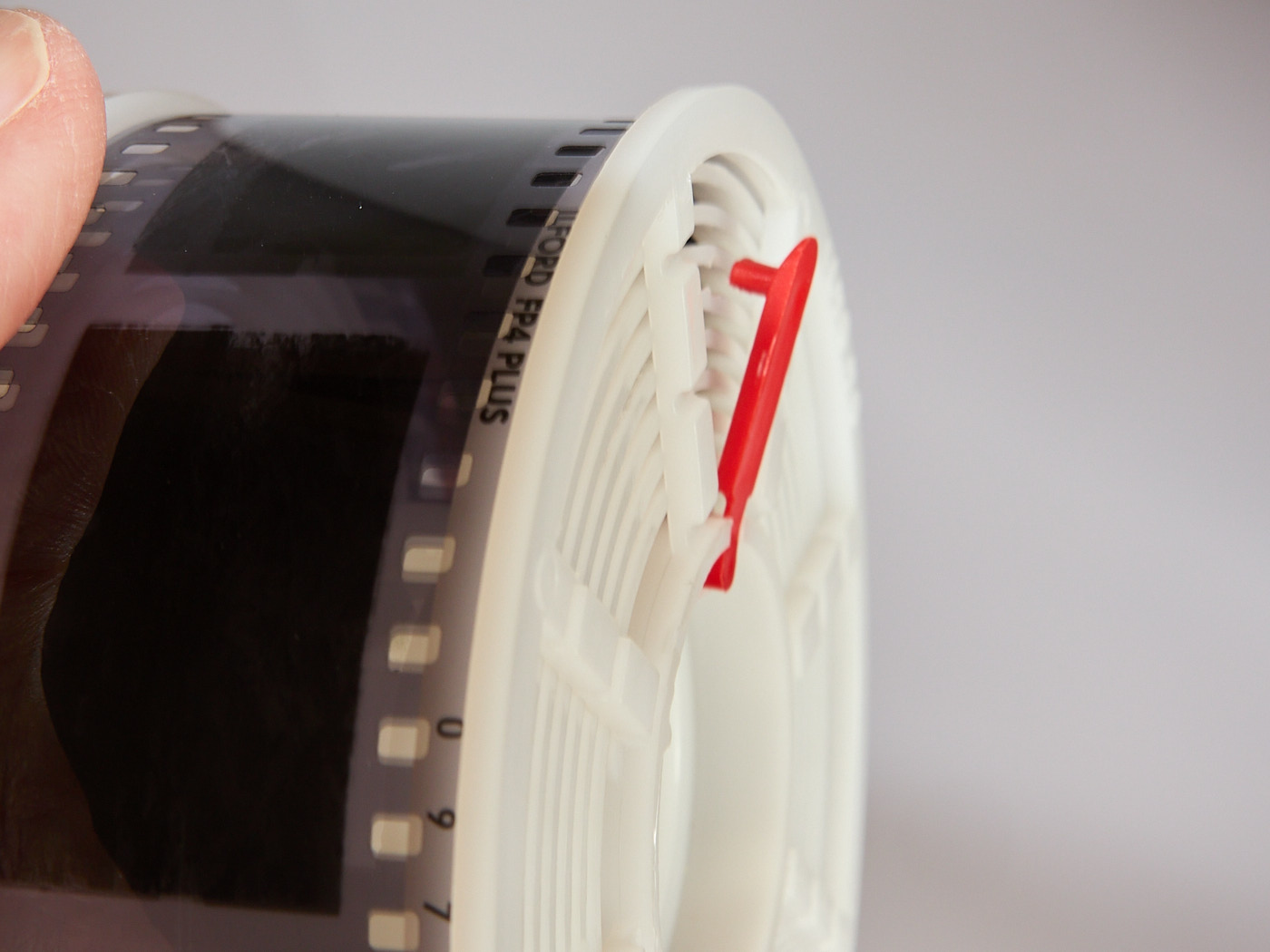
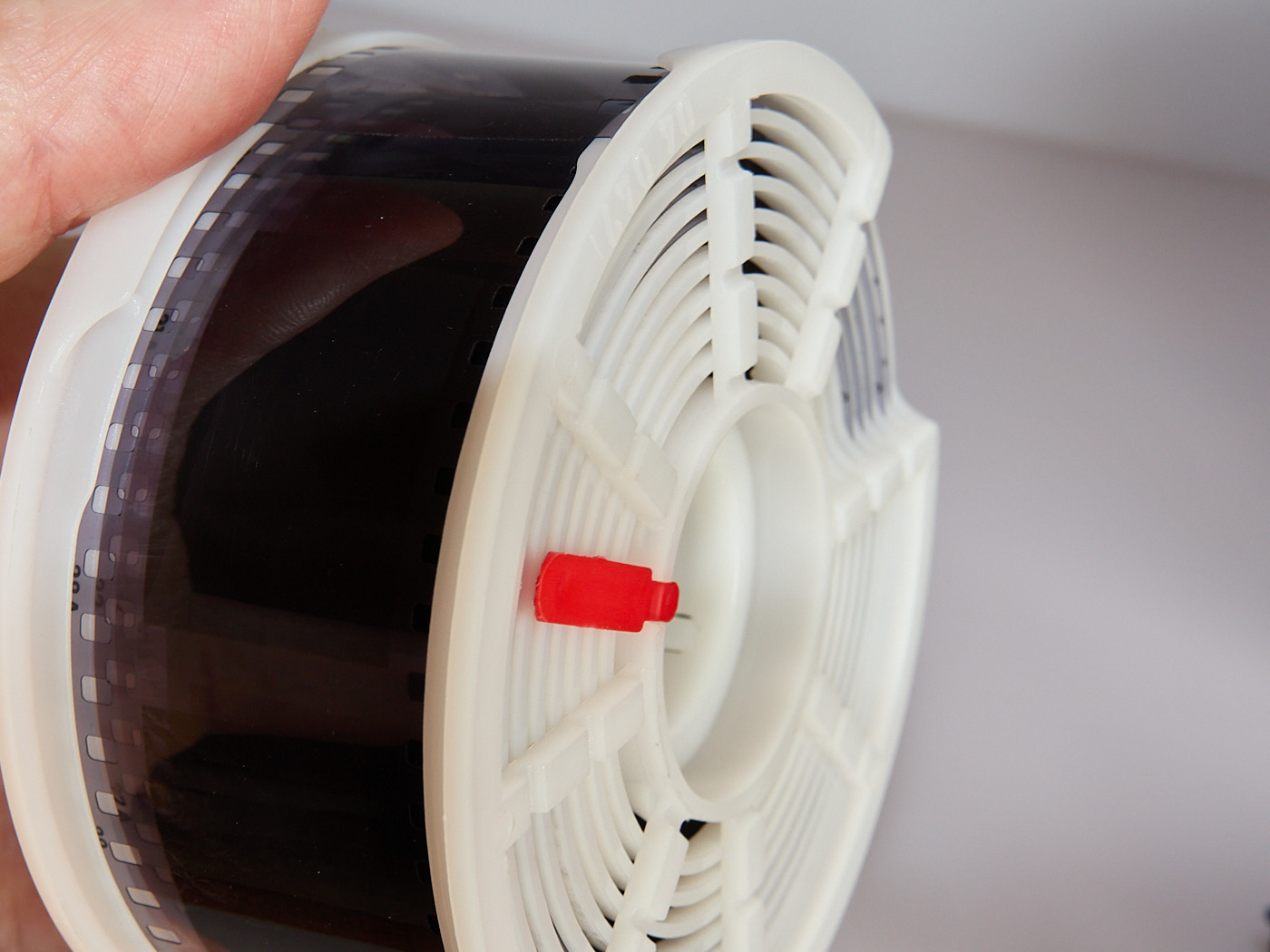
Film Development
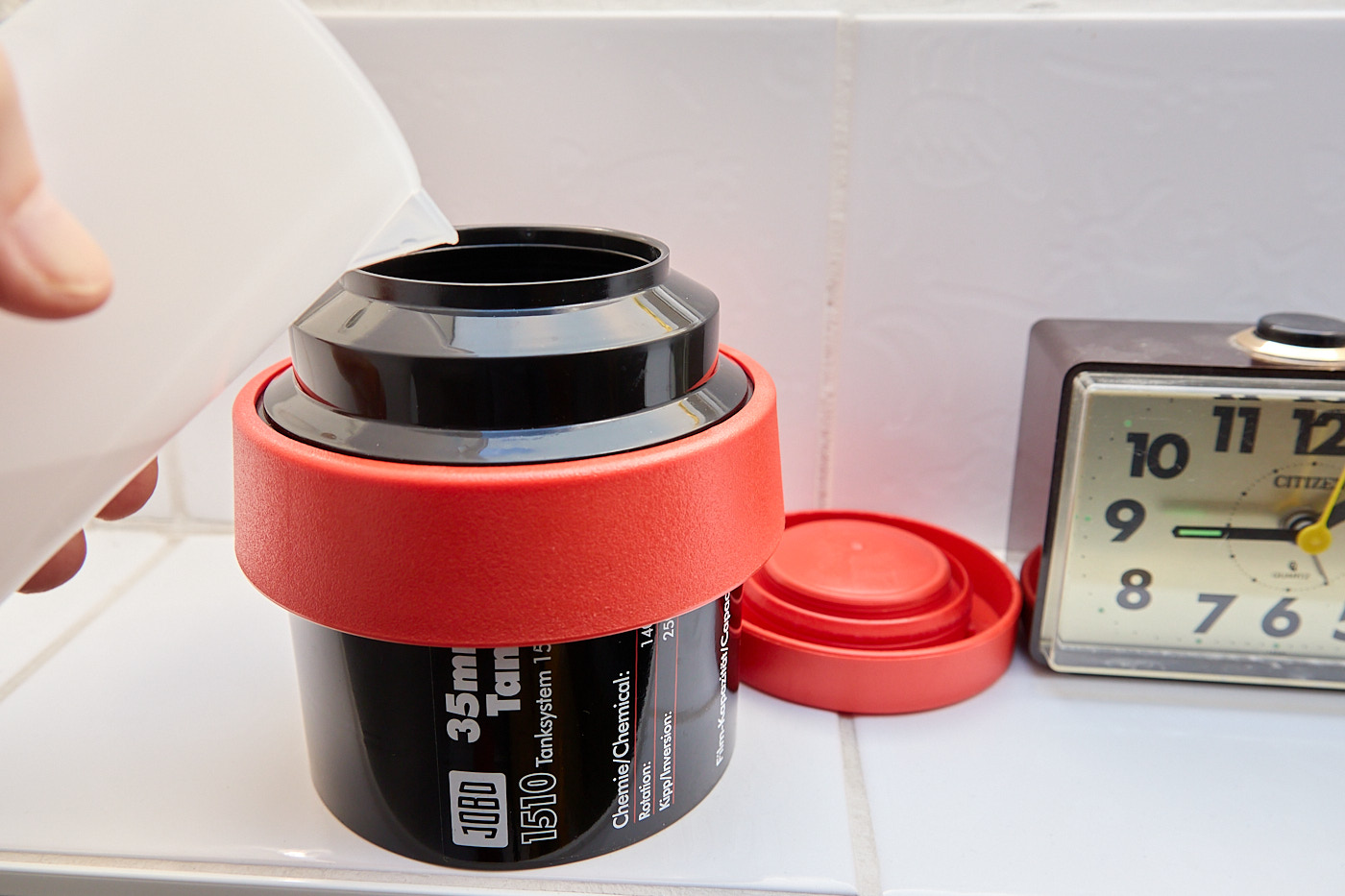
The duration of development depends on the film and the photo chemicals. You need to look this up from the manufacturer or on the instruction sheet for the developer and fixer. It is crucial to strictly adhere to the temperature and time specifications. The developing tanks have a light trap, so pouring in the photo chemicals can be done in the light.
There are different ways to develop. After pouring in the developer:
- Leave the tank standing still,
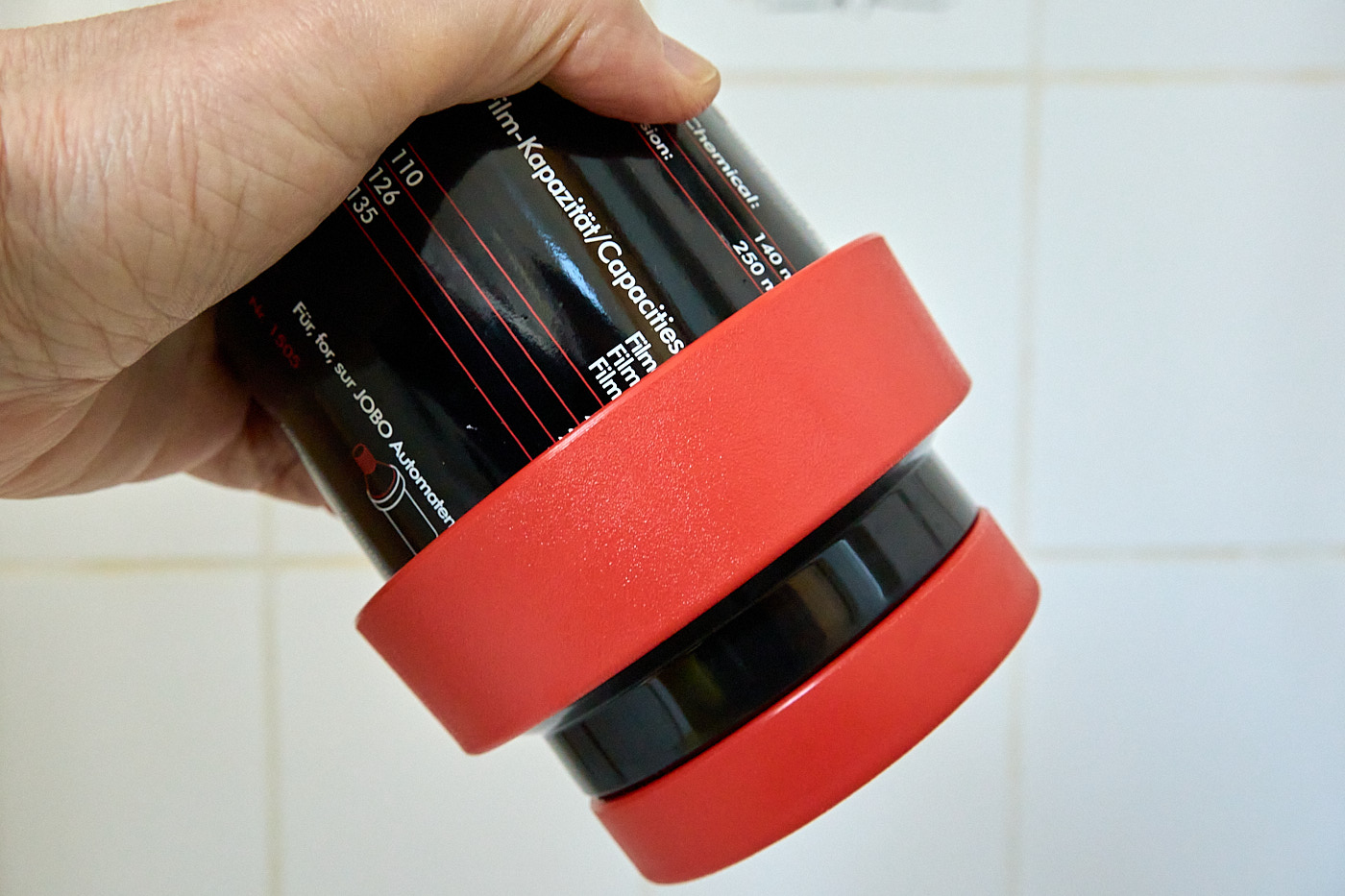
- Agitate/invert the tank (this is what we do at Tiger Graphics)
- Roll the tank
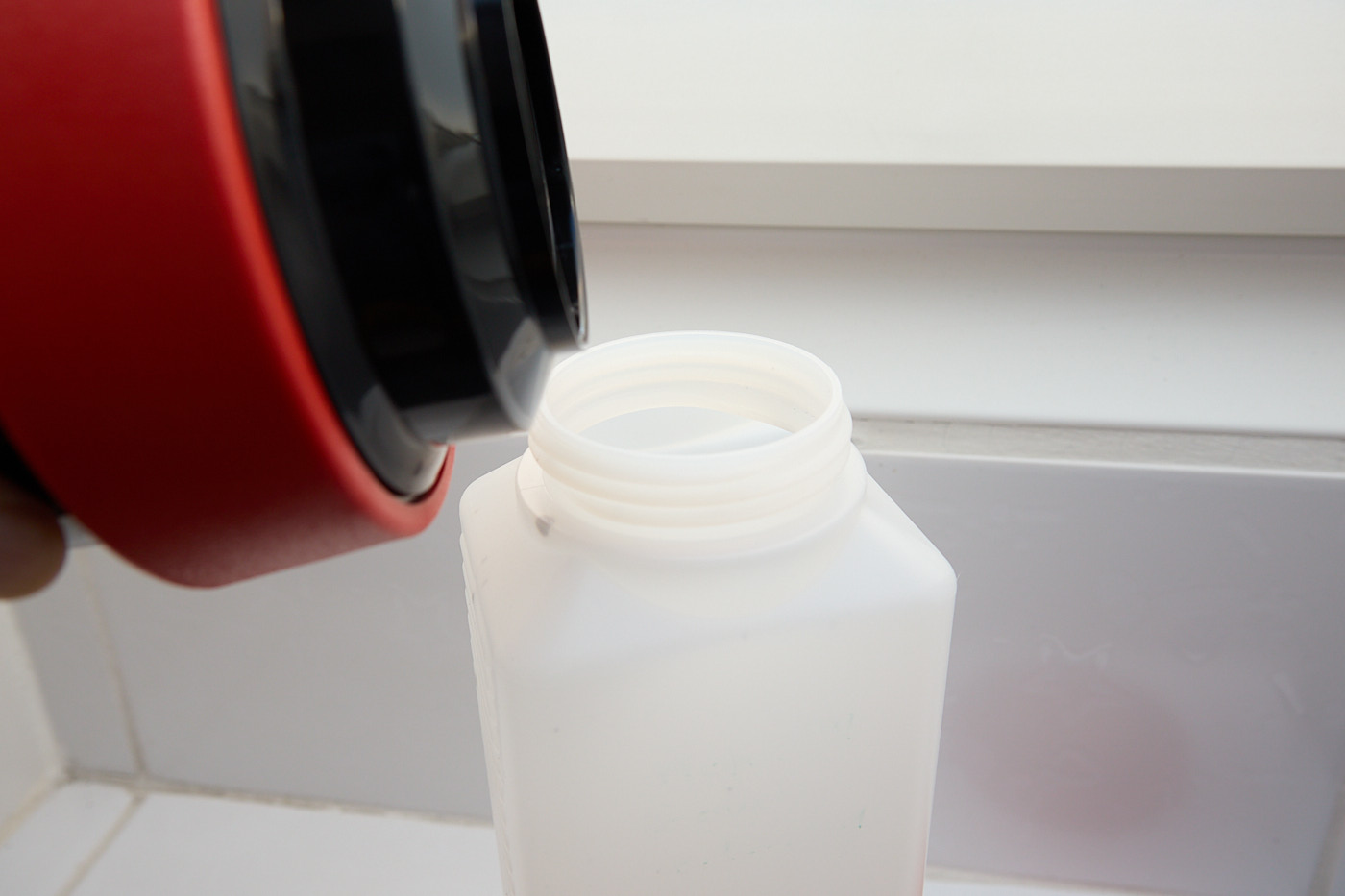
If you leave the tank standing or invert it according to the instructions, you must ensure that air bubbles can escape from between the film layers. To do this, tap the tank moderately hard on the surface. After development is complete, quickly pour the developer into a suitable bottle.
Washing
After development, the film is washed with tap water of the same temperature. To do this, fill the developing tank with the appropriate amount of water, move it around a bit, and pour it out again.
Fixing
Fixing works similarly to developing, according to the manufacturer’s instructions.
Final Wash
The final wash can already be done in the light, but should also be carried out with water of the same temperature. We already take the film out of the reel for this. You open the reel by twisting the two halves in opposite directions past a small resistance. Make sure not to touch the film if possible! Lint and dust must be avoided at all costs.
Drying
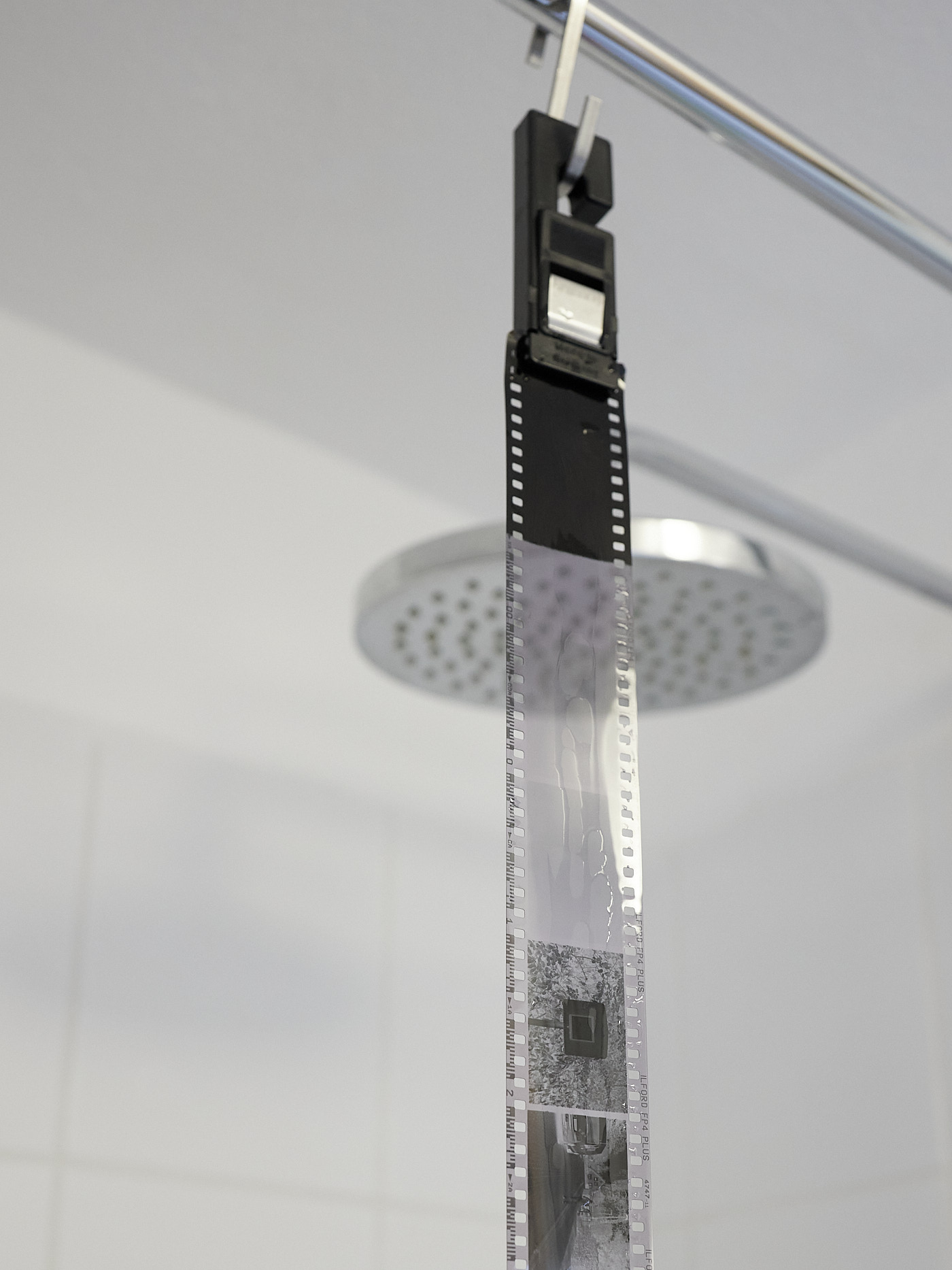
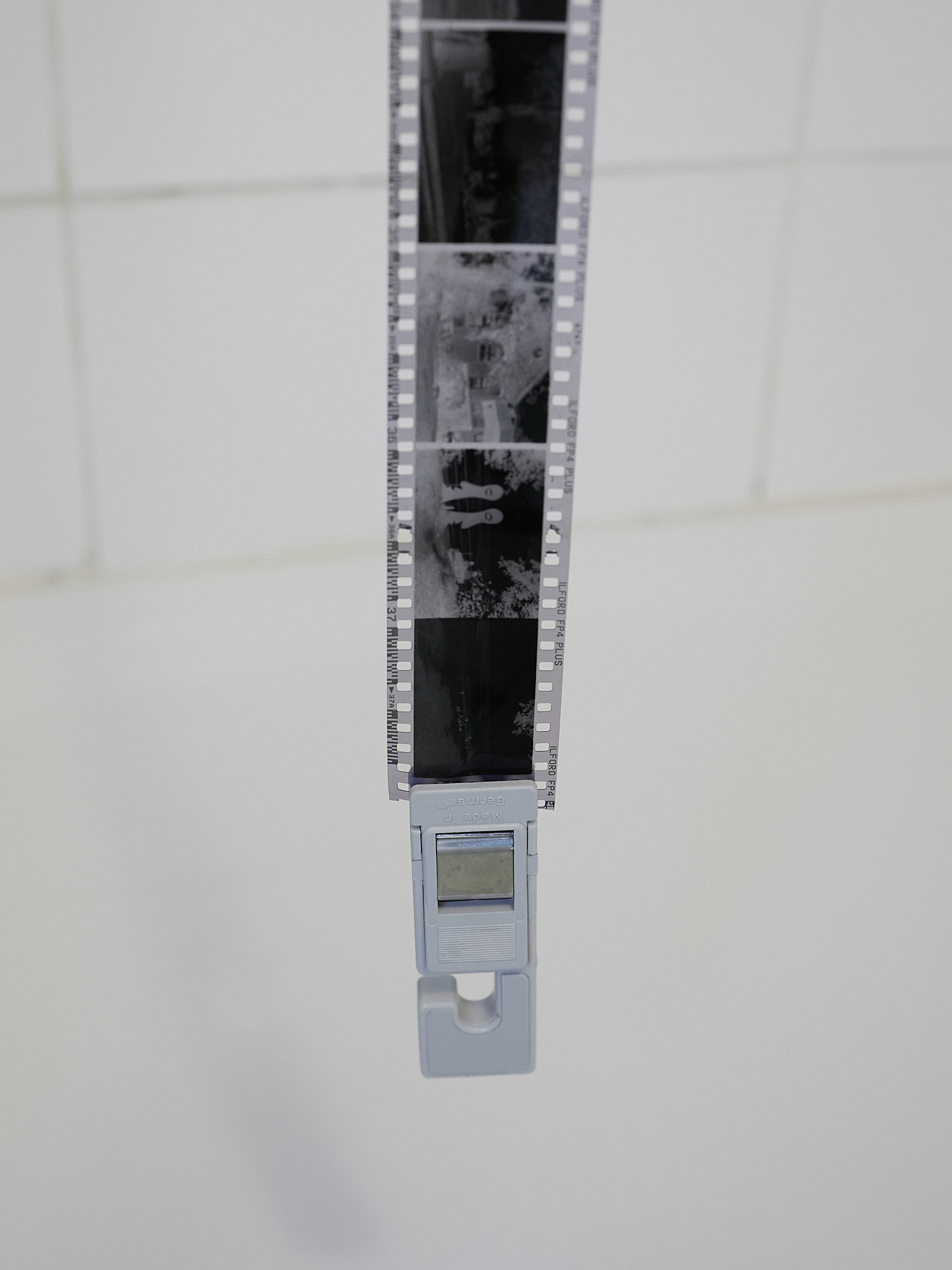
For drying, it is best to hang the film in the shower. There are special hooks for this, but simple clothespins will also do. You should also weigh down the bottom of the film with clips so that it hangs straight. The hanging setup for a 35 mm film with 36 exposures needs to be about 2 meters high! Once the film is hanging, it is rinsed or wetted one last time. Special wetting agents are available for this. However, distilled water works too, or if your tap water is not too hard (hard water contains high amounts of calcium and magnesium) simply water with a tiny bit of dish soap (without hand care additives). We simply wet our fingers with the soapy water and carefully pull the film through our fingers from top to bottom. Afterward, the film must remain hanging until it is completely dry. It is best to wait until the next day. Ensure that it does not catch any dust. The film can then be cut into the usual strips of 5 frames or rolled up in one piece.
Processing the Negatives
Scanning
In order to scan 35 mm negatives with a scanner, it must be suitable for scanning negatives and should have a resolution of 9600 dpi.
Such scanners feature what is called a transparency unit. This is built into the lid of the scanner and is covered during normal operation. Please consult the scanner’s manual to find out how to remove the cover.
For scanning negatives, the scanner must be set up for transparency mode. To position the negatives correctly, there are frames that securely hold the film strips on one hand and cover the area around the film strip on the other. These frames are specialty parts unique to each scanner.
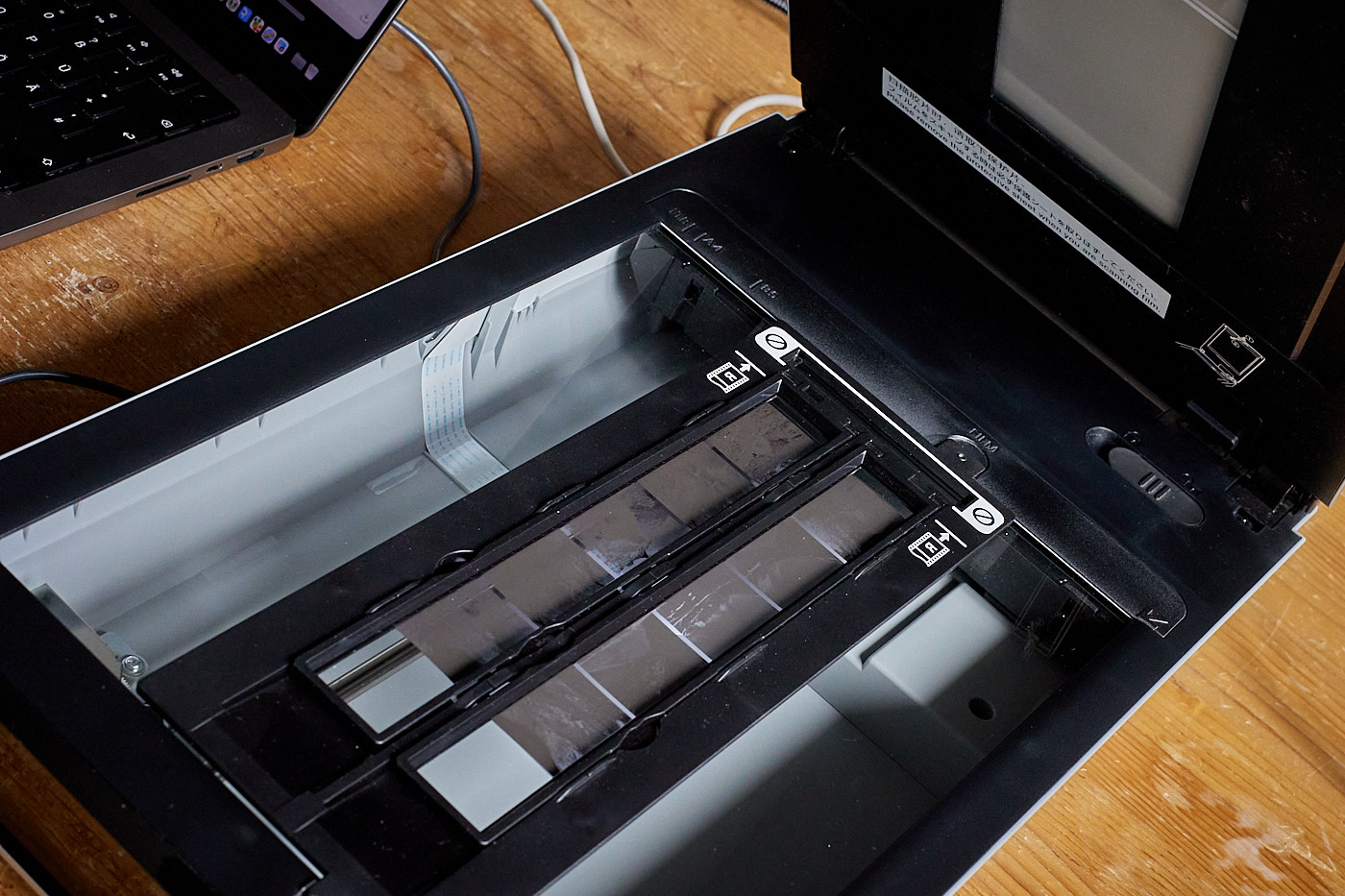
Sometimes existing or inherited scanners are so old that their drivers no longer run on current operating systems. In almost all such cases, the scanner software VueScan, which we also use, helps and is highly recommended. The two developers (father and son) have made it their mission to keep as many scanner types as possible (now over 8,000 different models) “alive” across all operating systems.
Camera Scanning
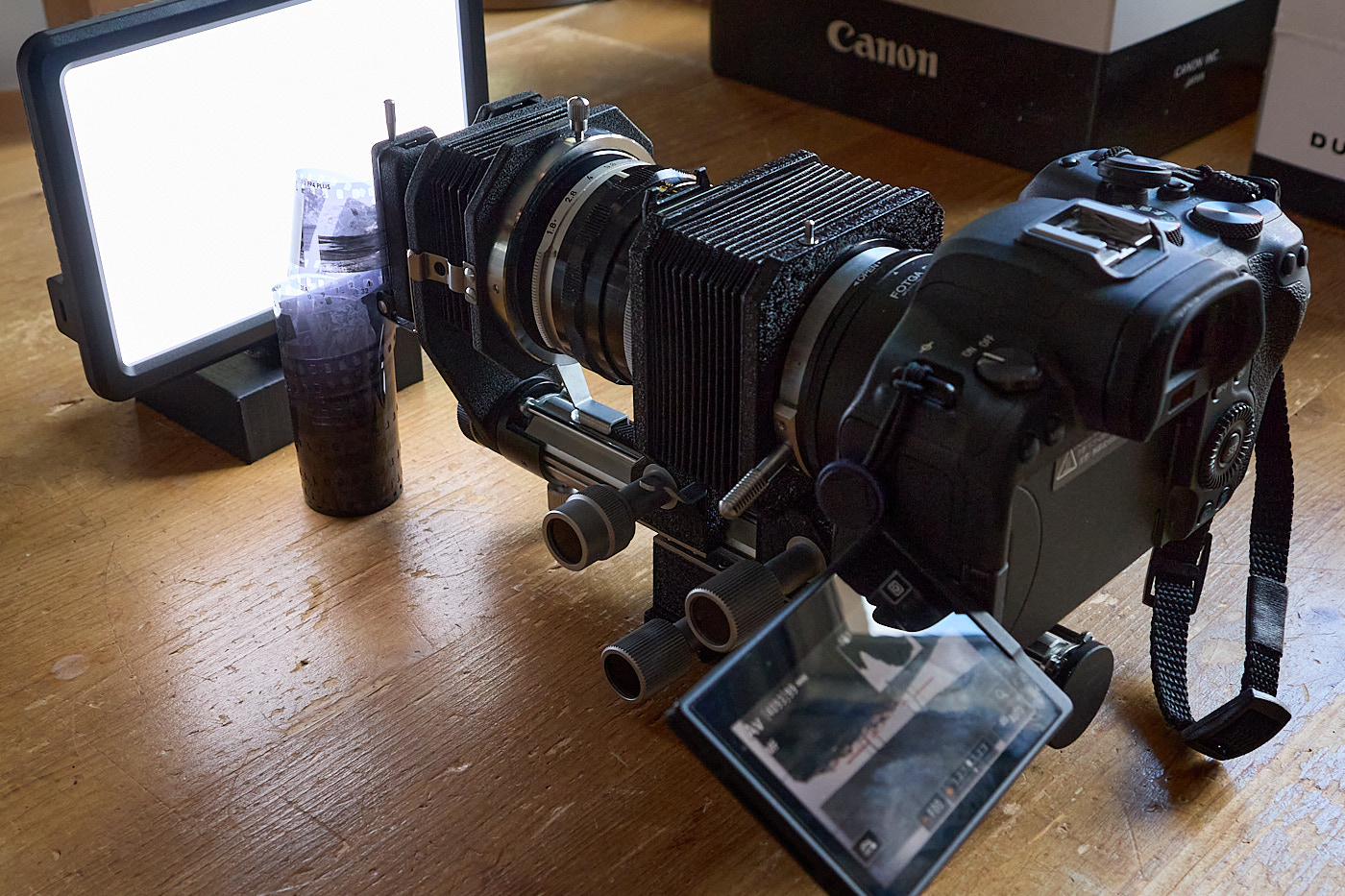
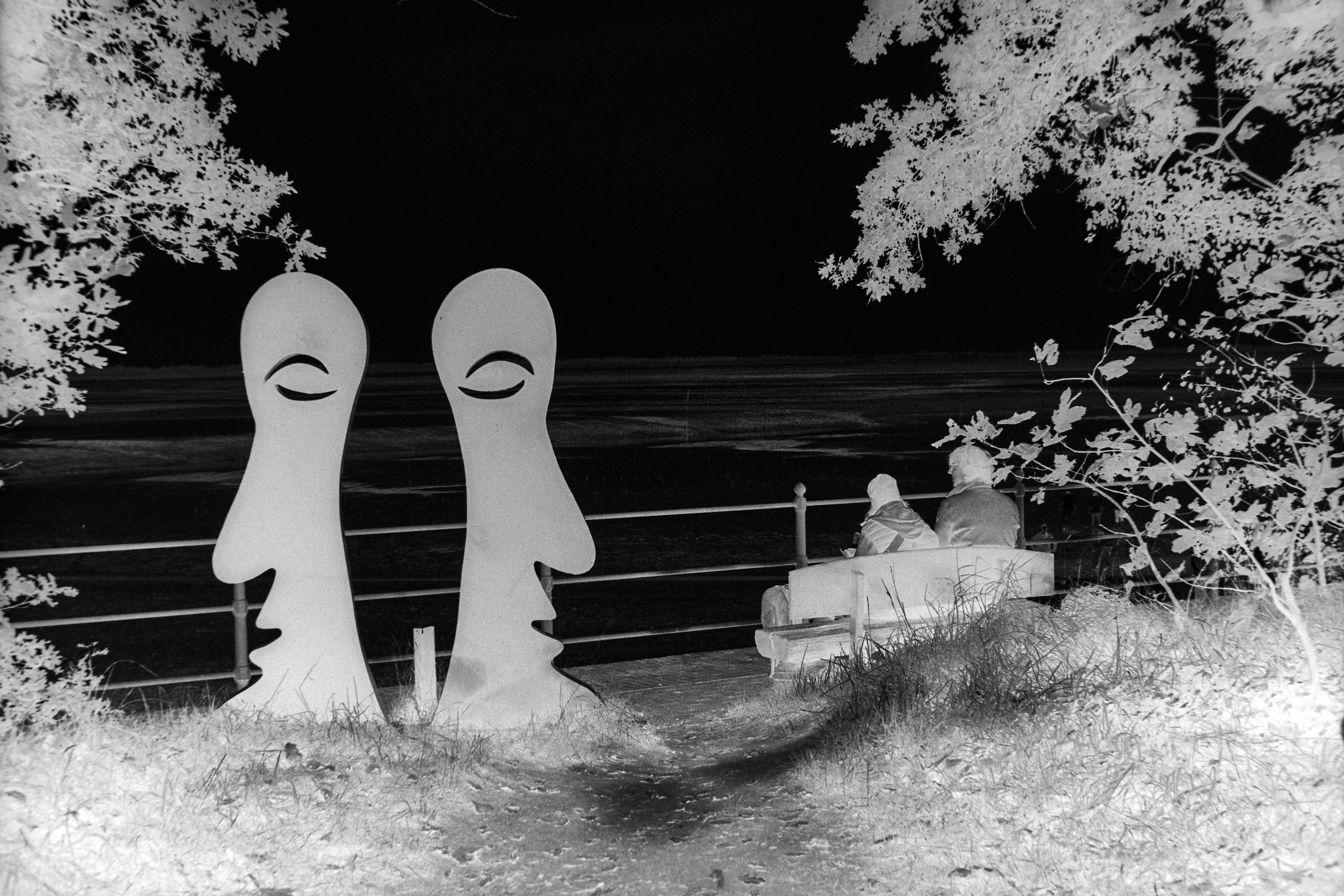
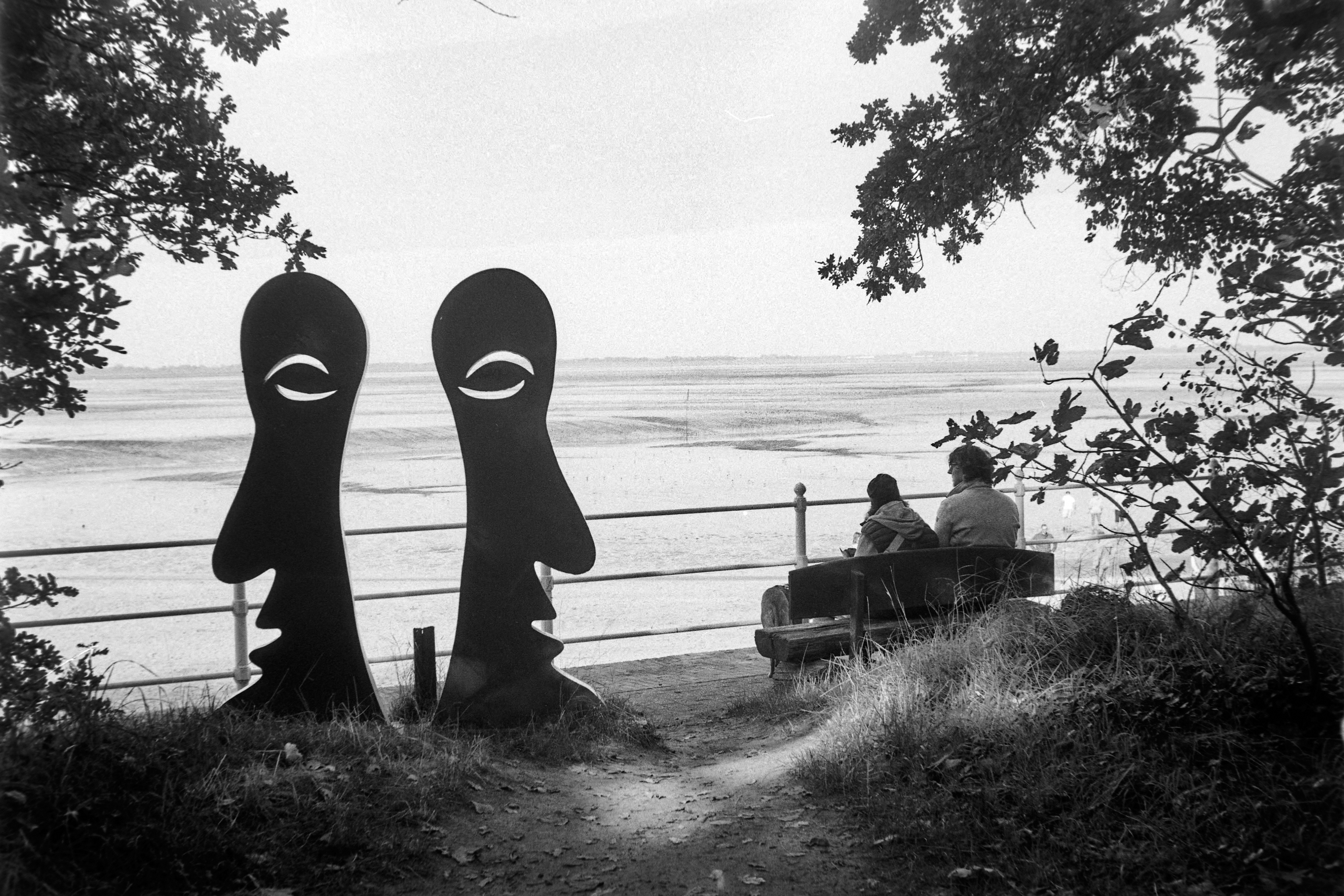
Digitizing negatives by photographing them works well if you have a very homogeneous light source and a macro lens at your disposal. Alternatively, it also works with a bellows unit. The aperture should be closed down quite a bit to get sharp edges and to compensate for any flatness imperfections in the negative.
Printing (Enlarging)
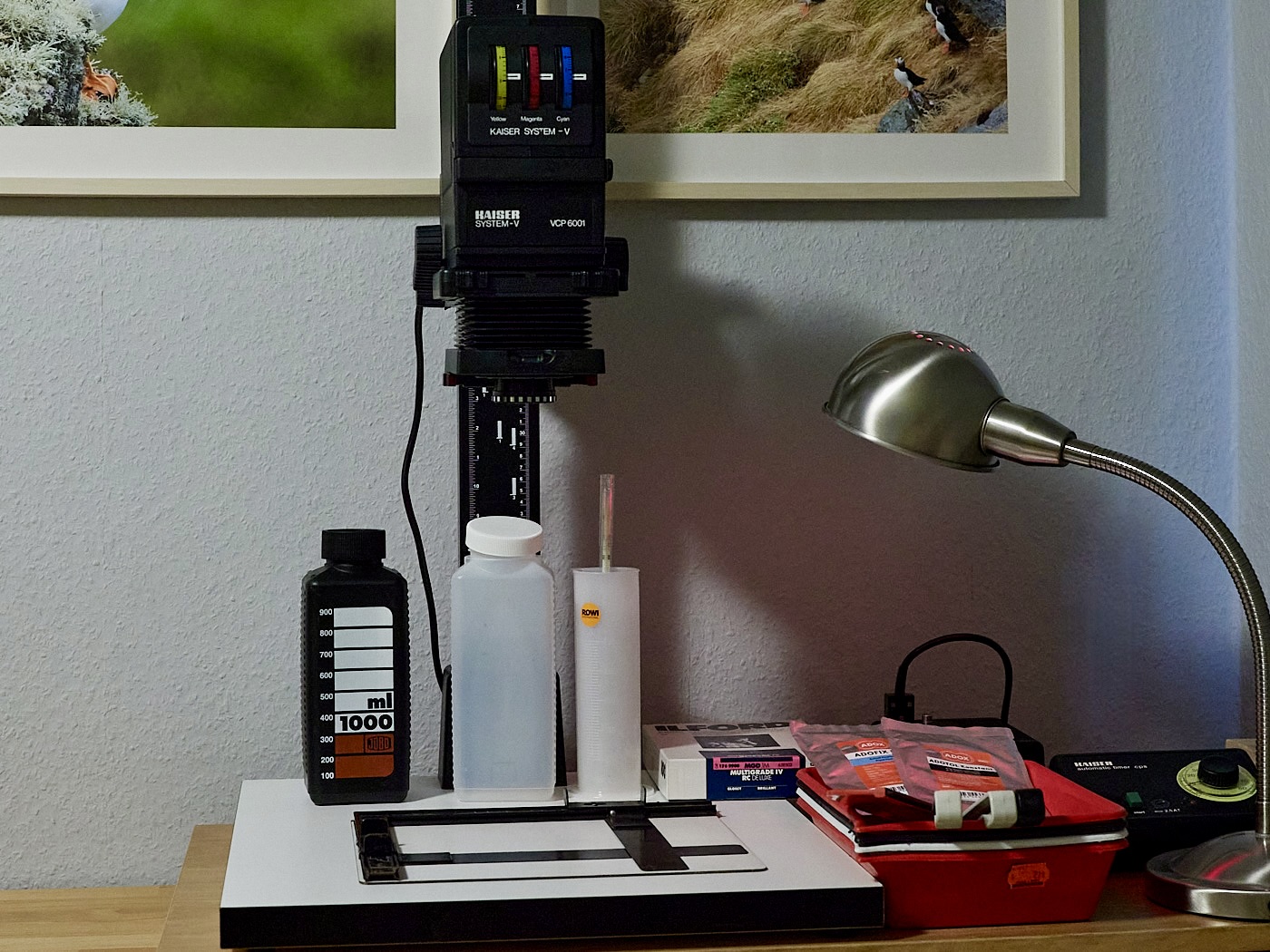
The “supreme discipline” is printing the negatives onto photographic paper. Printing takes place in the darkroom. This is a room that, when processing black-and-white paper, may only be illuminated with a red safelight. A lot of equipment is required for this again:
- Darkroom
- Enlarger including a lens
- Timer for exact exposure control, possibly with an exposure meter
- Possibly an enlarging easel or masking frame
- Photo paper of the appropriate size (depends on the enlarger, the lens, and the desired size of the image)
- Red safelight darkroom lamp or red safelight bulb
- At least 3, better 4 photo trays (different colors) that the photo paper fits into flat
- 3 print tongs (ideally 2 different colors)
- Photo paper
- Paper developer matching the photo paper
- Fixer for fixing photo paper
- Stop bath or diluted pure vinegar (without herbs)
- Measuring cup
- Stirring rod
- Containers for mixing the photo chemicals. Warning: never let developer and fixer come into contact.
- Bottles for storing and disposing of photo chemicals
- Thermometer
- Scissors
- Black cardboard
- Possibly a magnifying loupe
- Possibly a paper squeegee
An ideal darkroom has enough space for a table with a chair for the enlarger, another surface for the trays, and a water connection. The latter is not strictly necessary, but you do need running water within reach.
There are different types of photo paper. RC (Resin-Coated) papers are suitable for beginners. These have a polyethylene base layer. This has the advantage that the base does not soak up as much liquid as fiber-based (Baryta) papers. Washing and drying the papers is faster, and the photos remain flat without any extra effort.
Setup in the Light
The enlarger is assembled according to the instructions. If available, the masking frame/easel is placed underneath. The timer is connected according to the manual.
The red safelight lamp is positioned so that you can still see the enlarger and the trays. However, it should be turn-offable from your seating position. The box with the photo paper is placed within arm’s reach.
Three trays for developer, stop bath, and fixer should always be arranged in that exact order. A fourth tray with tap water will then hold the fixed image.
Developer, stop bath, and fixer are mixed according to the manufacturer’s guidelines. The amount in the trays must be calculated so that a sheet of photo paper is completely submerged. The stop bath can be replaced by tap water with a splash of vinegar.
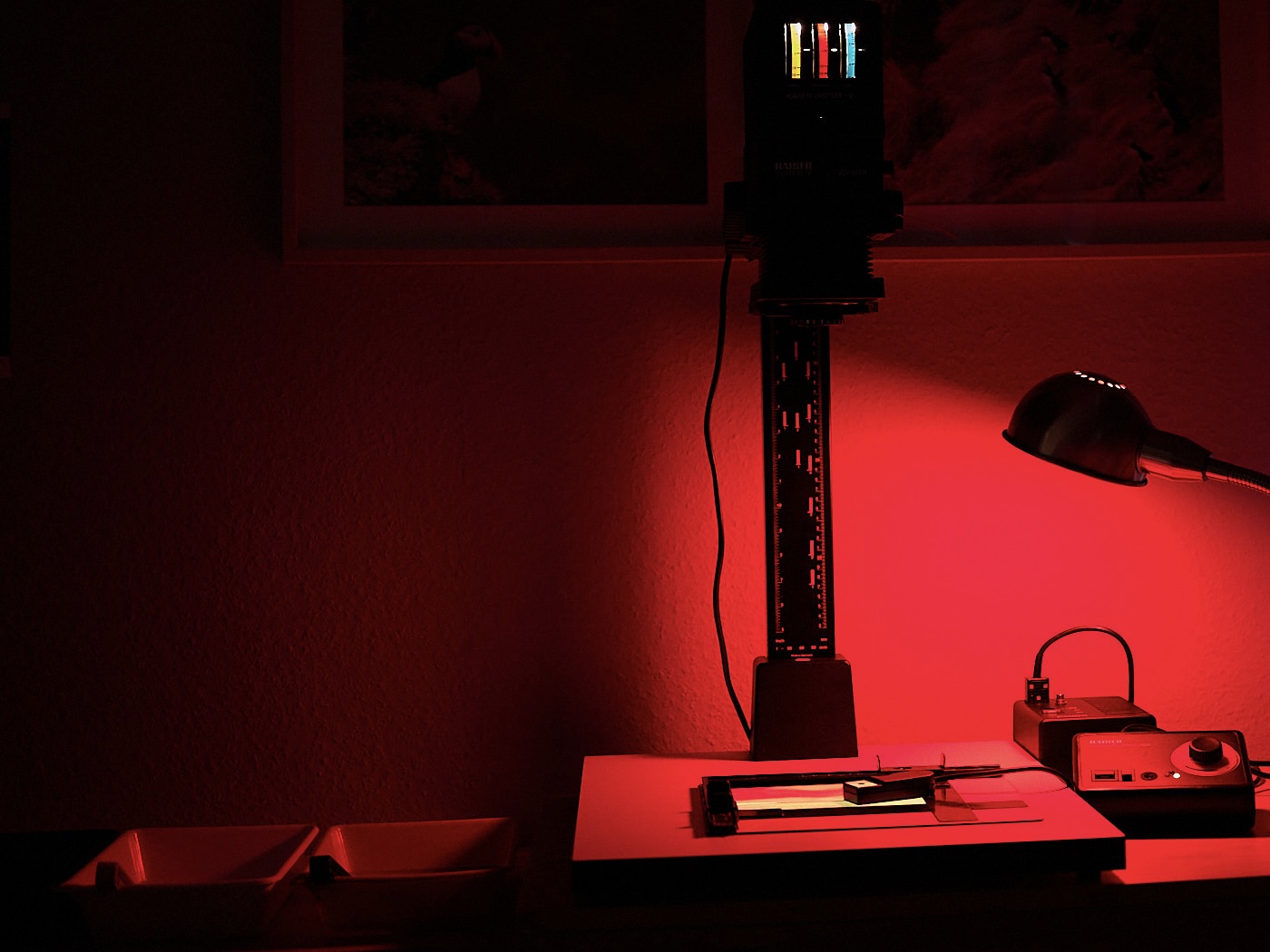
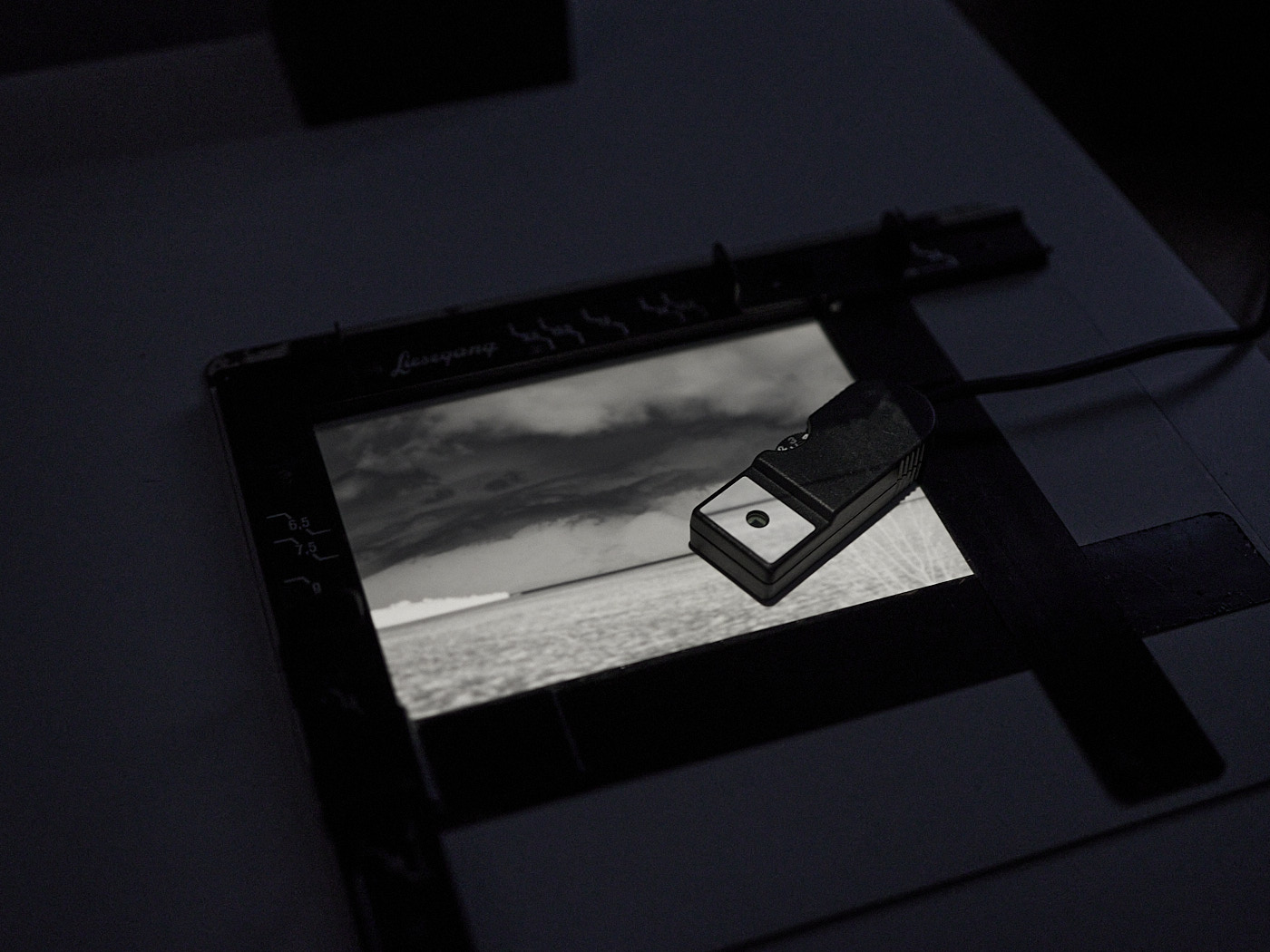
Under Red Safelight
Exposing the Photo Paper
If you work without an exposure meter, you can do everything under the red safelight. First, the masking frame is positioned so that the negative to be exposed is projected to fill the format. It is best to sacrifice a sheet of photo paper (only take it out of the box under red safelight!) as a test sheet, so that the sharpness is actually determined on the photo paper level and not on the base board. If you don’t have a masking frame, you can mark the position of the paper with adhesive tape. To see everything clearly, open the aperture on the enlarger fully. Now focus the enlarger and check if the image still fills the format. If not, readjust the height of the enlarger head and the focus until it is correct. You can double-check the result with a magnifying loupe. Now close down the aperture by one or two f-stops so that imperfections in the flatness of the film and paper do not lead to unsharpness. If you work without a masking frame, it is better to close it down even further, as the photo paper is usually not perfectly flat. Now turn off the enlarger.
To find out the correct exposure time, you first have to estimate it. The right time depends on the negative, the set aperture on the enlarger, the photo paper, the developer, and its temperature.
Over time, you get a feeling for it. Nevertheless, it is advisable to always make a test strip beforehand. To do this, take a sheet of photo paper out of the box under red safelight and cut it into strips about 3 cm wide. Except for one strip, put all strips back into the box and close the box completely again. Then set the shortest assumed exposure time, place the test strip onto the area where the image is projected, cover about two-thirds of the test strip with black cardboard, and expose. Now pull the cardboard a bit further back so that an additional third is exposed, and expose again for the same amount of time. Finally, the cardboard is removed completely and the last third is exposed. You have to be careful that the test strip does not shift. In the end, you have a test strip where the first section was exposed three times as long as the third section. You now develop this strip (see Section 1.6.3.2.2). When the strip is finished, evaluate the result in daylight, choose the exposure time that looks correct, and set the timer to this time. Now take a full sheet of photo paper out of the box, close the box completely again, place the photo paper in the correct position, and expose it. The exposed photo paper should be placed into the developer immediately. Do not let any developer get onto your fingers.
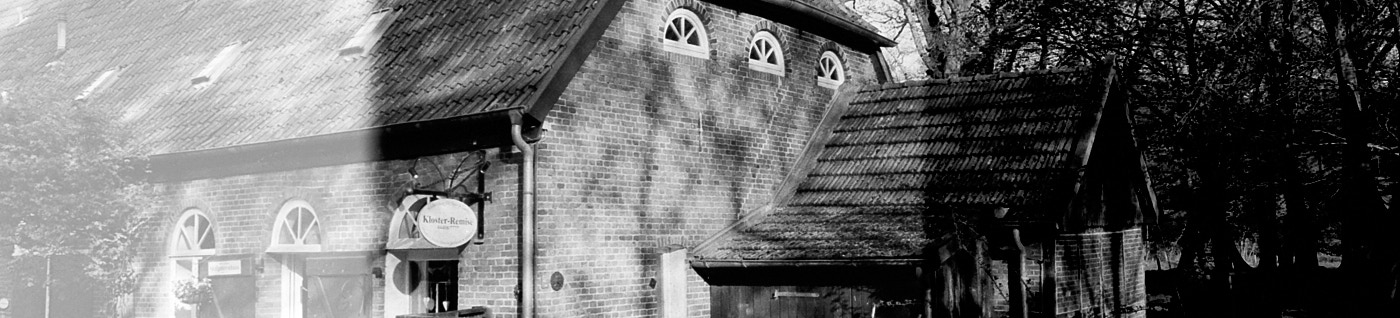
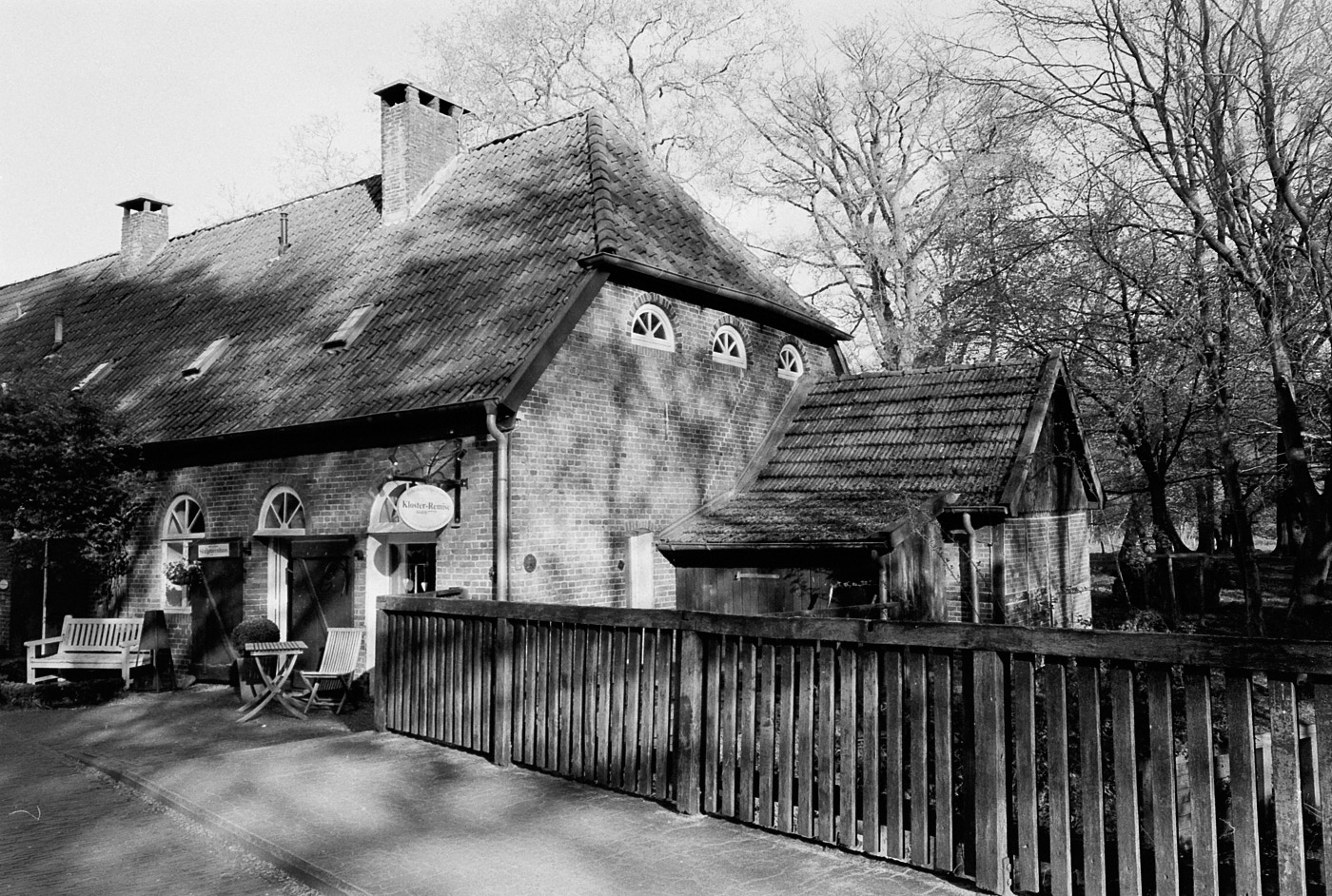
Paper Development
Agitate the photo paper in the developer by gently rocking the tray. Ensure that the entire paper is coated by the developer. The image appears after about 1 minute. The development is complete after the time specified by the manufacturer.
At the end of the development time, grab the photo paper with the tongs and place it into the stop bath. Never submerge these developer tongs into the stop bath!
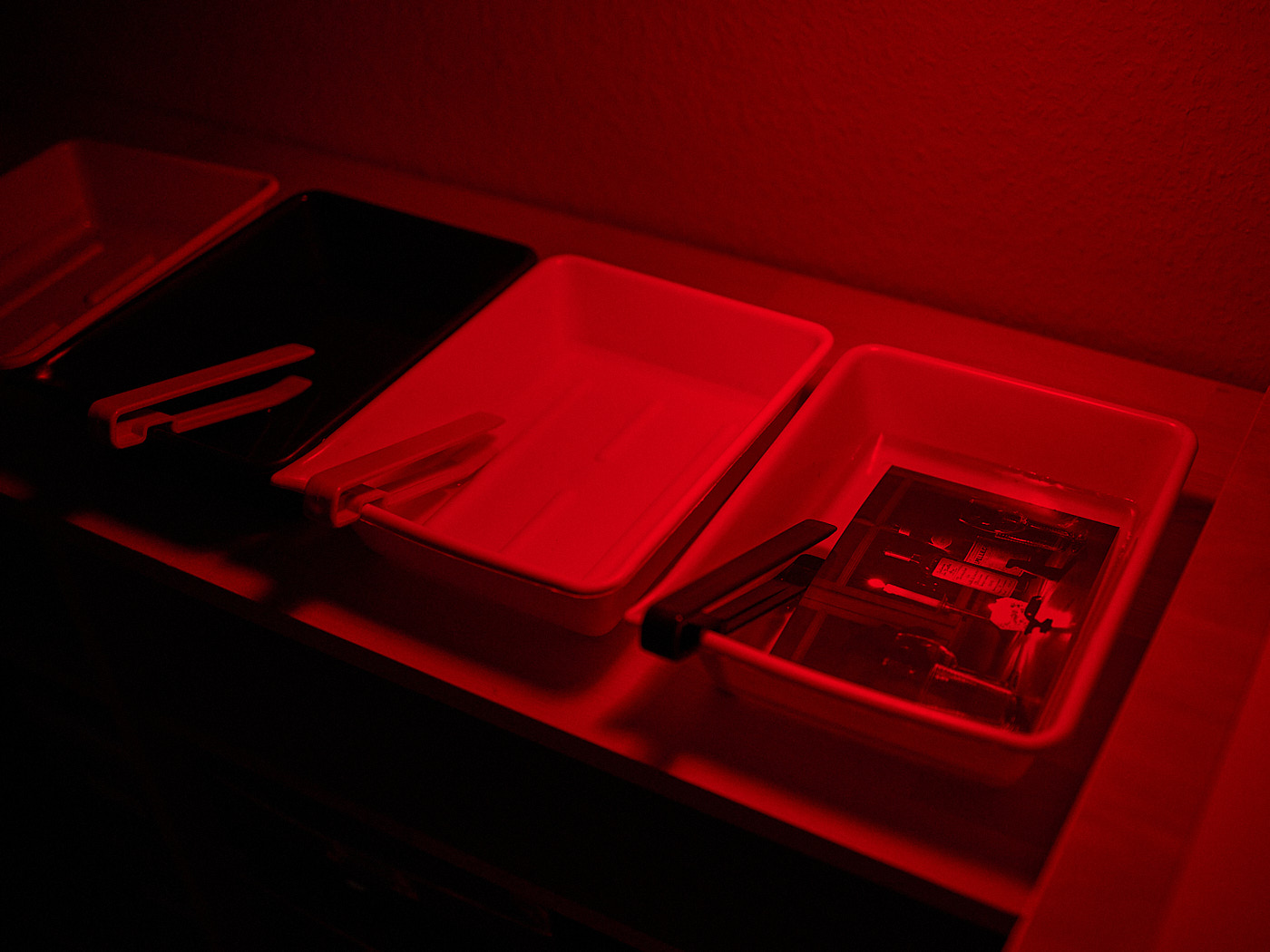
Stop Bath
As the name suggests, the stop bath abruptly stops the development process. Furthermore, the stop bath “protects” the fixer from being contaminated with developer. The stopping process can be kept quite short (about 10 seconds). After that, grab the paper with the stop bath tongs and place it into the fixer.
Paper Fixing
Agitate the photo paper in the fixer by gently moving the tray. Ensure that the entire paper is coated by the fixer. Fixing is complete after the time specified by the manufacturer. Fixing can take up to half an hour and must not be shortened. Otherwise, an image can still darken even after years. Place the fixed image into a tray with water. This tray can now be carried out into the light to wash the photo.
and back in the Light
Washing
Washing is best done under running water that has the same temperature as the photo chemicals. To save water, you can also place the image into fresh water several times. The exact procedure depends on the paper. RC paper absorbs little liquid and requires a shorter wash than Baryta paper. If you wash the paper too briefly, stains can appear even years later. We usually rinsed RC paper carefully under running water, then let it sit in water for about fifteen minutes, and then rinsed it again. It is safer to wash the papers under continuously running water for 30 minutes. To do this, you can drill a small overflow hole into a photo tray, place it in the sink, and let the tap run very slowly.
Drying
Once the image is completely washed, it is dried. RC paper can simply air dry. To get rid of excess water, the paper can be carefully wiped down with a rubber squeegee. You can also hang the image up with clothespins, as often shown in old spy movies. However, this can lead to pressure marks; so it is better to let it dry flat on an old towel.