Basics
Digital Camera
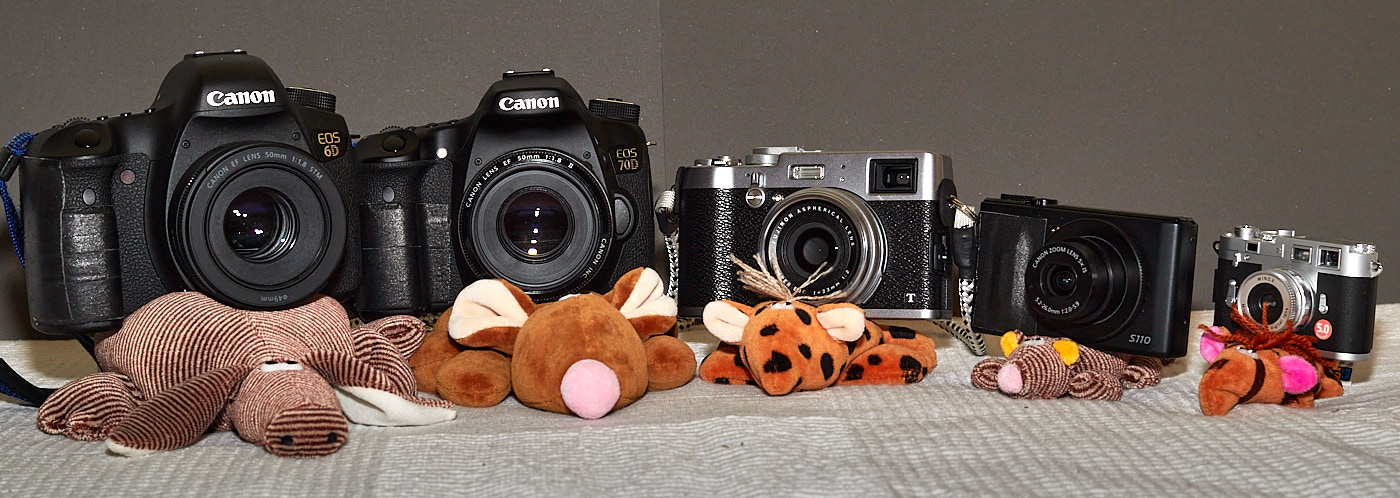
In a digital camera, the visible light that passes through the lens is converted into electrical signals by an electronic sensor. These electrical signals are then processed inside the camera by a processor and stored on a memory card.
Digital cameras offer a wide range of settings. Beginners mostly use the Automatic mode, where the camera handles all settings automatically. This usually results in a usable picture, but rarely one with a “wow” effect.
A distinction is made between:
- Compact cameras, where the lens is permanently built-in, and
- System cameras, where you can interchange the lens.
Among system cameras, a further distinction is made between the older:
- SLR cameras (DSLRs), where the image is reflected through the lens into the viewfinder, and
- Mirrorless system cameras, which feature a display, and in some cases, an electronic viewfinder.
Sensor
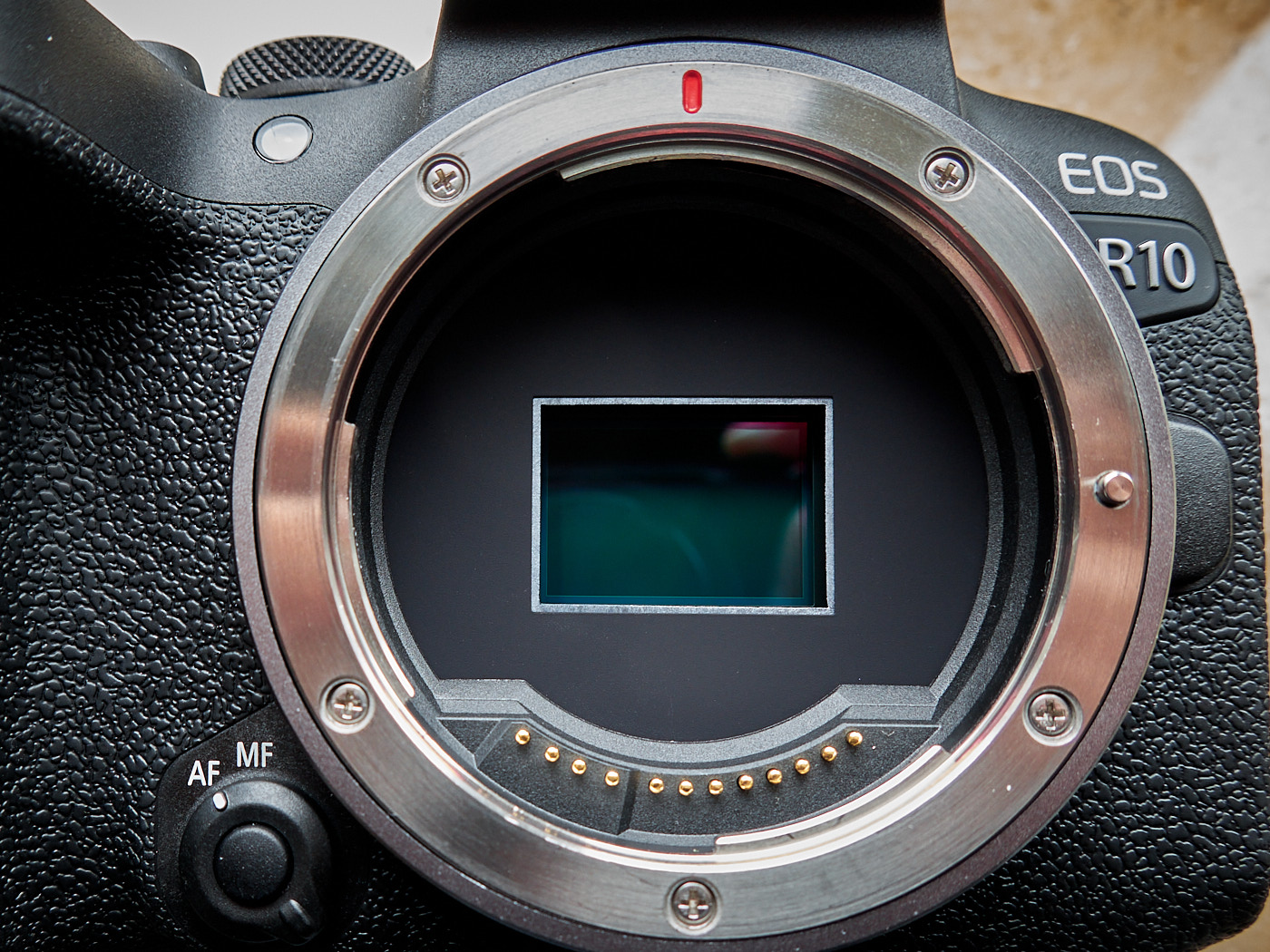
The sensor of a digital camera is located inside the body. With some cameras that feature interchangeable lenses, you can see the sensor after removing the lens.
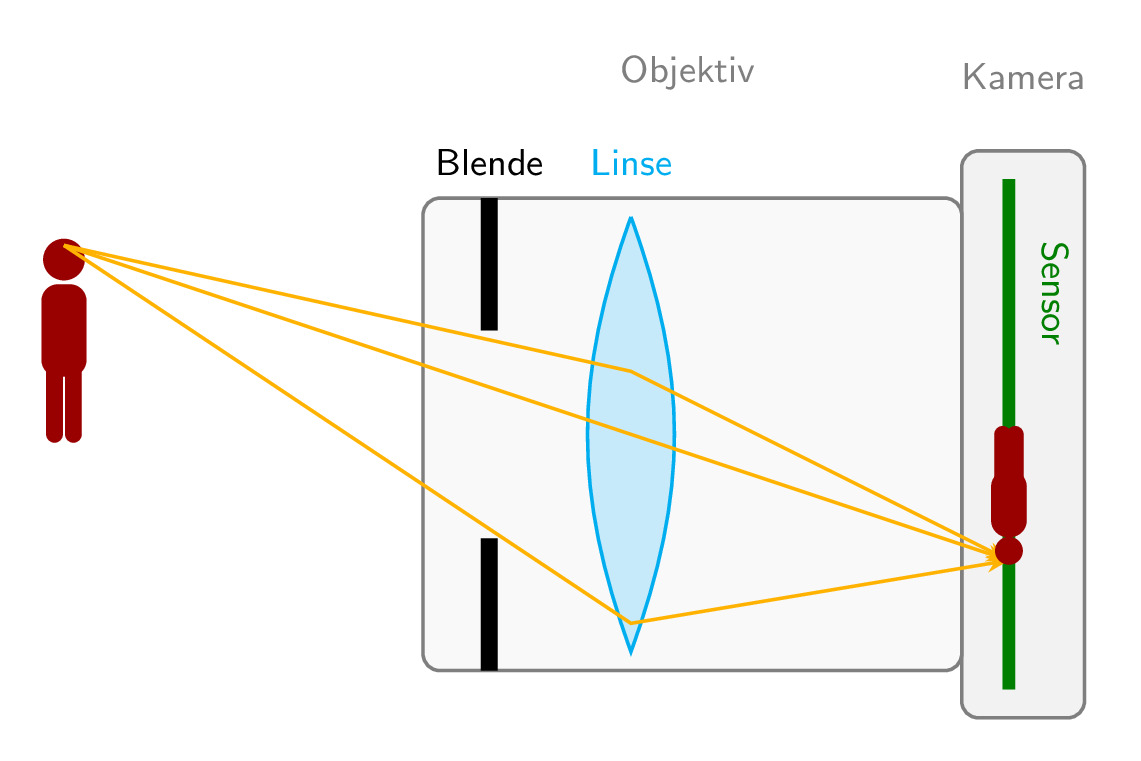
The light from an object (person, pet, landscape, …) passes through the lens onto the sensor. The image on the sensor is upside down and is flipped by the processor before being saved. This is similar to our eyes, which also project upside-down images onto the retina that are only flipped right-side up inside the brain.
The sensor consists of pixels, among other things. Many cameras have 6000x4000 pixels, which equals 24 million pixels, or 24 megapixels for short.
Lens
A lens consists of one or more glass elements. It ensures that an image can be captured sharply.
A distinction is made between:
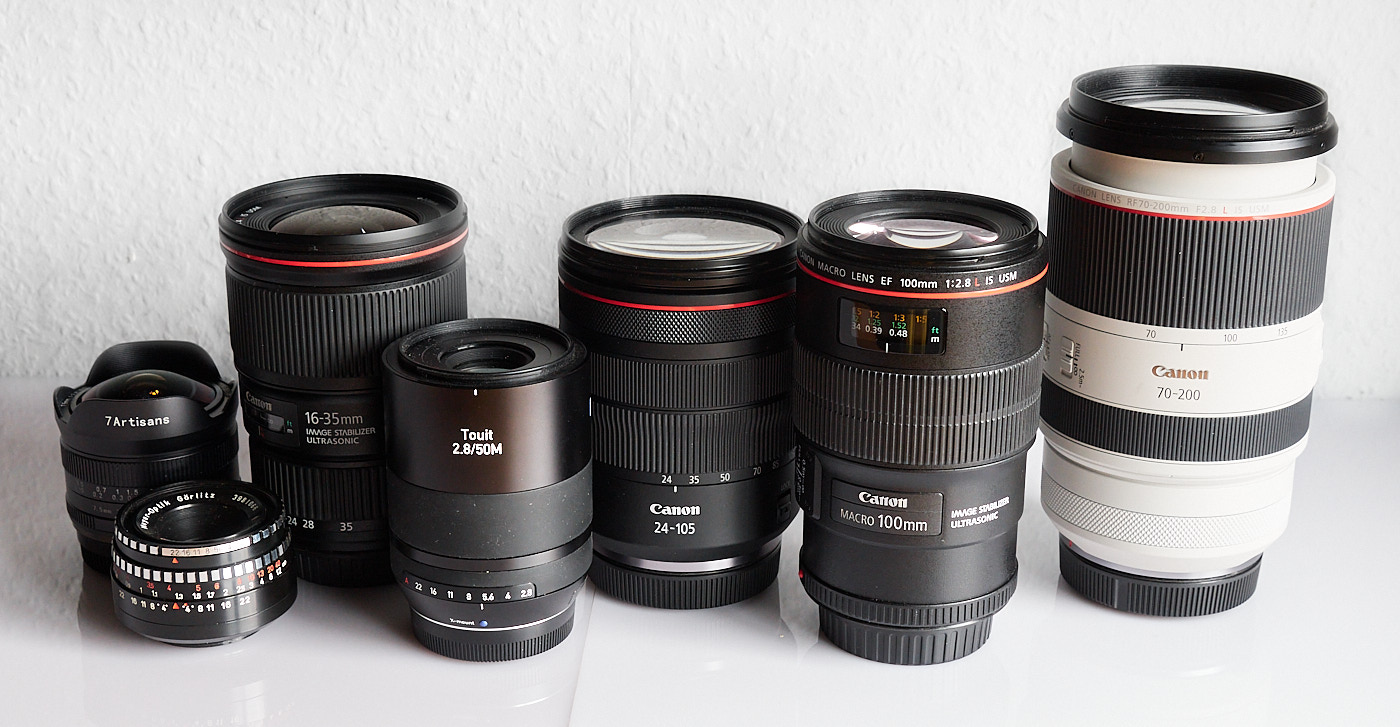
- Wide-angle lenses, which provide a wide field of view, e.g., for landscape shots,
- Standard lenses, which correspond to the visual impression of the human eye, e.g., for groups of people,
- Telephoto lenses, which act like binoculars, e.g., for wildlife photos,
- Macro lenses, which act almost like a microscope, e.g., for small insects.
Focal Length
The focal length of a lens is specified in millimeters and can be found on the front of the lens.
A distinction is made between:
- Prime lenses, which have exactly one fixed focal length, and
- Zoom lenses, where the focal length can be adjusted.
Standard lenses have focal lengths around 50mm. Wide-angle lenses have shorter focal lengths, while telephoto lenses have longer ones. There are zoom lenses that cover a very wide focal length range from wide-angle to telephoto.
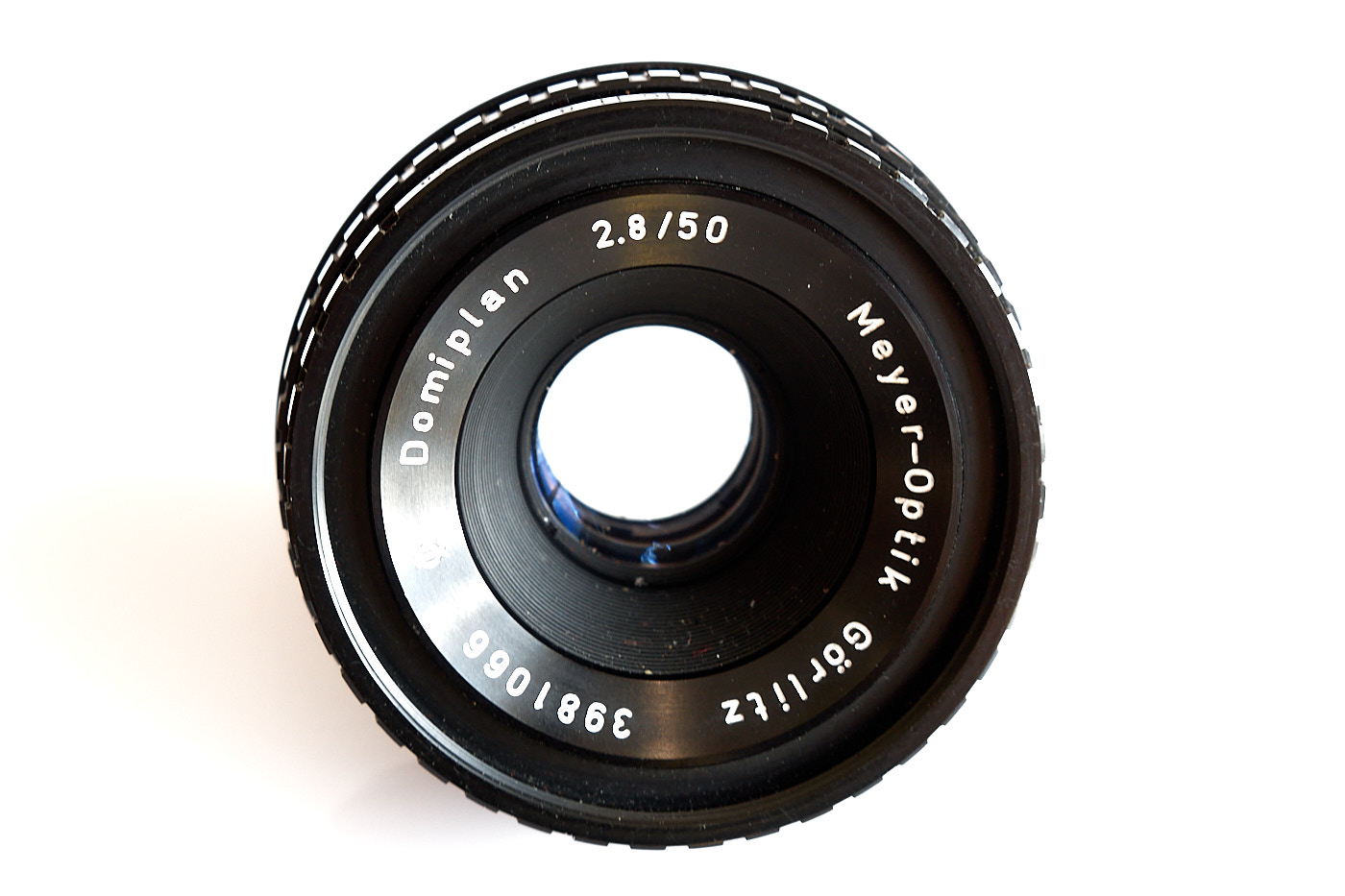
There are other numbers printed on the lens behind the focal length.
Aperture
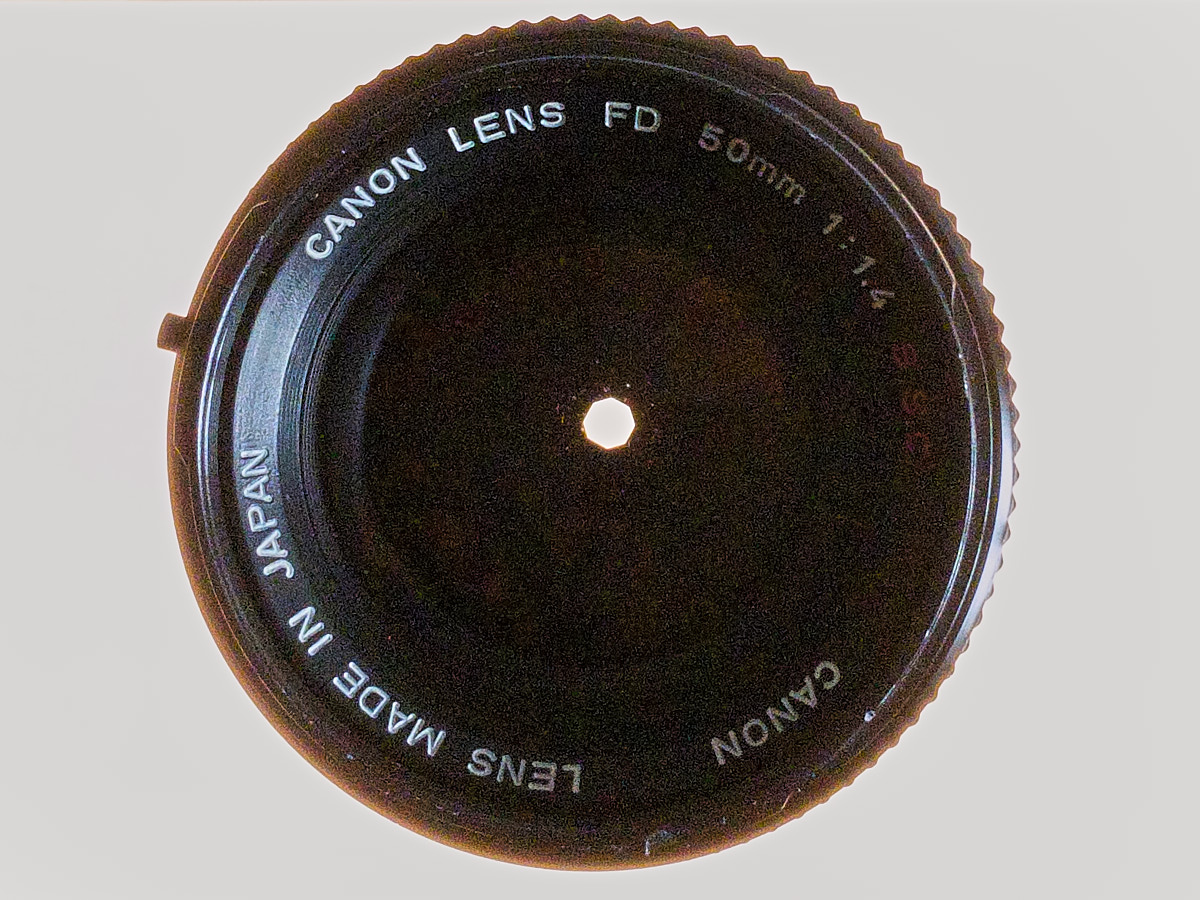
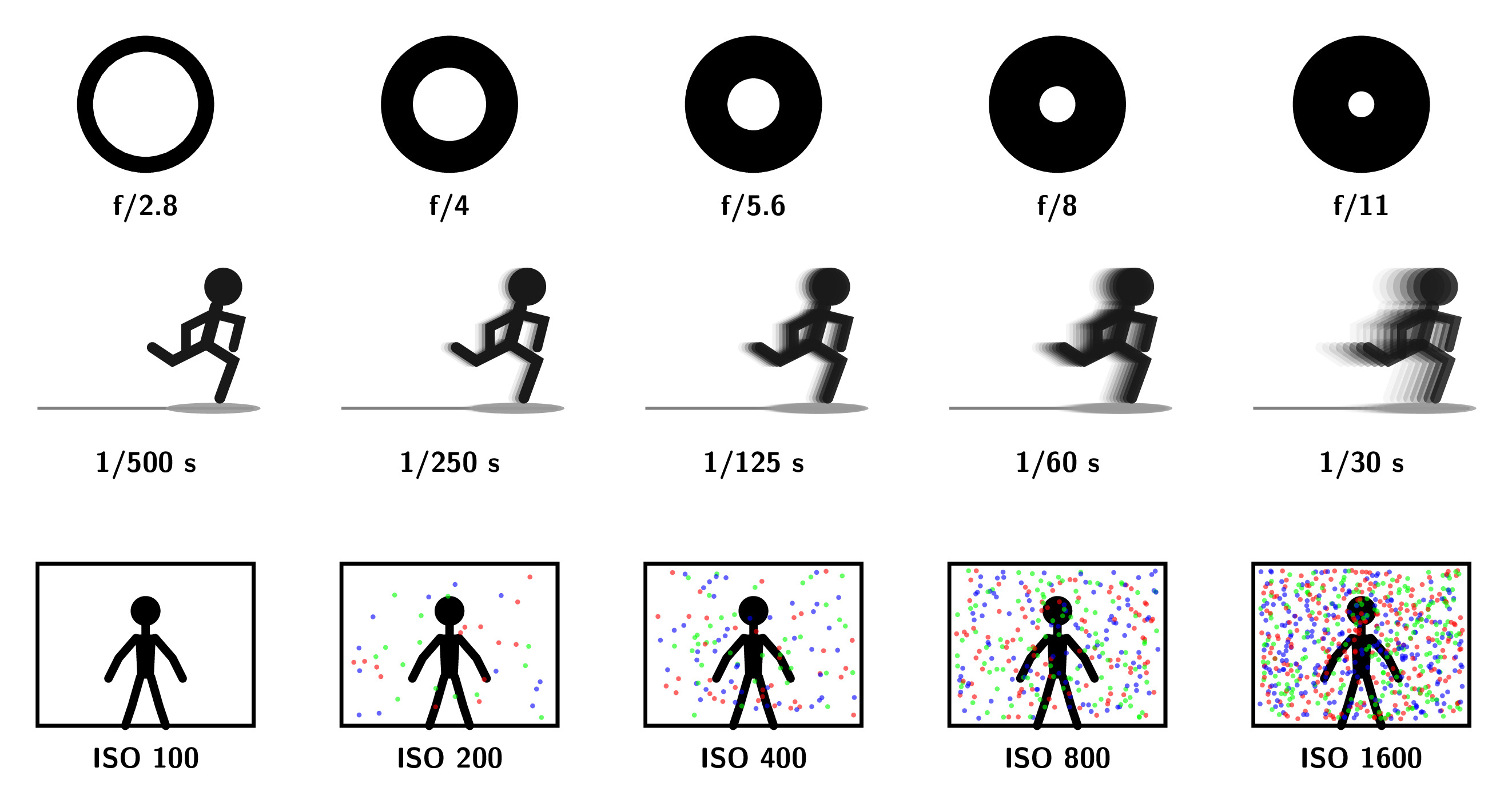
The aperture of a lens consists of blades that reduce the diameter of the opening in order to reduce the amount of light entering.
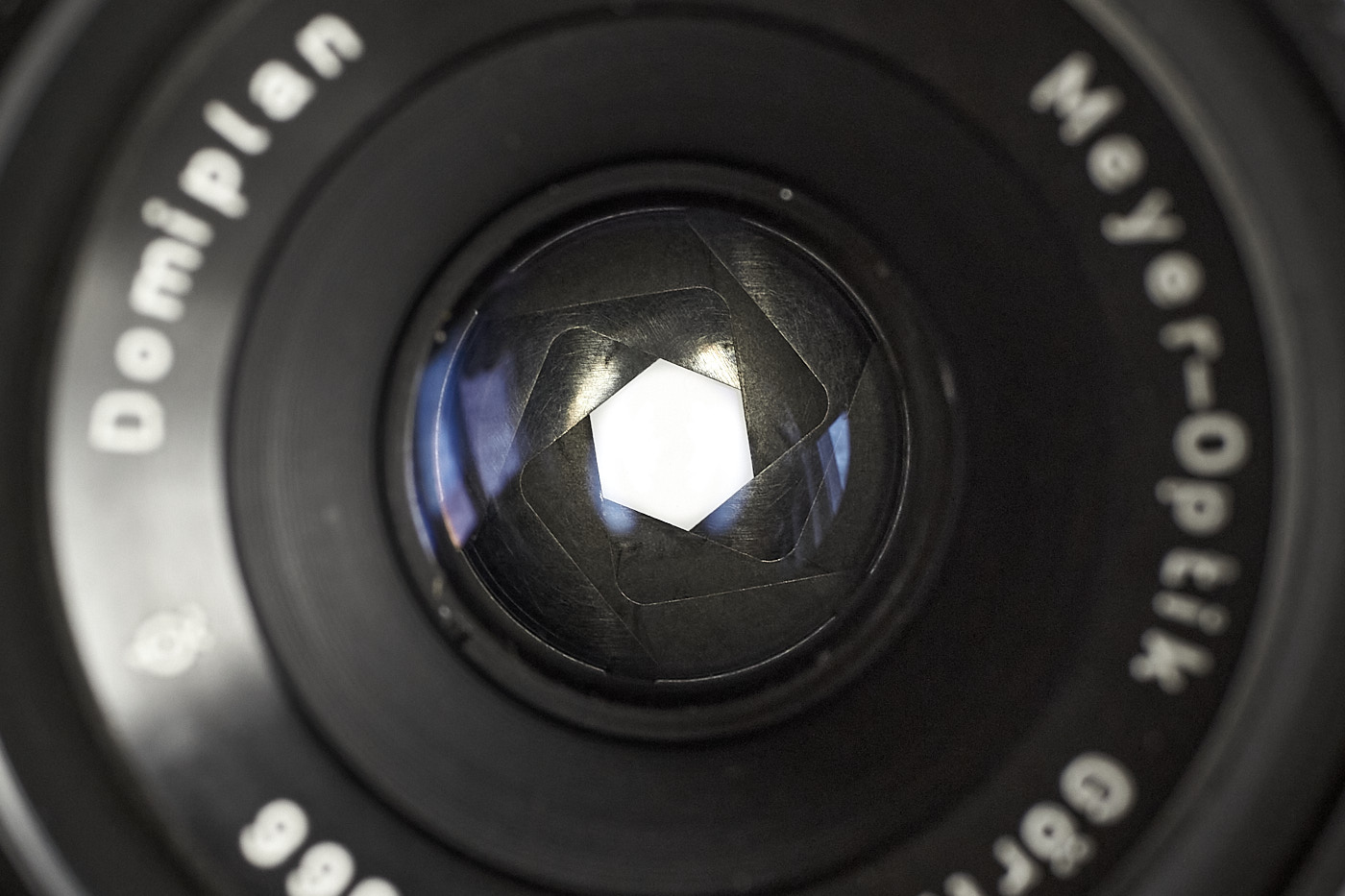
A large aperture opening (small f-number) lets a lot of light through the lens and is helpful:
- When it is very dark,
- When you want to isolate a subject, for example, to make the background behind a person appear blurry.
A small aperture opening (large f-number) lets little light through the lens and is helpful:
- When it is very bright,
- When you want to render a particularly large area sharp, such as in landscape photography.
The aperture is set either by turning the aperture ring on the lens or from the camera body. In automatic mode, the aperture is adjusted automatically by the camera.

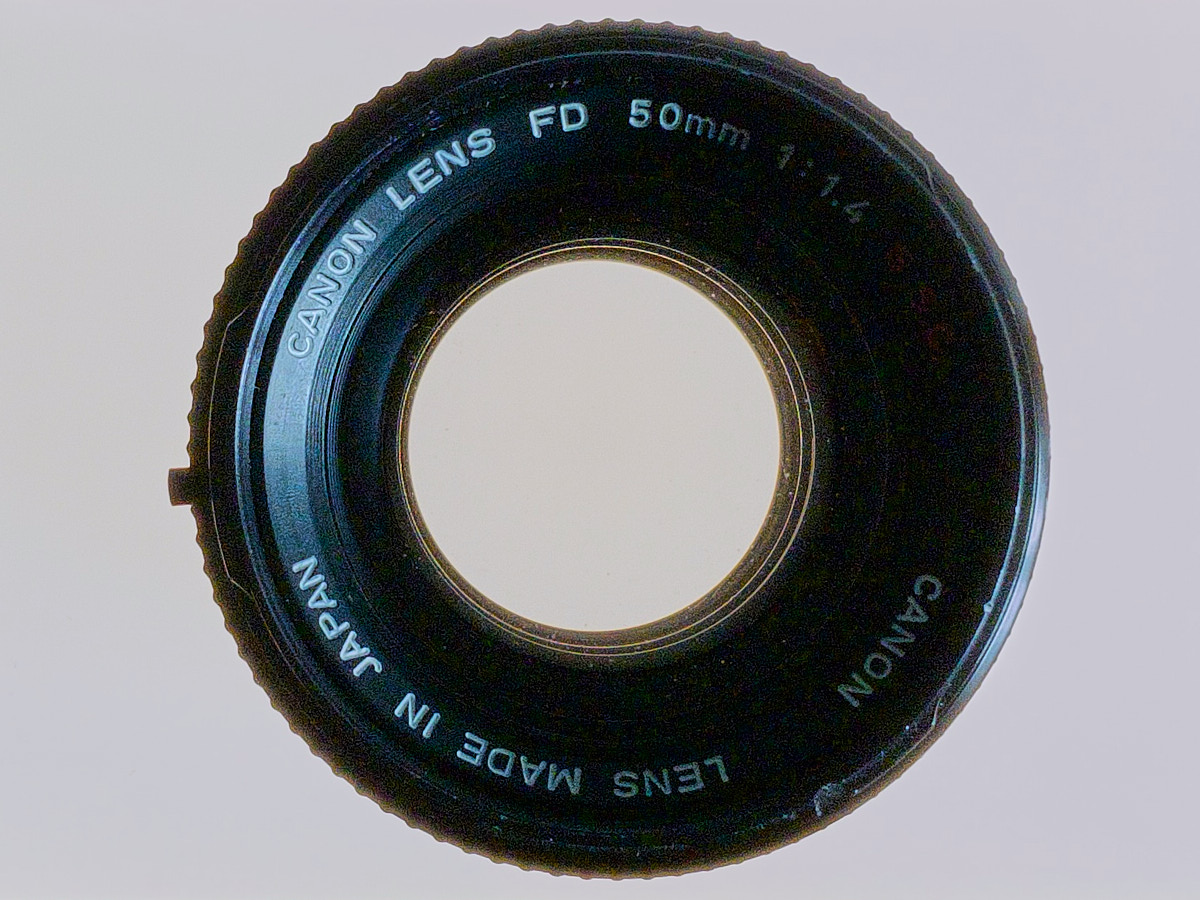
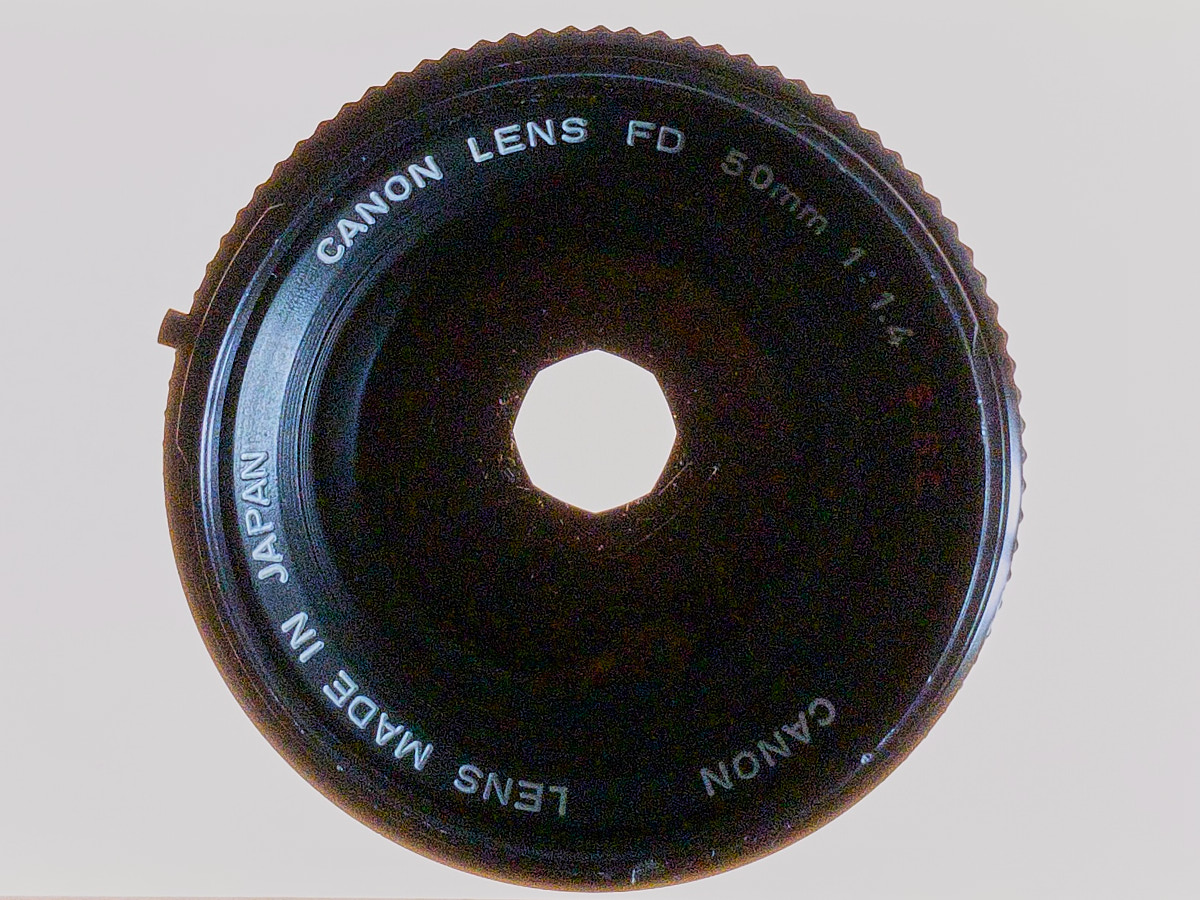
From one stop to the next, the surface area through which light passes is halved.
Shutter Speed
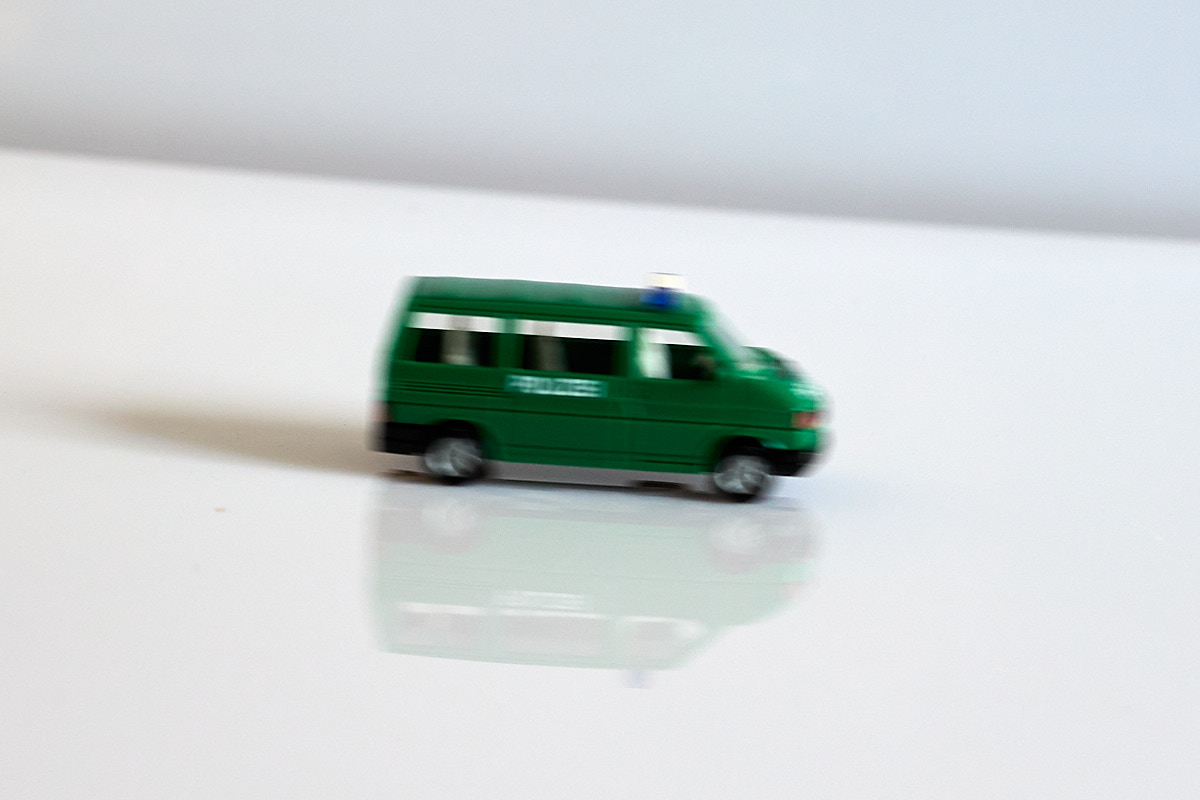
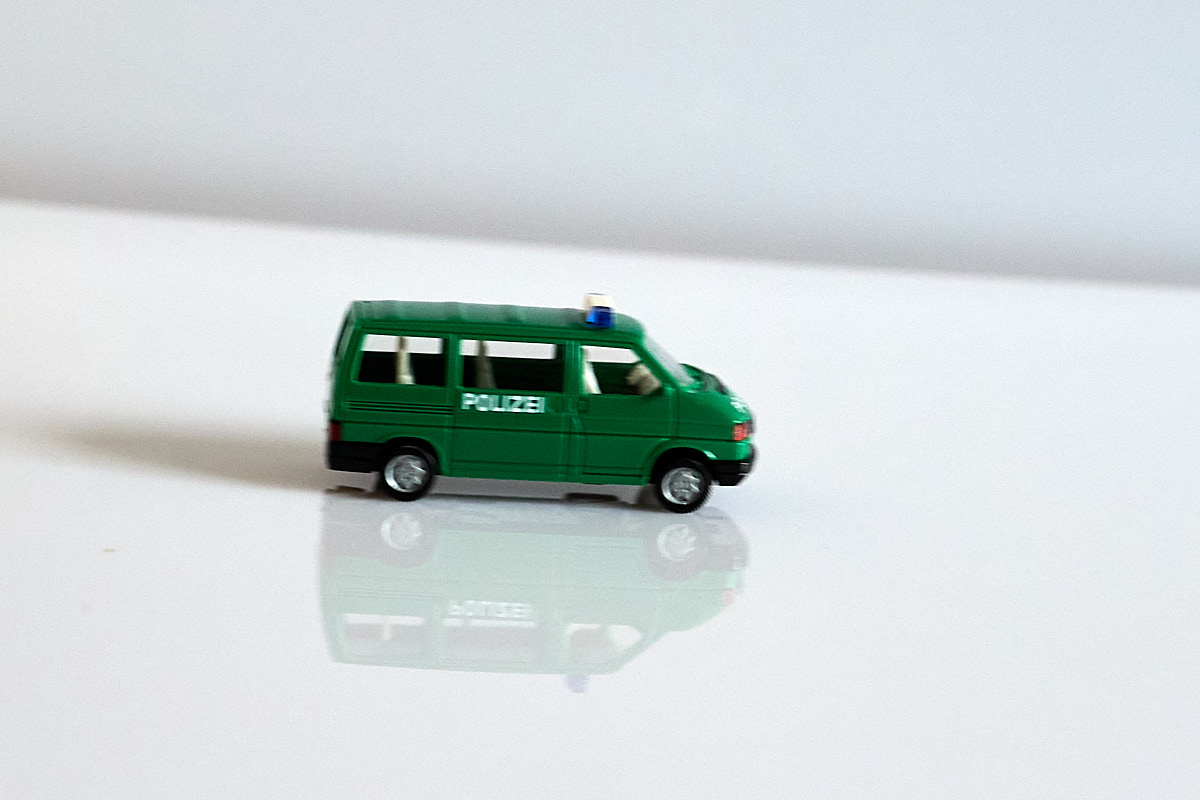
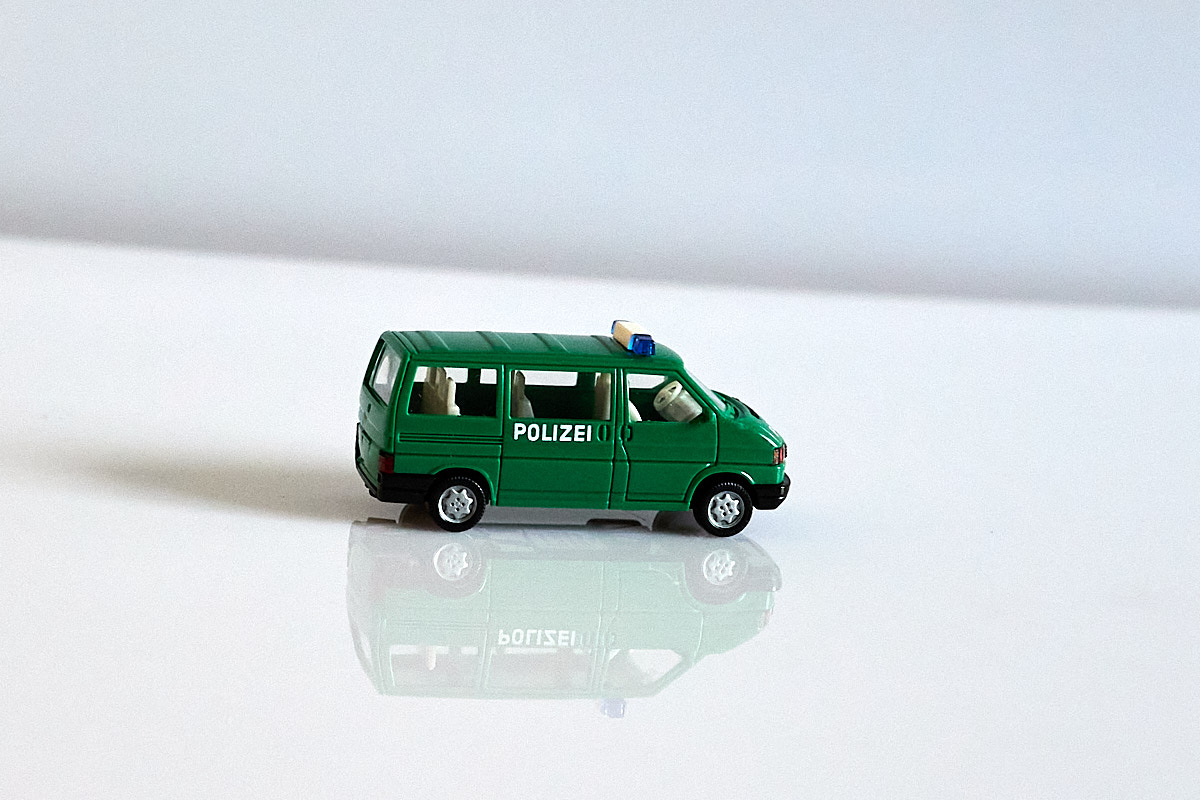
The shutter speed indicates how long the sensor is exposed during a shot. This is controlled via a shutter mechanism. Shutter speed is specified in seconds. A common shutter speed that can still be captured sharply handheld is 1/100 s. If you are capturing moving objects, you must choose a very short shutter speed to get a sharp image.

ISO
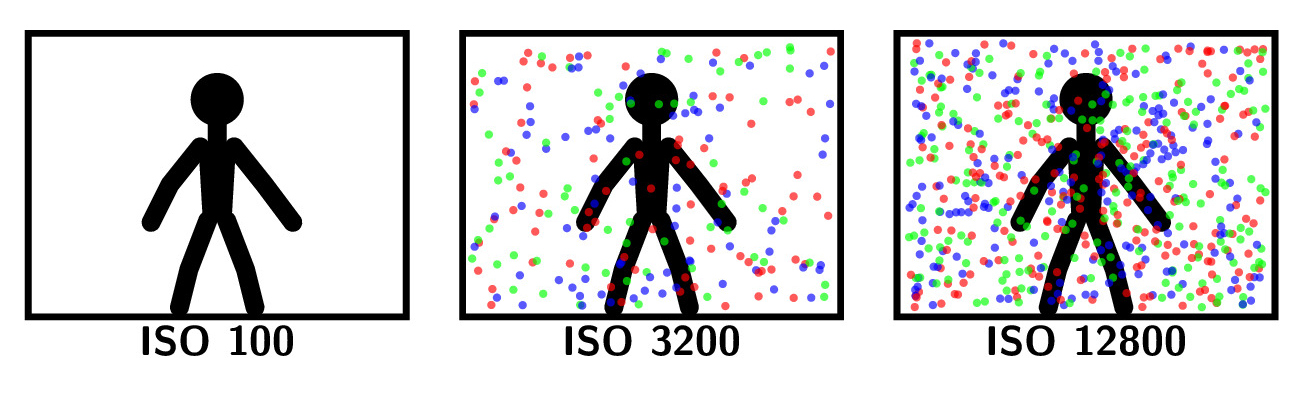
ISO stands for “International Organization for Standardization” and represents the sensitivity of the film material or the sensor in photography.
Standard films for analog cameras are available with sensitivity ratings from ISO 50 to ISO 800; on digital cameras, the ISO range extends from 100 to 12800 and beyond.
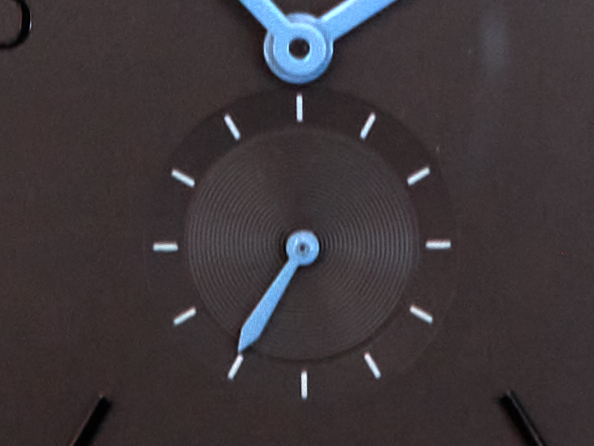
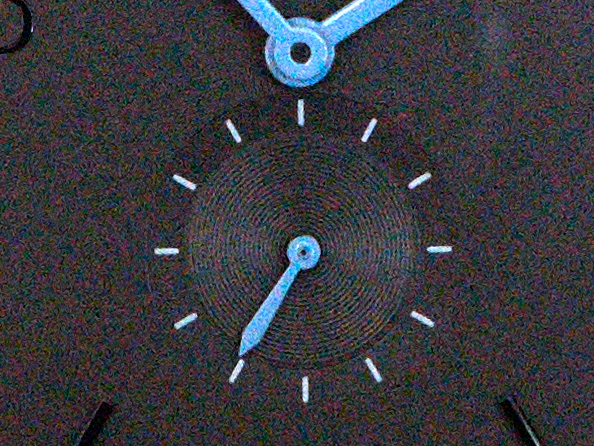
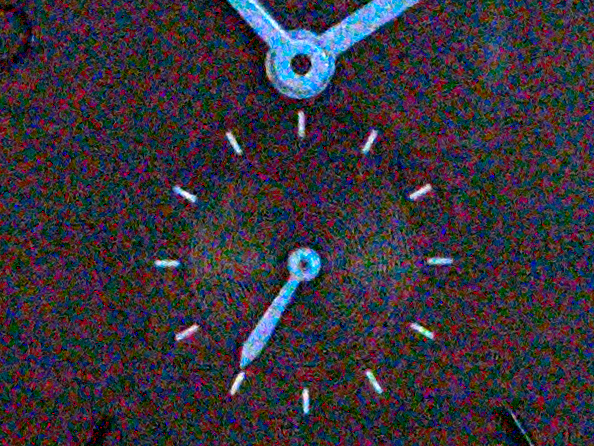
These images were captured using a relatively small 1-inch sensor, and the crop is heavily enlarged. With a larger sensor featuring larger pixels, the result would naturally look better. Color noise is visible at high ISO values.
Interplay of Aperture, Shutter Speed, and ISO
- A “correctly” exposed image remains correctly exposed if:
- The shutter speed is reduced by one stop and the aperture is lowered by one stop (opened wider),
- e.g., 1/60 s to 1/125 s and aperture f/8 to f/5.6.
- The shutter speed is reduced by one stop and the ISO is increased by one stop,
- e.g., 1/60 s to 1/125 s and ISO 400 to ISO 800.
- The aperture is increased by one stop (closed down) and the ISO is increased by one stop,
- e.g., aperture f/5.6 to f/8 and ISO 400 to ISO 800.
- The shutter speed is reduced by one stop and the aperture is lowered by one stop (opened wider),
This allows you to control whether you want to isolate the subject (smaller f-number), render a moving subject sharply (shorter shutter speed), or keep image noise to a minimum (lower ISO).
Focusing
In automatic mode, a digital camera usually handles focusing by itself. On most cameras, the shutter button has two pressure points. If you gently press the shutter button halfway down, it focuses; pressing it all the way down captures the photo.
On most cameras, there are at least two different autofocus operating modes:
- One-Shot AF for stationary subjects, which focuses once when the shutter button is pressed halfway,
- Servo AF (Continuous AF) for moving subjects, which focuses continuously while the shutter button is pressed halfway.
And different autofocus area modes:
- Single Point, to focus precisely on one point,
- Zone, to focus within a small area,
- Automatic Area Selection.
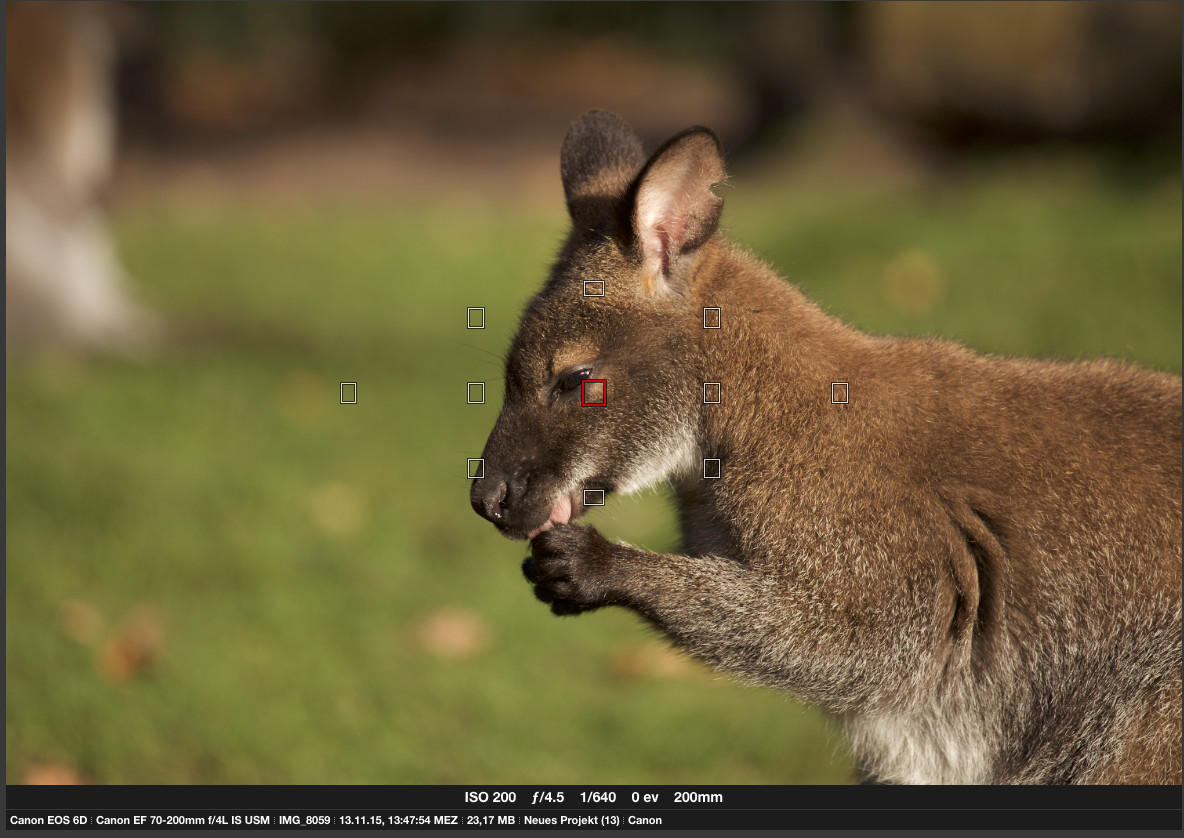
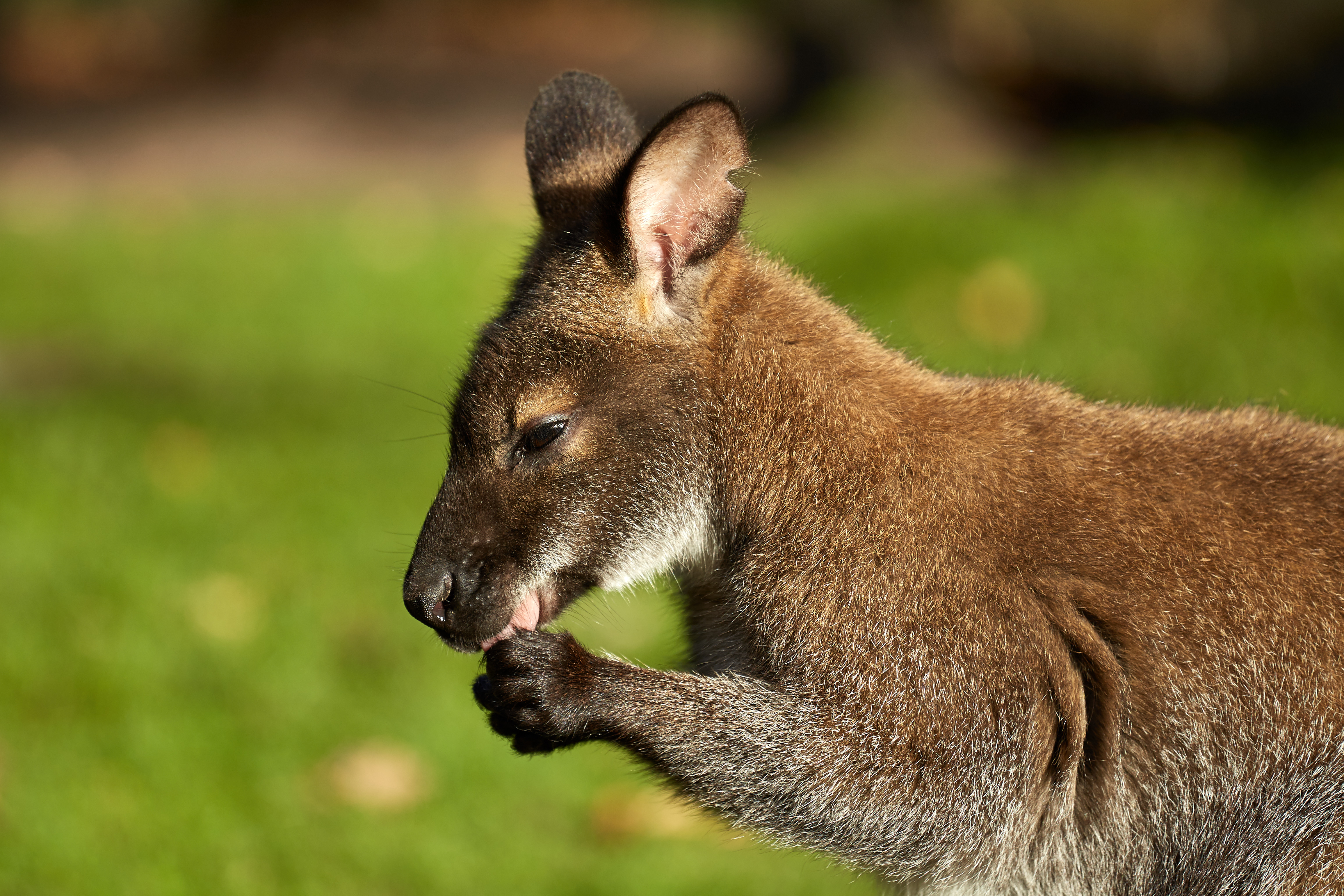
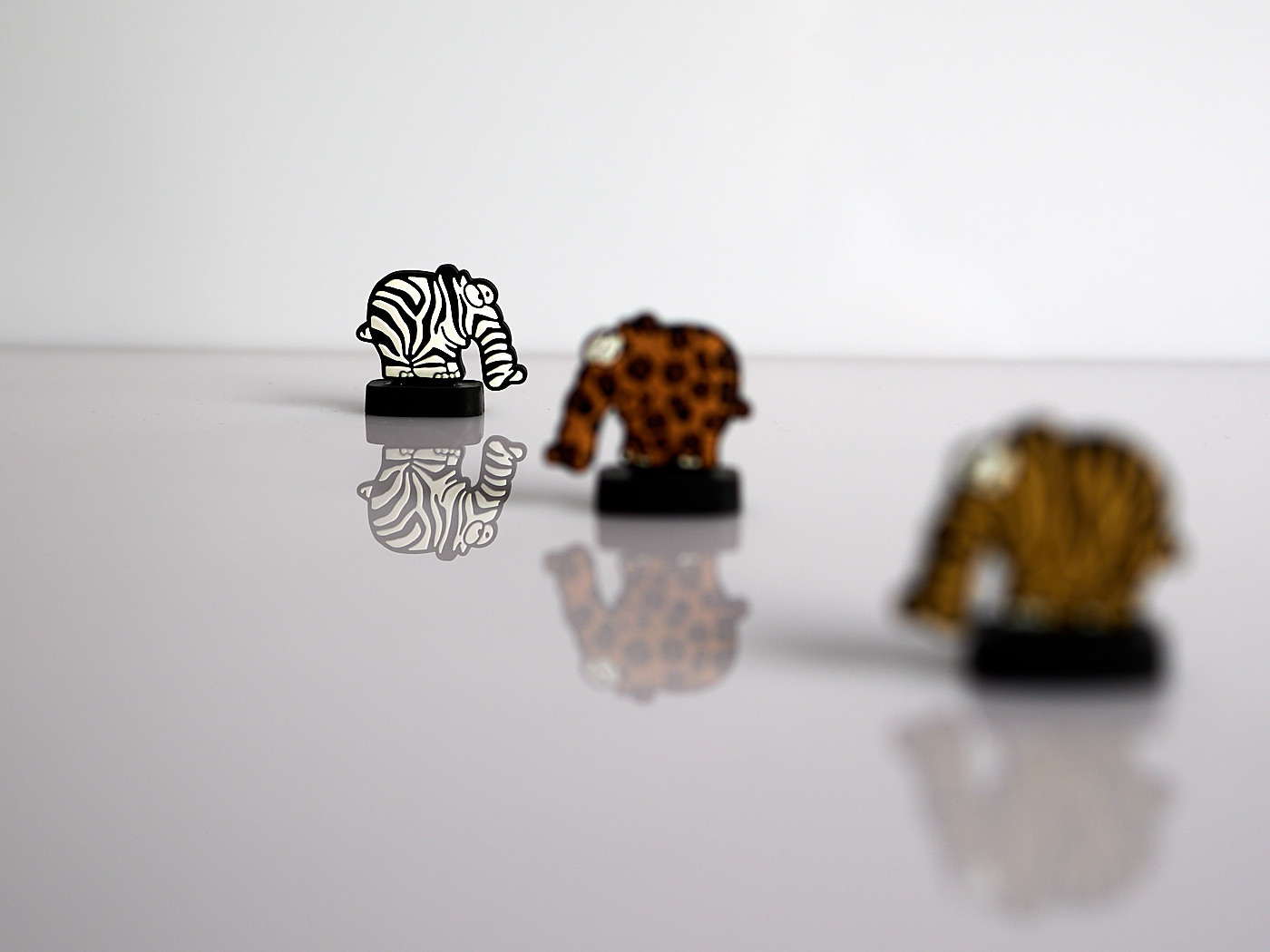
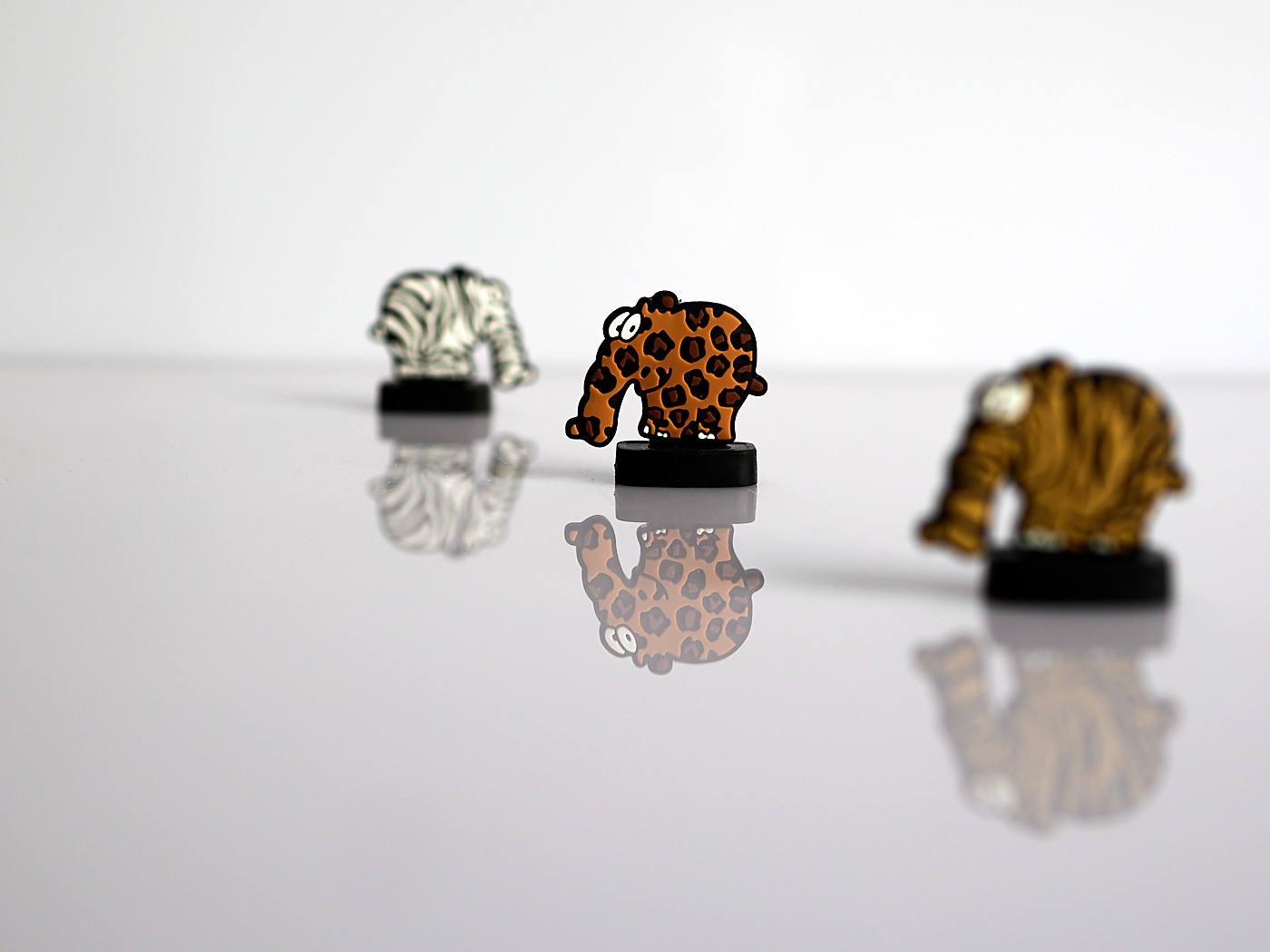
With automatic area selection, the camera detects people and faces, selects the autofocus point independently, focuses on a face or even on the eyes, and tracks them through movement. The active autofocus point virtually “sticks” to the person or their eyes. However, this does not guarantee that it will sharply capture the grandchild rather than the grandmother. It is safer to select the part of the image you want to be sharp yourself. To do this, it is best to select the autofocus mode that provides exactly one center autofocus point and choose One-Shot AF. The autofocus point is displayed in the viewfinder and on the screen; hold the camera so that the autofocus point lies on the part you want to be sharp. Usually, this is a person, or in the case of close-ups, the eye of a person or animal. If the eye is not in the center of the frame, you can move the autofocus point using buttons or a joystick on some cameras.
Depth of Field
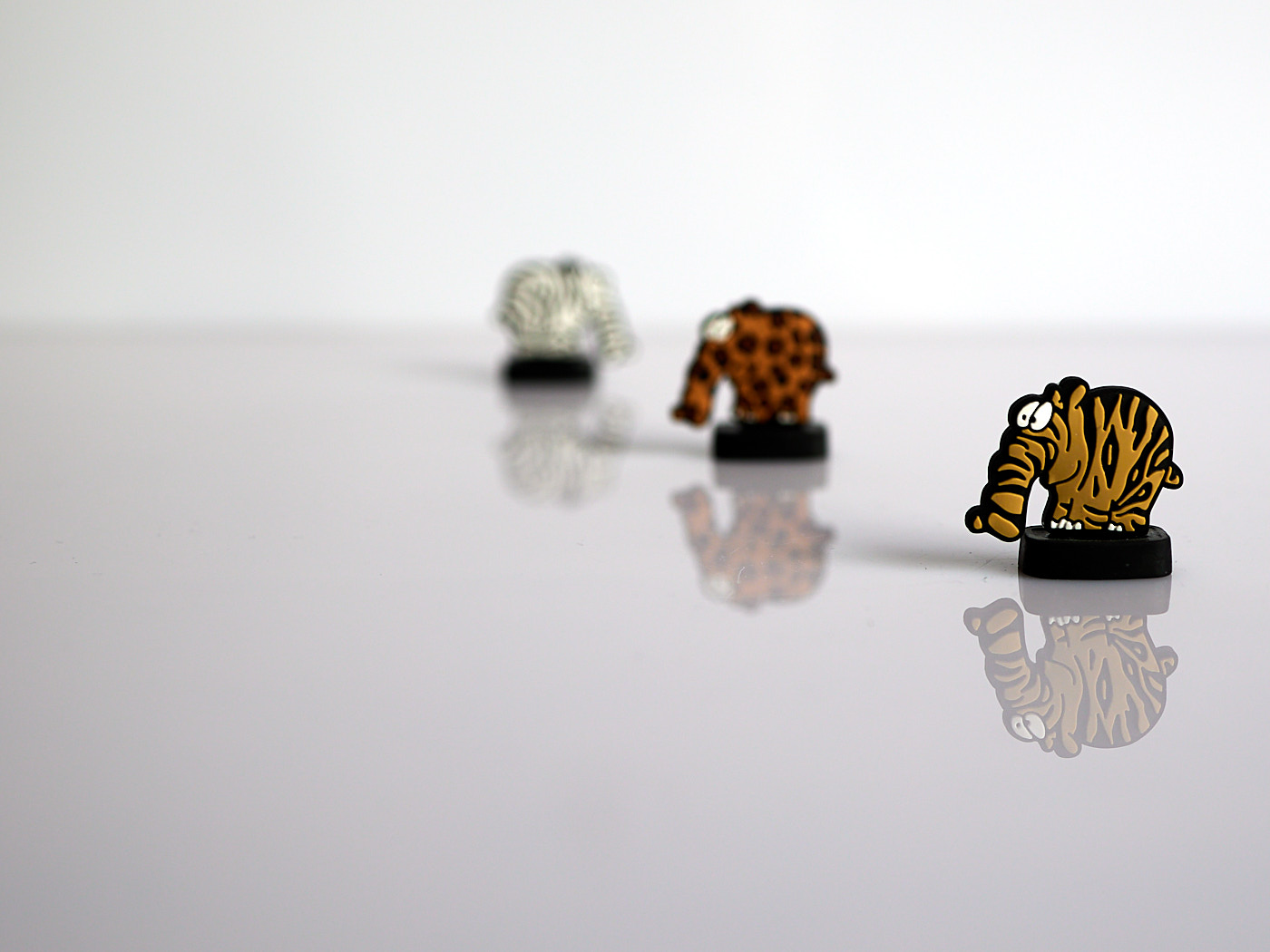
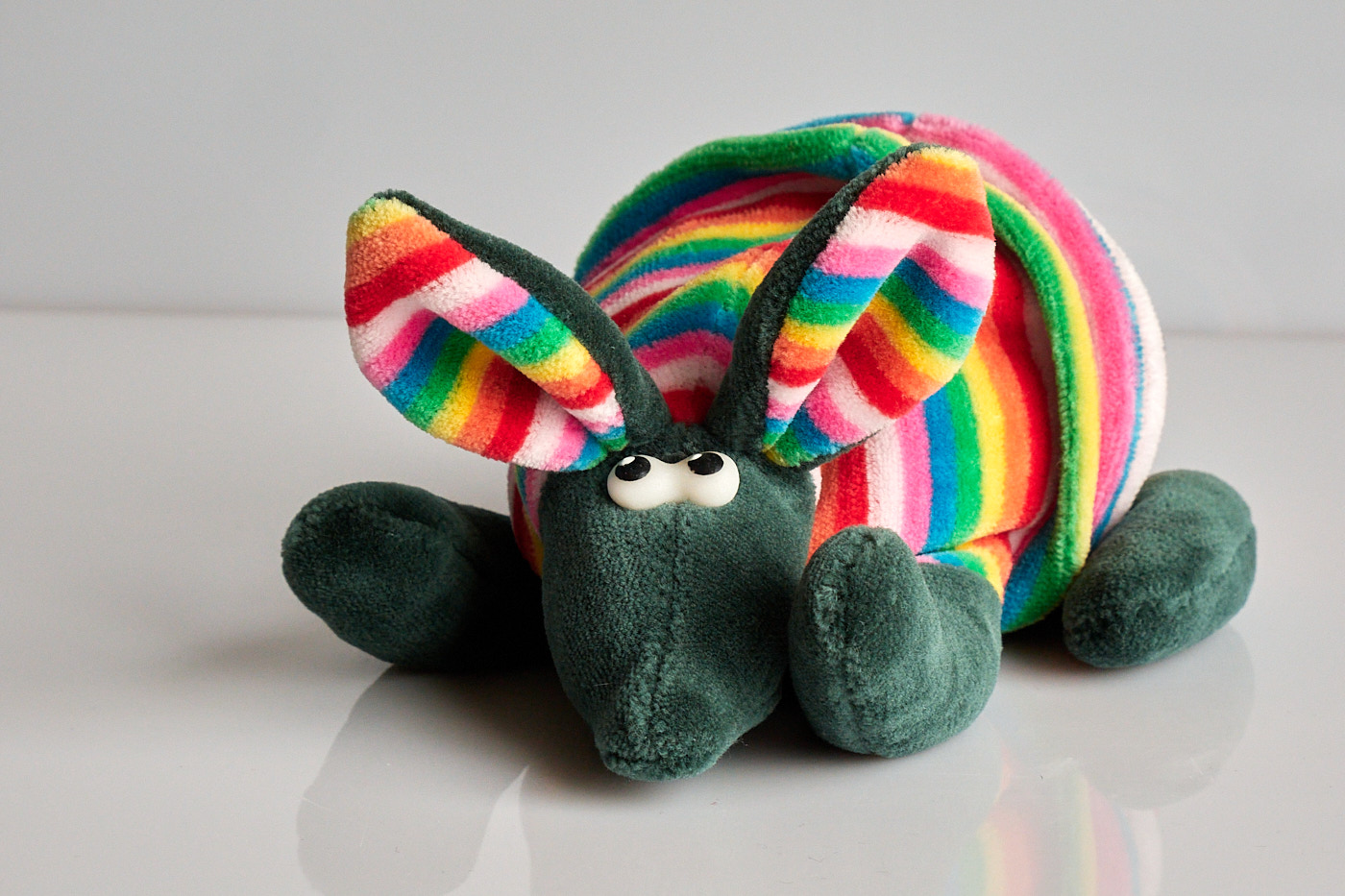
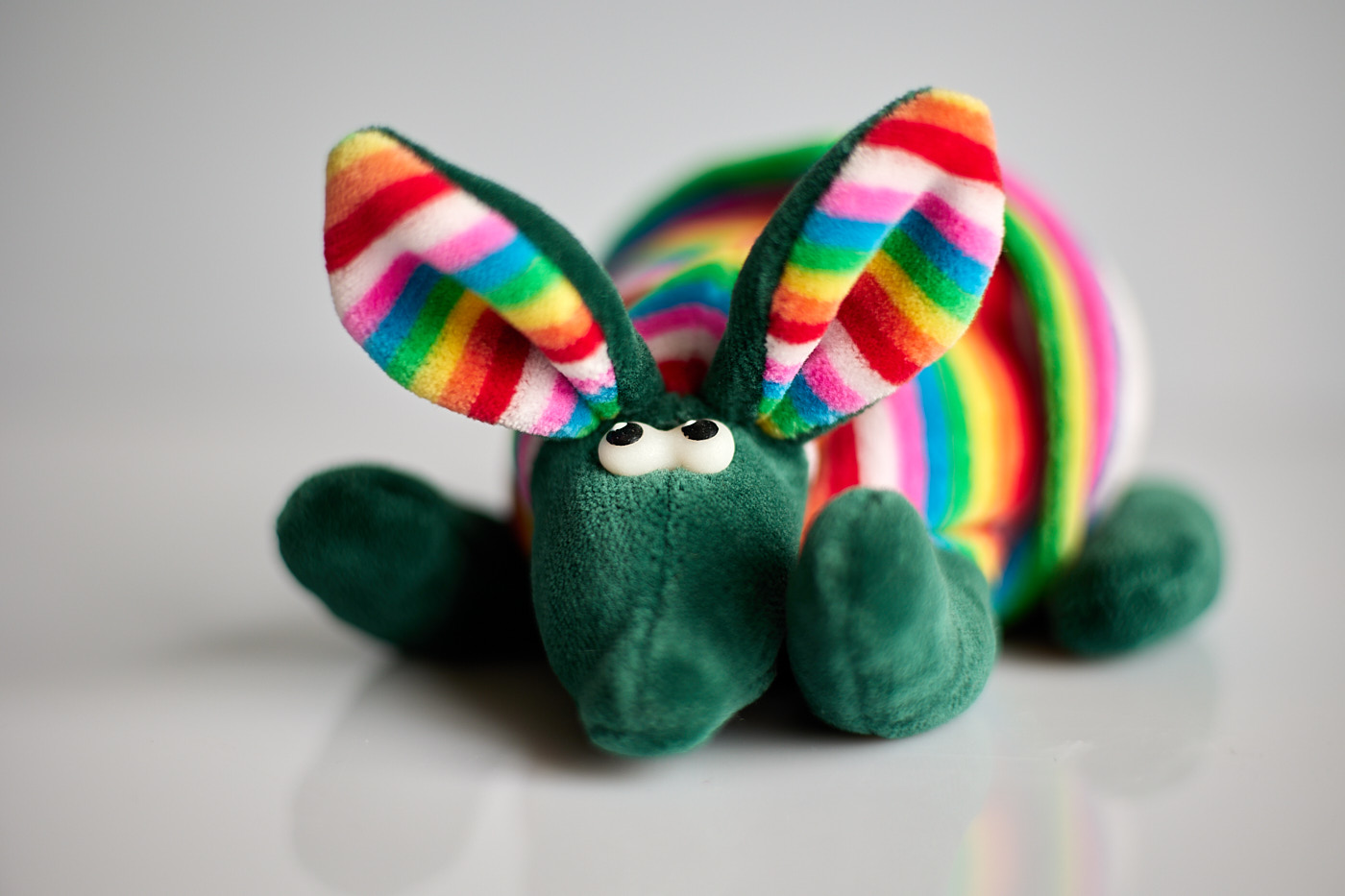
Depth of field describes the zone of acceptable sharpness along the axis of depth.
The depth of field is particularly deep with:
- A small aperture (high f-number),
- A short focal length (wide-angle lens).
And particularly shallow with:
- A large aperture (low f-number),
- A long focal length (telephoto lens).
If you want to render as much of the scenery sharp as possible in a landscape shot, it is best to focus on an object located roughly one-third as far away from you as the most distant object you want to capture. If a mountain range is 1.5 km away in a mountain landscape, you will get a sharp image at apertures from f/5.6 to f/13 if you focus on a house, a church steeple, or a tree 500 m away. Then everything from about 25 m to the mountain range will be sharp. An even better result can be achieved by utilizing the so-called hyperfocal distance.
Camera Modes
Most cameras feature additional modes alongside the automatic mode, where the camera handles everything itself. Camera modes make operating the camera easier without completely giving up control to the camera like in automatic mode.
The following modes are available on almost all system cameras:
- Auto (Automatic) – Autofocus area, shutter speed, aperture, and everything else are determined by the camera.
- P (Programmed Auto) – Shutter speed and aperture are determined by the camera.
- Tv (Shutter Priority / Half-Automatic) – You set the shutter speed, and the camera determines the aperture to ensure the image is correctly exposed. This is useful when capturing fast-moving animals or vehicles to prevent motion blur.
- Av (Aperture Priority / Half-Automatic) – You set the aperture, and the camera determines the shutter speed to ensure the image is correctly exposed. This is useful when you want to isolate a person (large aperture, small f-number) or capture a landscape (small aperture, large f-number).
- M (Manual) – Both shutter speed and aperture must be set manually.
Auto Exposure Metering
In the half-automatic modes (Tv, Av), you can influence the auto-exposure system by narrowing down the area that the system uses to determine the correct exposure. The following options are available:
- Evaluative / Matrix, the entire visible frame is taken into account,
- Center-weighted, only the central portion of the frame is taken into account,
- Spot, only a small area around the active autofocus point is taken into account.
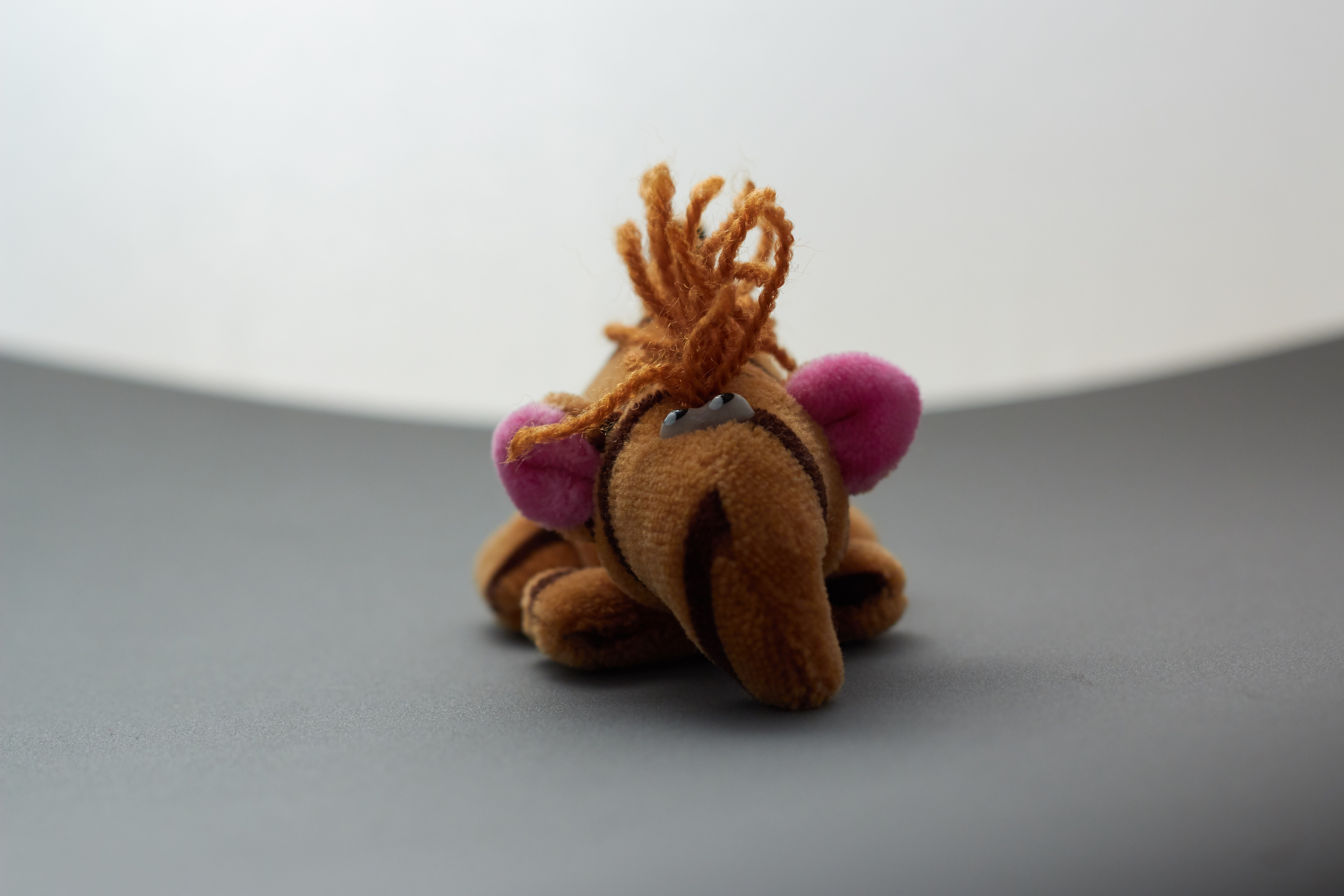
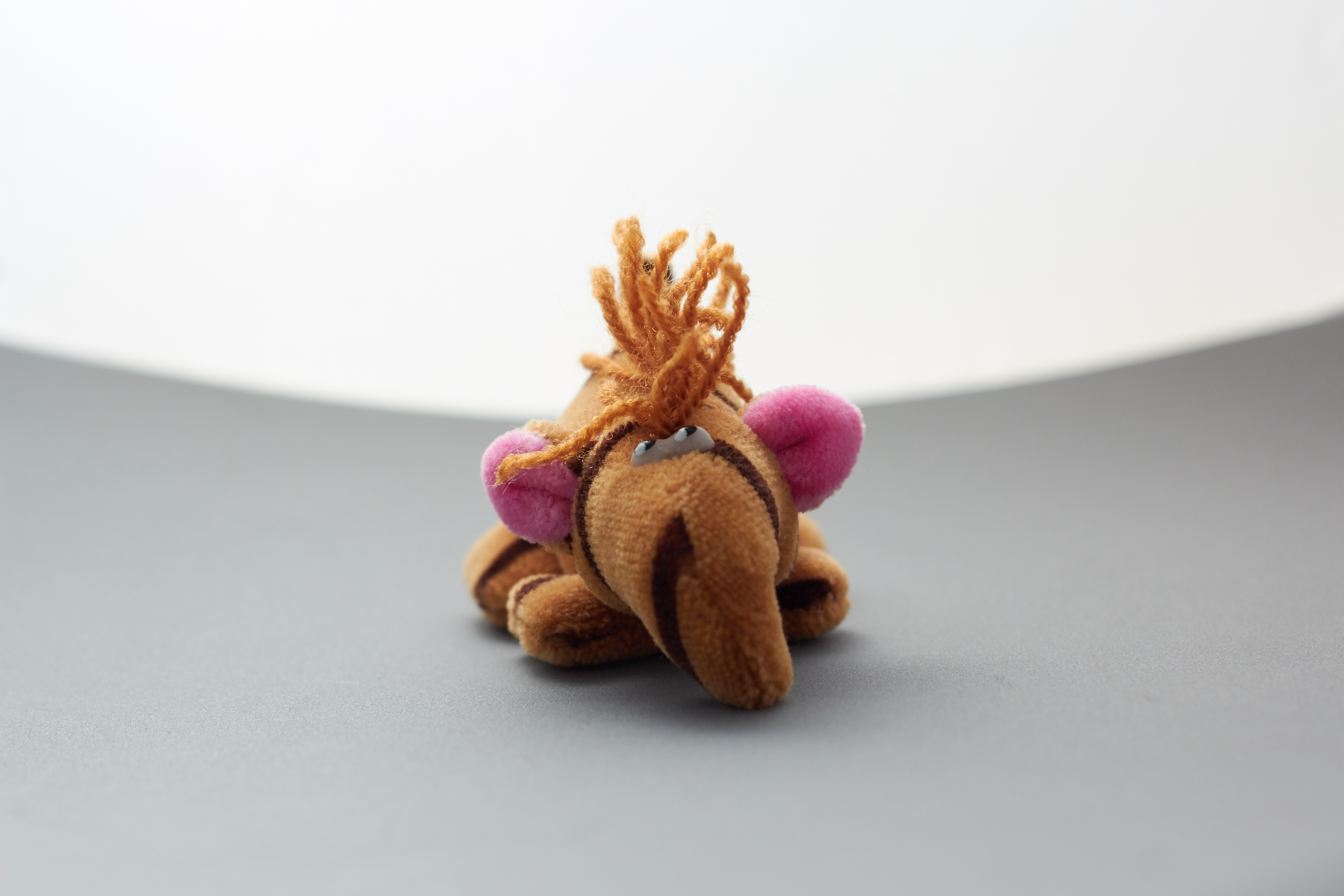
The exact areas considered in each mode can be found in your camera manual. The use of “Spot” metering should be chosen carefully, as image defects like ‘blown-out highlights’ and ‘crushed shadows’ can easily occur.
Exposure Compensation
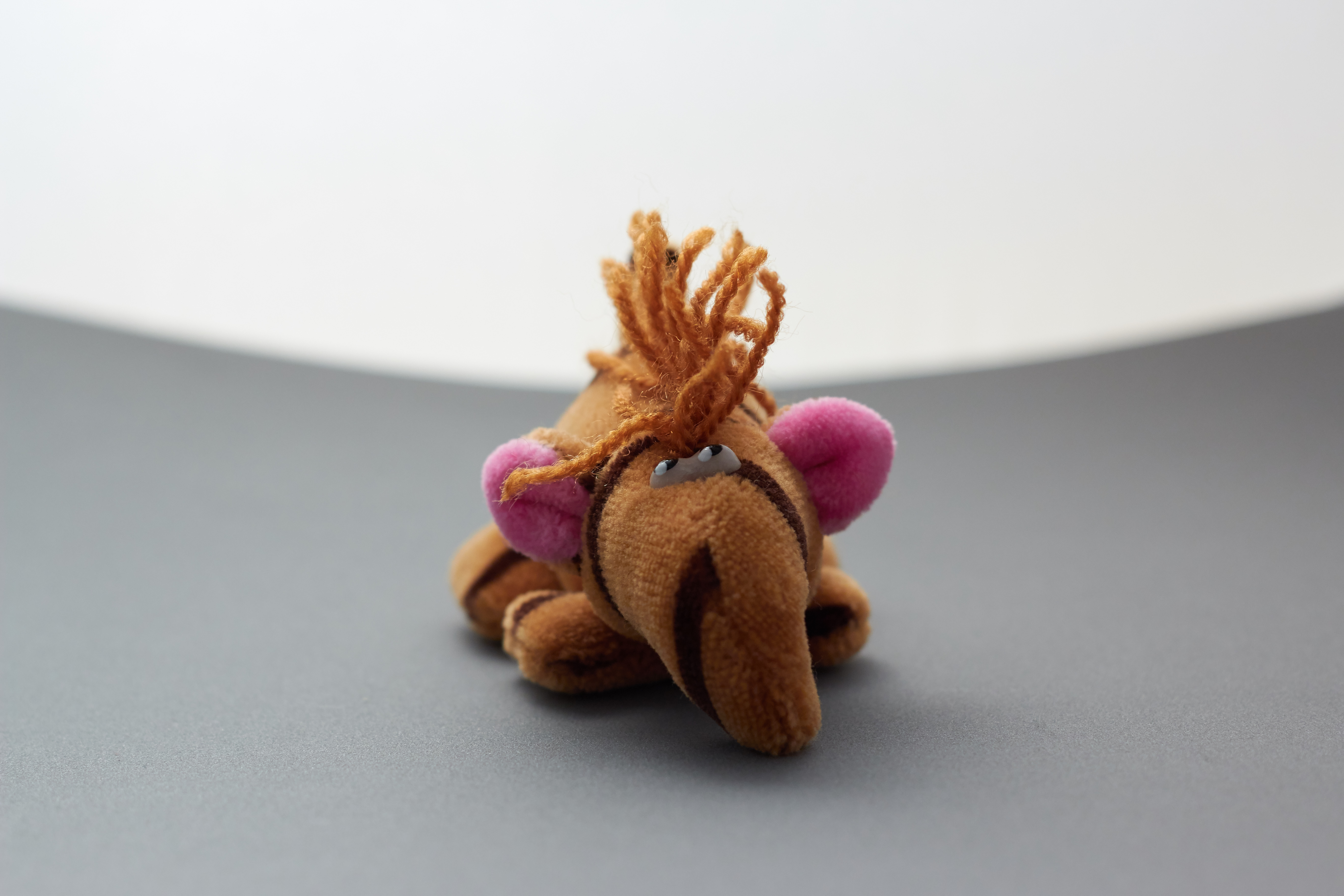
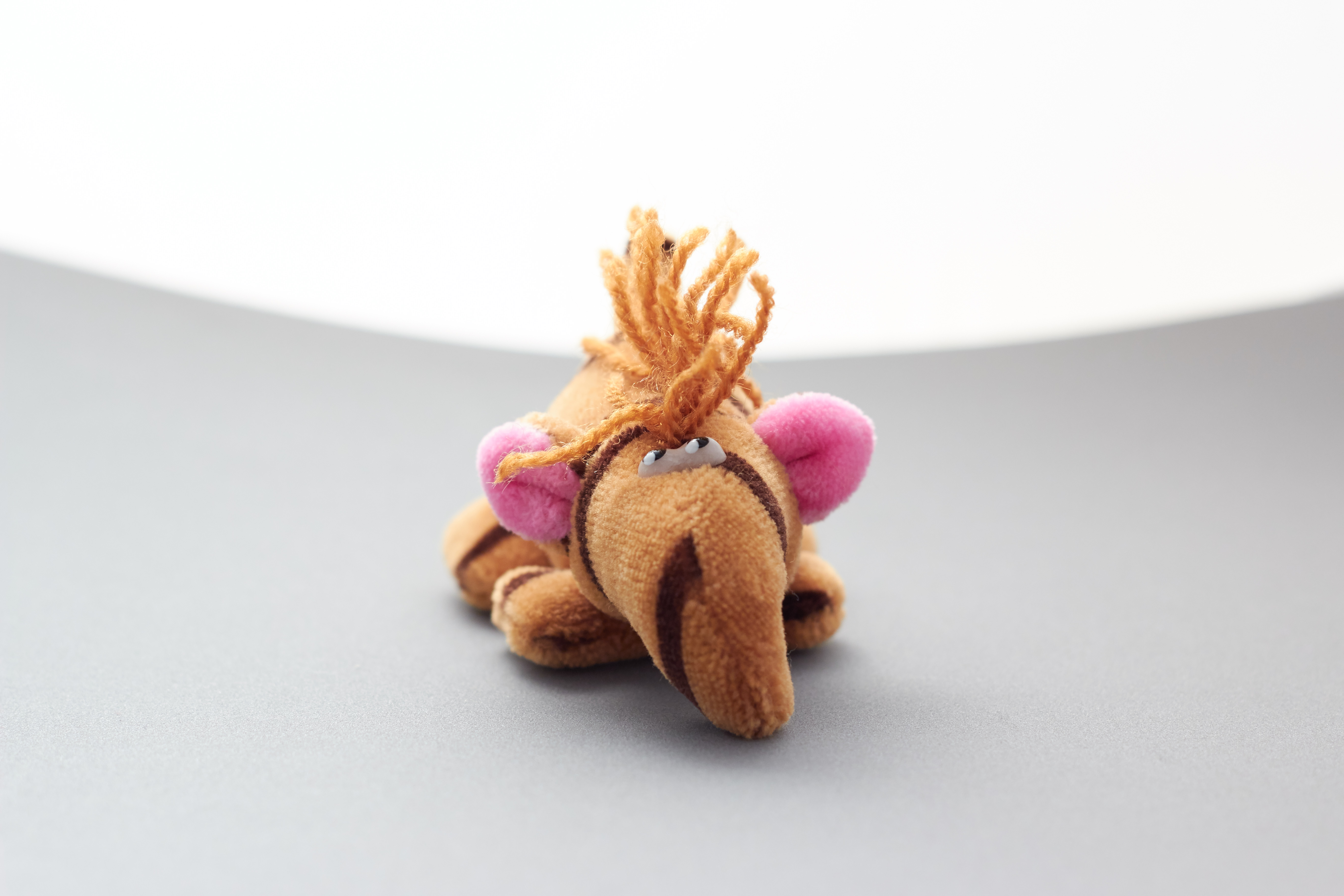
By selecting the appropriate metering mode, you could ensure that the main subject is captured correctly while other parts of the image might end up under- or overexposed. When you capture a subject that is exceptionally bright overall, such as a snowy landscape, the image will turn out too dark in any standard exposure mode. Cameras without AI do not know that you are photographing snow. The camera assumes that the entire image features an average level of brightness—neither completely black nor completely white. If you want to shoot a snowy landscape, which is almost white, it makes sense to use manual exposure compensation. This forces the entire image to be captured brighter than the camera would make it on its own. The same applies to night shots, which are naturally darker than an average image.
This compensation is useful in the semi-automatic modes (Tv, Av):
- For subjects that are very bright overall, like a snowy landscape or the daytime sky,
- For very dark subjects, e.g., during twilight or inside a tunnel.
Most cameras are set up so that you can see the effect directly on the display or in the viewfinder and adjust the compensation accordingly.
White Balance
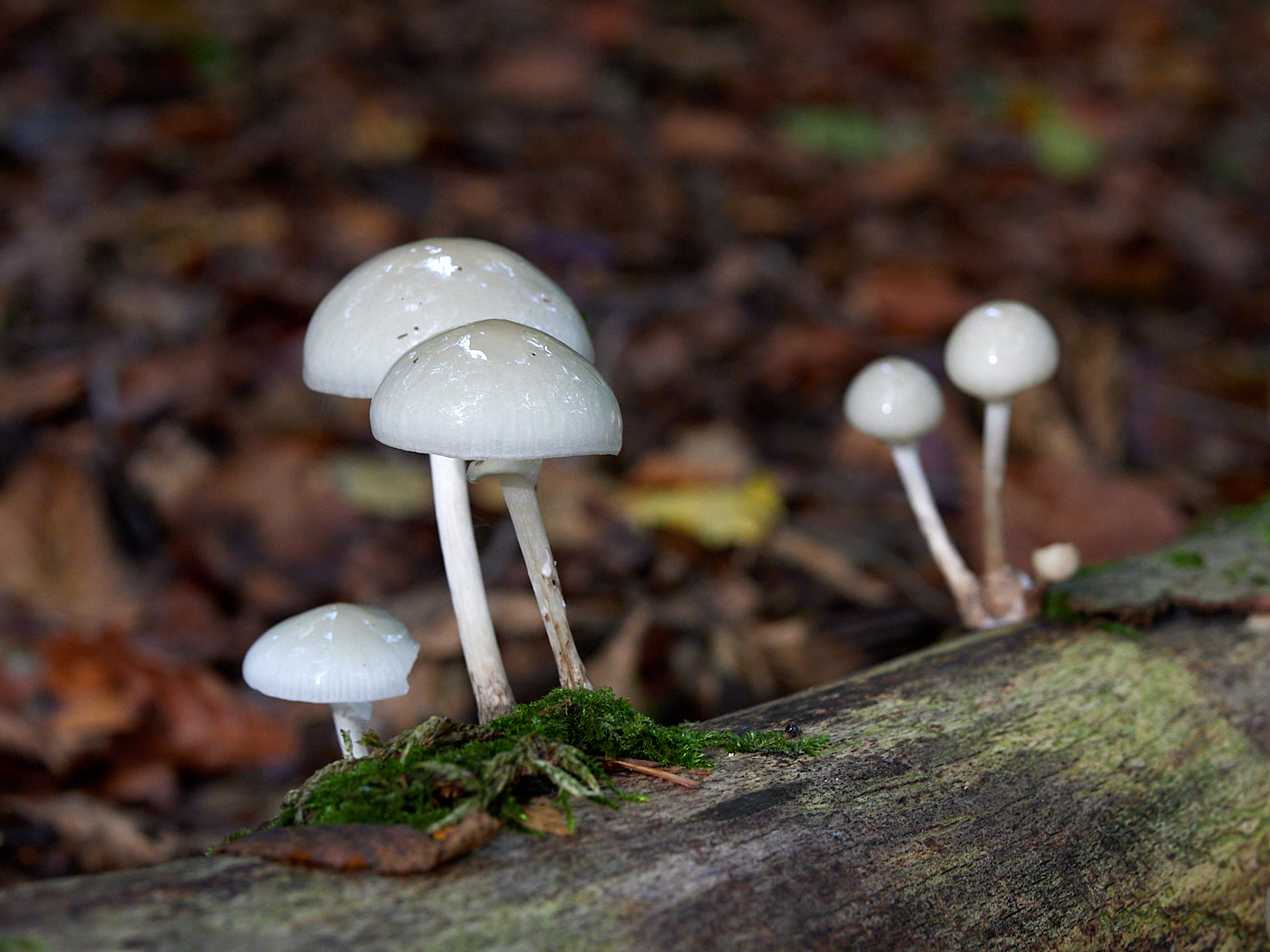
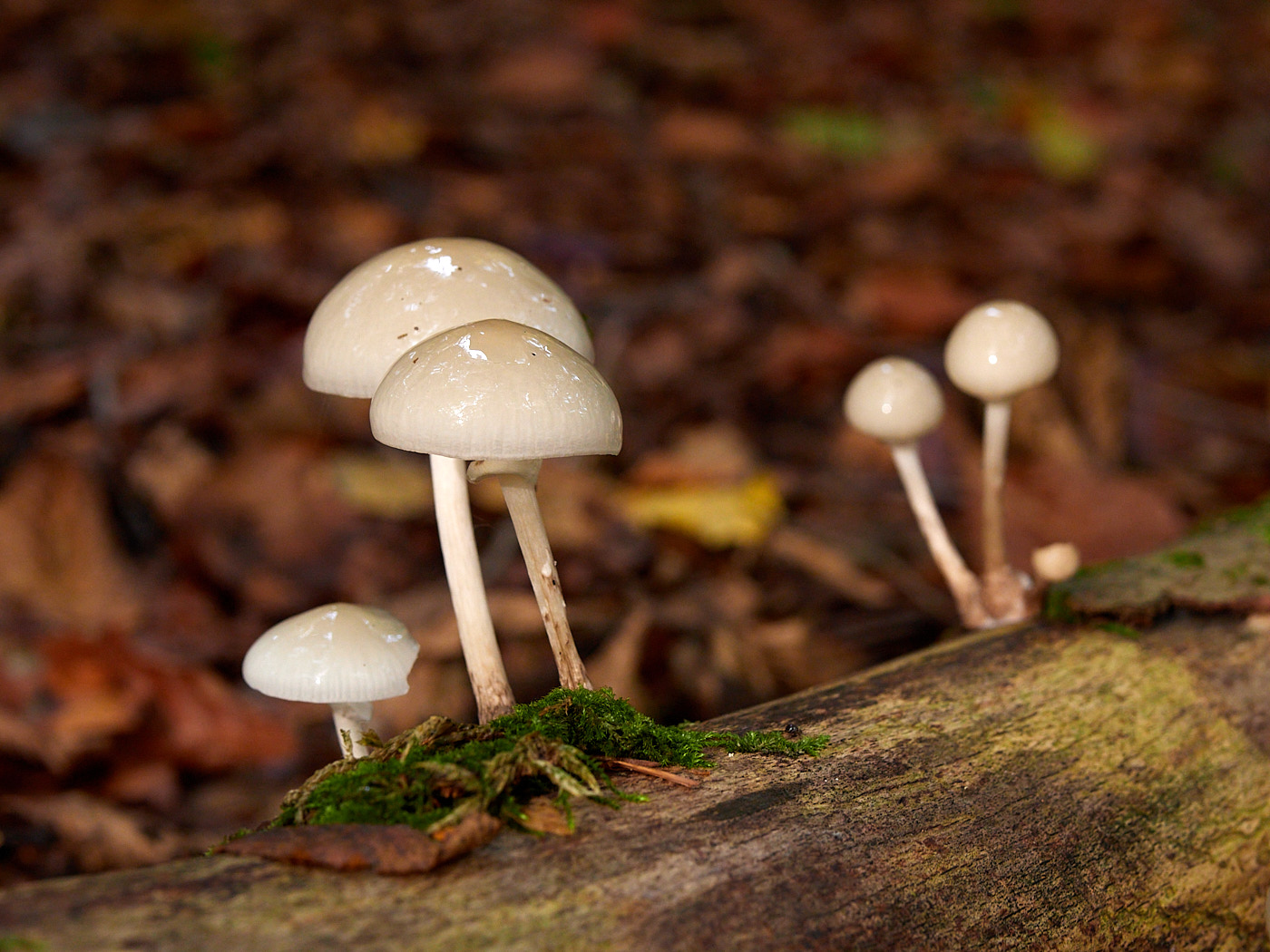
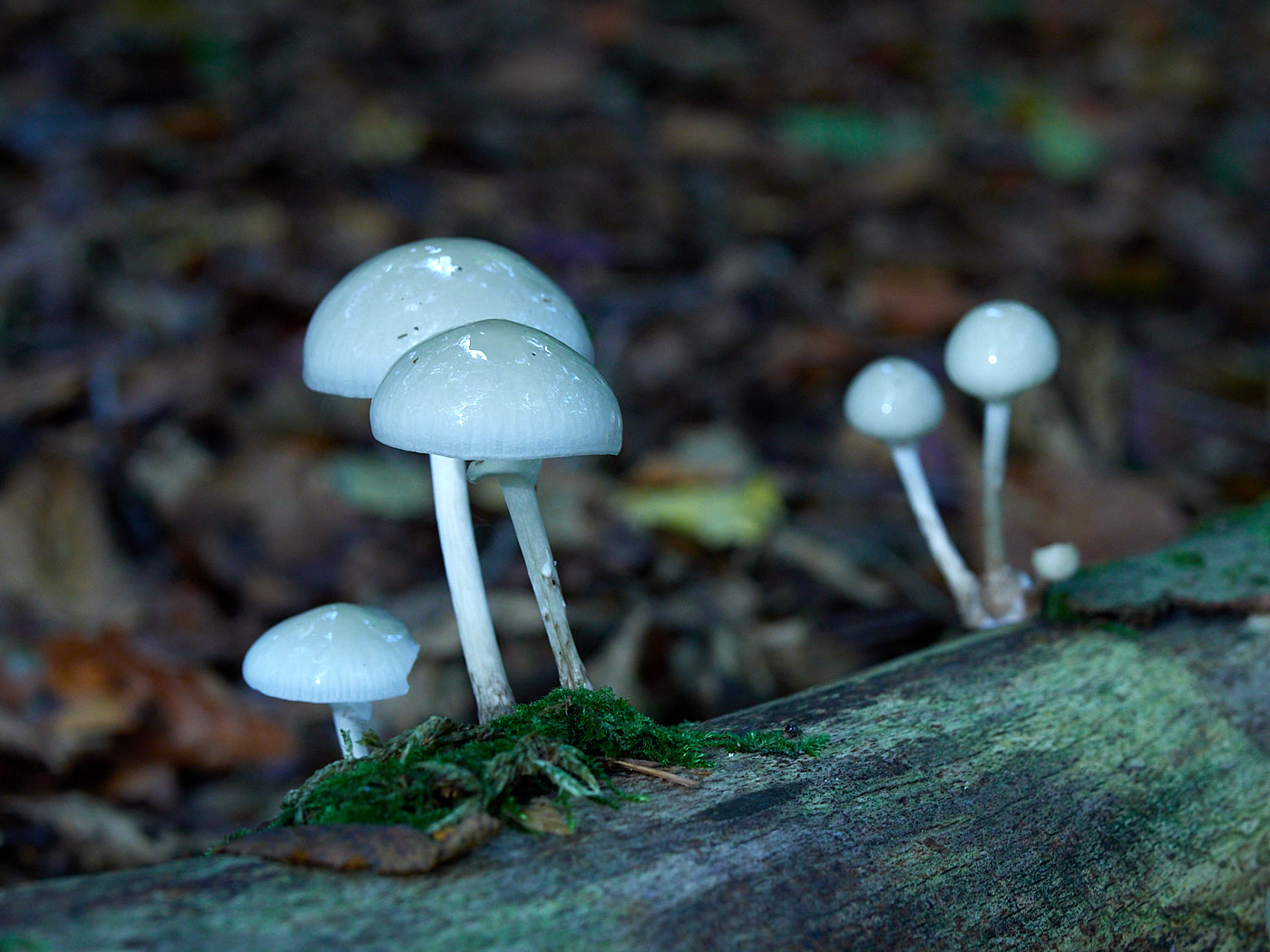
White balance determines what is defined as “white” in the image. This depends heavily on the incoming light. The exact same subject looks entirely different at noon in bright sunshine than it does during sunset. Cameras can only get this approximately right automatically. That is why you can adjust the white balance manually on almost all cameras. For starters, it is usually enough to let the camera determine the white balance automatically (AWB, automatic white balance). Sometimes, an altered white balance looks more pleasing.
Camera Handling
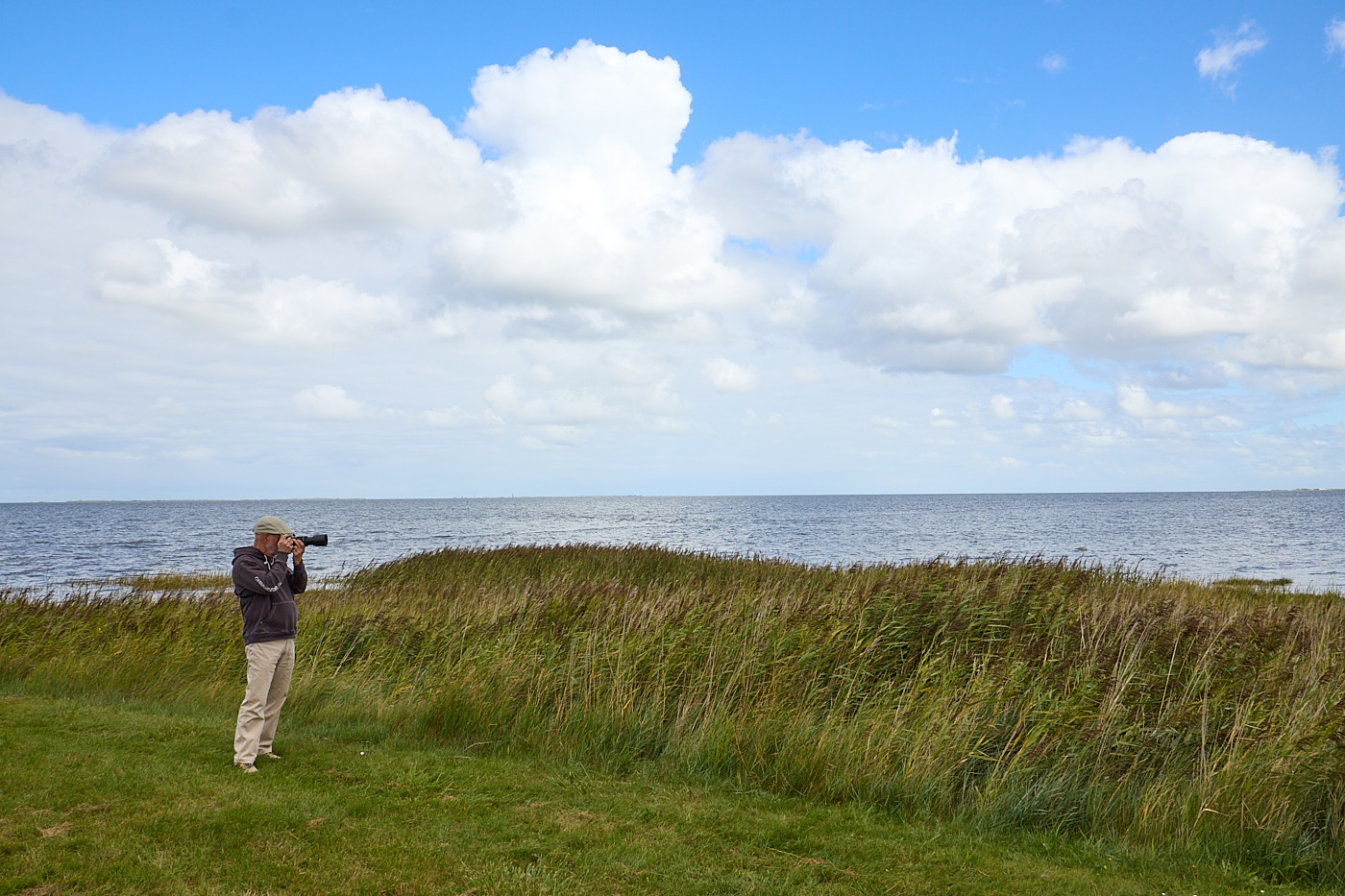
A major advantage of cameras with viewfinders is the ability to stabilize the camera body. To do this, hold the camera with both hands up to your eye, stand with your feet slightly apart, and press your elbows firmly against the sides of your ribcage. If you then breathe in and out slowly and briefly hold your breath when pressing the shutter button, the image will remain sharp even at longer shutter speeds.
Stabilization
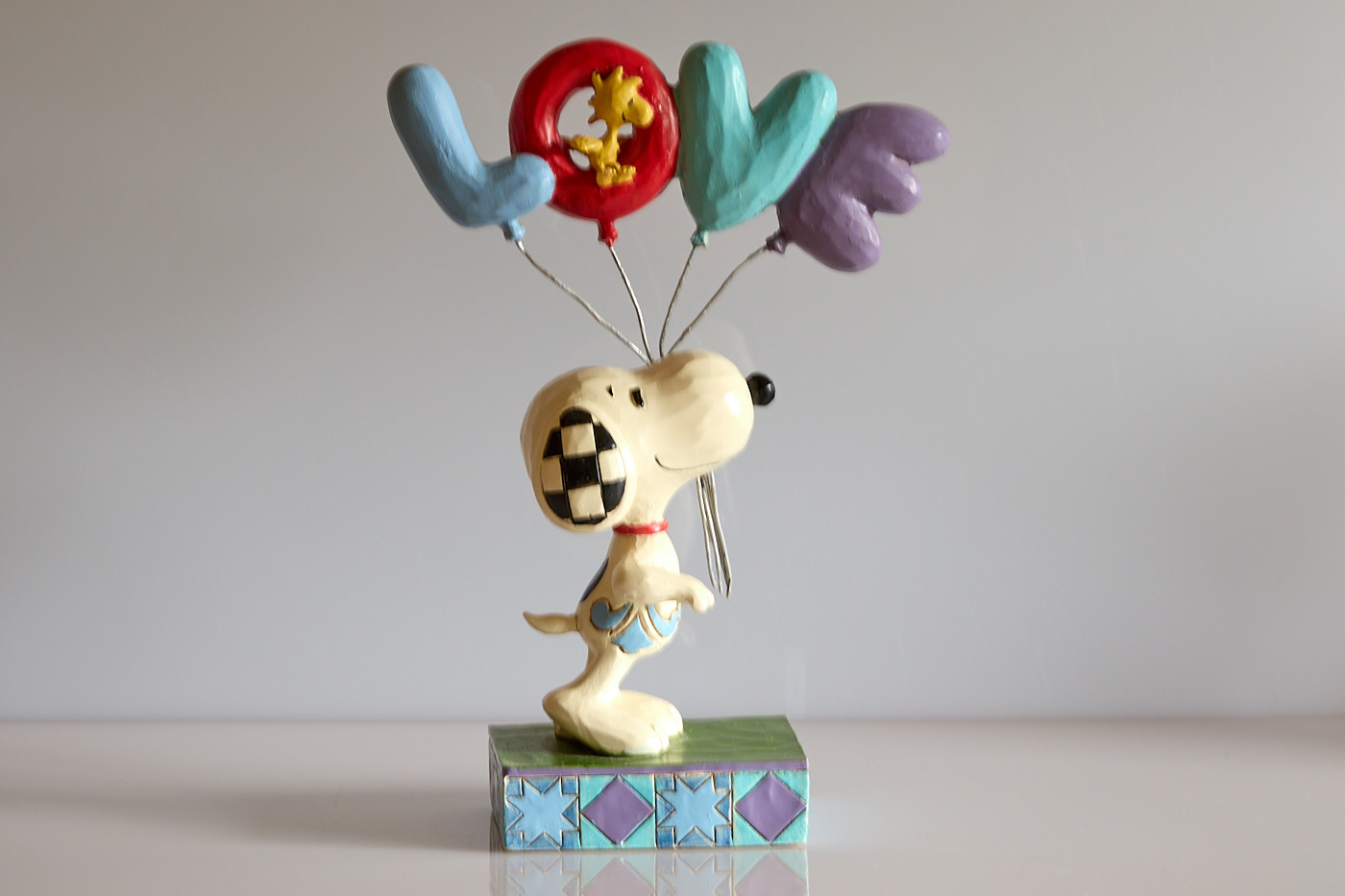
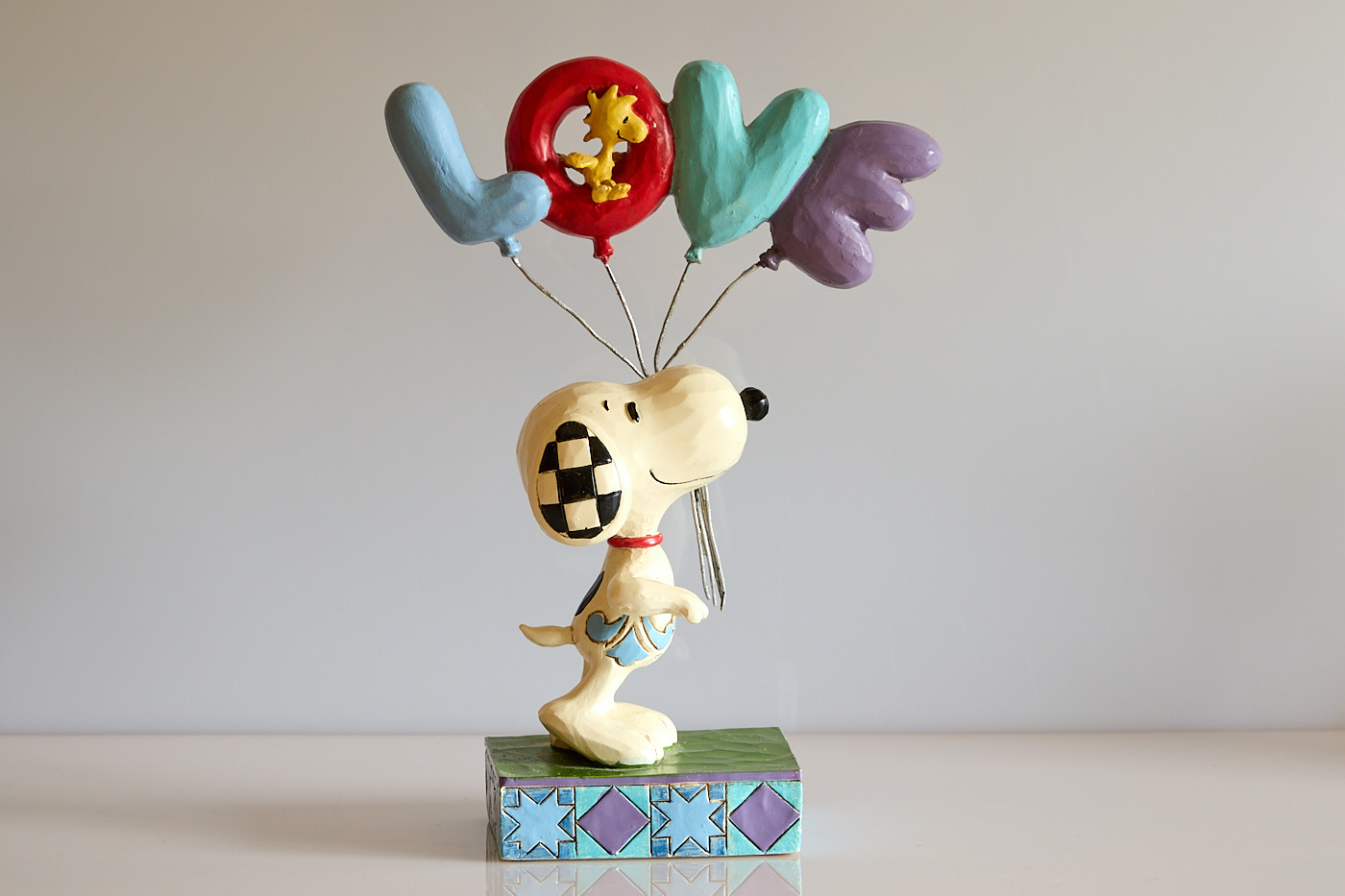
Many lenses and some camera bodies feature image stabilization. This compensates for the involuntary movements you make while photographing. Stabilization helps with:
- Long focal lengths (telephoto lenses),
- Long shutter speeds.
Continuous Shooting (Burst Mode)
Almost all cameras feature a setting where pressing the shutter button once captures images continuously until the button is released. This is called continuous shooting. It works until the camera’s internal buffer or the memory card is full. It is a useful feature when portraiting a group, allowing you to select the image later where hopefully everyone has their eyes open and isn’t looking awkward. However, you should keep in mind that you will have to review and select from all these images later, which can sometimes be annoying. People used to photograph differently in the past, since a maximum of 36 exposures fit onto a roll of film and every shot cost money. Continuous shooting is highly useful in wildlife and sports photography. Nevertheless, we at Tiger Graphics rarely use continuous shooting modes.



Flashing with the Internal Flash
Most cameras offer at least two ways to work with the internal flash:
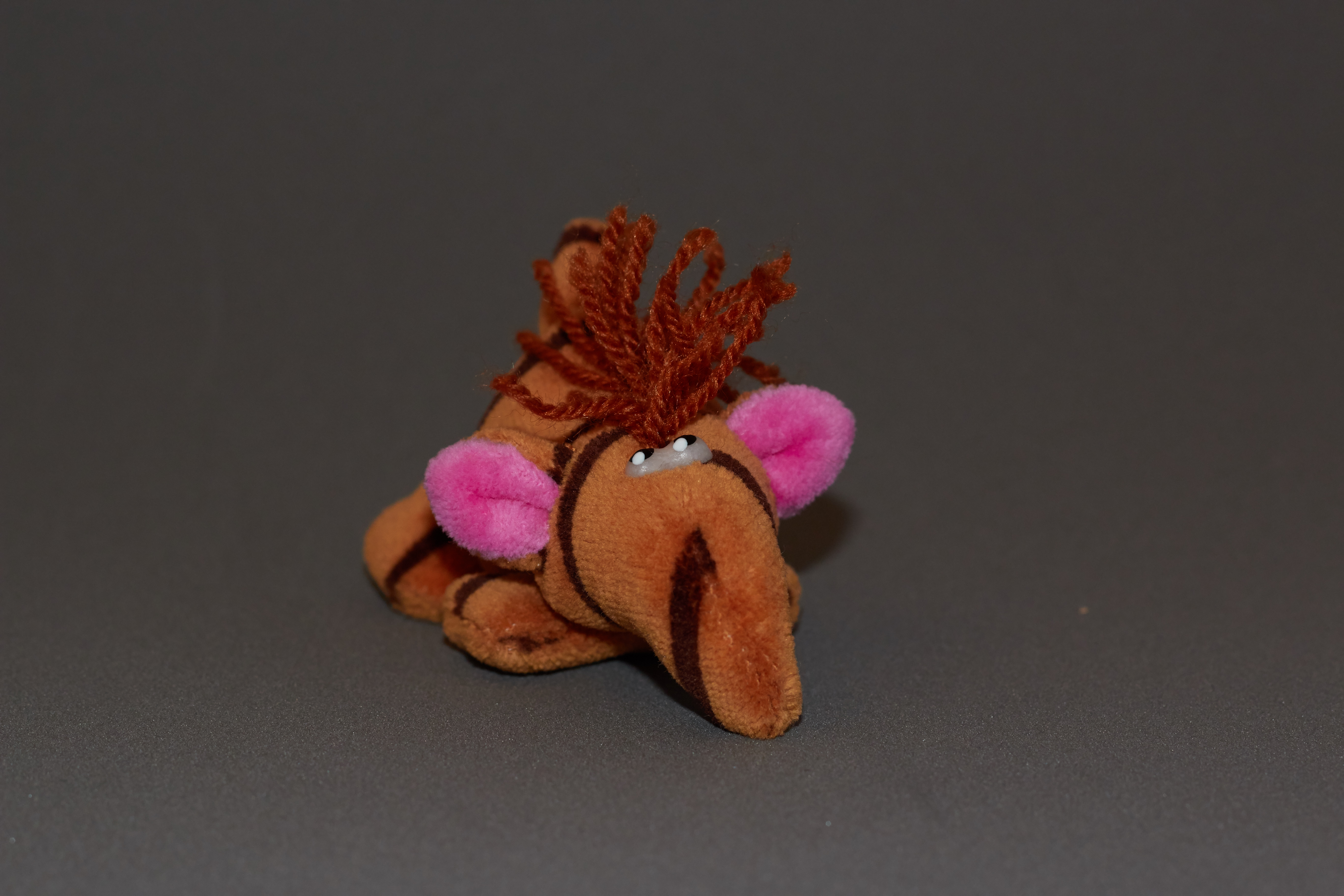
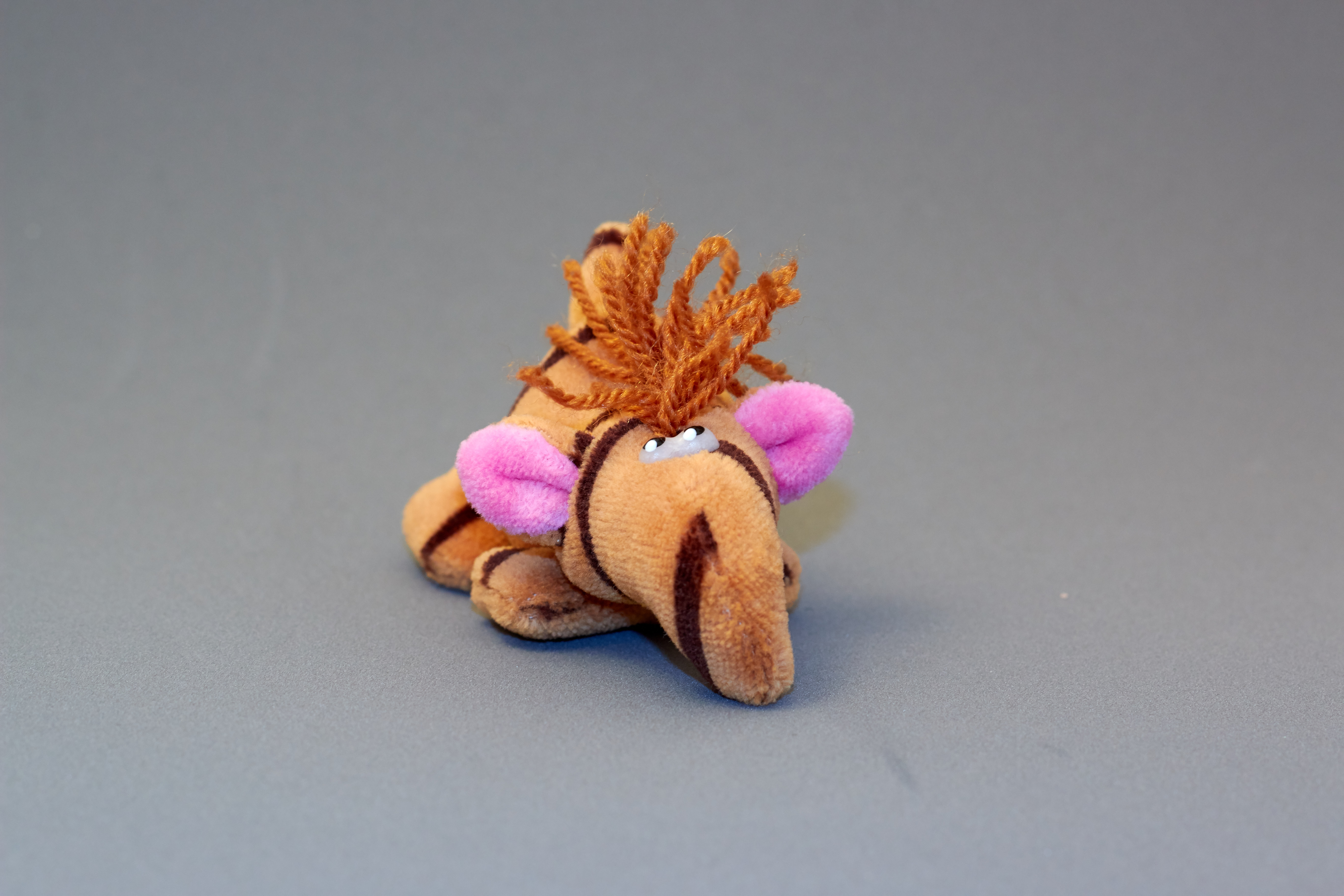
- The flash illuminates the scenery. The shutter speed is kept very short by the camera. This results in a typical flash image that is sharp.
- The flash acts only as a fill light. The shutter speed is hardly altered by the camera. In low ambient light, the exposure time remains quite long. This results in a balanced image, which, however, may be blurry.
RAW or JPG?
If an image is perfectly captured, it doesn’t matter whether you store it as a RAW or a JPG file. But what constitutes a perfectly captured image? Sometimes you want to improve or stylize the photo afterward. In such cases, the RAW format (raw data format) is better suited. It contains all the image information provided by the sensor; nothing is compressed or discarded. However, if you want to share an image quickly, JPG is the better format because it is more universal and does not need to be “developed” in software first like a RAW file. There are further advantages and disadvantages listed below:
Advantages of JPG
- JPG is widely supported
- Almost all apps and programs can handle JPGs.
- JPG files are comparatively small
- The continuous shooting rate is higher and lasts longer, meaning many images can be captured in quick succession.
Disadvantages of JPG
- Incorrect exposures are nearly impossible to rescue.
- An incorrect white balance cannot be fully corrected.
- Blown-out highlights and crushed shadows cannot be recovered.
- Lossy compression; JPGs are compressed.
Advantages of RAW
- Incorrect exposures can be rescued much better.
- White balance is completely adjustable.
- Blown-out highlights and crushed shadows can usually be saved.
- No loss of information.
Disadvantages of RAW
- A RAW image is a digital negative that must be “developed” using special software.
- RAW is manufacturer- or camera-specific.
- RAW files are very large:
- A lot of storage space is required.
- The continuous shooting rate is lower because a data block has to be written to the memory card.
Preparation
Here are a few tips to help avoid frustration when going out on a photo tour:
- Check the functionality of the cameras.
- Check the lenses and clean them if necessary.
- Check the battery charge level inside the camera.
- Pack fully charged spare batteries.
- Pack spare memory cards and film.
- On cameras that offer the option, disable firing the shutter without a memory card. Nothing is more annoying than realizing after the session that the images were not saved.
- Think about backup options when traveling, and perform backups daily if possible.
- Don’t forget water, cookies, and a warm jacket.
Image Editing
Subsequent image editing can be performed directly via the camera’s internal software on some models, or using photo software on a computer. Some camera manufacturers offer their own software. Extensive editing options are available via both free and commercial tools. If you work in RAW format, software to “develop” the raw data is absolutely mandatory.