Experimental
Macros
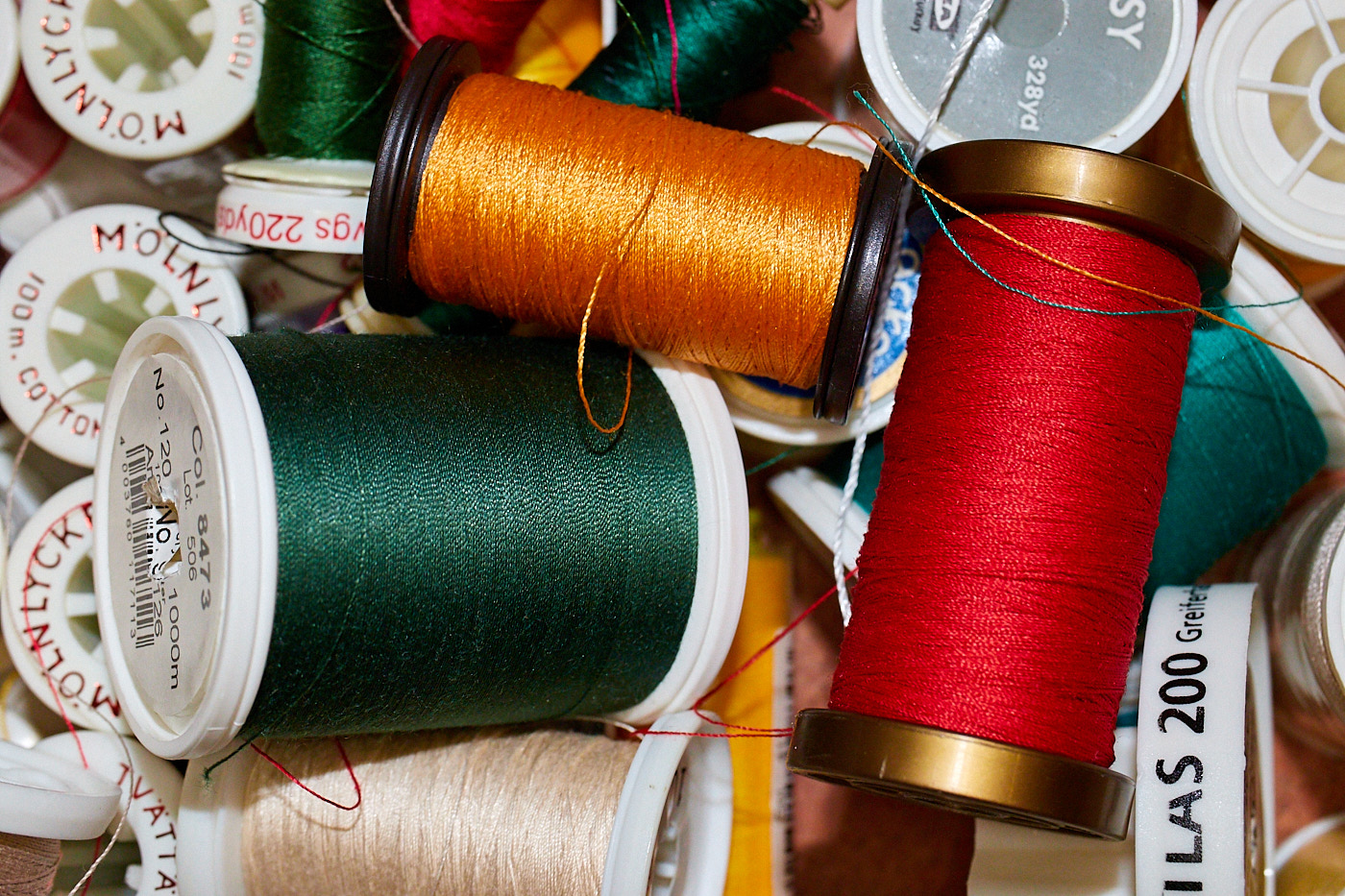
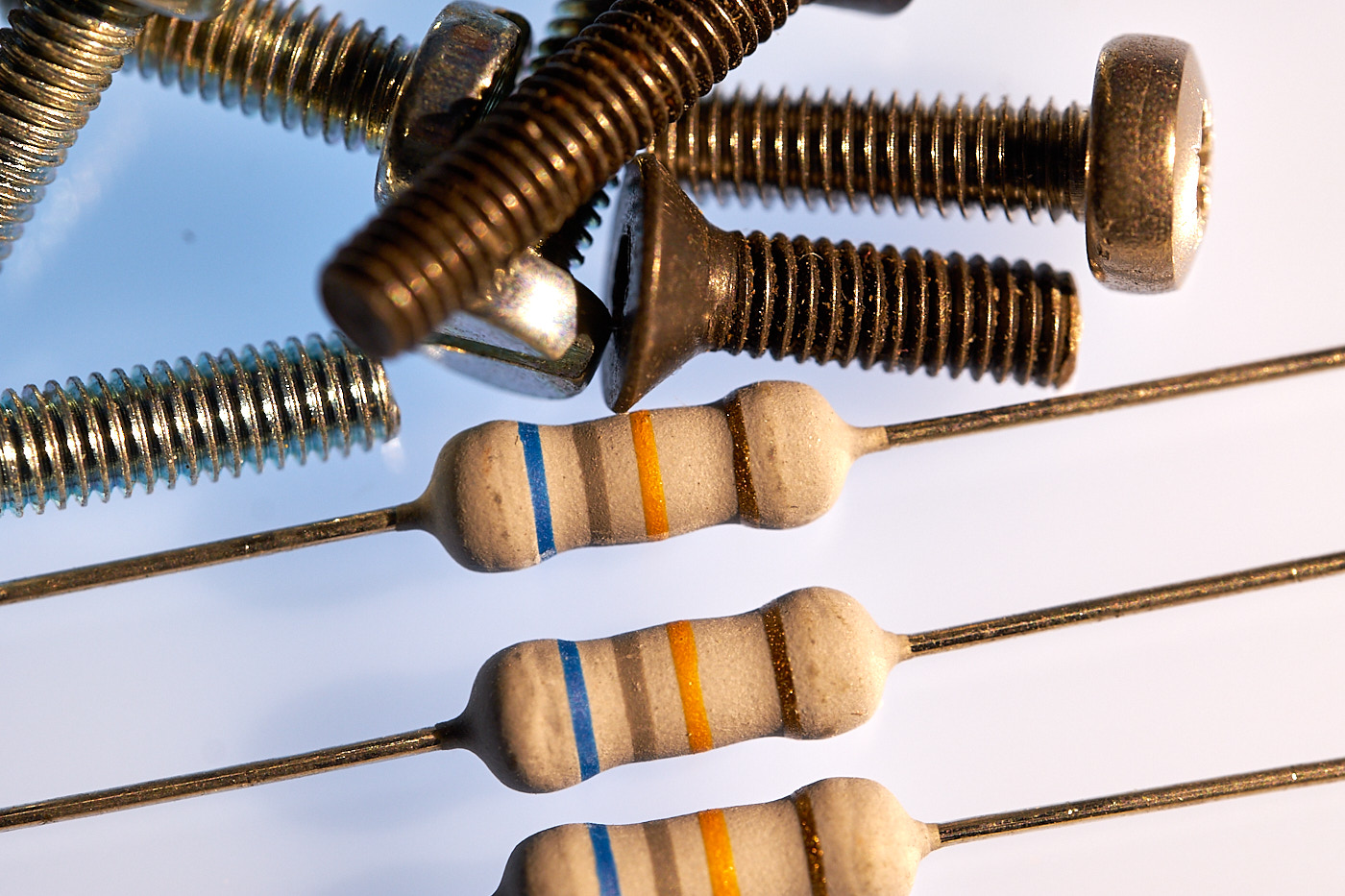
Macros refer to images where a small object is captured on the sensor as large as it actually is. It is as if you were “gluing” the subject directly onto the sensor. True macros have a magnification ratio of at least 1:1. However, ratios where the subject is slightly smaller (1:2) are also frequently called macros. Ratios larger than 1:1 are generally only achieved by special lenses (macro photo lenses).
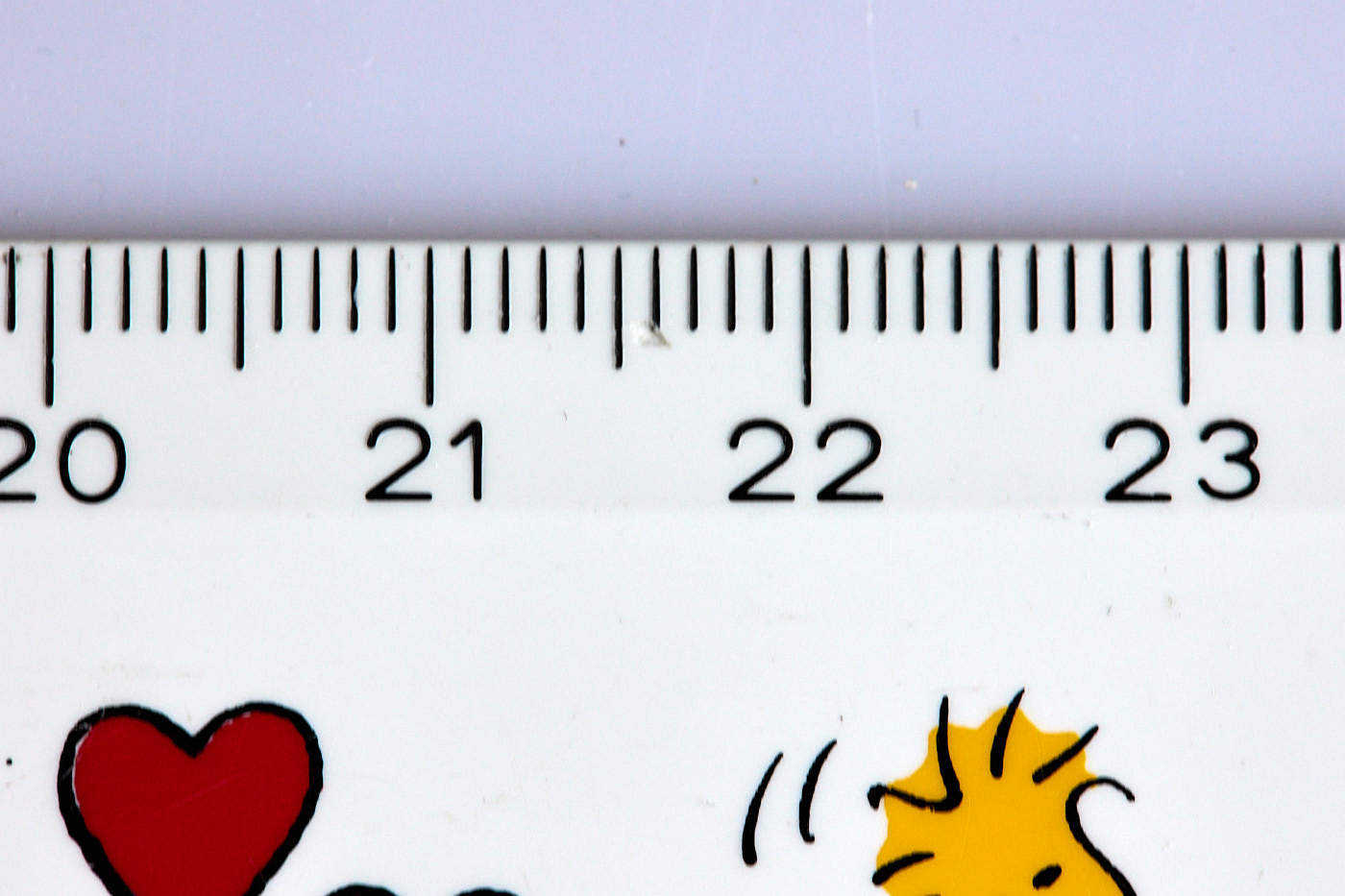
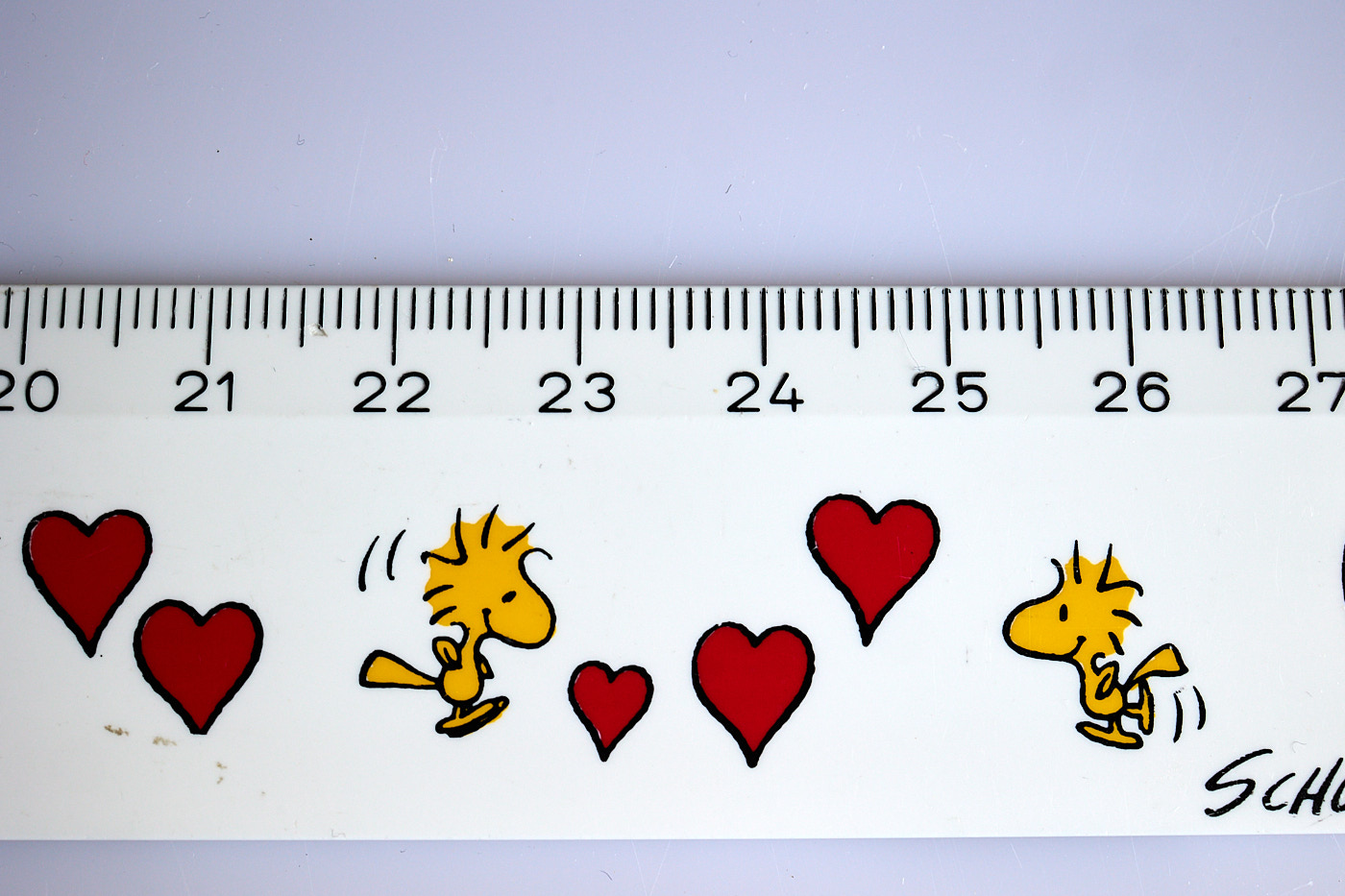
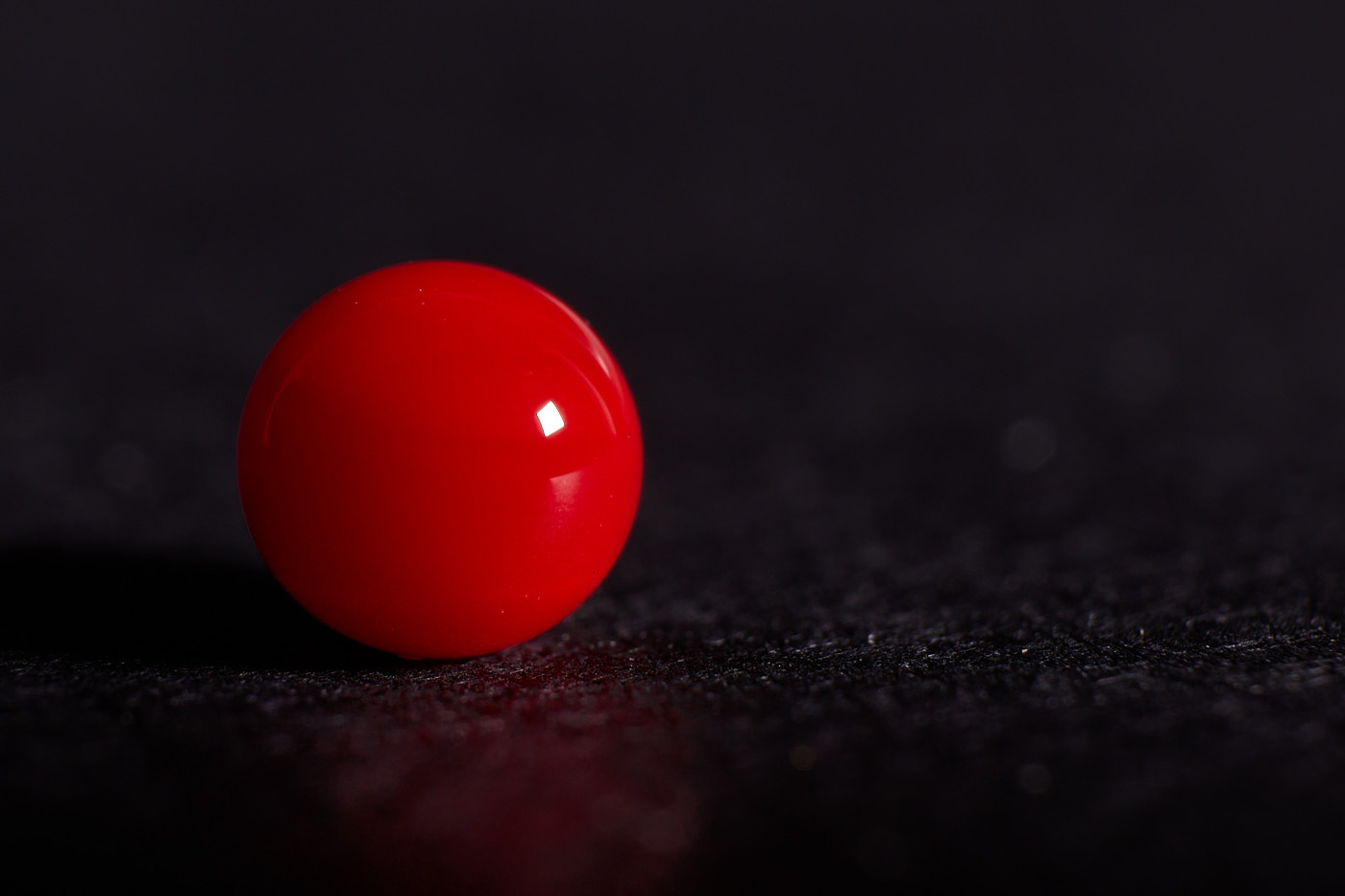
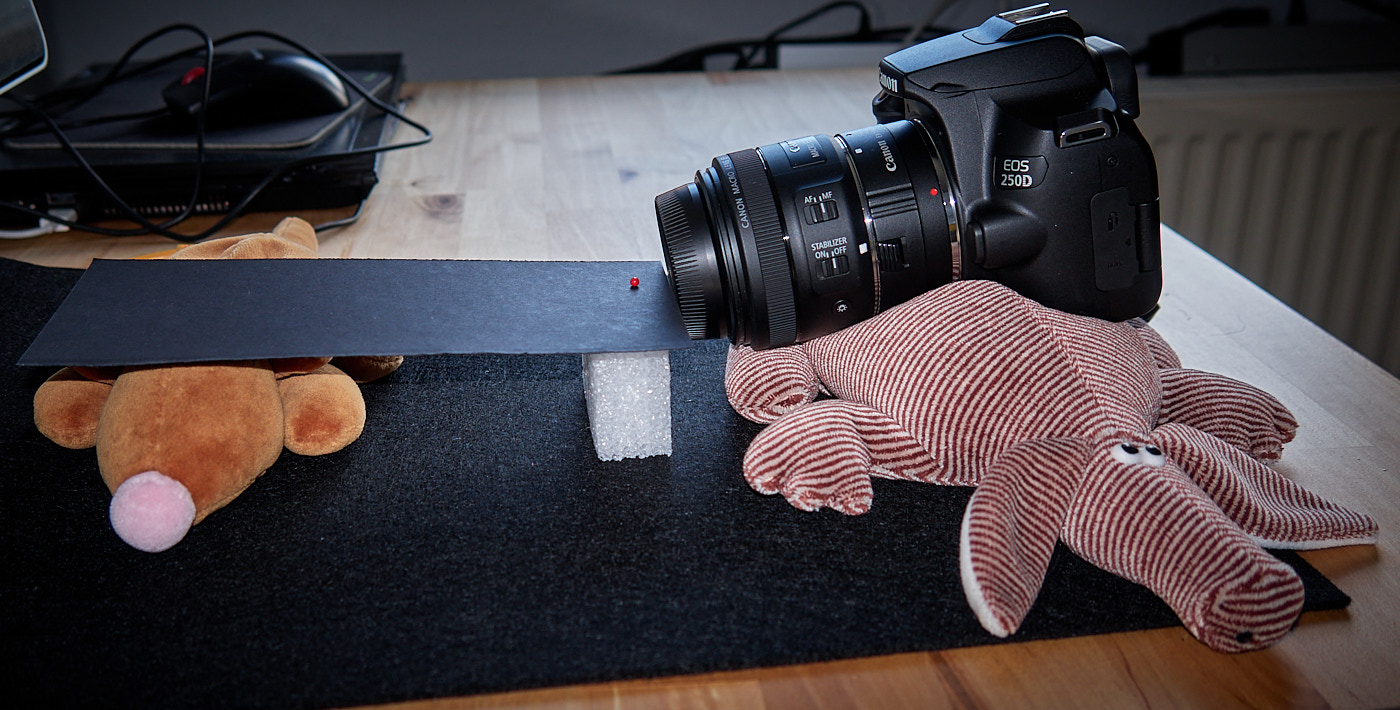
To capture macros, you need either:
- A compact camera with a macro function, or
- A system camera with a lens and
- An extension tube placed between the camera and the lens, or
- A close-up lens screwed onto the front of the lens, or
- A reverse adapter used to mount a lens backward onto the camera, or
- A system camera with a dedicated macro lens
The most expensive option is the macro lens. This is a special lens designed to deliver sharp images at close range. However, the other options serve their purpose well too. Extension tubes in particular are quite affordable. They simply increase the distance between the sensor and the lens. This allows you to focus much closer to the subject. However, you lose the ability to focus into the distance.
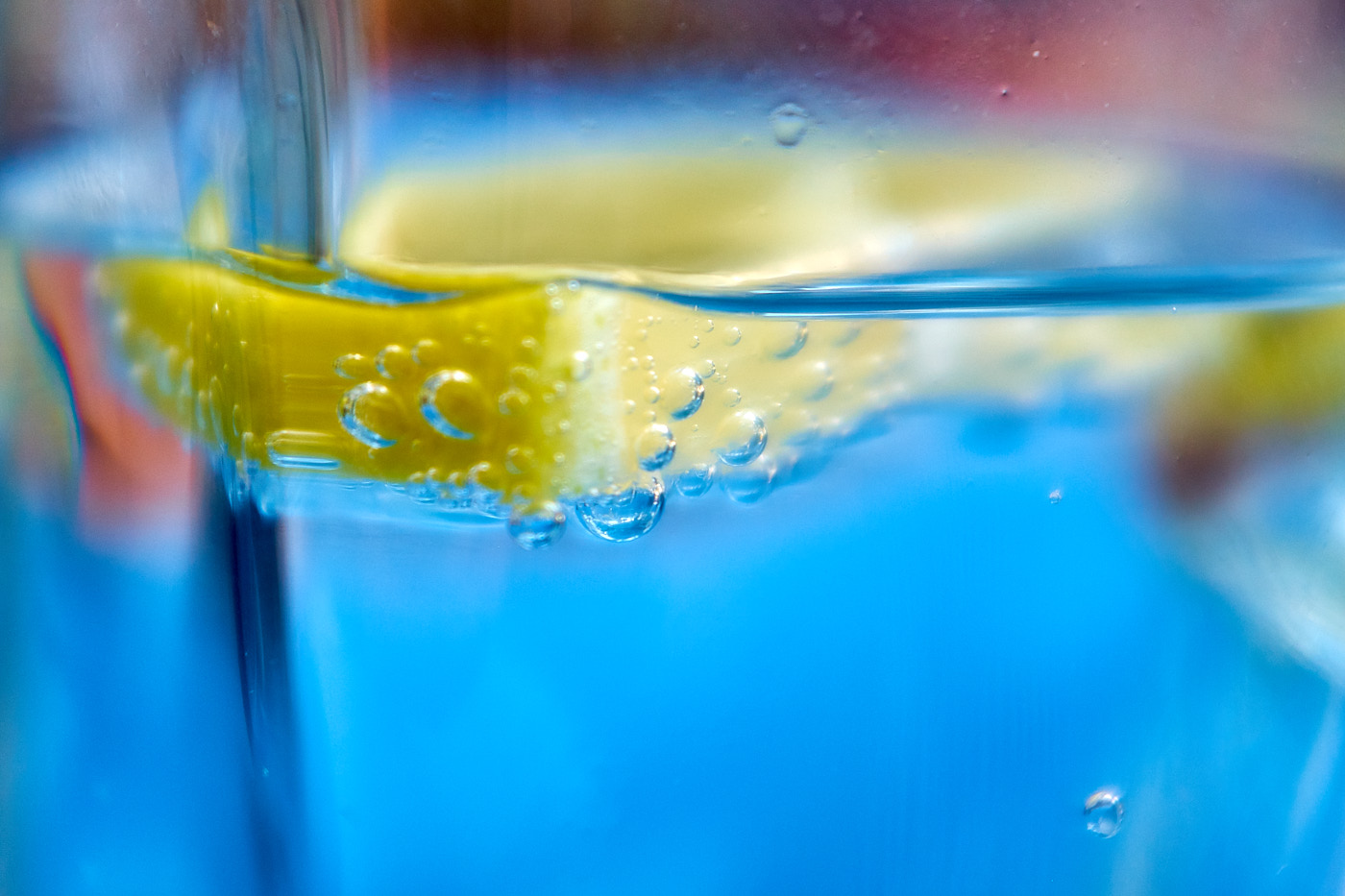
One characteristic that all these options share is a shallow depth of field. The closer you get to an object, the smaller the area that can be sharply rendered. Within limits, the following can help:
- A short focal length and
- A small aperture (high f-number)

Stacking
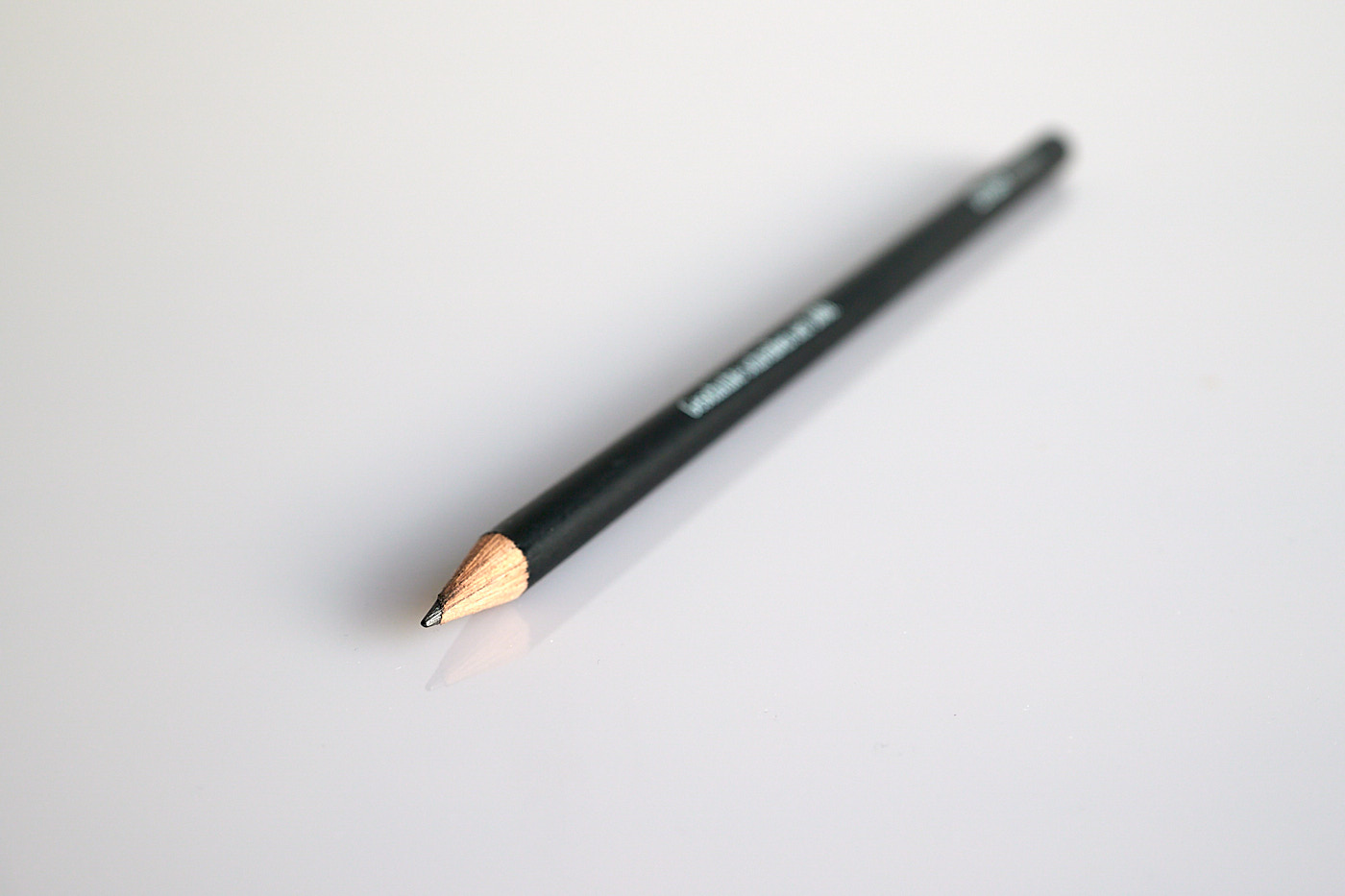
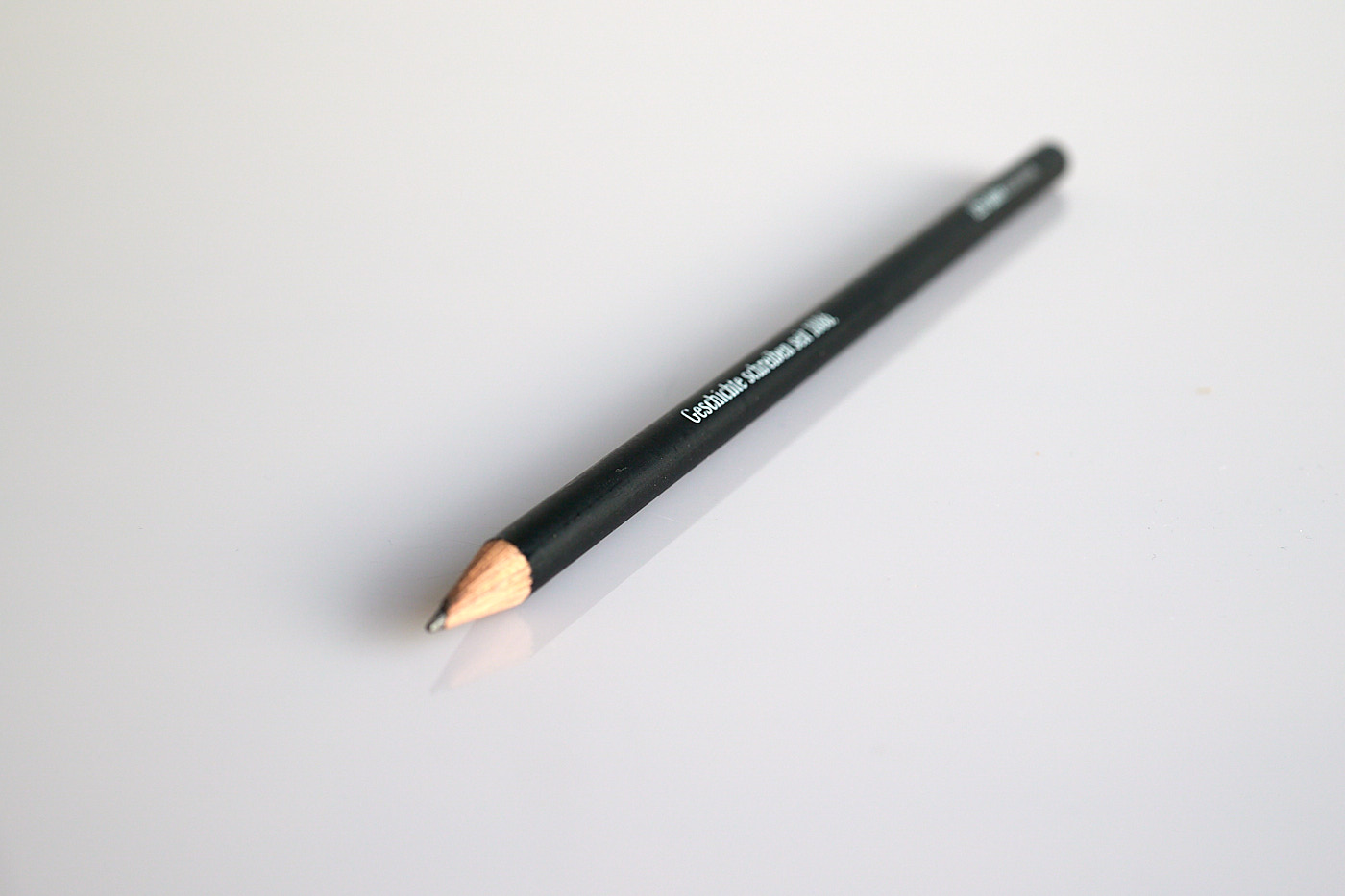
In macro photography, much like with a microscope, the depth of field—the area in which the image is sharp—is tiny. To get an entire object completely sharp, such as a small stuffed animal or a beetle, you take many shots focused at different areas and combine the images. Such images are also called stacks. Some cameras have a built-in mode to generate these images. However, there are also various programs or apps that filter out the sharp areas from individual shots and combine them into a new image.
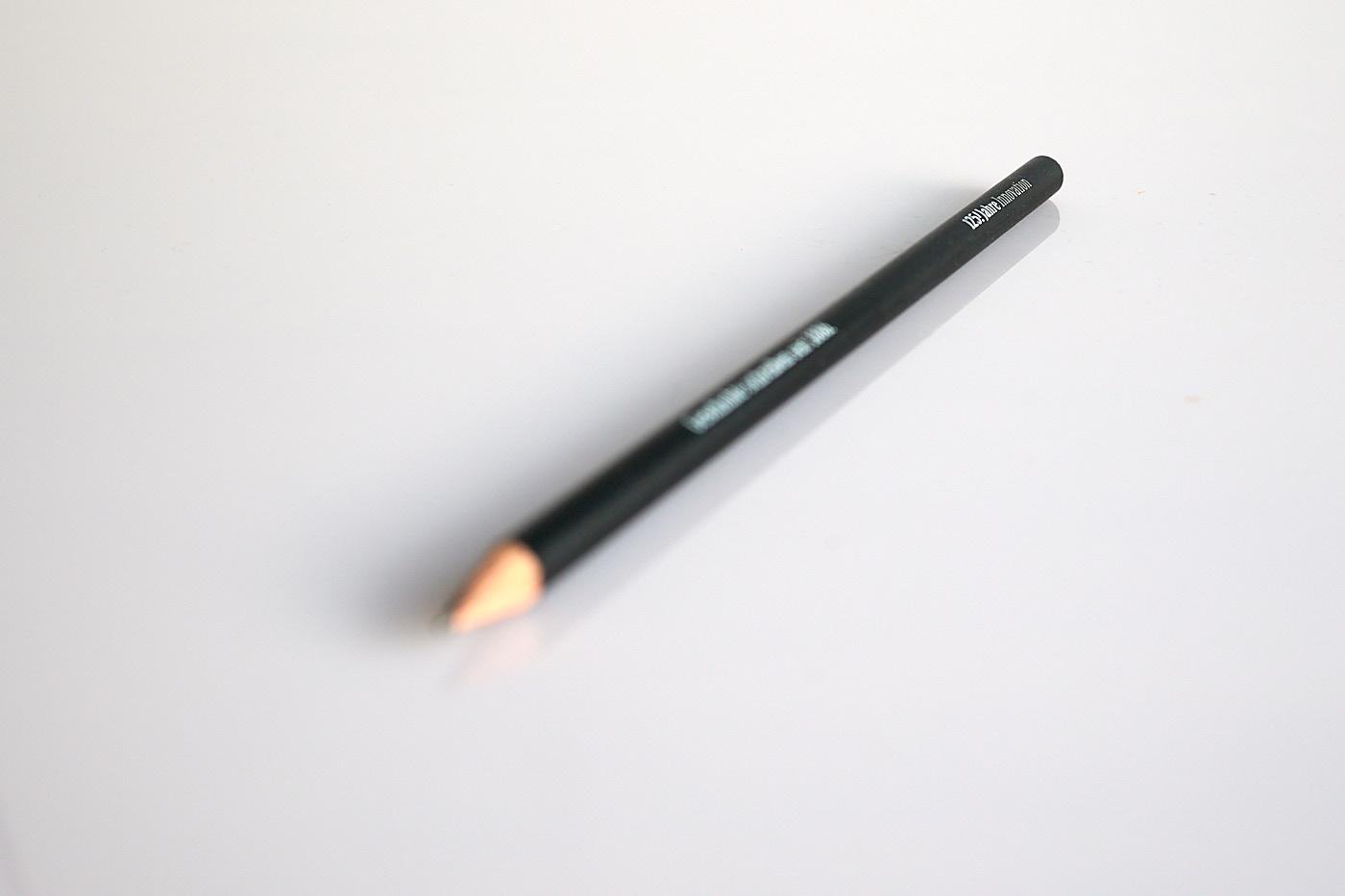
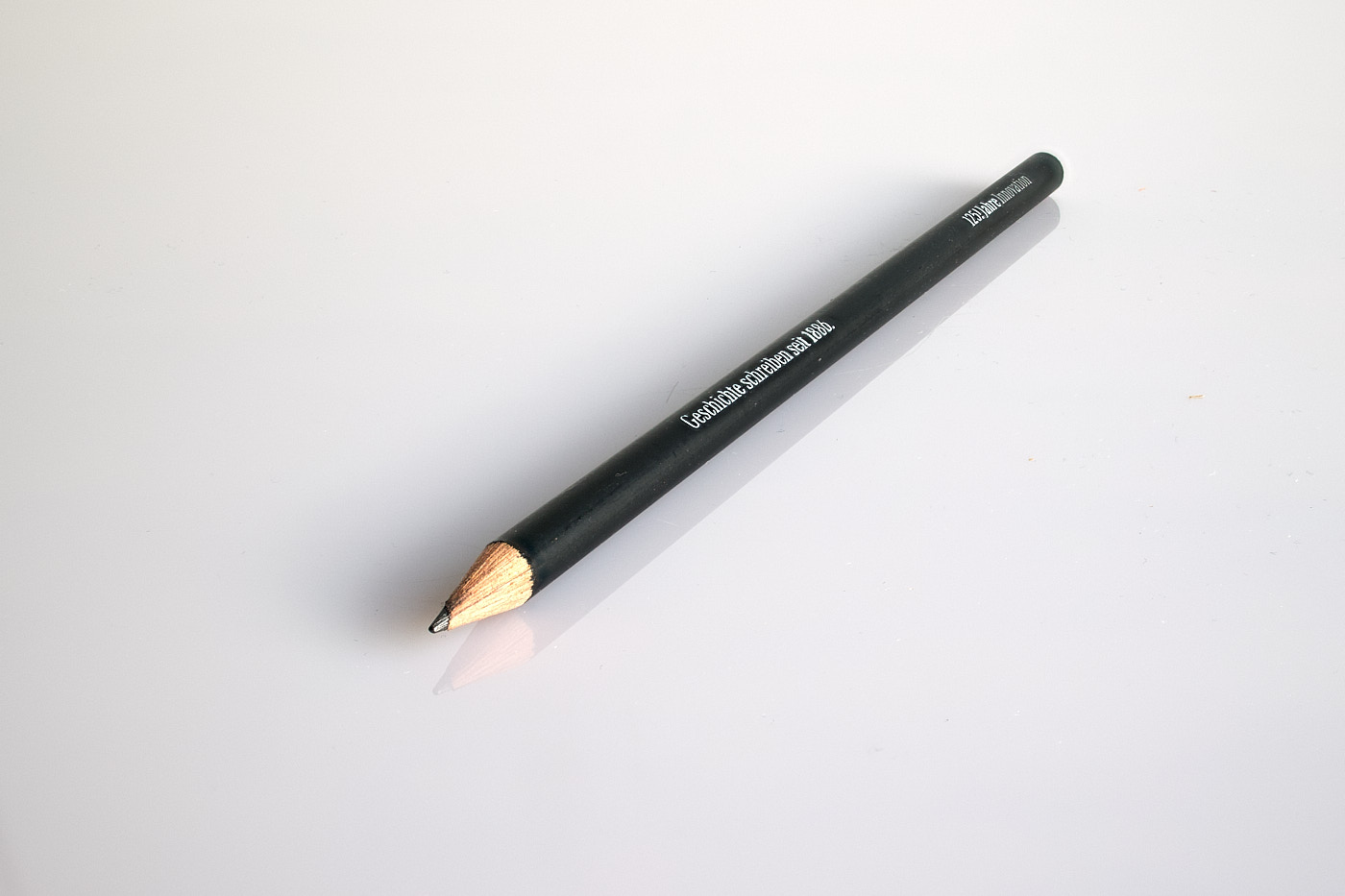
Sunstar
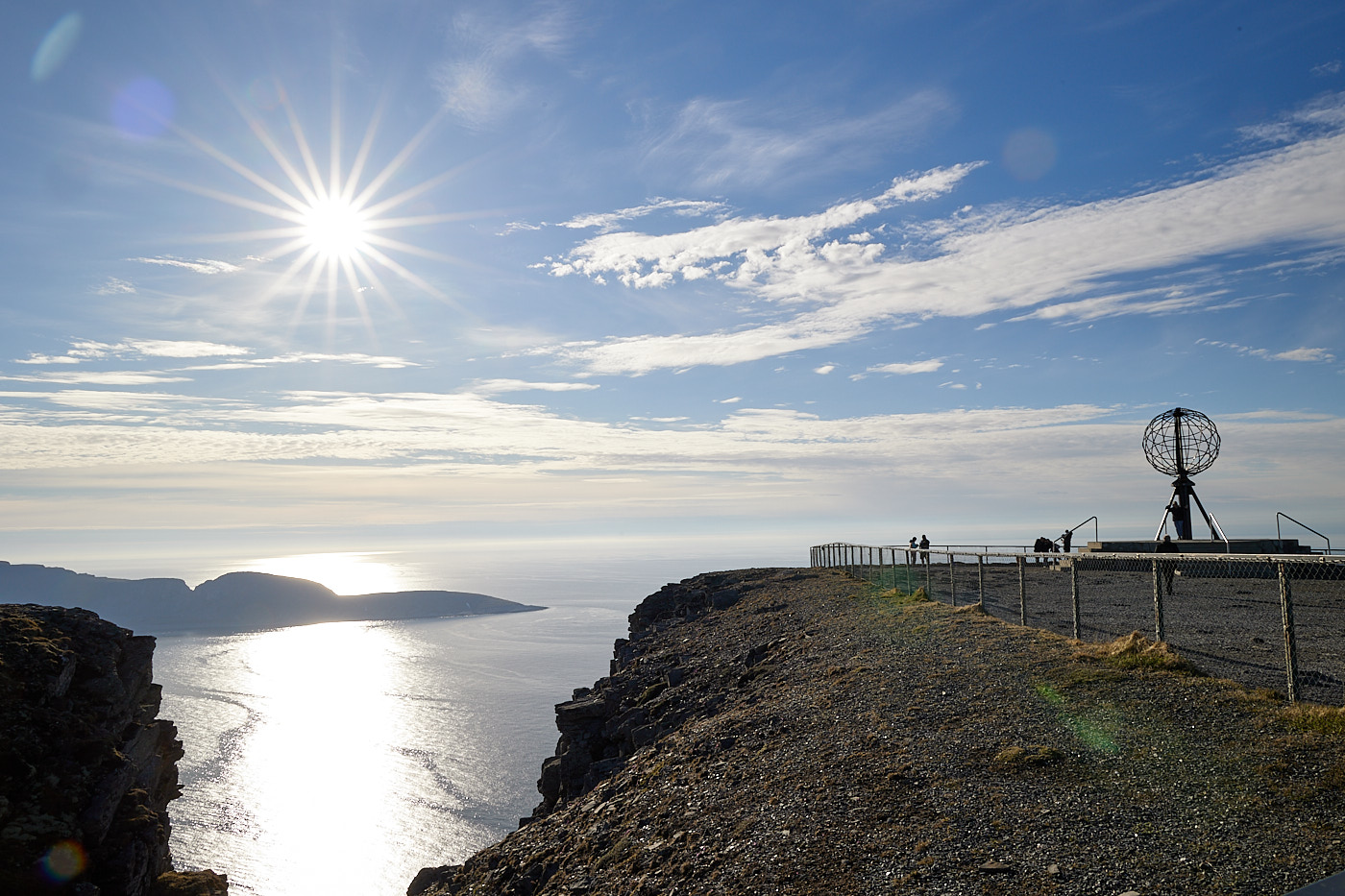
A sunstar is created in a shot when you photograph directly into the sun using a small aperture (high f-number). The shape of the sunstar depends on the number and shape of the aperture blades.
Panorama
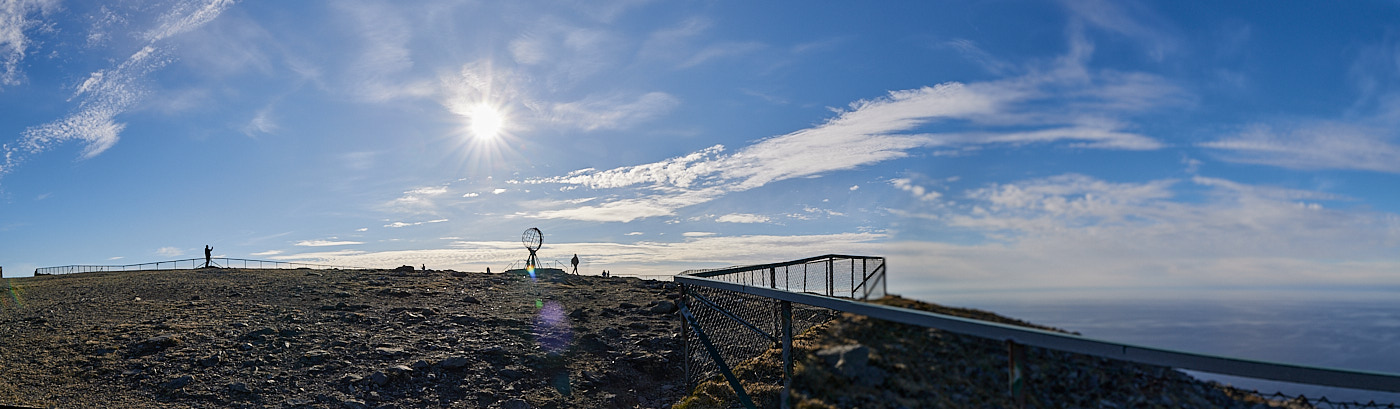
Panoramas are images that are wider than normal shots. They are stitched together from multiple exposures. This is done either using a panorama mode, if the camera has one, or afterward with suitable software.
 {#fig-experimentelles-bild width= 90% group=“Fotoschule”}
Old Lenses
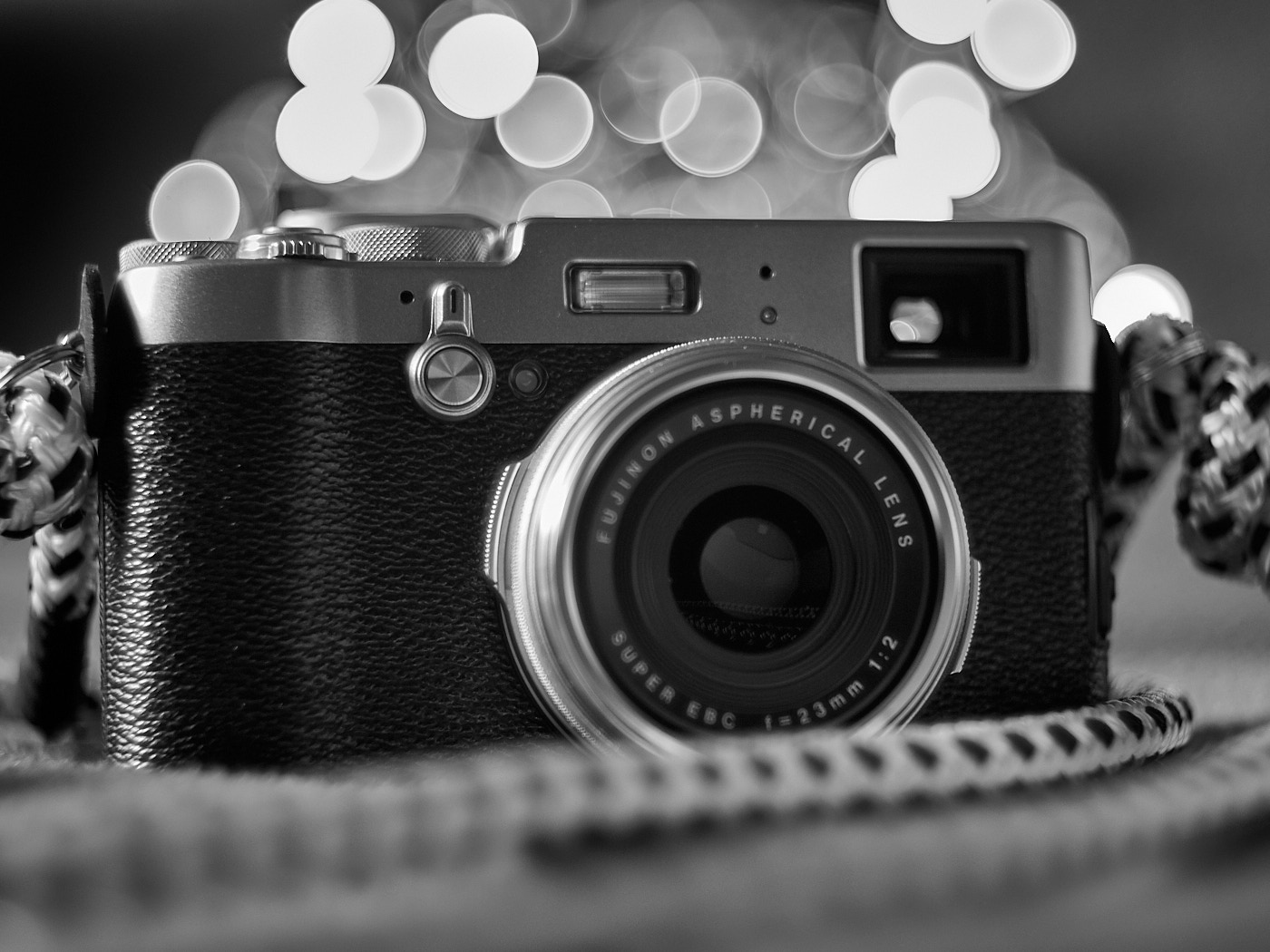
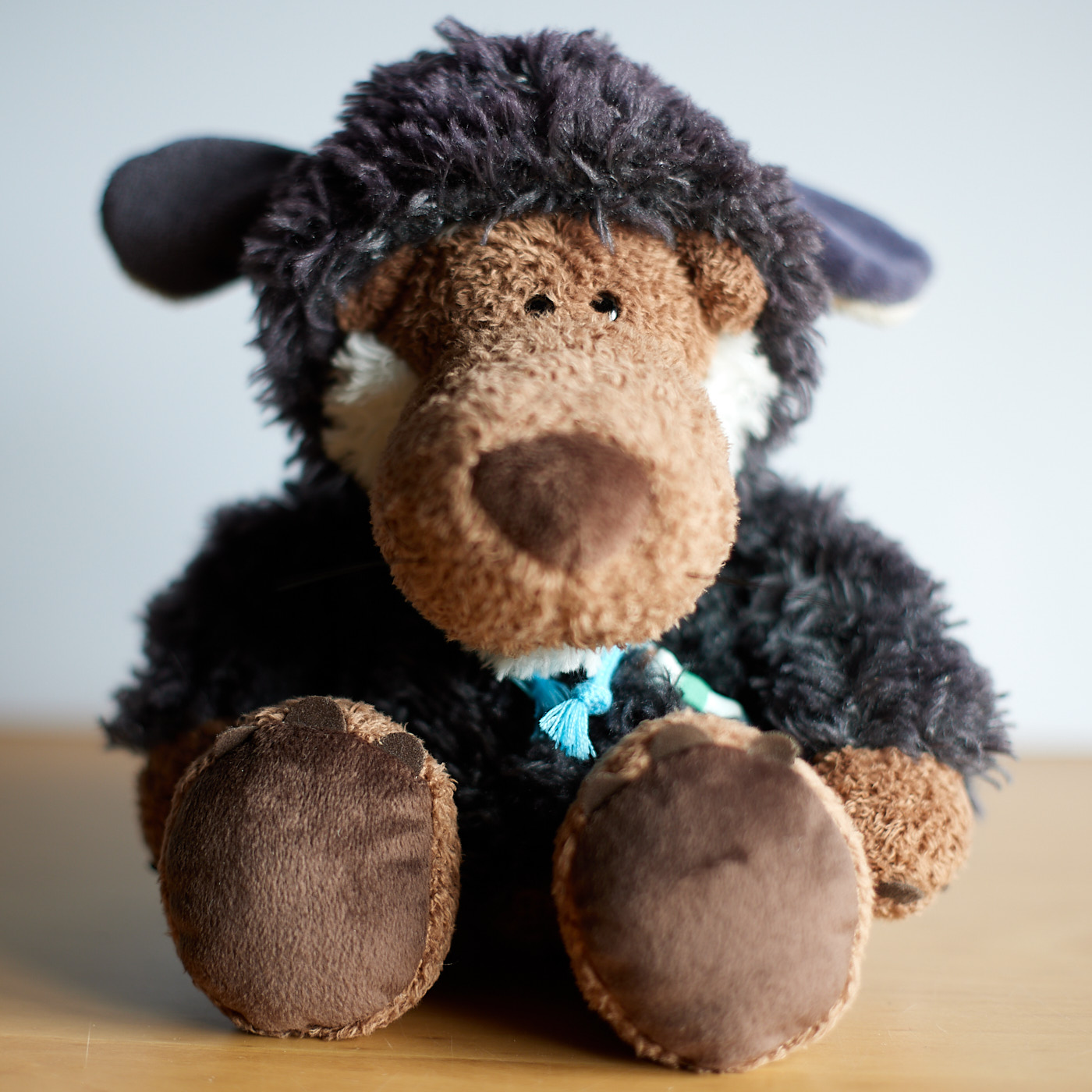
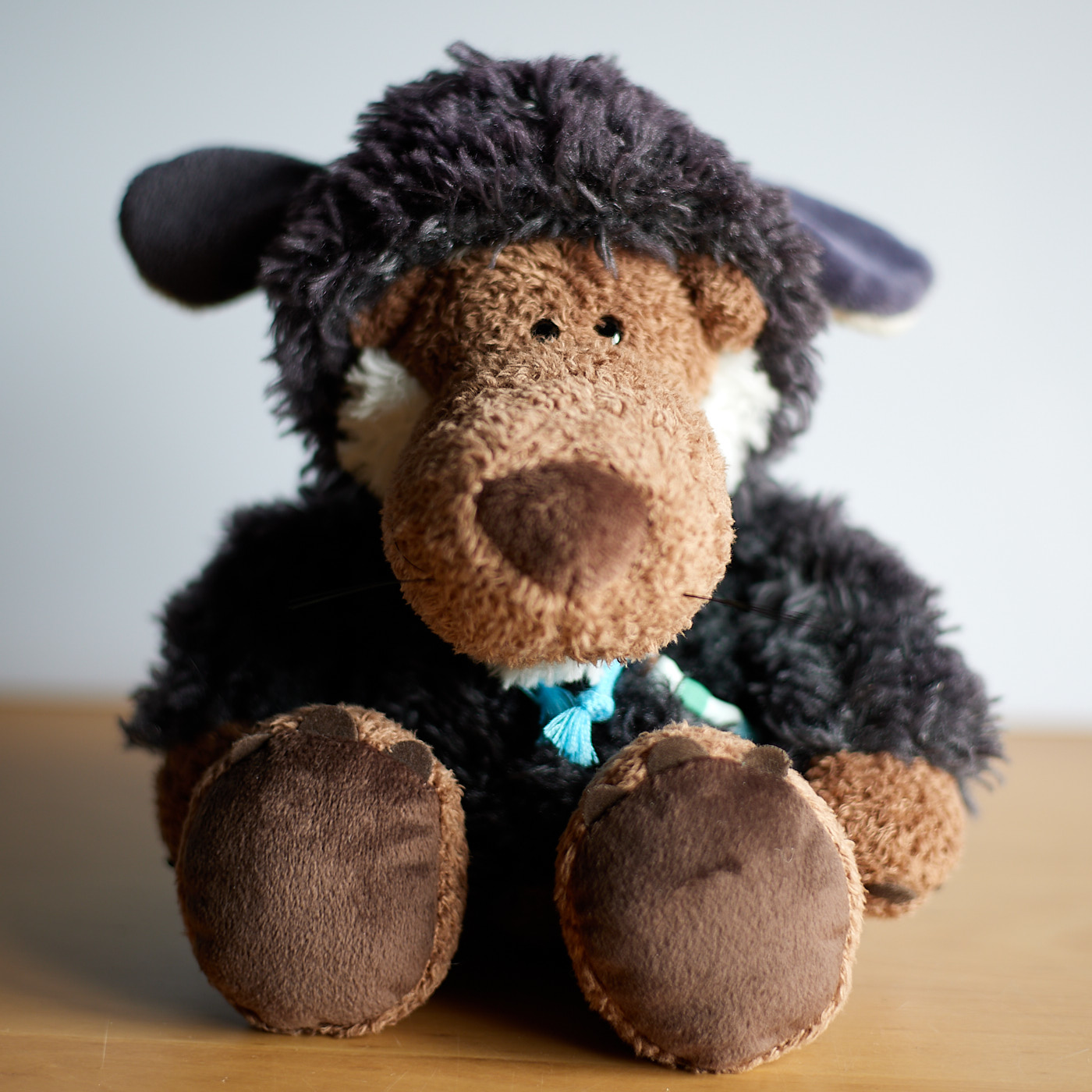
Old lenses from the analog era sometimes have a very special image look. To use them, a special adapter is required in most cases. The difference in the image look is not necessarily obvious at first glance. It also depends on the subject and the light whether the difference stands out. The contrast is particularly noticeable in backlit portraits.
Pinhole Camera
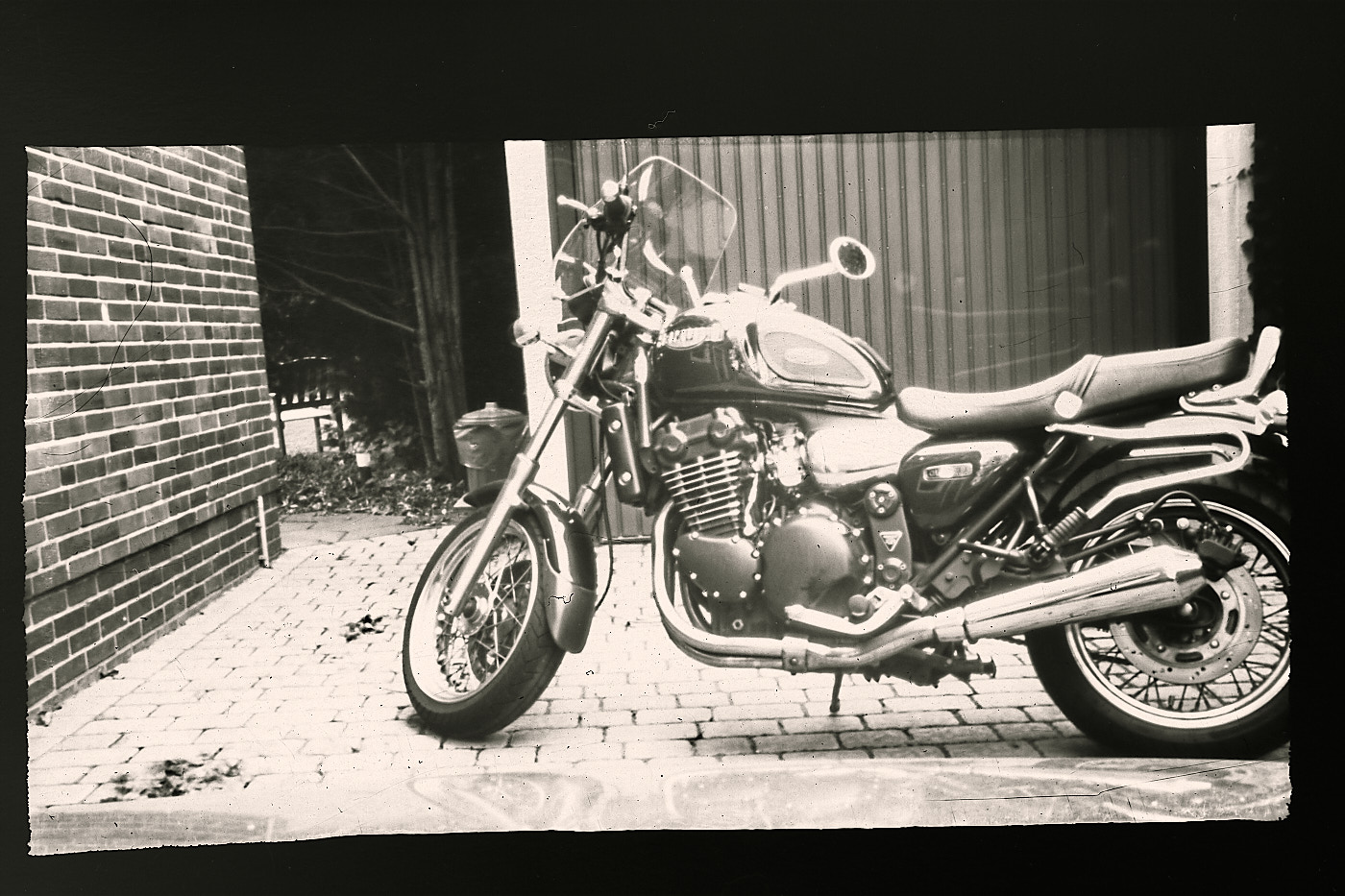
A simple pinhole camera consists of a box or can with a tiny hole in the center of one side and a ground glass screen, a sensor, or a film plate positioned on the opposite side. If you hold the side with the hole into the light, an inverted image is projected onto the screen.
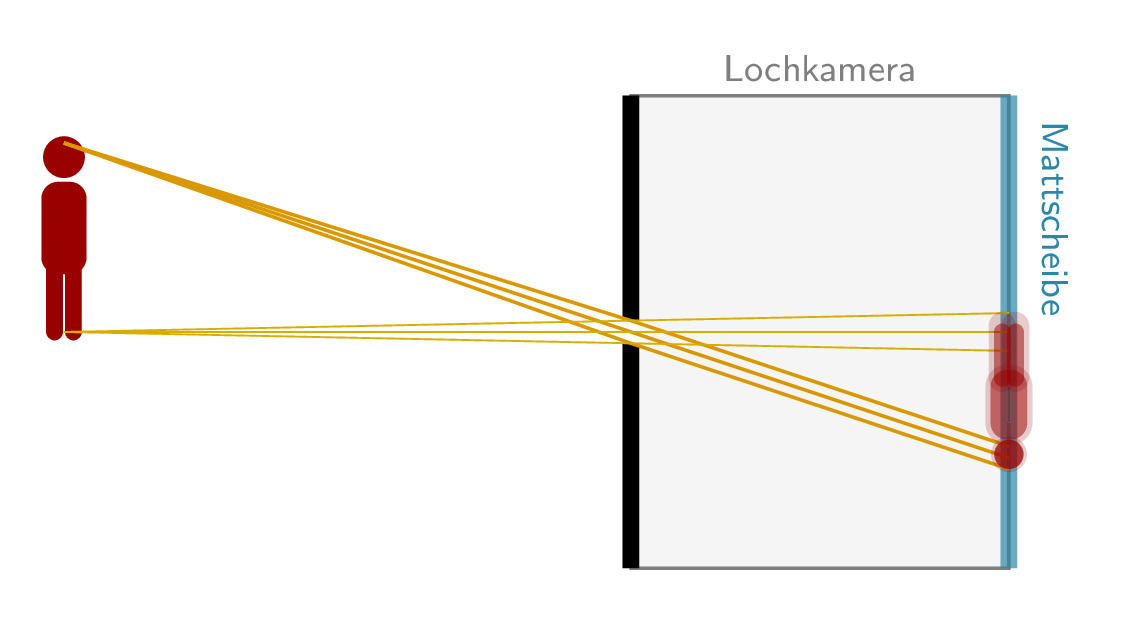
You can easily build a pinhole camera yourself. Take a light-tight box, make a small hole in one side, and a small window on the opposite side where you paste some parchment paper. To see an image, hold the screen close to your eye and shield it additionally against light, for example with a hood.
The easiest way is to photograph the image off the screen.
If you want to record the image directly, the camera sensor or analog film must be placed instead of the screen. This is a bit more complicated, as everything — except the tiny hole — must be completely light-tight. Analog film must be placed inside the box in absolute darkness, and the hole must be sealed light-tight until the exposure is made.
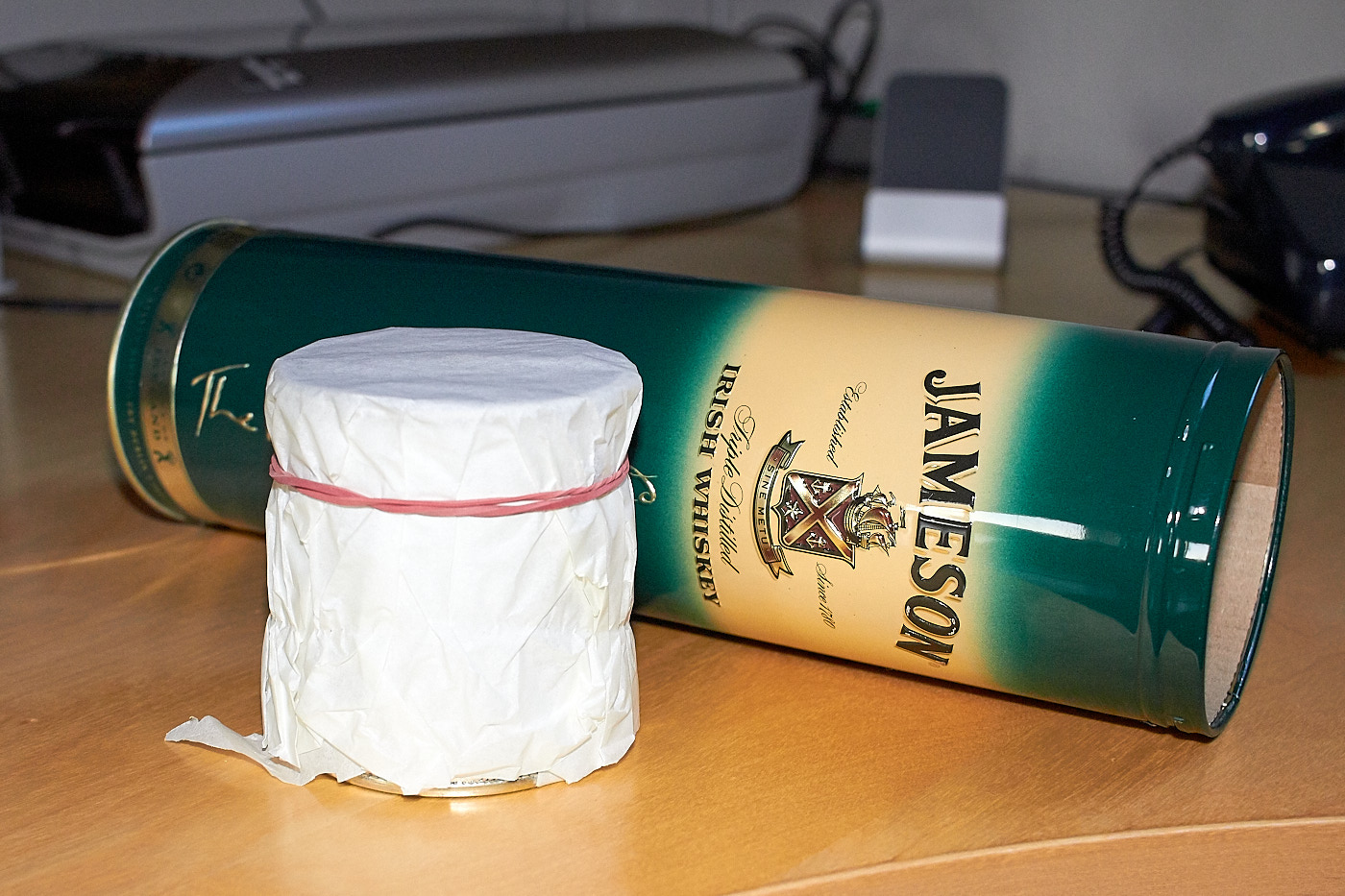
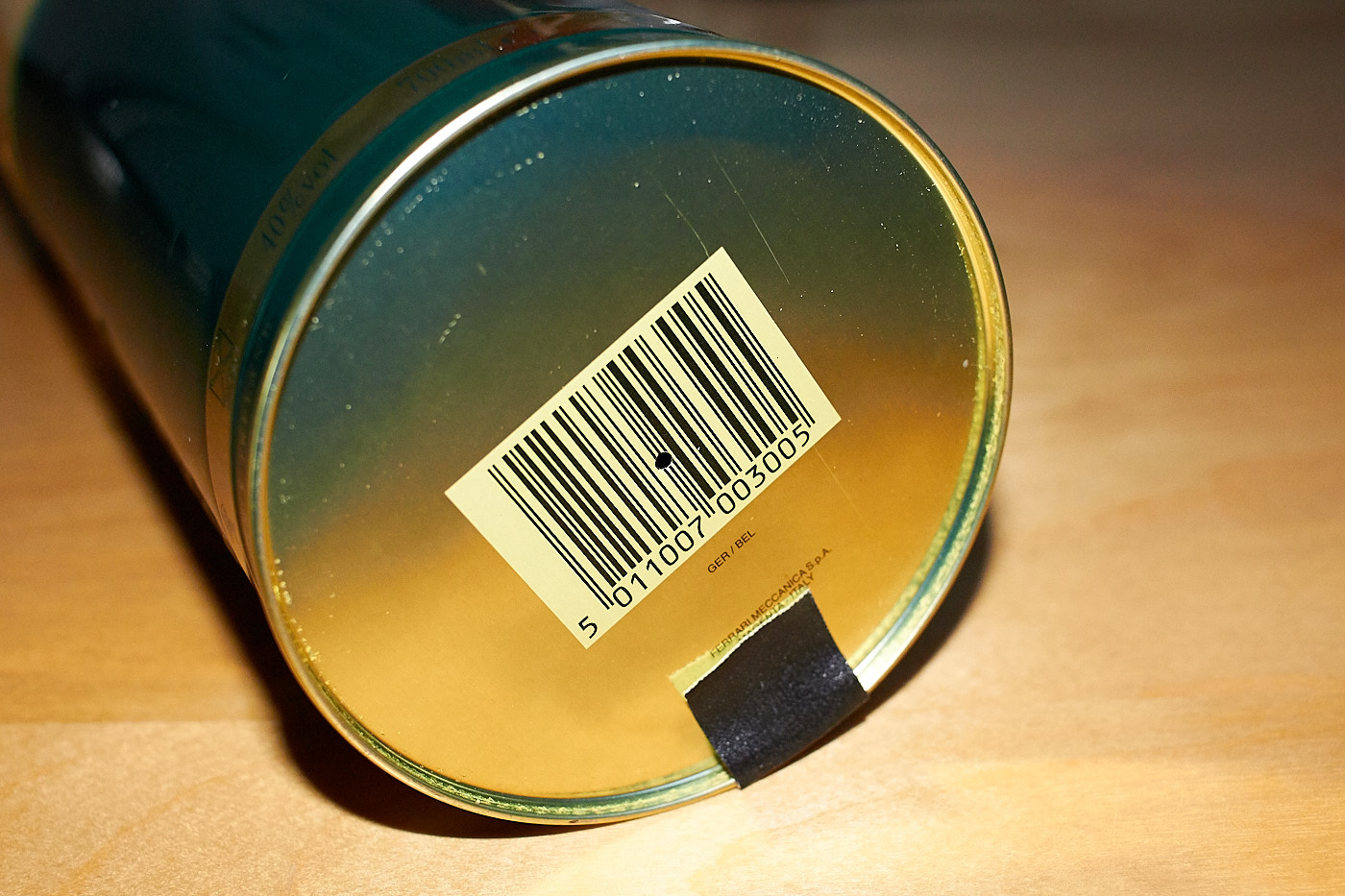
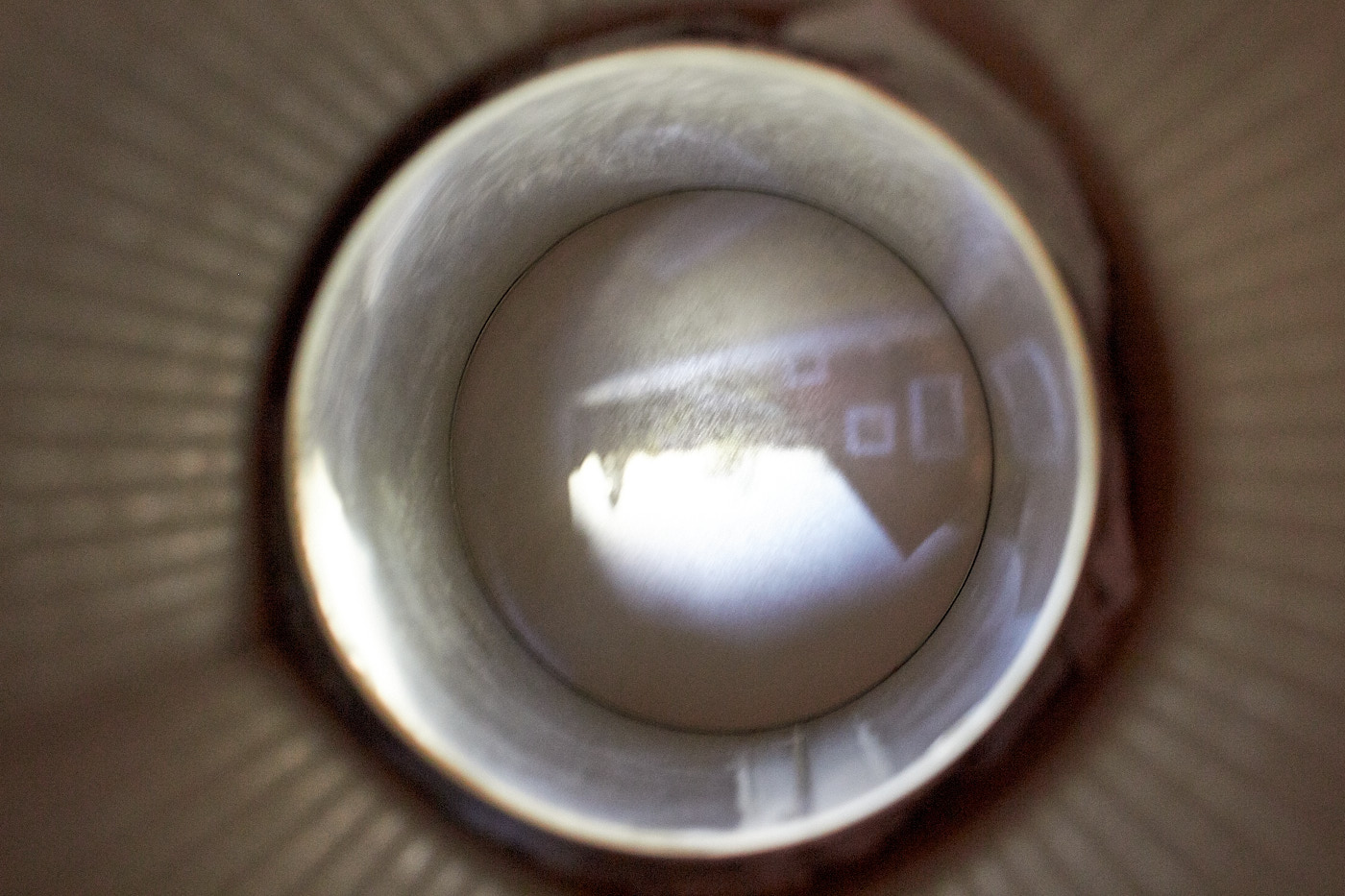
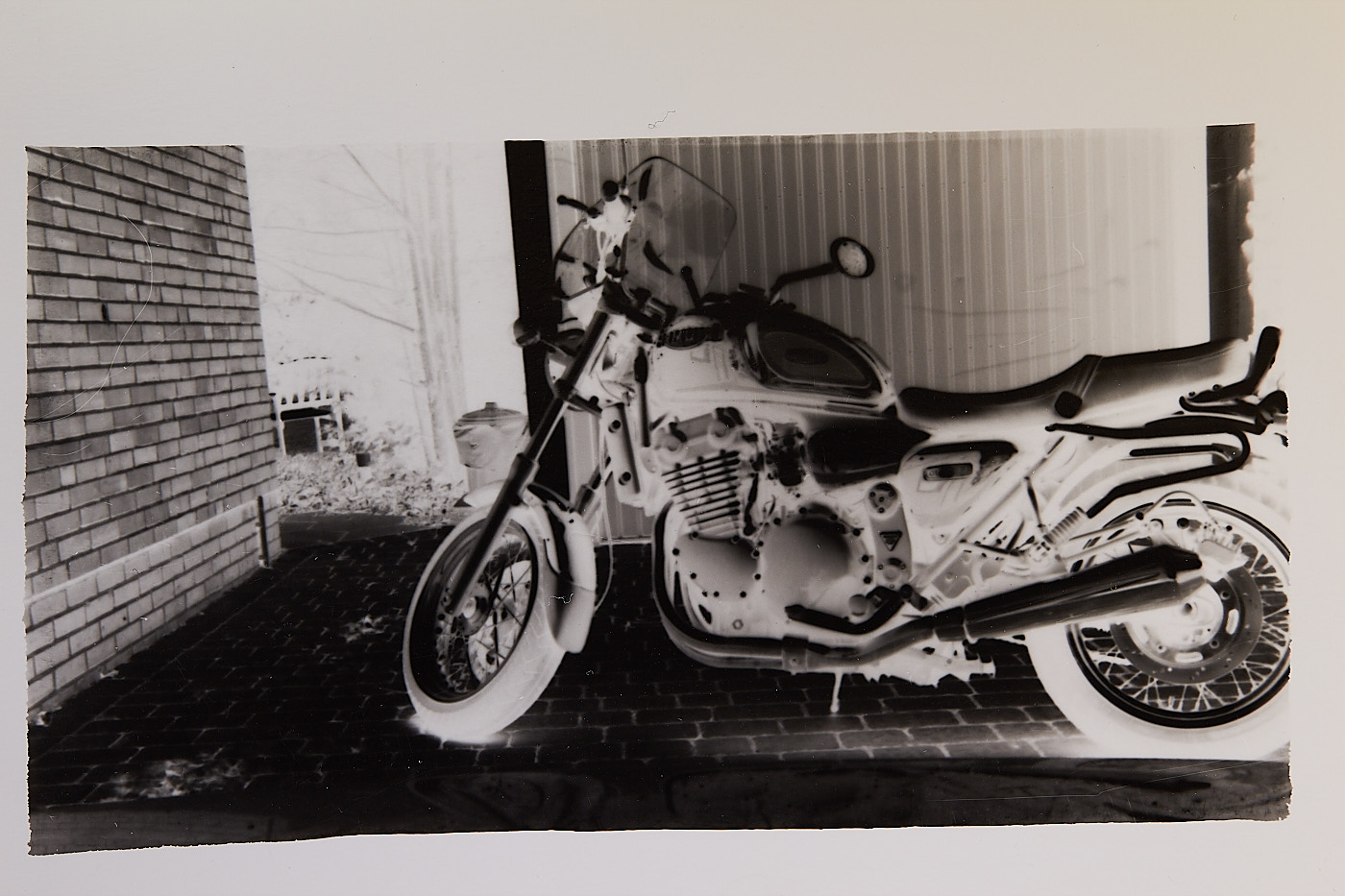
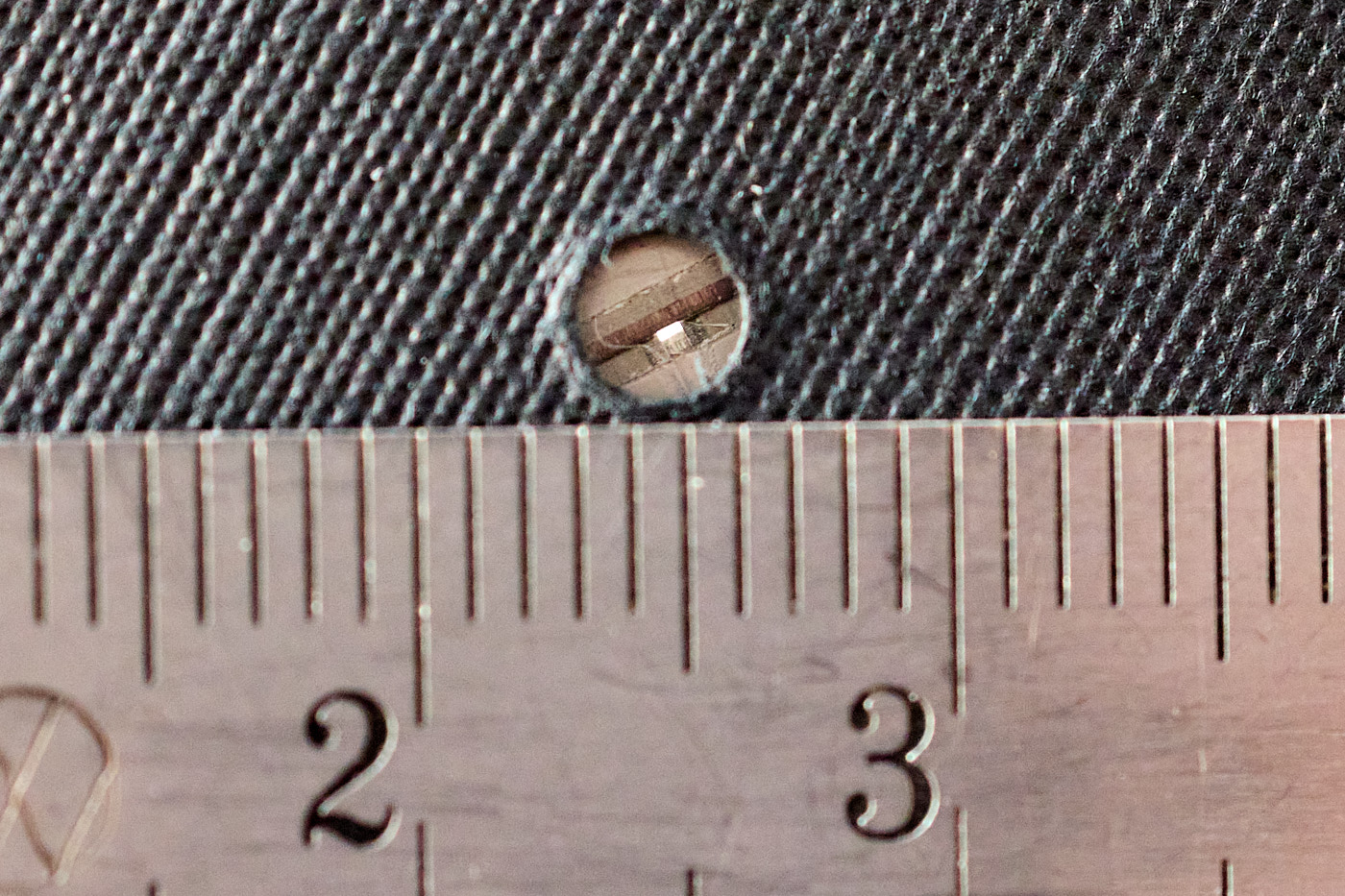
There is another option when using a system camera. You drill a tiny hole right into the center of a body cap, remove the lens, and attach the cap to the camera. Then you can take photos just like with a pinhole camera. In the camera’s system settings, you might need to enable shooting without a lens attached. You will have to experiment with the shutter speed. It works even better if you narrow down the drilled hole using pieces of razor blades. Ideally, it should be a tiny, perfectly circular hole.
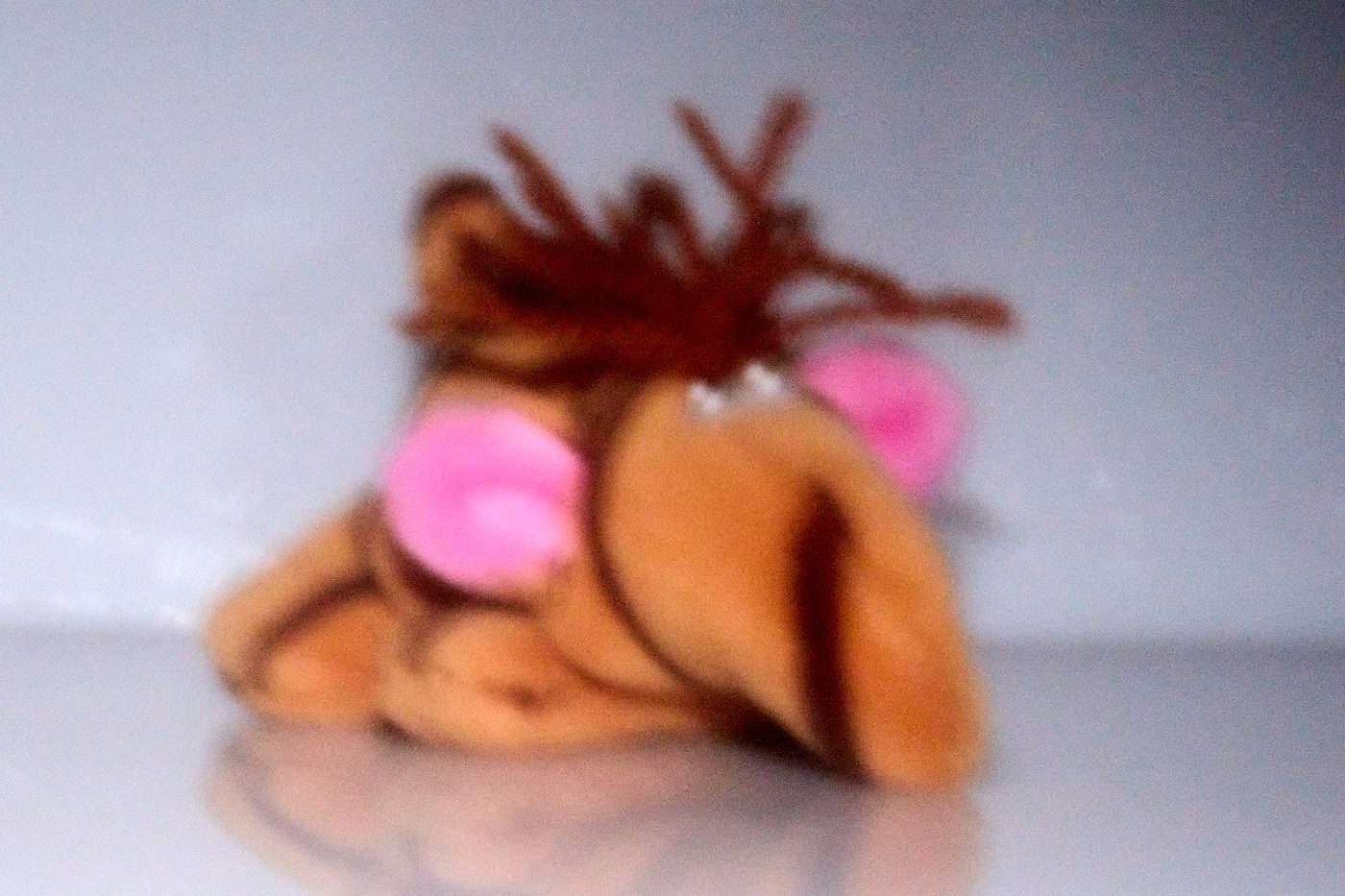
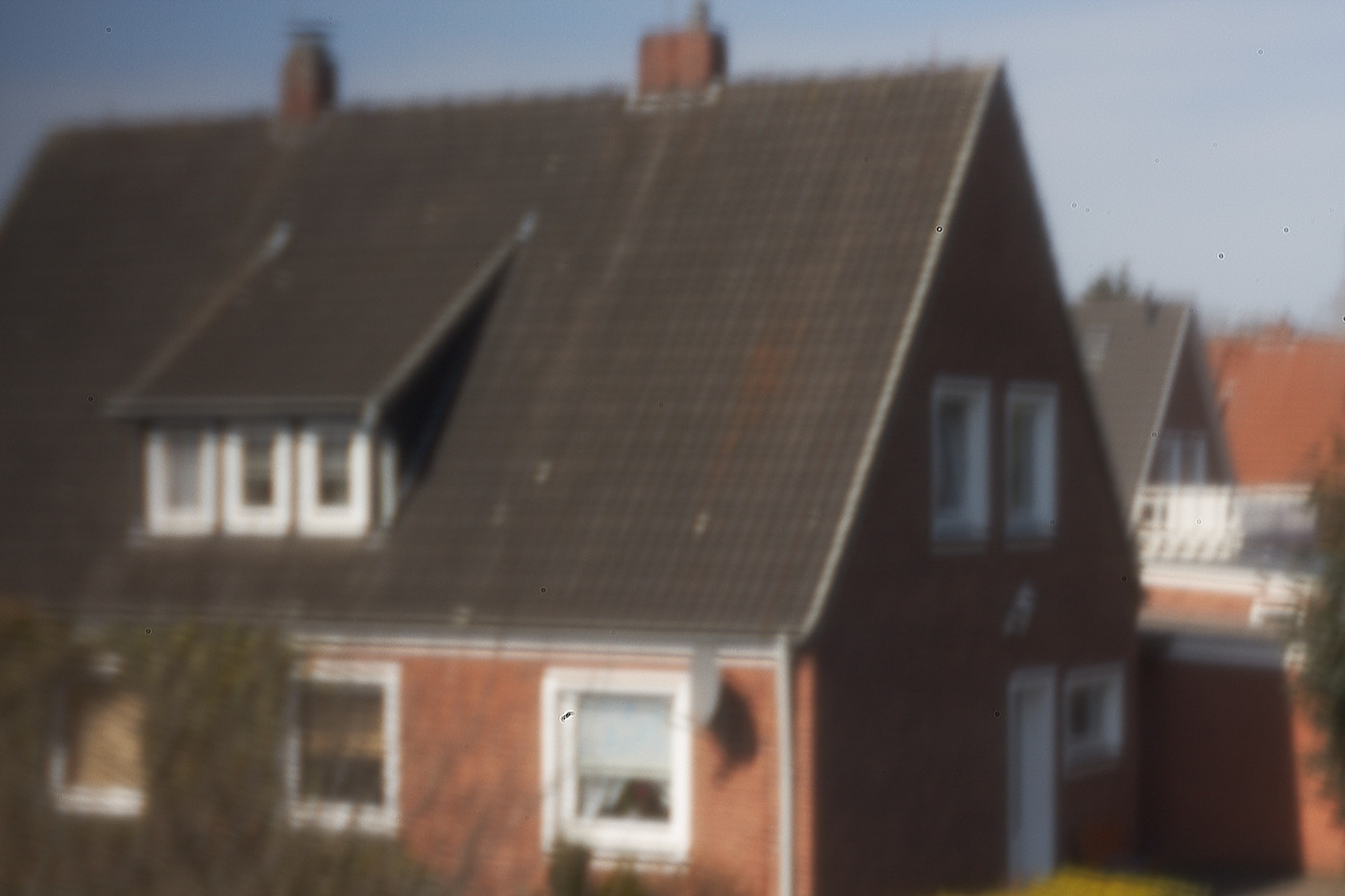
A pinhole camera has an infinite depth of field, meaning the image is equally sharp at all distances. Unfortunately, a pinhole camera generally has a high level of blurriness, which increases the larger the hole is.
- Large hole: Very blurry image, relatively short exposure time
- Small hole: Sharper image, long exposure time
You cannot get a truly sharp image with a pinhole camera. That is why lenses exist.
Since 2001, there has even been a Pinhole Camera Day, where people around the world take pictures using pinhole cameras:
Infrared Photography
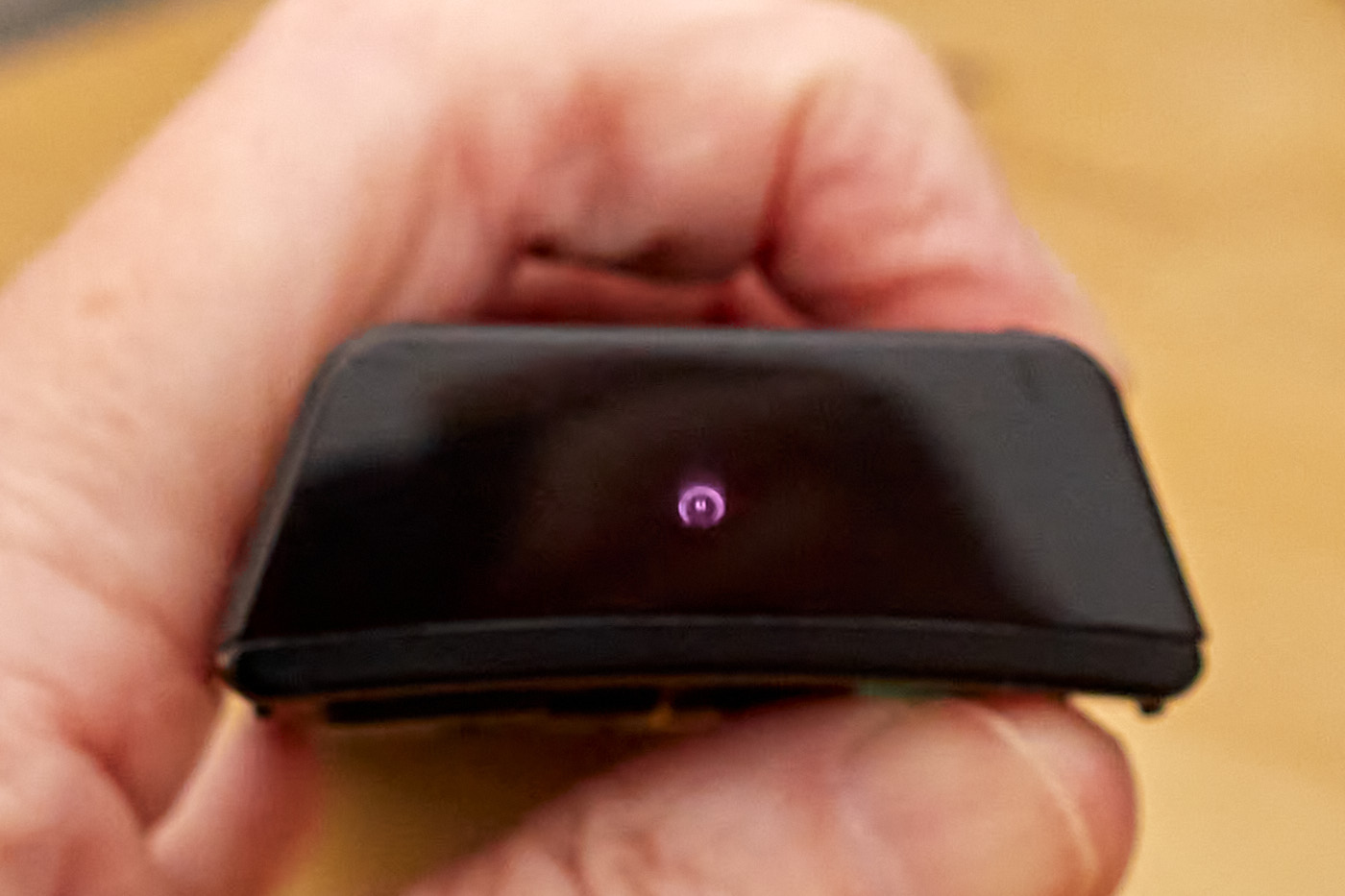
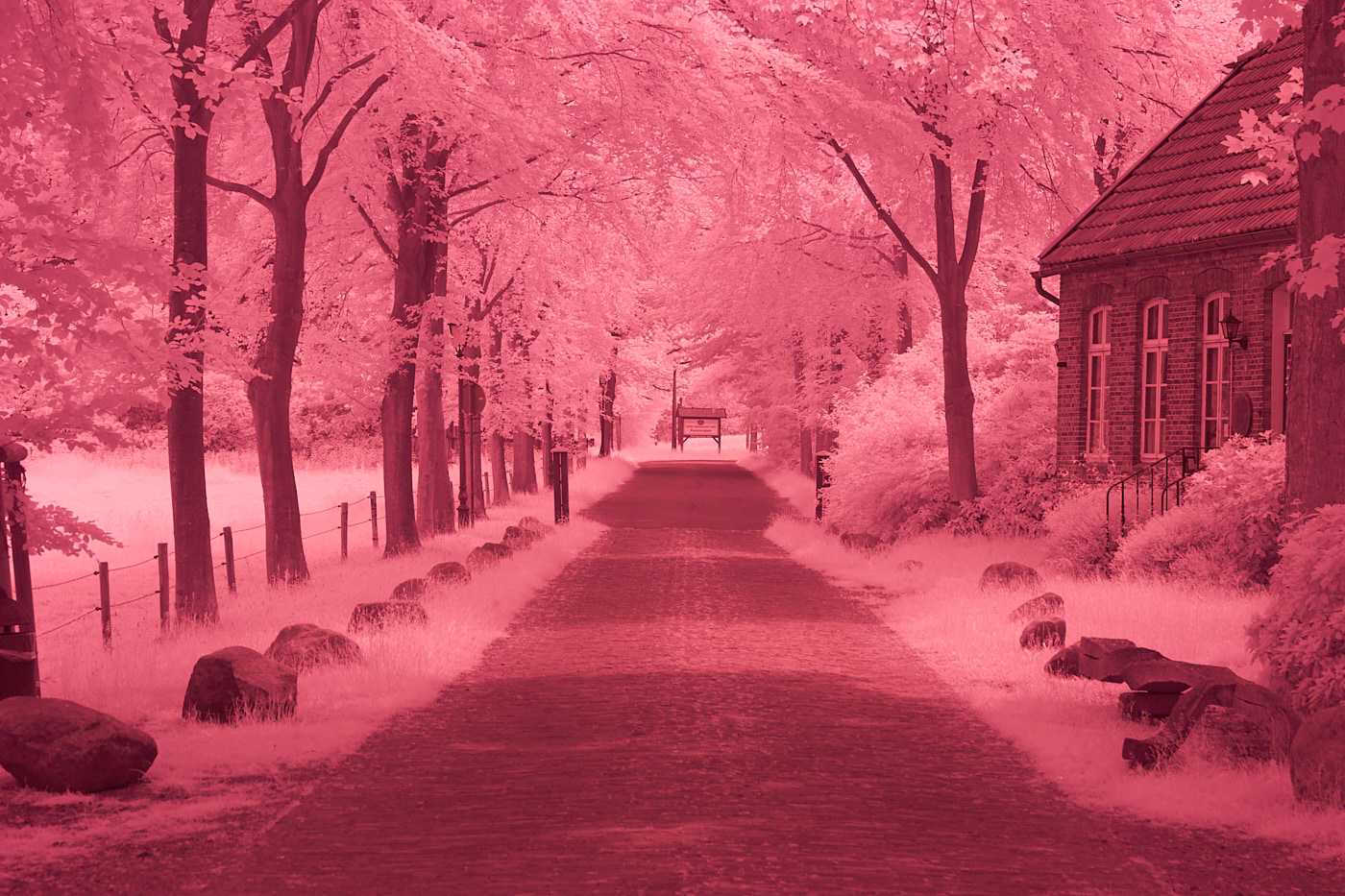
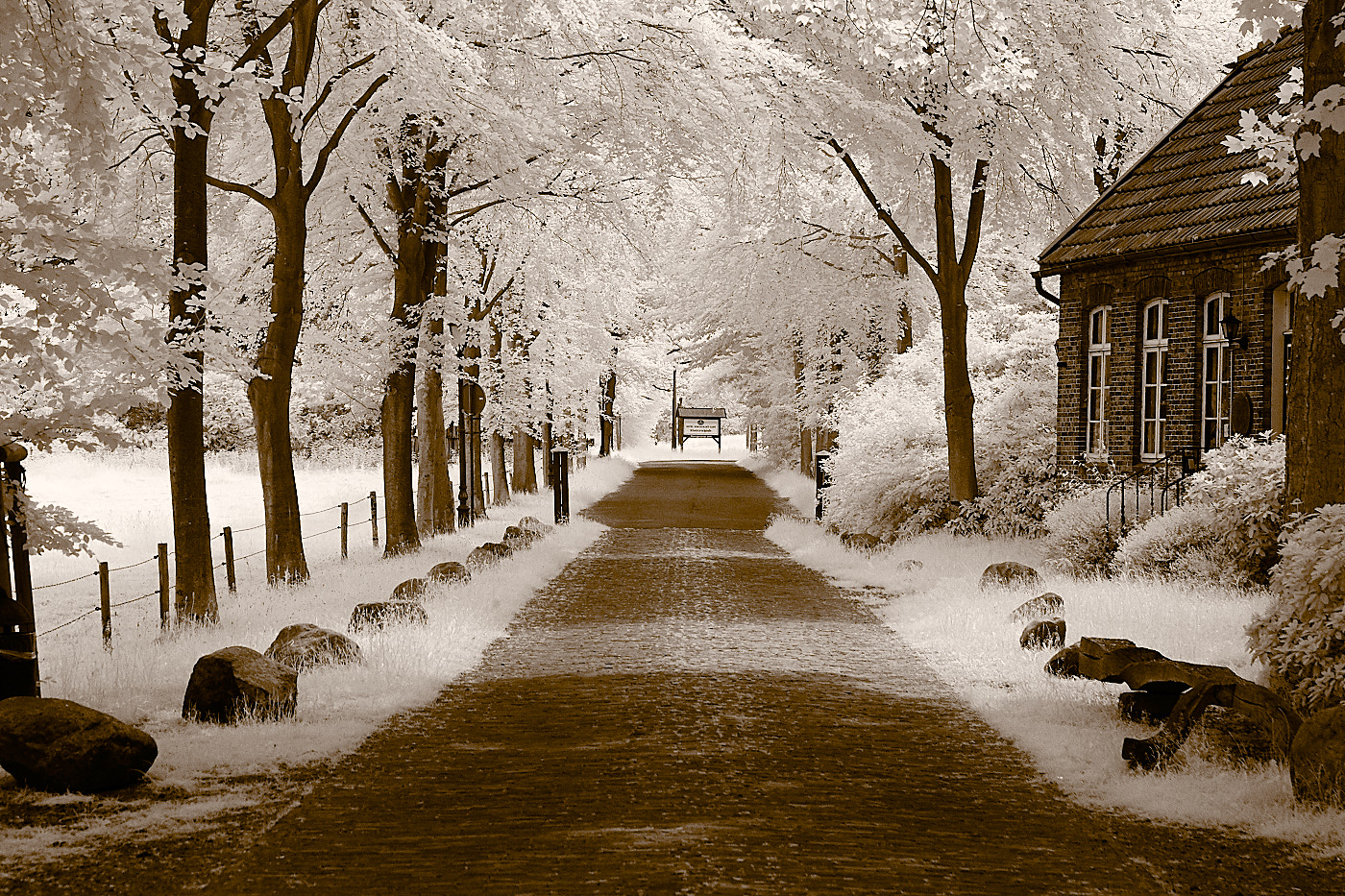
Infrared light (IR light for short) is light that has a longer wavelength than visible light. Some cameras can see a little bit of IR light. You can test it with a TV remote control by taking a picture of the remote while pressing a button on it. Then you will also know right away if the lens lets IR light through (and if the battery in the remote is still good). Most smartphone cameras can see more infrared than system or compact cameras. To take IR shots, an infrared filter must be screwed onto the lens, which only lets IR light through and blocks visible light. Unedited, such images will have a heavy red cast.
Utraviolett Photography
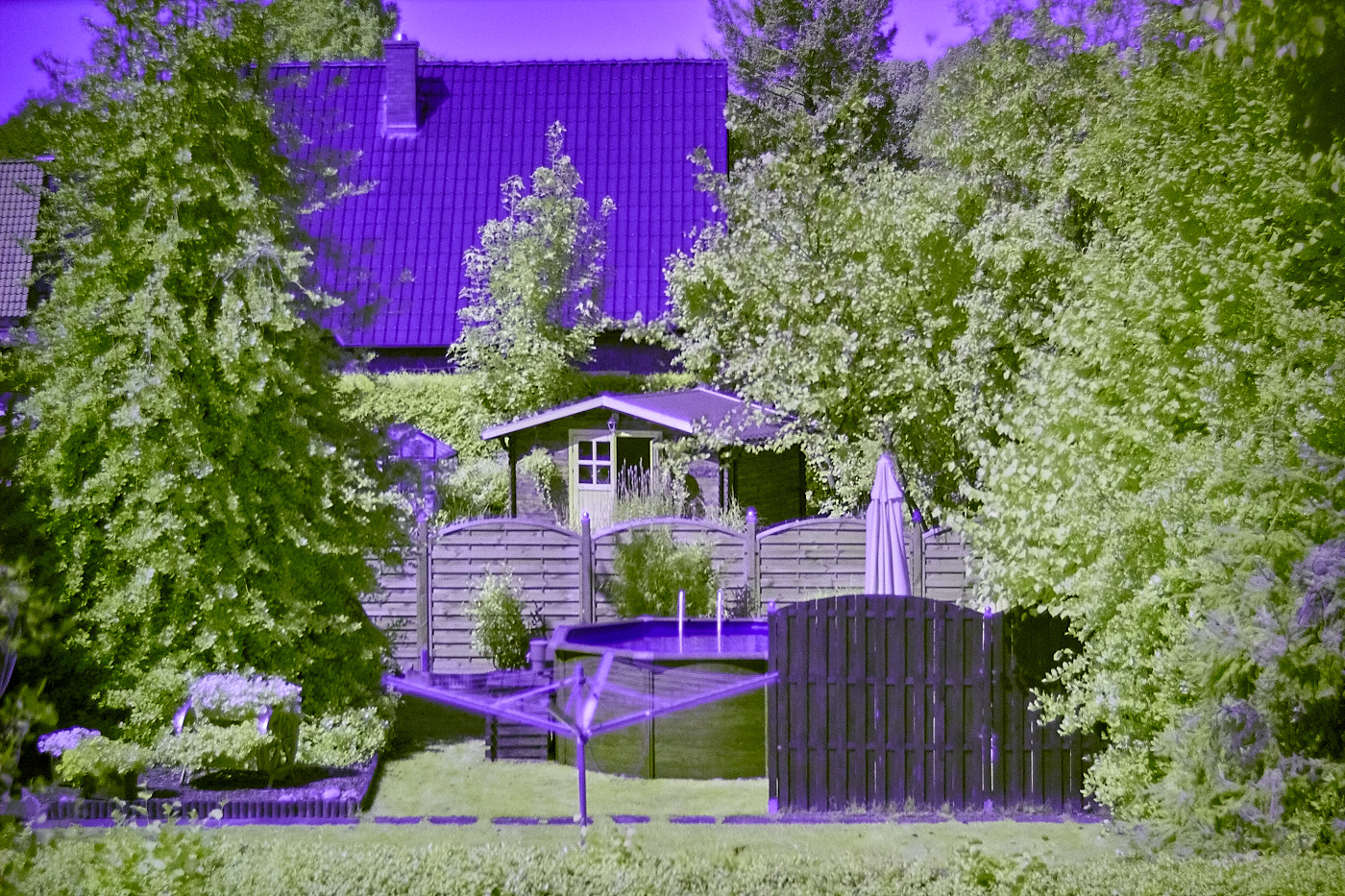
Ultraviolett (UV) photography only works with special cameras that do not have a UV cut-off filter. Additionally, visible light must be blocked using filters. Unfortunately, such filters are very expensive.
Camera Trap
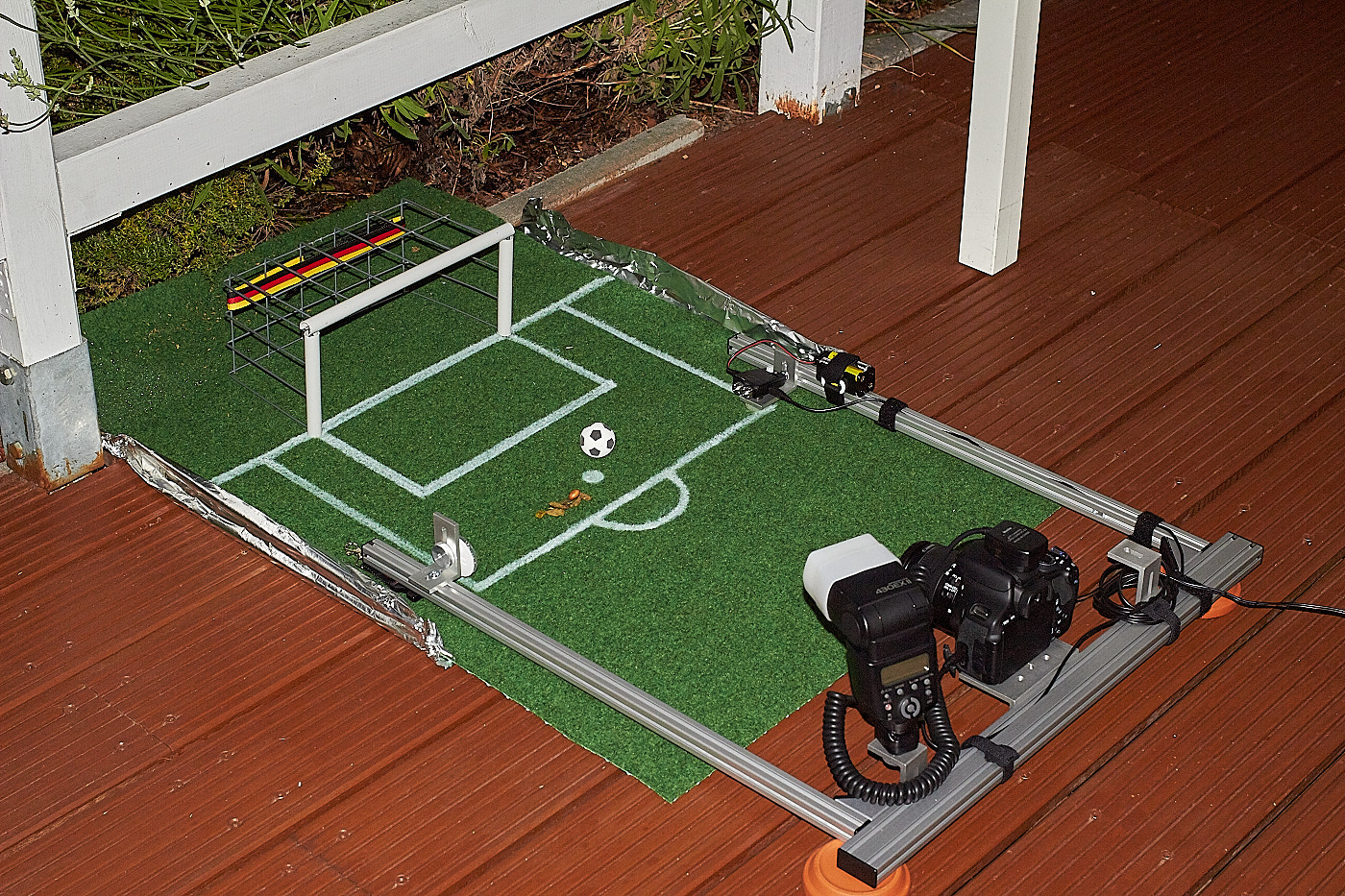
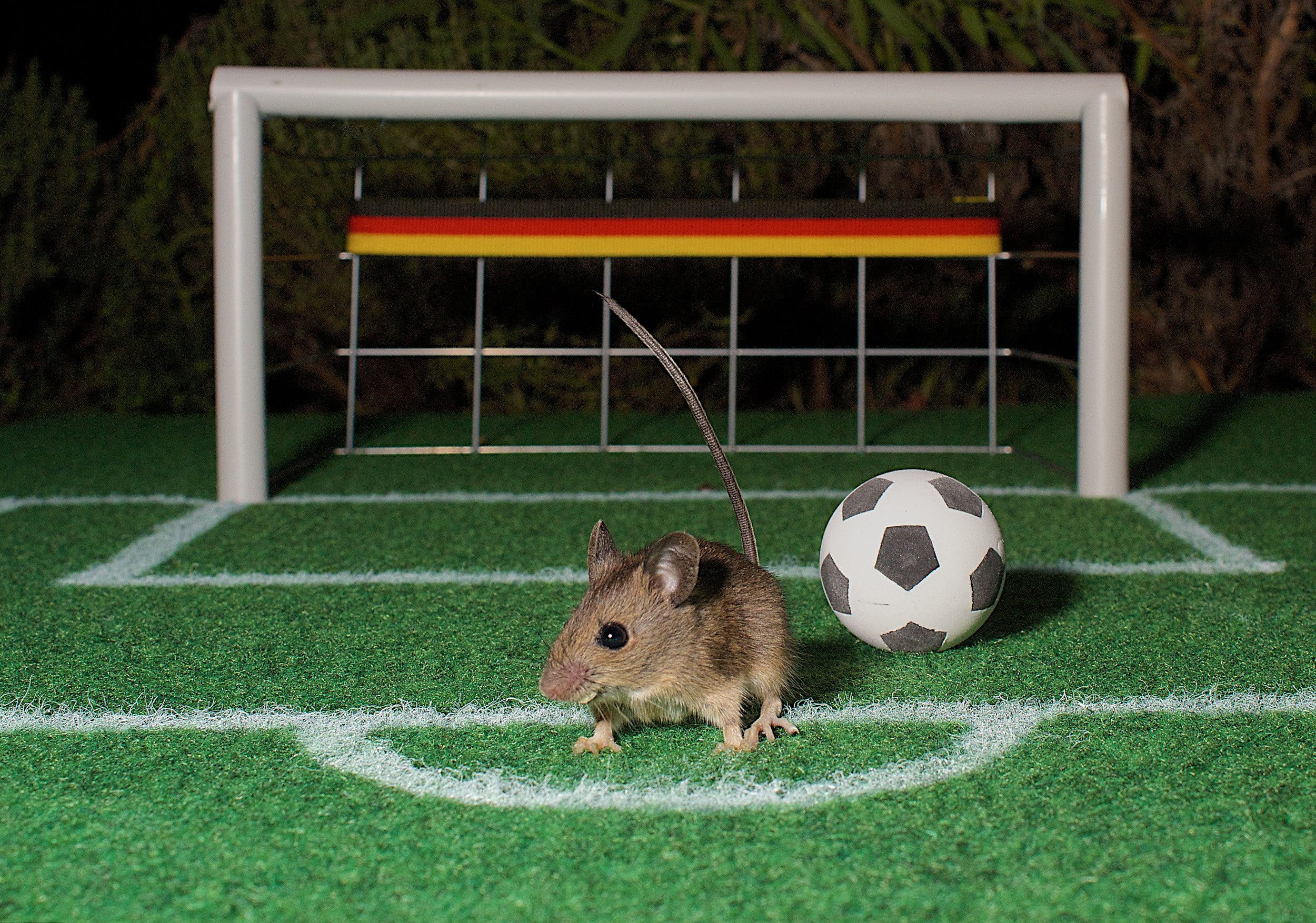
A camera trap automatically captures images as soon as something happens. This is typically realized using a light barrier.
Astro Photography
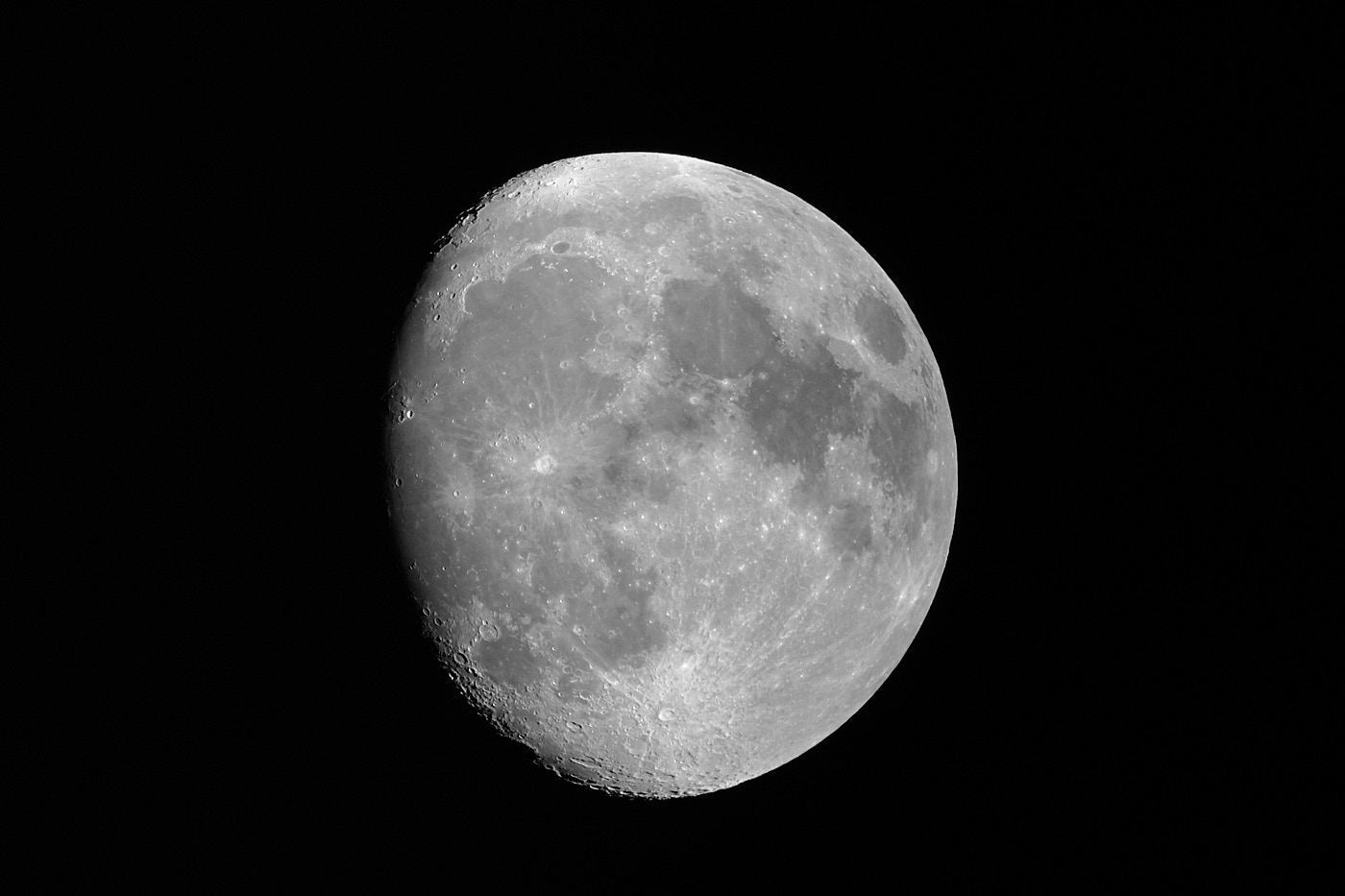
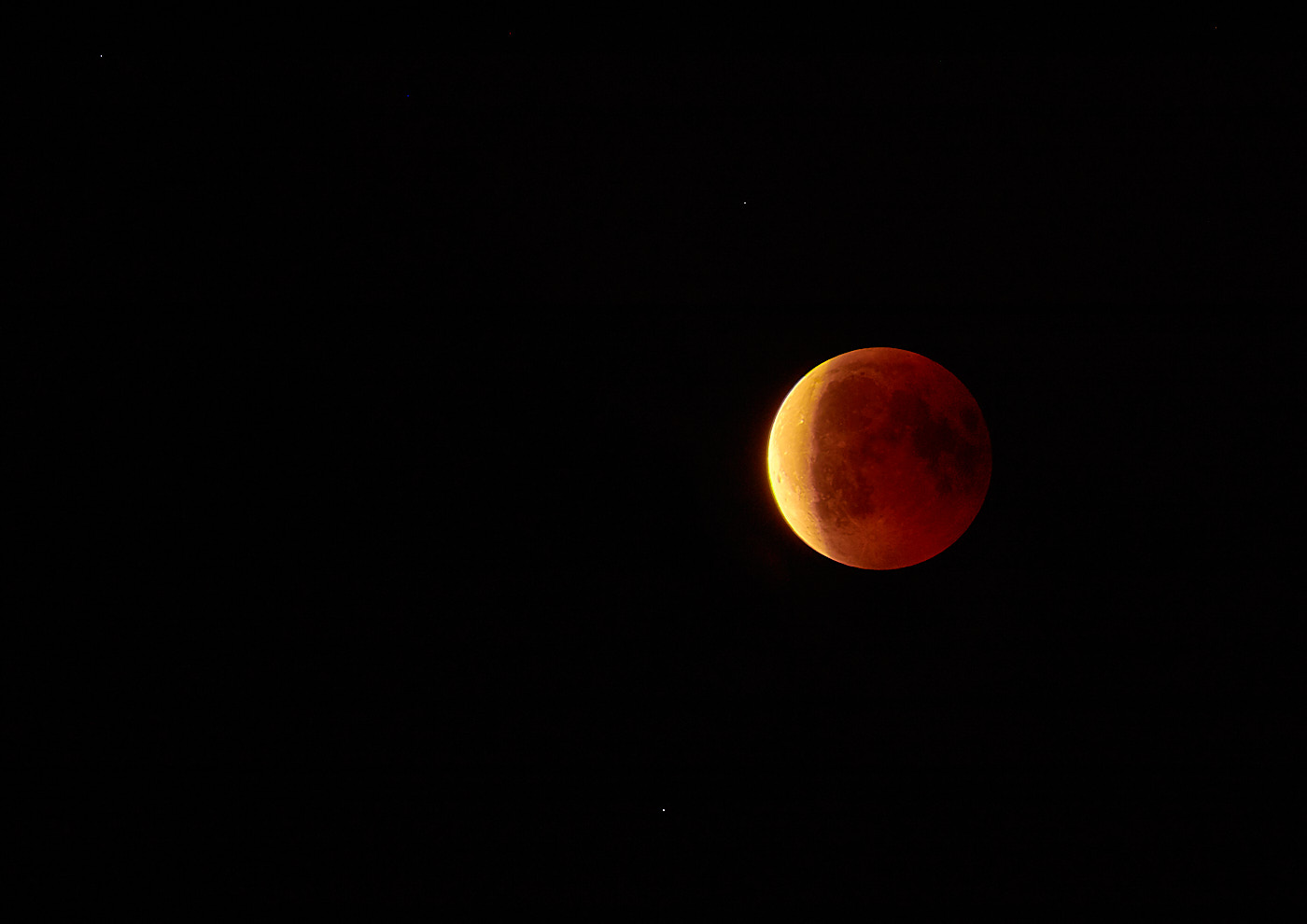
Astro photography actually requires its own photo school guide and a lot more equipment than is normally available. However, you can still take respectable photos using a standard camera with a telephoto lens. In astro photography, there are subjects that are easy to capture, like the moon, and complicated ones, like galaxies.
Moon shots can be taken handheld even with simple telephoto lenses. Beautiful images are captured shortly before or shortly after a full moon, when the craters cast distinct shadows. With a steady hand and a stabilized lens, you can get good results using the following settings:
- Focal length of 200 mm or longer
- Turn image stabilization on or use a tripod with stabilization turned off
- Spot metering set on the moon
- Aperture f/11
- Shutter speed 1/100 s
- ISO 200
The sky must, of course, be cloudless, and the humidity must not be too high.
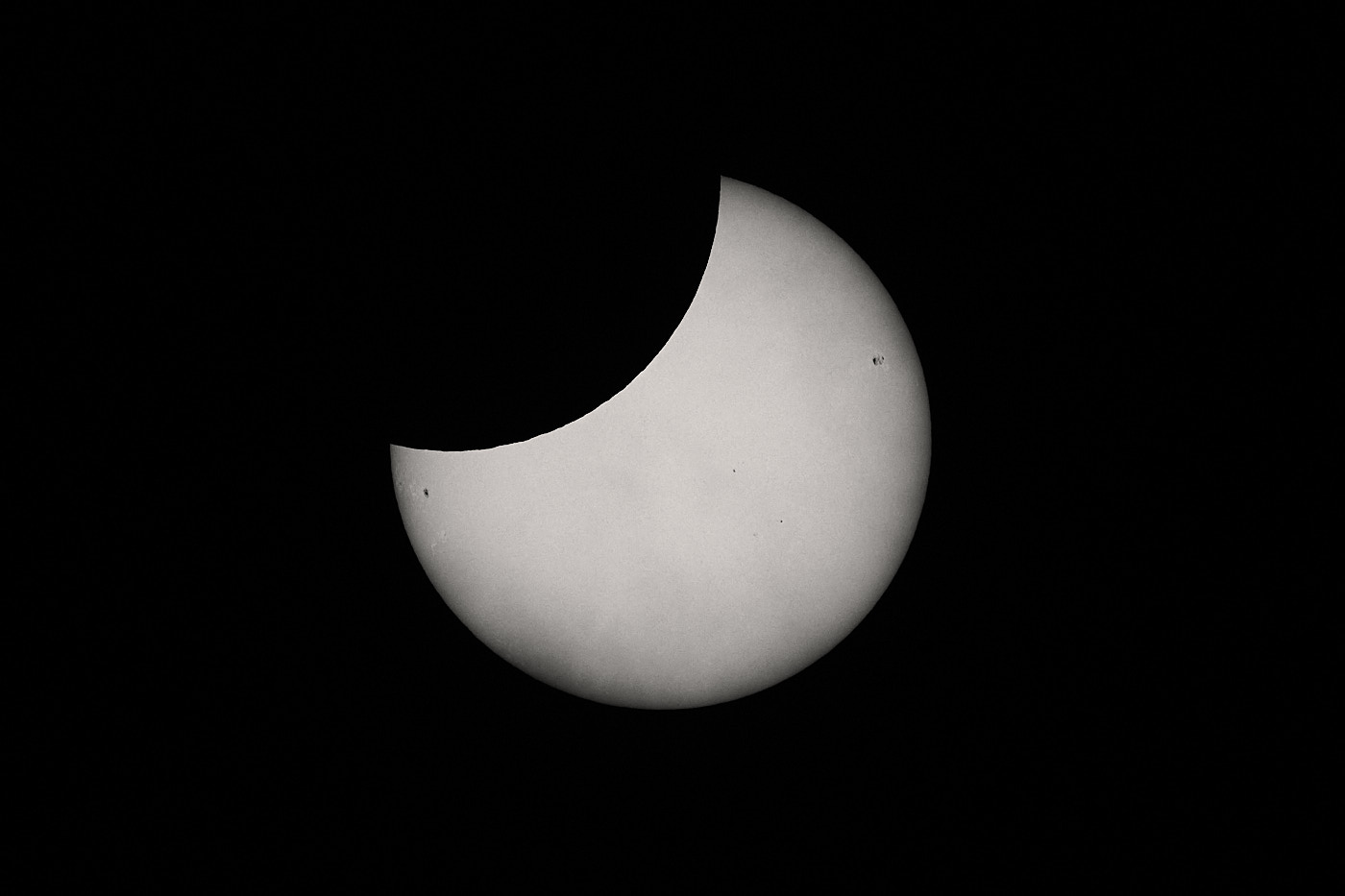
For solar photography during the day, a special solar filter MUST be used. Photographing without a special solar filter is only permitted shortly after sunrise or shortly before sunset when the sun is deep orange.
Capturing the Milky Way works best with a wide-angle lens.
Photographing galaxies is difficult without special additional equipment. You need a very stable tripod and a star tracker / equatorial mount that moves the camera, since the Earth continues to rotate during the exposure time.
For these types of shots, stacking is frequently applied—for example, to filter out stars from many images with different noise patterns and thus enhance the actual image information.
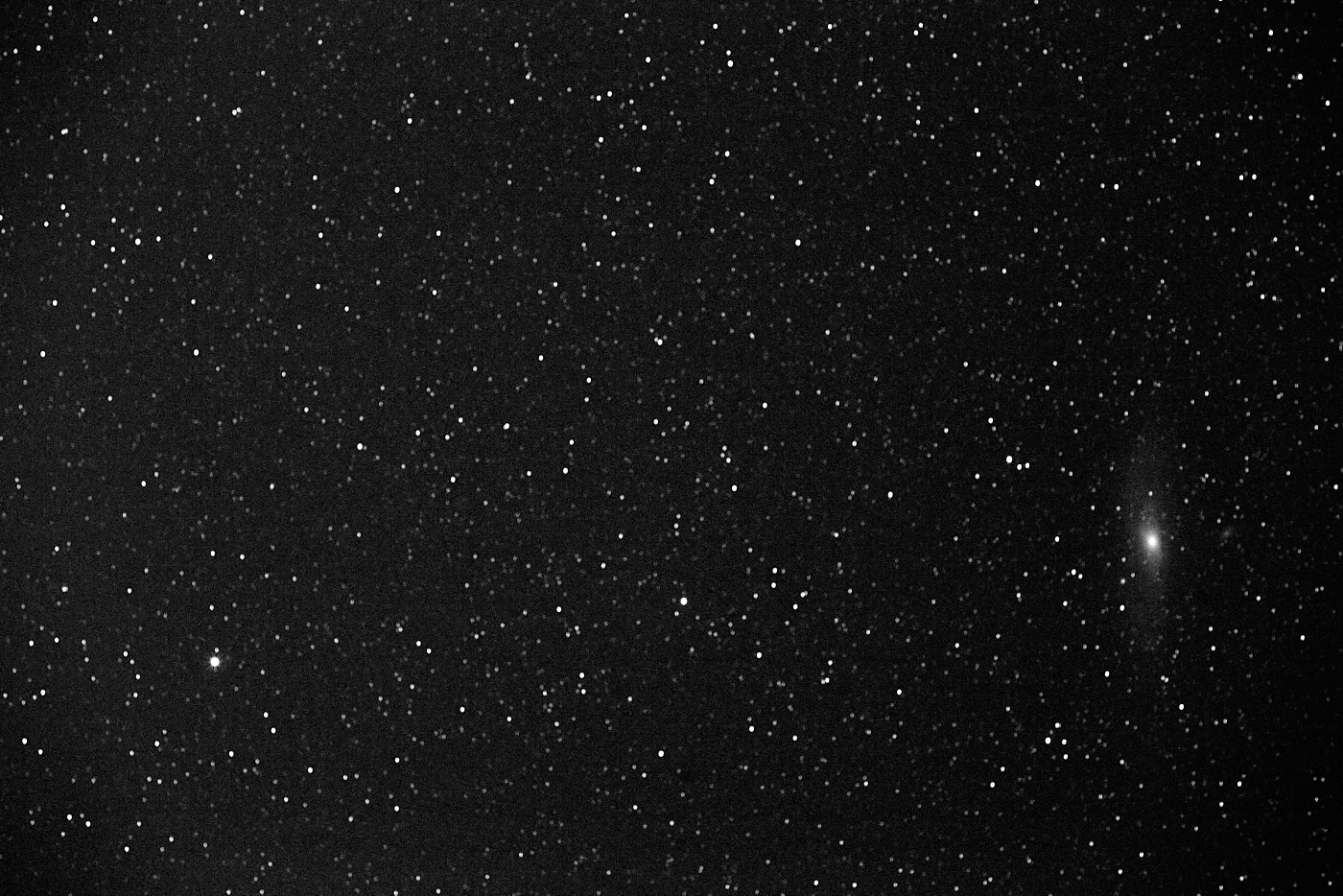
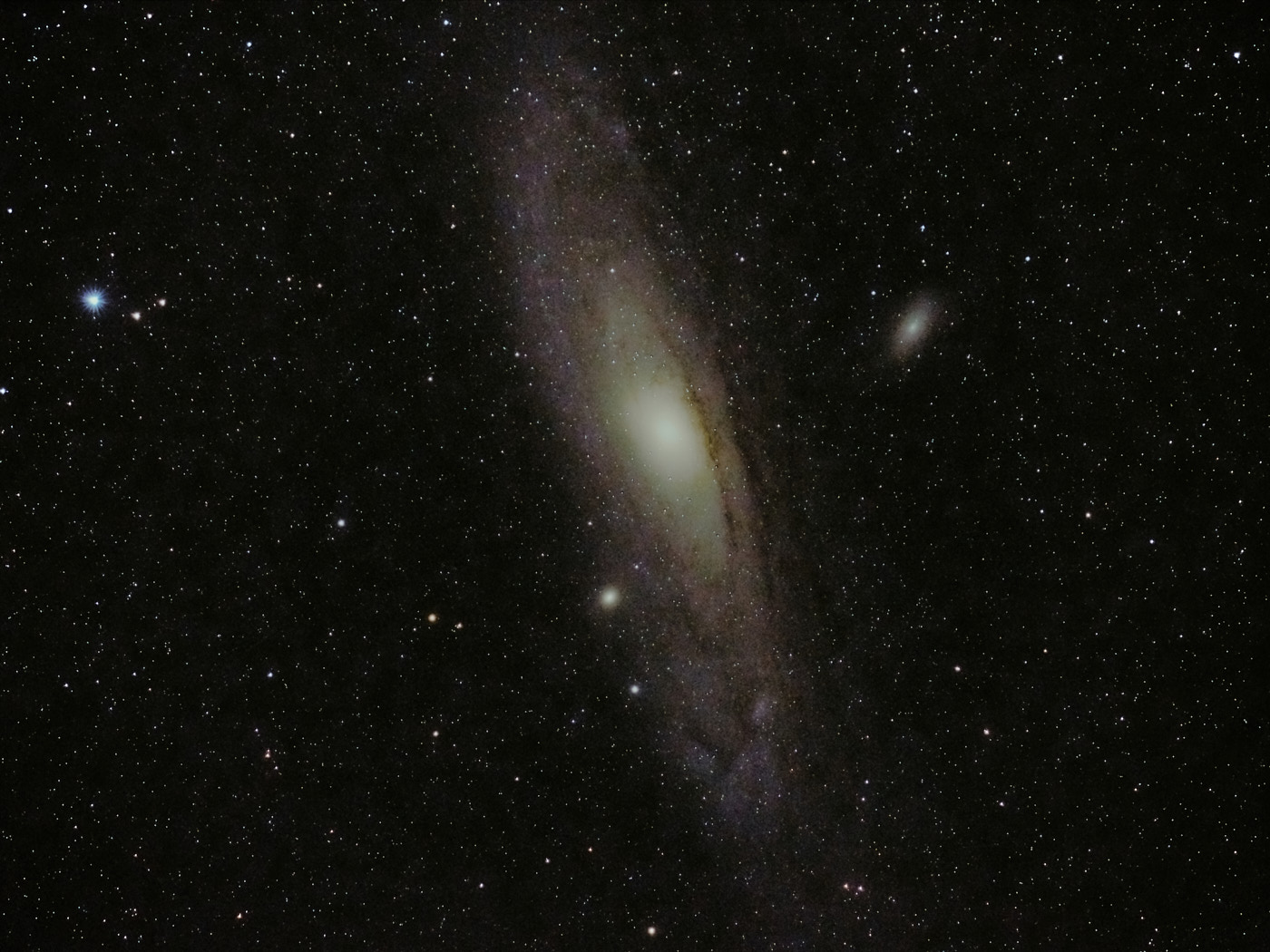
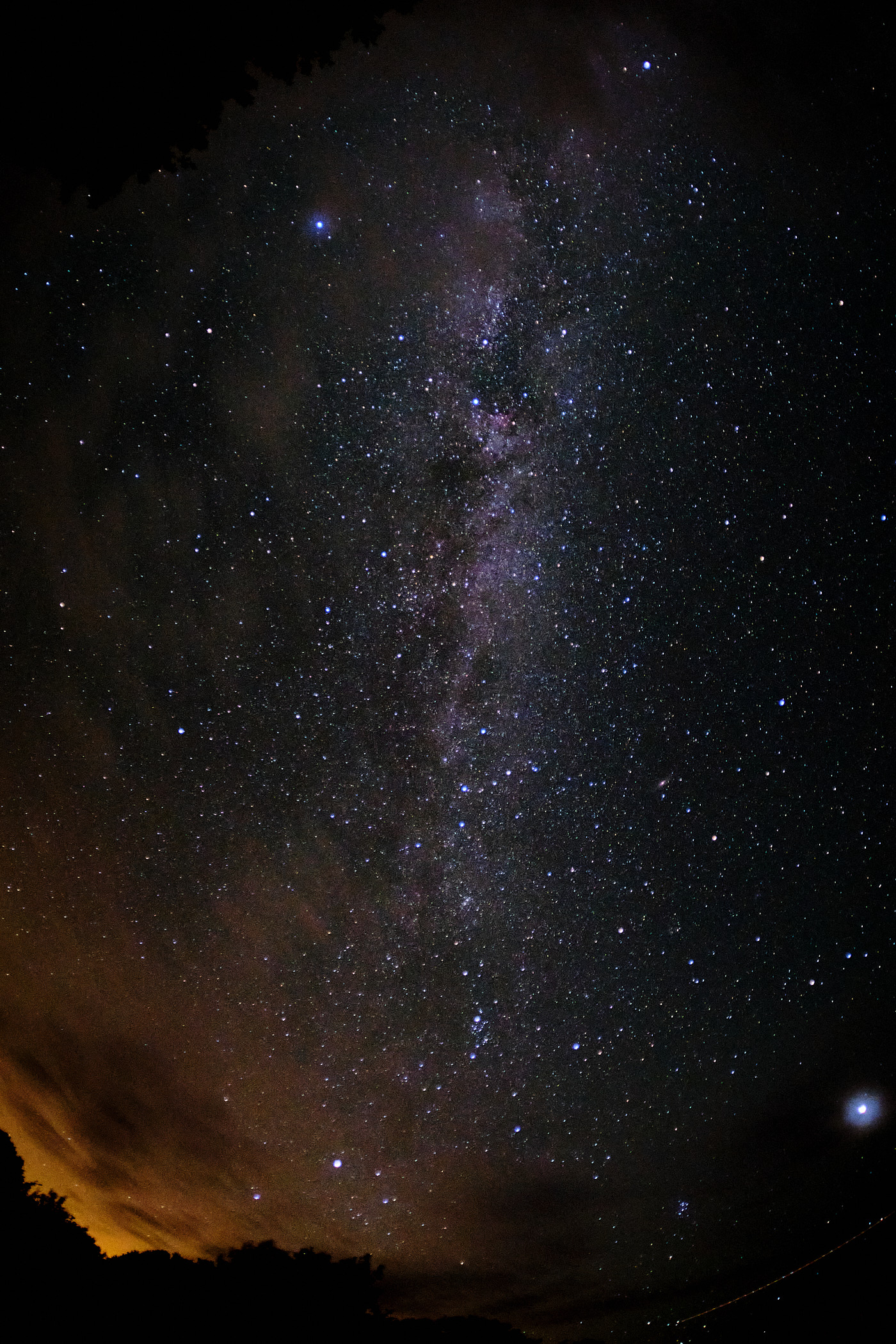
This is because autofocus systems need some headroom at the ends of their ranges to adjust precisely. If you rotate all the way to the hard stop in the direction of \(\infty\), you go past the sharp focus point for (infinitely) distant objects, and the image becomes blurry again.
Water Drop Photography
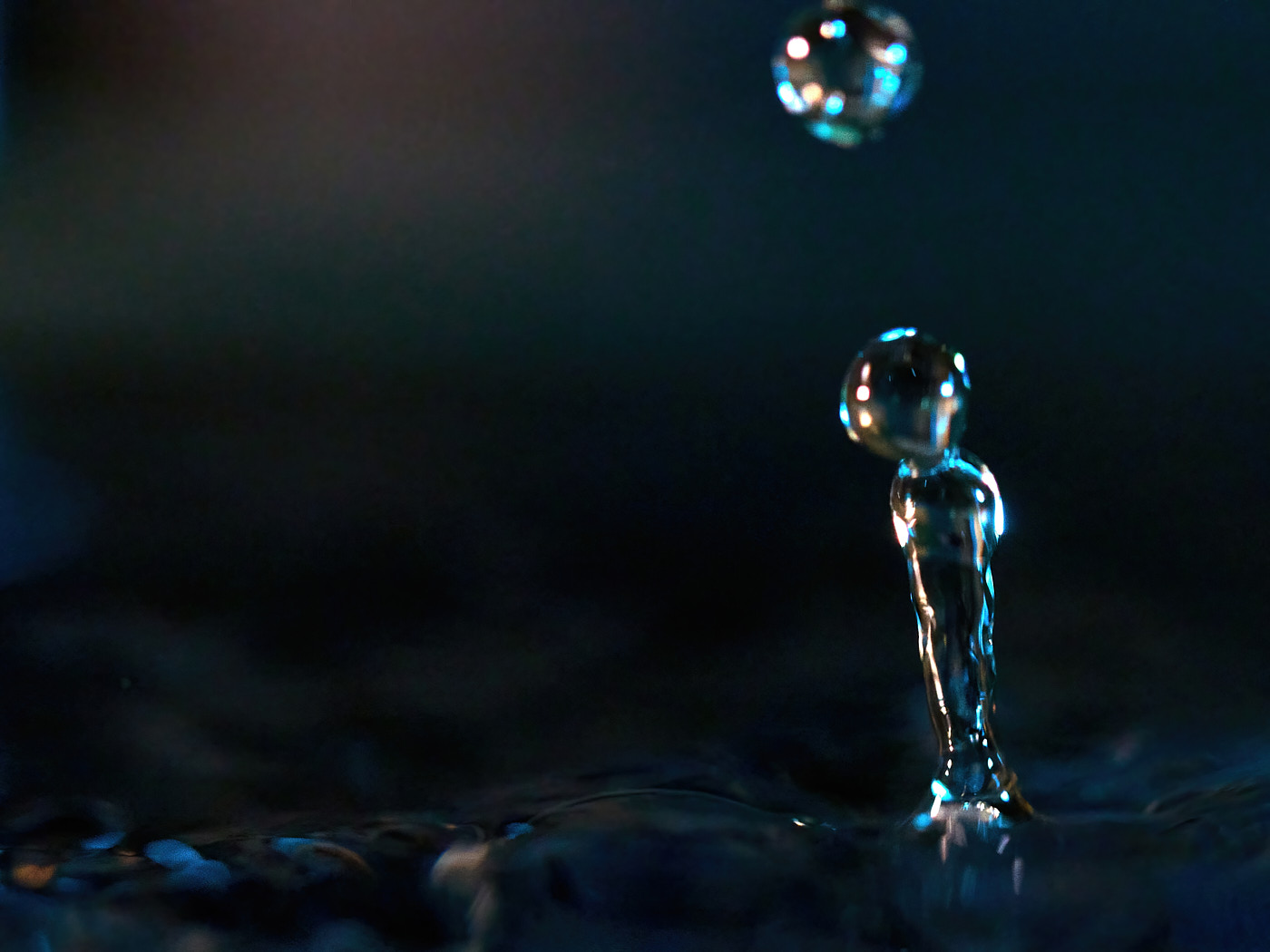
Water drop photography is a genre that some photographers spend years mastering. The equipment required can easily cost several hundred euros in addition to the camera. However, it can also be done with basic tools, and even simply handheld.
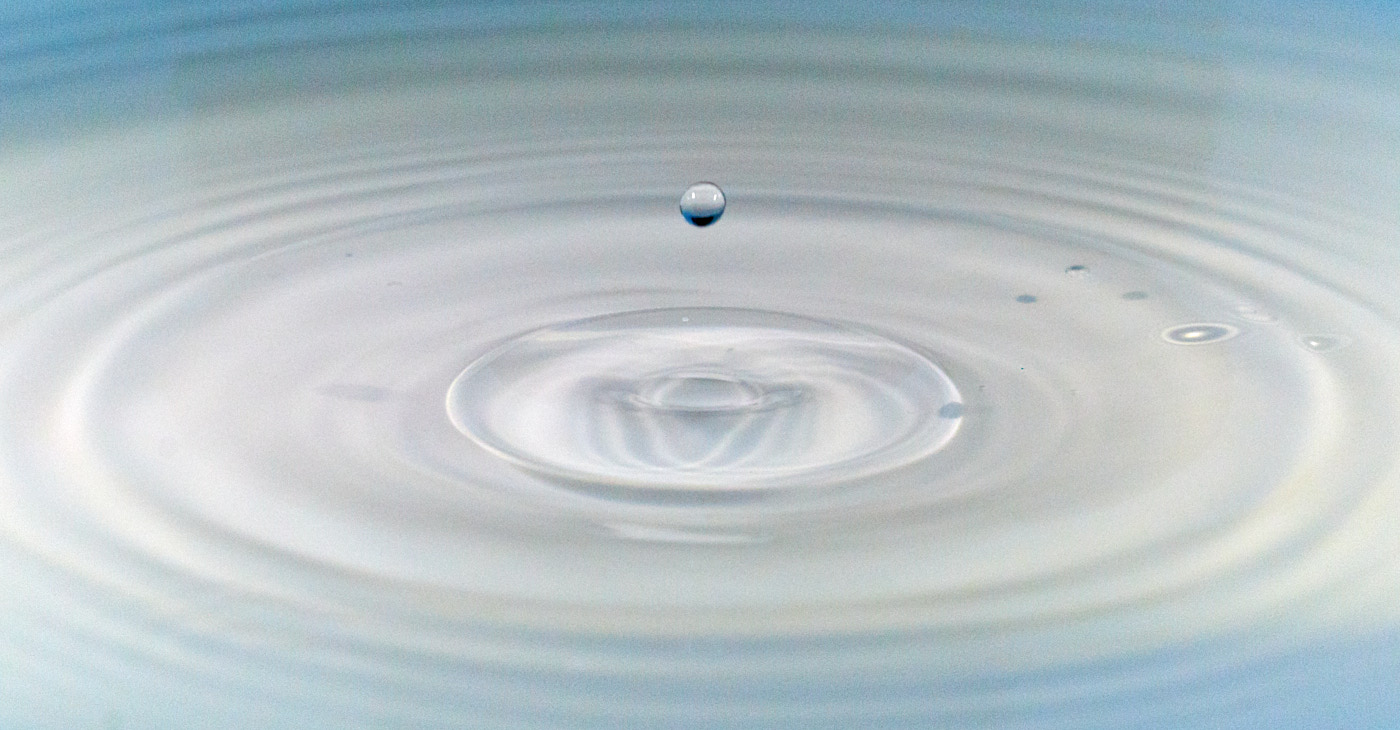
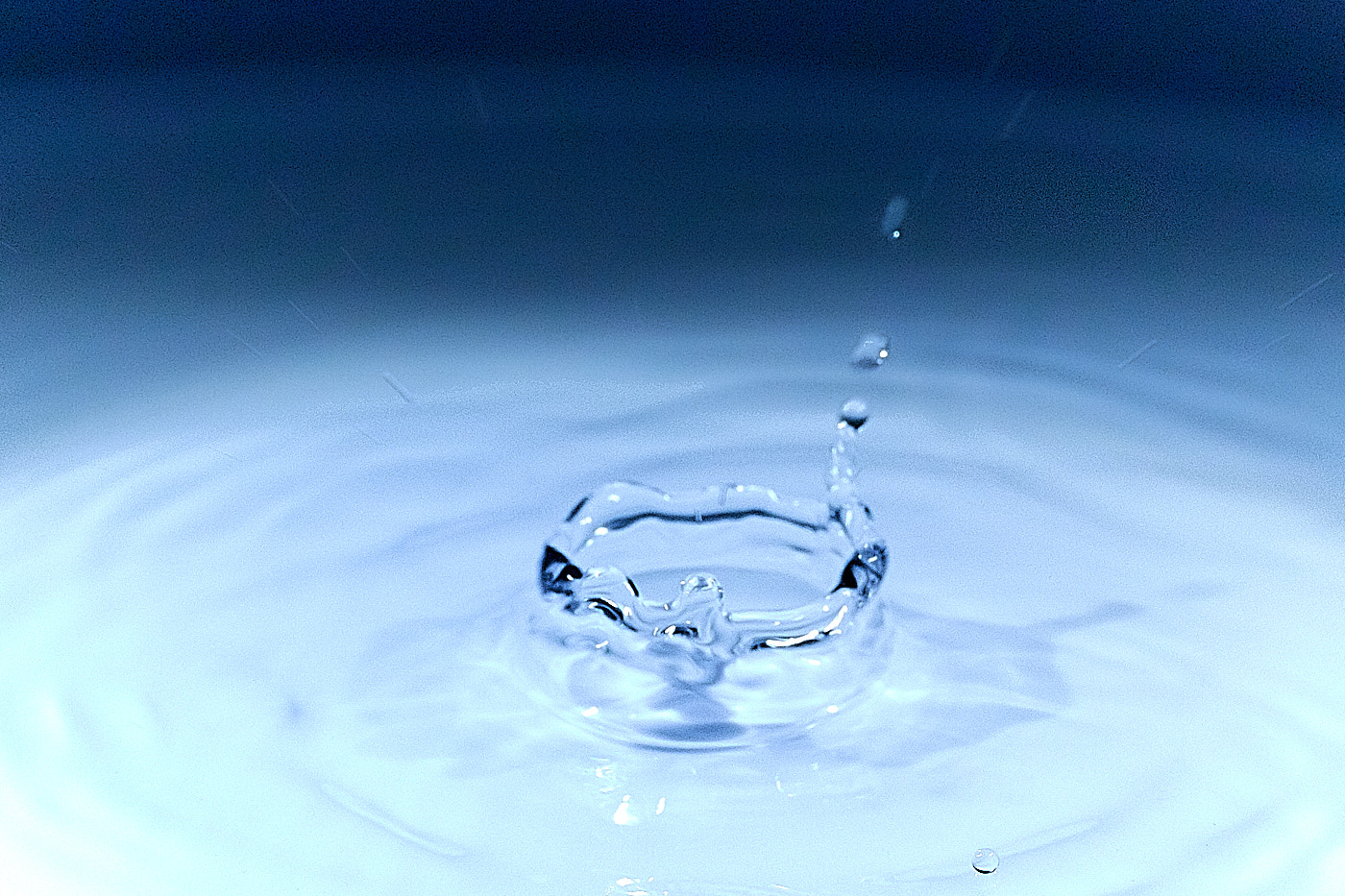
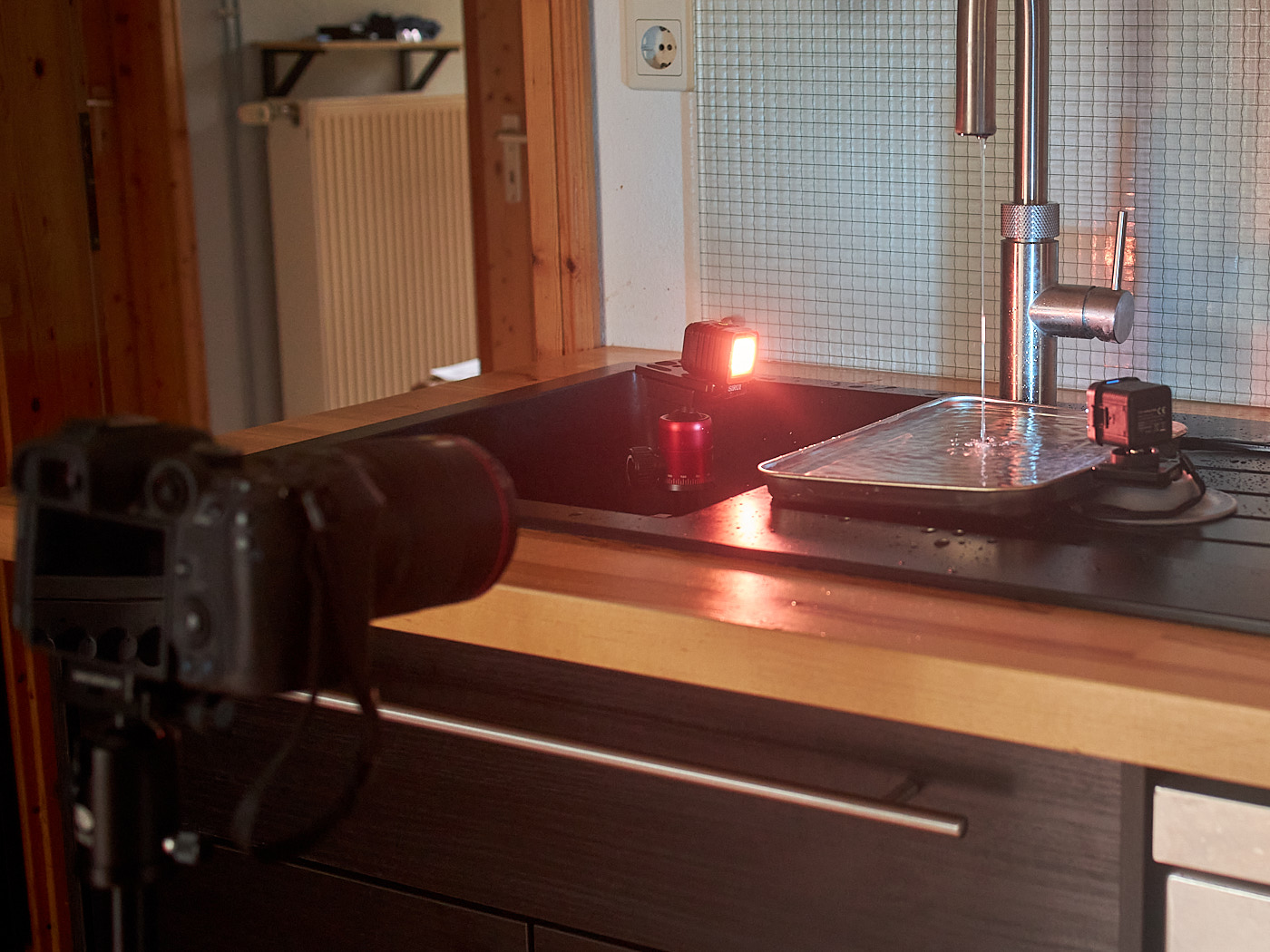
If you have one or two bright LED lights and perhaps a tripod in addition to the camera, it works even better.
First, look for a faucet under which you can place a bowl. Then, position the camera so that it frames the shot just above the bowl. Set up the lighting from both sides. If you have color filters for the LED lamps, they create beautiful effects. Then, open the faucet just a tiny bit so that it drips. It makes sense to use continuous burst shooting and select the best images later.
Polarizing Filter
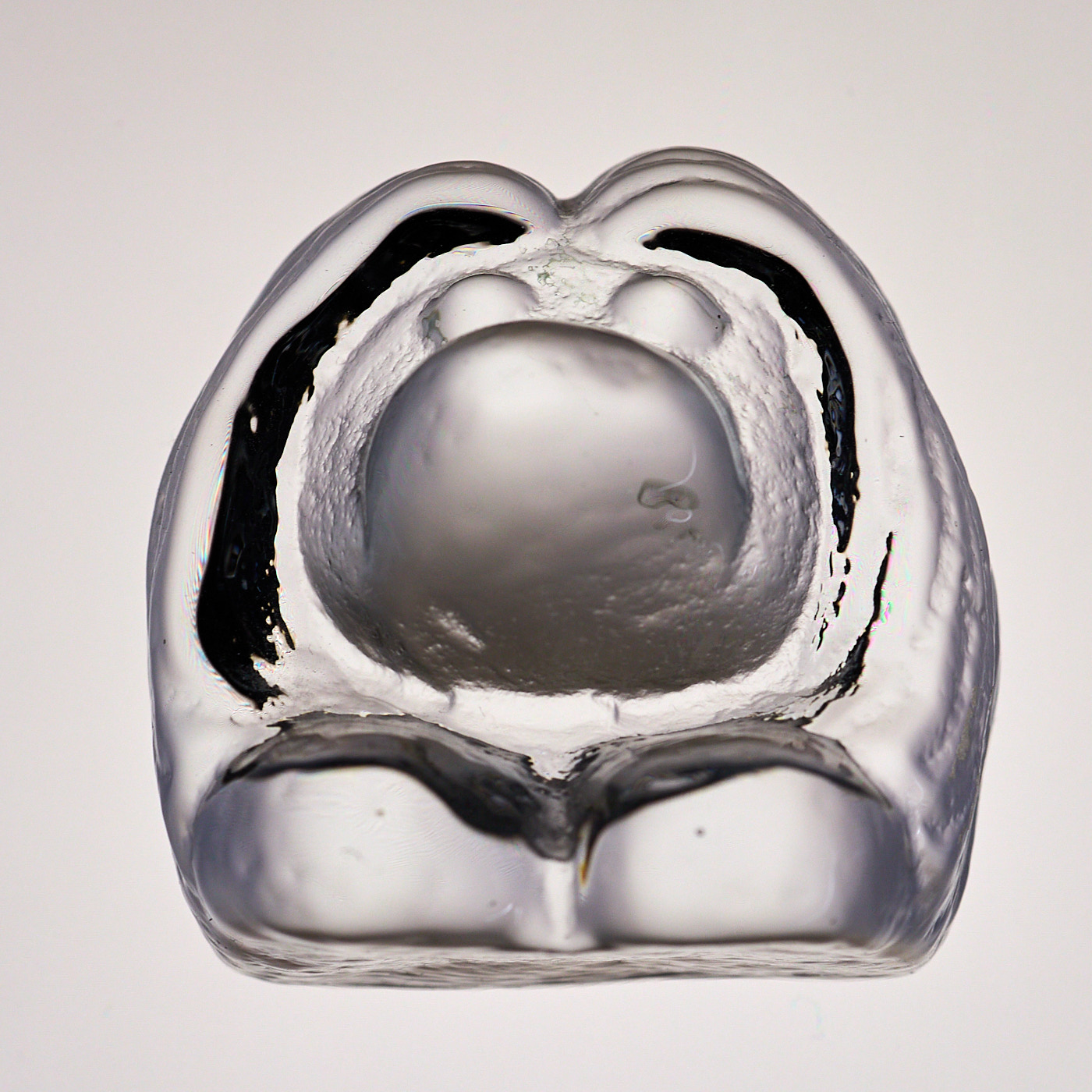
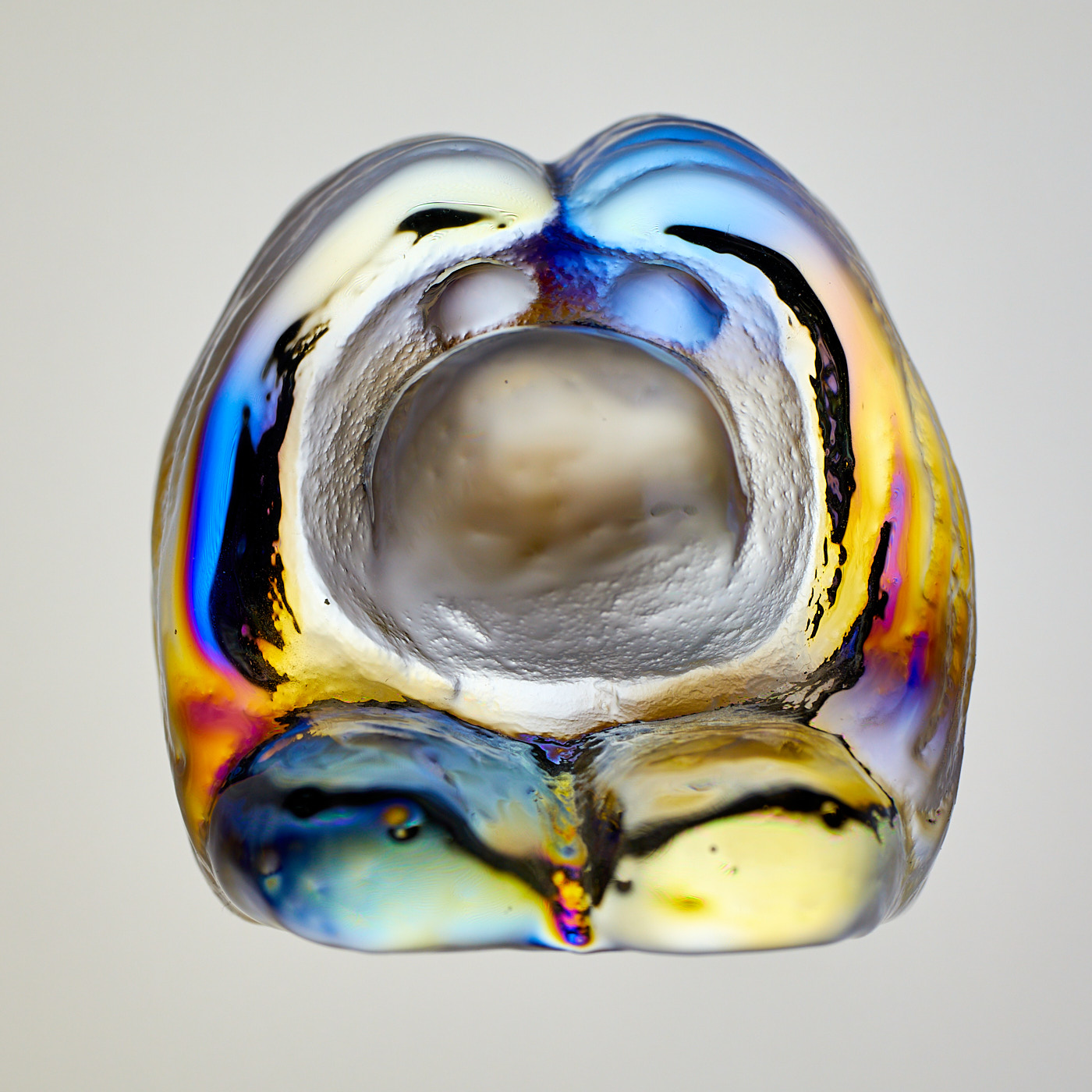
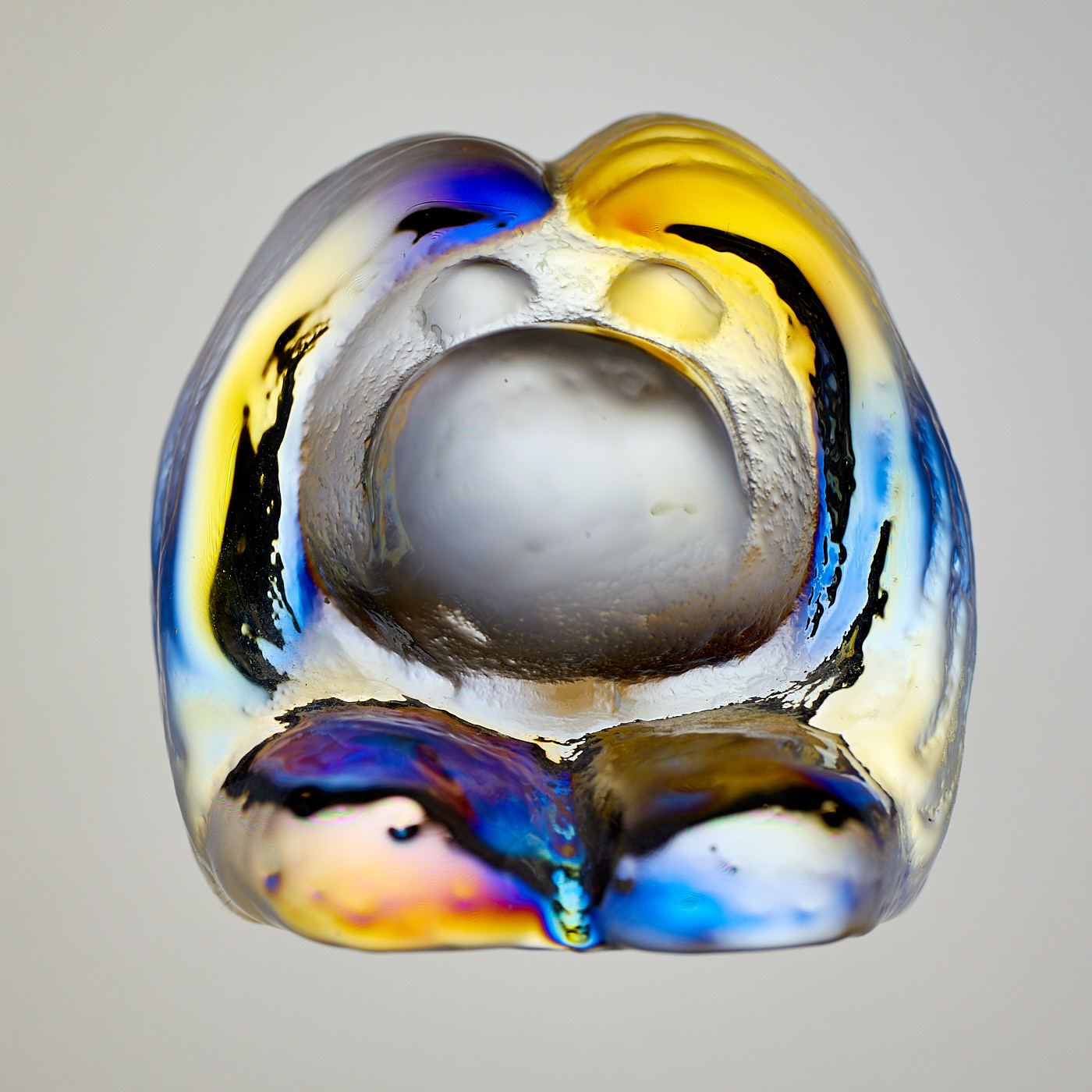
A polarizing filter filters light so that only waves traveling in a specific direction are allowed through. In photography, this is frequently used to reduce reflections. However, you can also do fun things with a polarizing filter. If you place a transparent object onto a smartphone or tablet displaying a solid white background and then photograph the object using a polarizing filter, stunning colors appear. This does not work with all transparent objects; it depends heavily on the material.
Playmobil
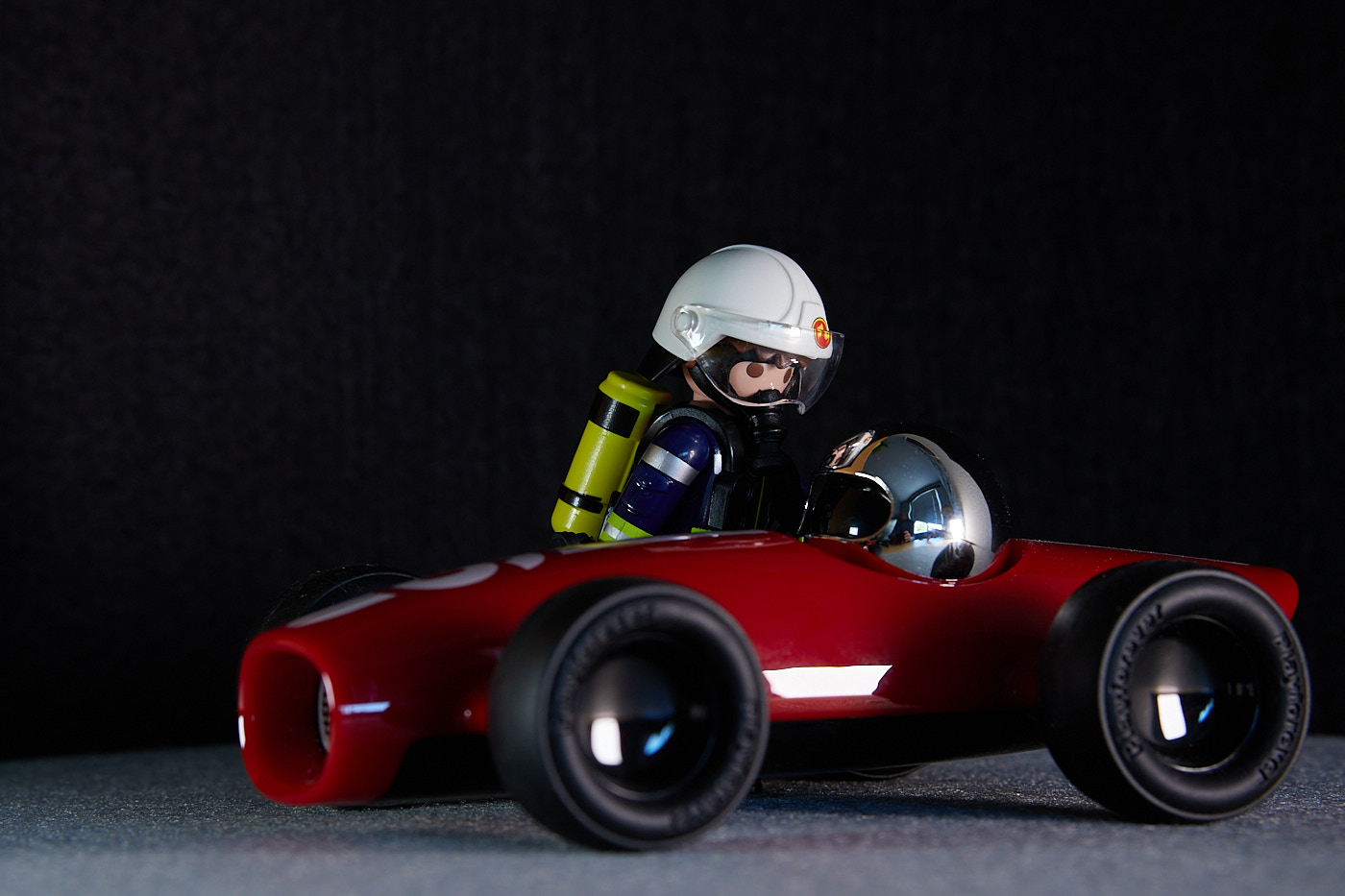
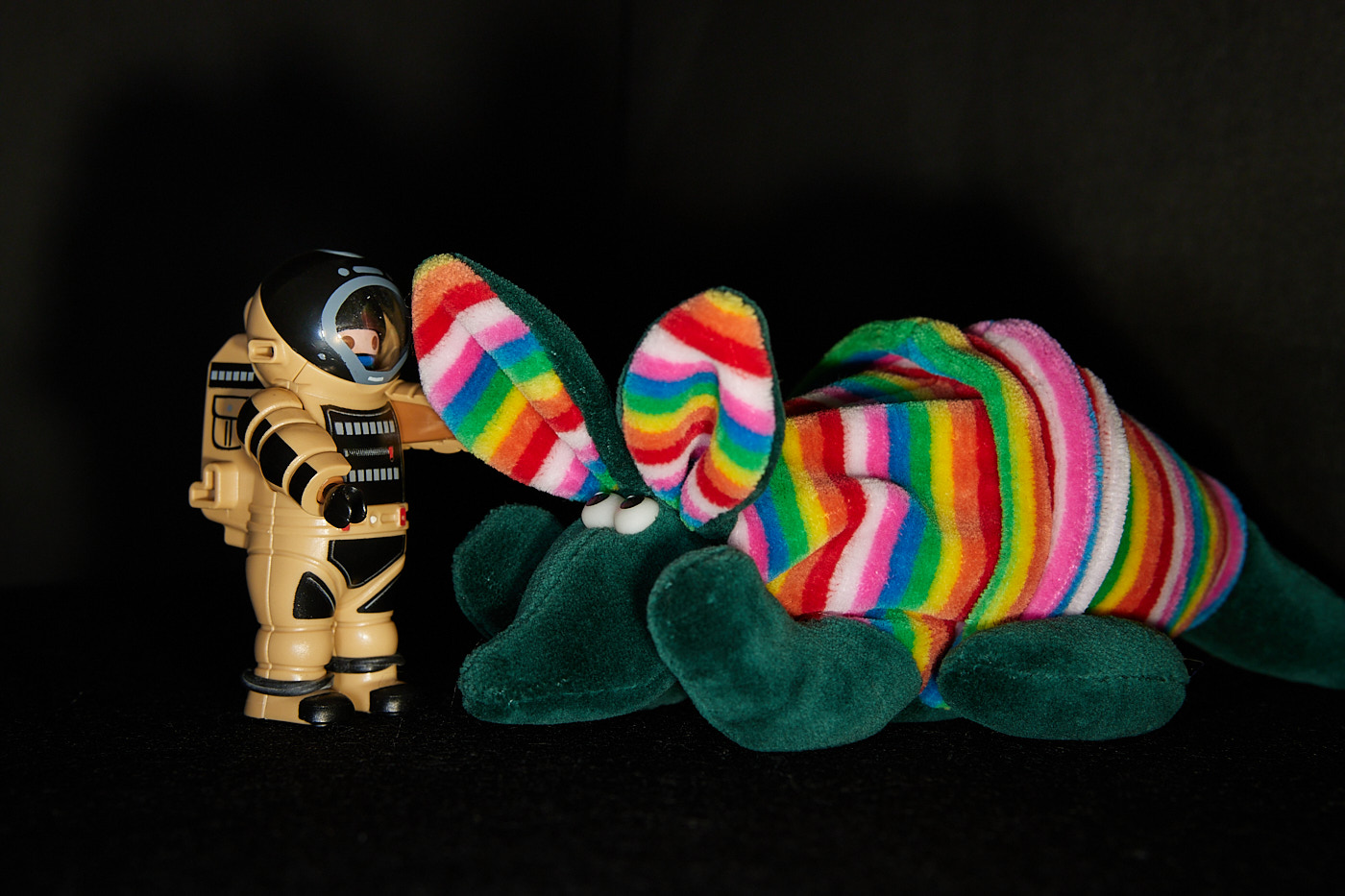
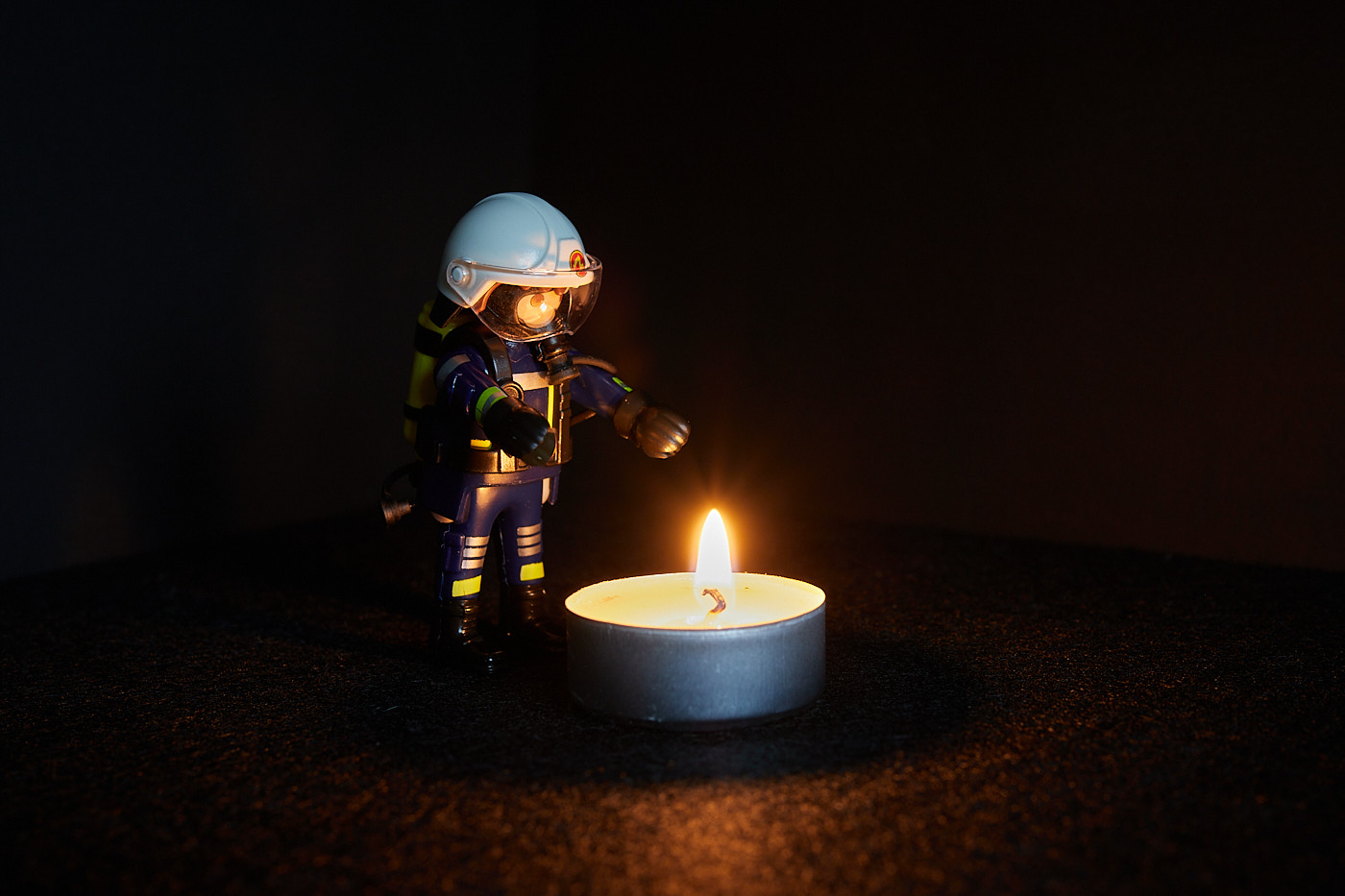
You can also have a lot of fun with toys. For the photos shown, it is helpful to work with a tripod or to rest the camera firmly somewhere. This allows you to keep the aperture and ISO low while using a longer exposure, resulting in sharp, noise-free images. Good illumination with diffuse light or, as in the image with the tealight, using no other light source is crucial. Using the internal flash would overexpose everything.