• Home
  • Start
  • Content
  • About
  • PDF Version
  • DE
  1. Image Composition
  • Start
  • Why?
  • Basics
  • Photo Subjects
  • Image Composition
  • Image Defects
  • Experimental
  • Technical Matters
  • Analog Photography
  • Presenting Pictures
  • Legal Issues

On this page

  • Image Composition
    • Image Statement
    • Image Format
    • Positioning
    • Direction of View
    • Alignment
    • Cropping
    • Isolation / Subject Separation
    • Panning Shots
    • Black and White Photography
    • High-Key / Low-Key
    • Styles
    • Street Photography
    • Storytelling
    • Mood Boards

Image Composition

Image Statement

The statement of an image goes far beyond what is visible in the photo. Every picture evokes personal memories of the moment it was taken. Other viewers lack this experience; they only see the final shot. Consequently, the image can develop a completely different significance for them. A souvenir photo is easily made—you simply capture what you want to remember. However, if the photograph is intended for another purpose, you should think beforehand about what is important in the image and how to present a subject so that viewers understand the intended statement.
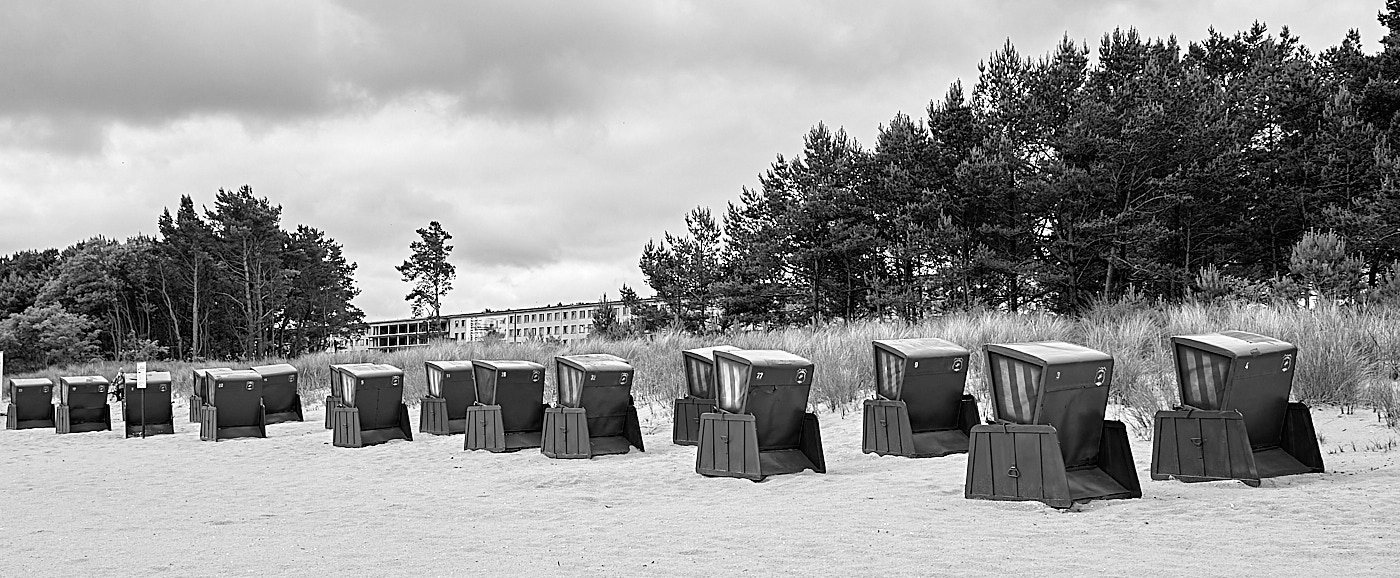
Fig. 1: Holiday feelings, Prora 2015

Image Format

The most common image formats are aspect ratios of 3:2 or 4:3, but square pictures can also achieve a great effect. Whether a photo is taken in portrait or landscape format depends on the subject. Viewing habits have changed since the rise of smartphone photography. Although we naturally perceive the world more in landscape format due to the arrangement of our eyes, portrait formats are widely used today.
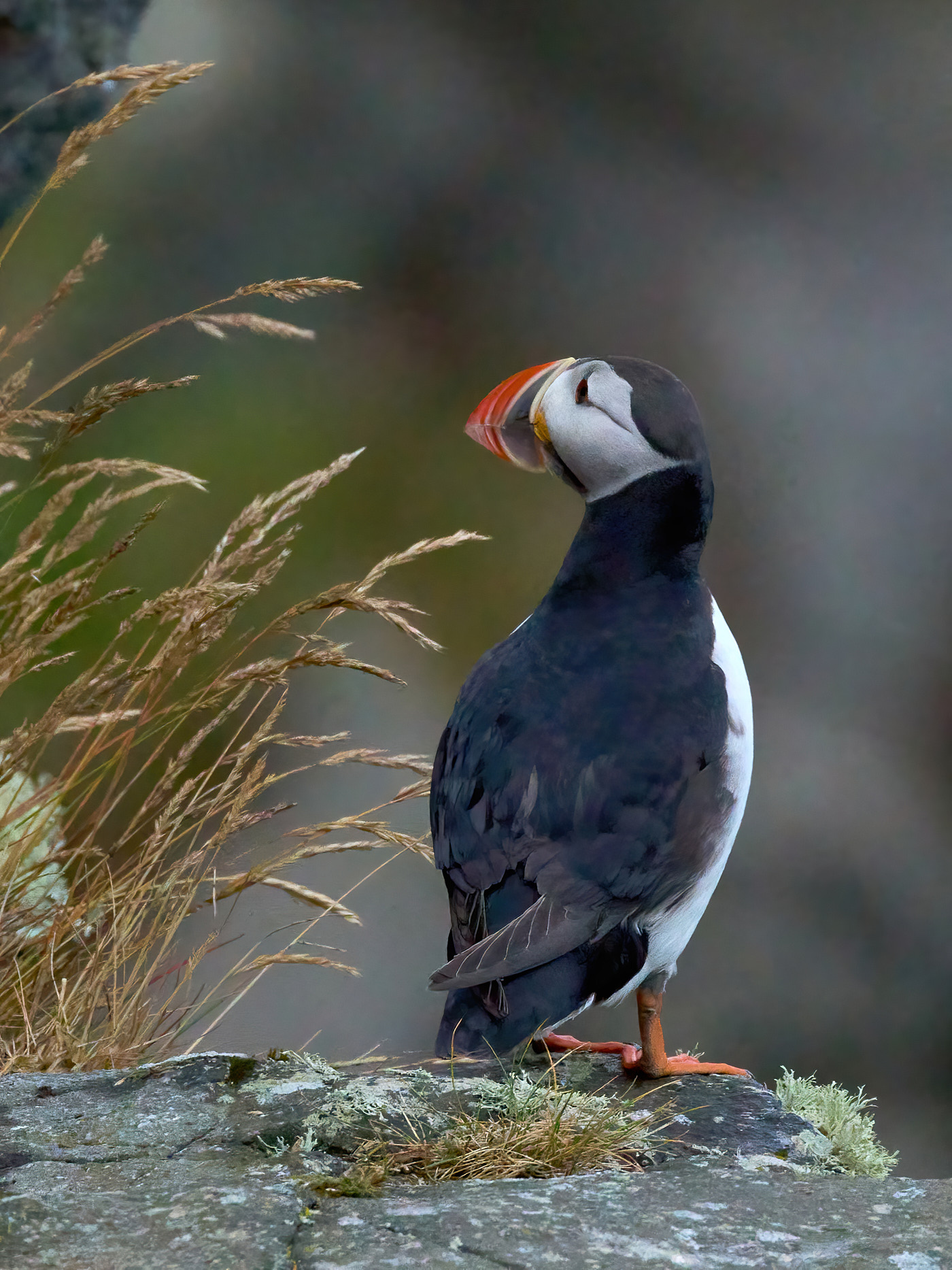
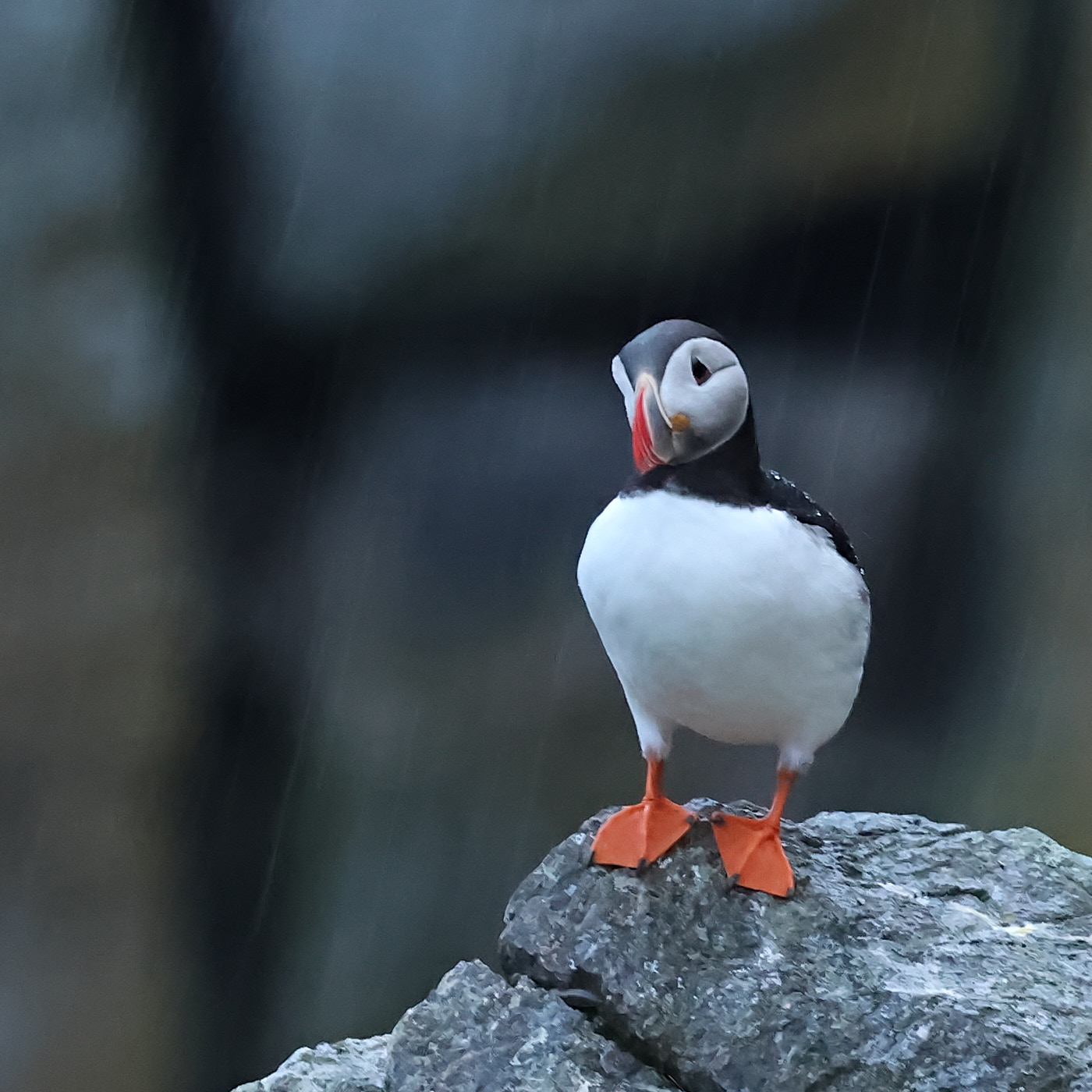
Fig. 2: Portrait format 4:3
Fig. 3: Square
Fig. 4: Landscape format 3:2
NotePanorama

Positioning

In most pictures, it looks better if the mouse or any other subject is not positioned exactly in the center of the frame. Guidance is provided by positioning according to the golden ratio or, more simply, the rule of thirds.
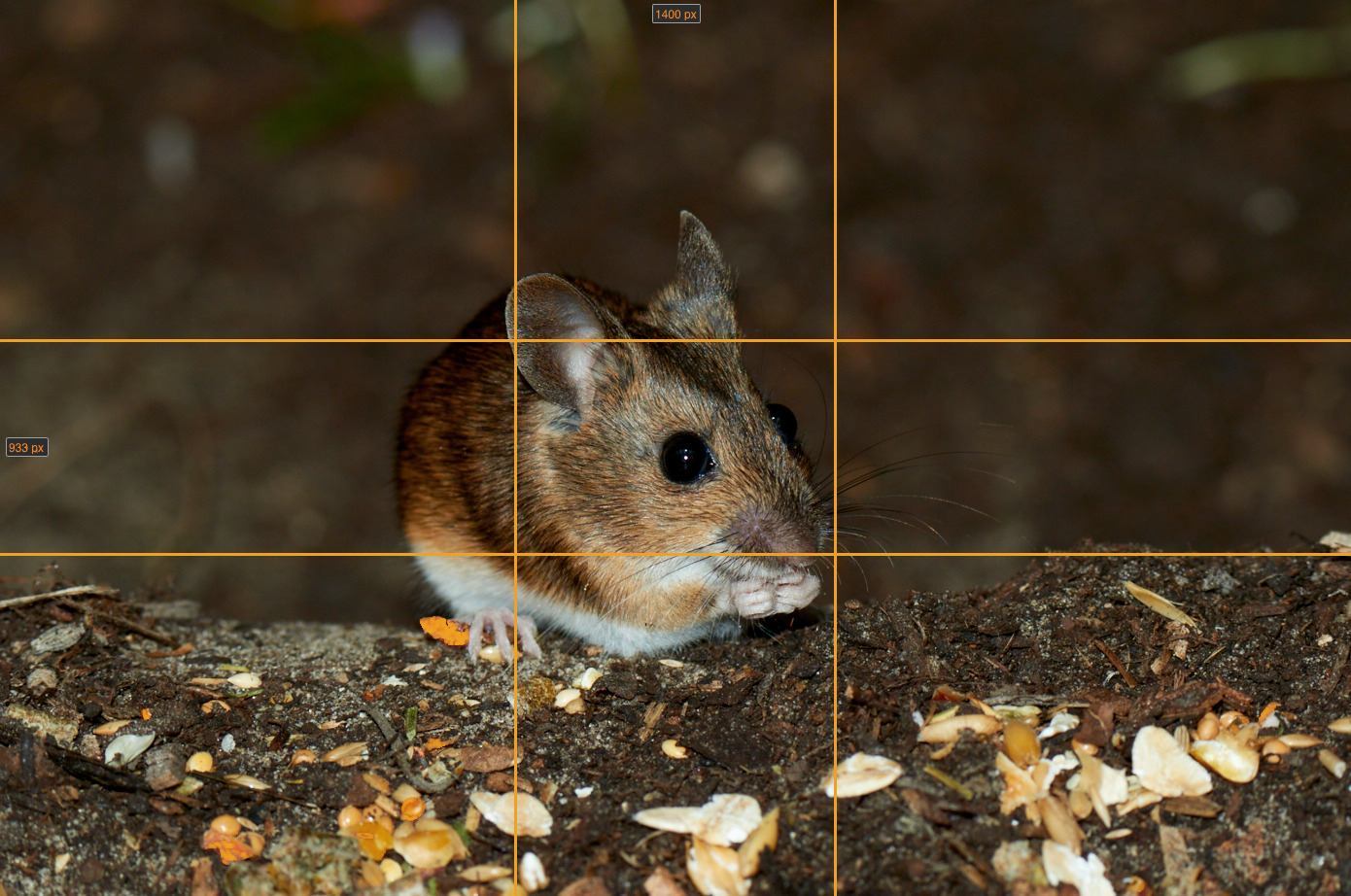
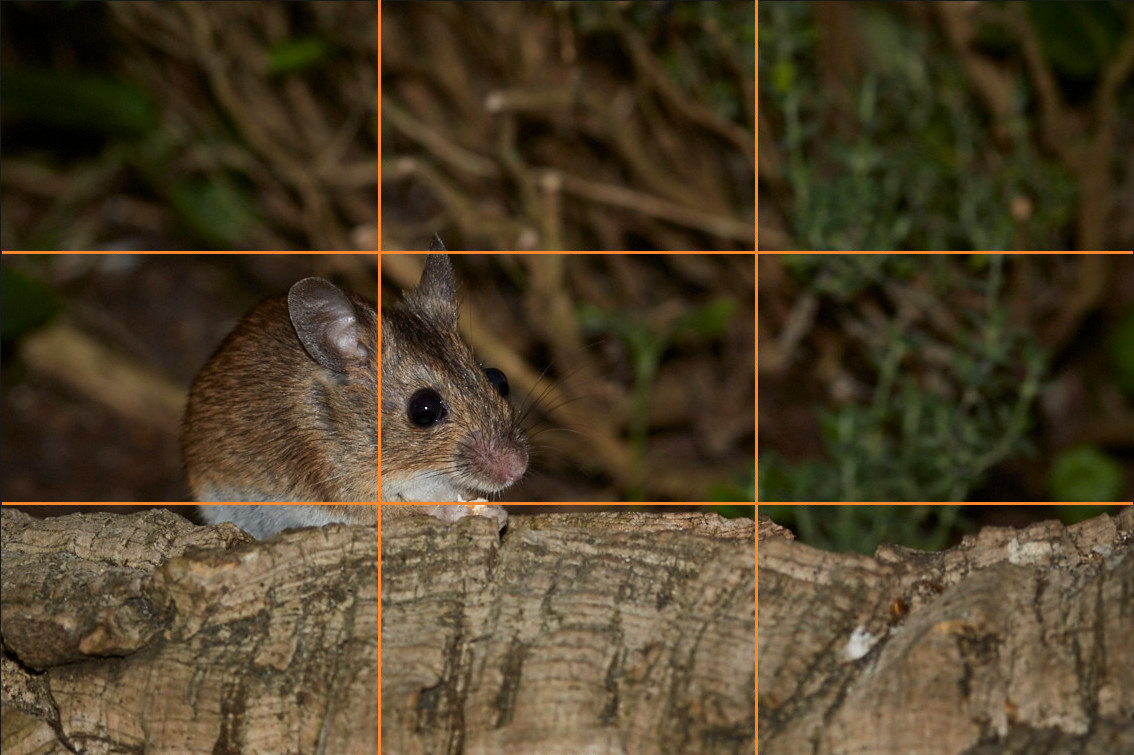
Fig. 5: Golden ratio: the image is divided according to the golden ratio. The mouse sits slightly offset to the left in the frame.
Fig. 6: Rule of thirds: the mouse does not sit in the center but roughly one-third away from the edge of the image.

Direction of View

Just as important as positioning is the direction of view. As a rule, it looks much better if the person, animal, or even the “nose” of a car faces into the frame.
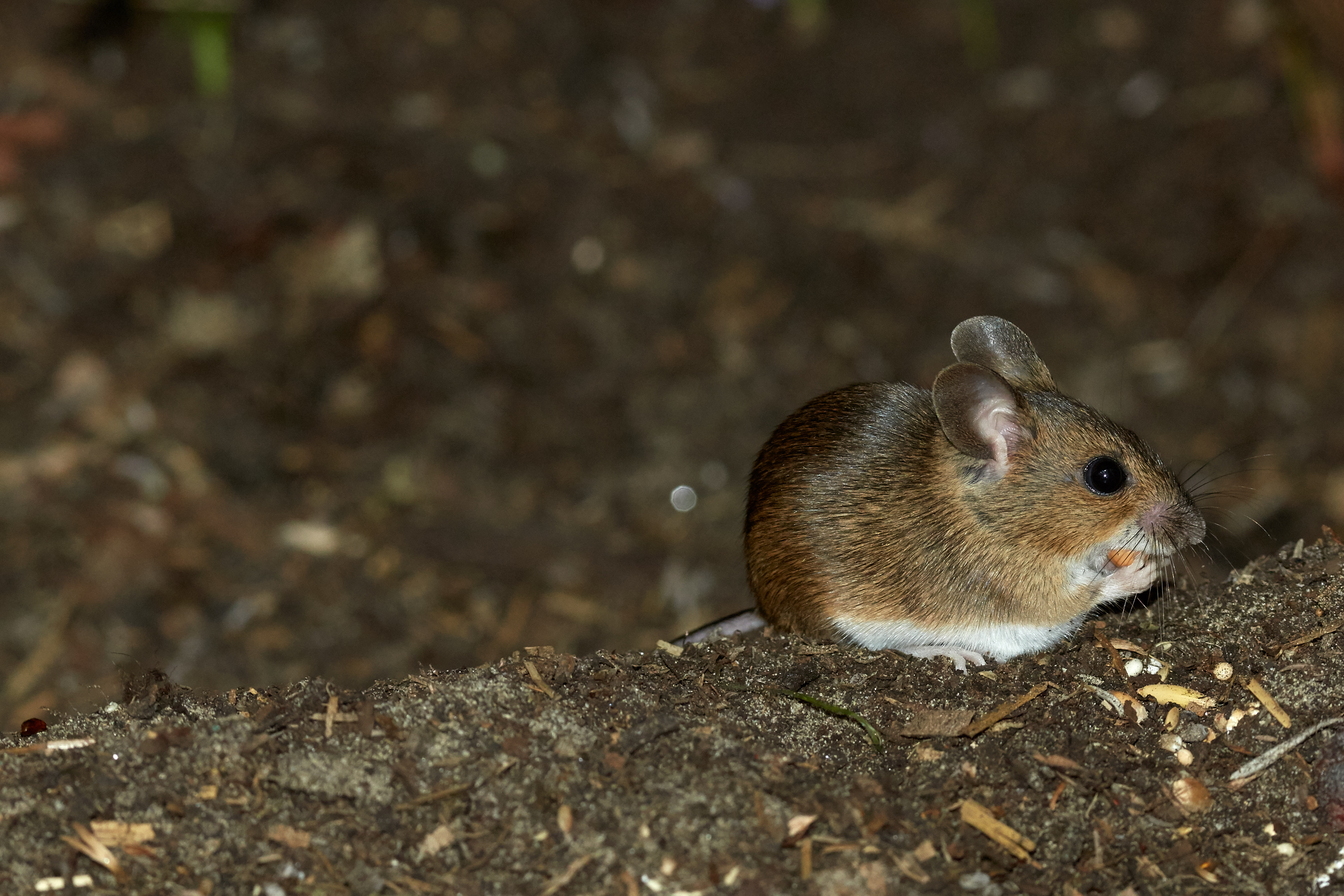
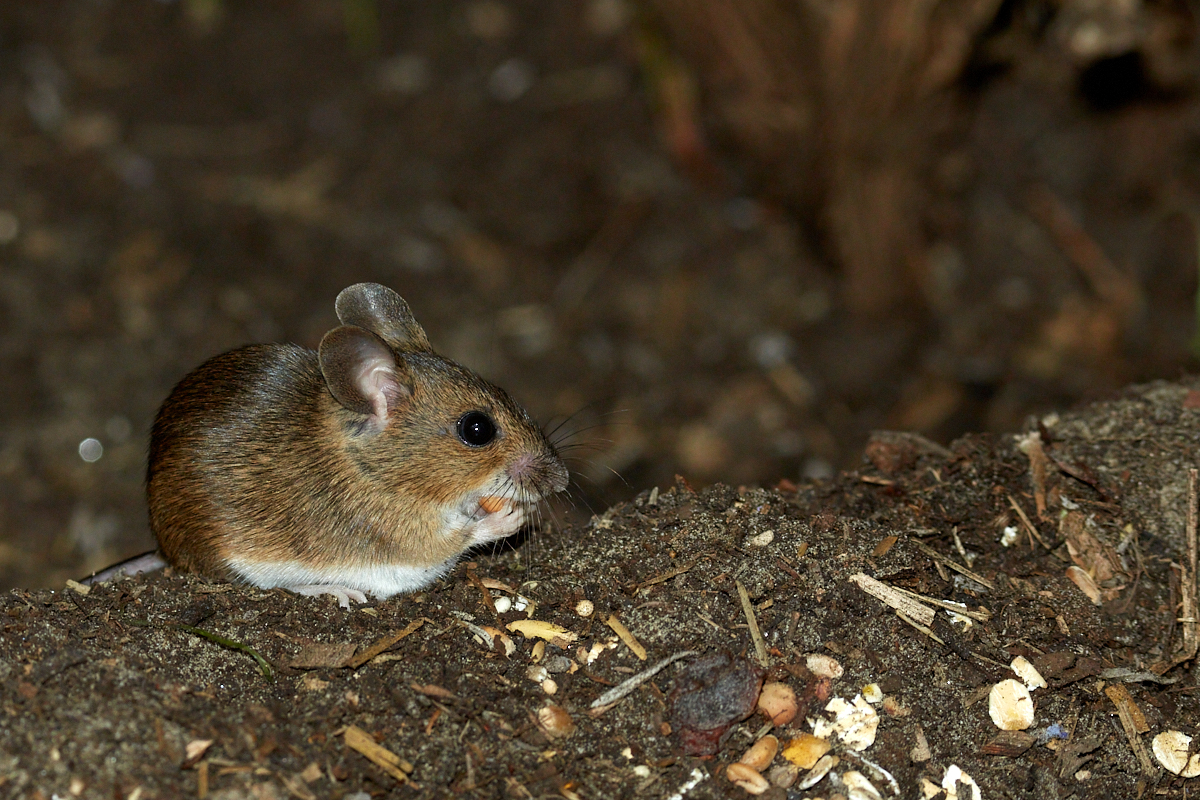
Fig. 7: Less ideal: the mouse looks out of the frame.
Fig. 8: Better: the mouse looks into the surroundings within the frame.
TipLenses are not as sharp at the edges, so it is better not to place the object too close to the edge and crop the image later.

Alignment

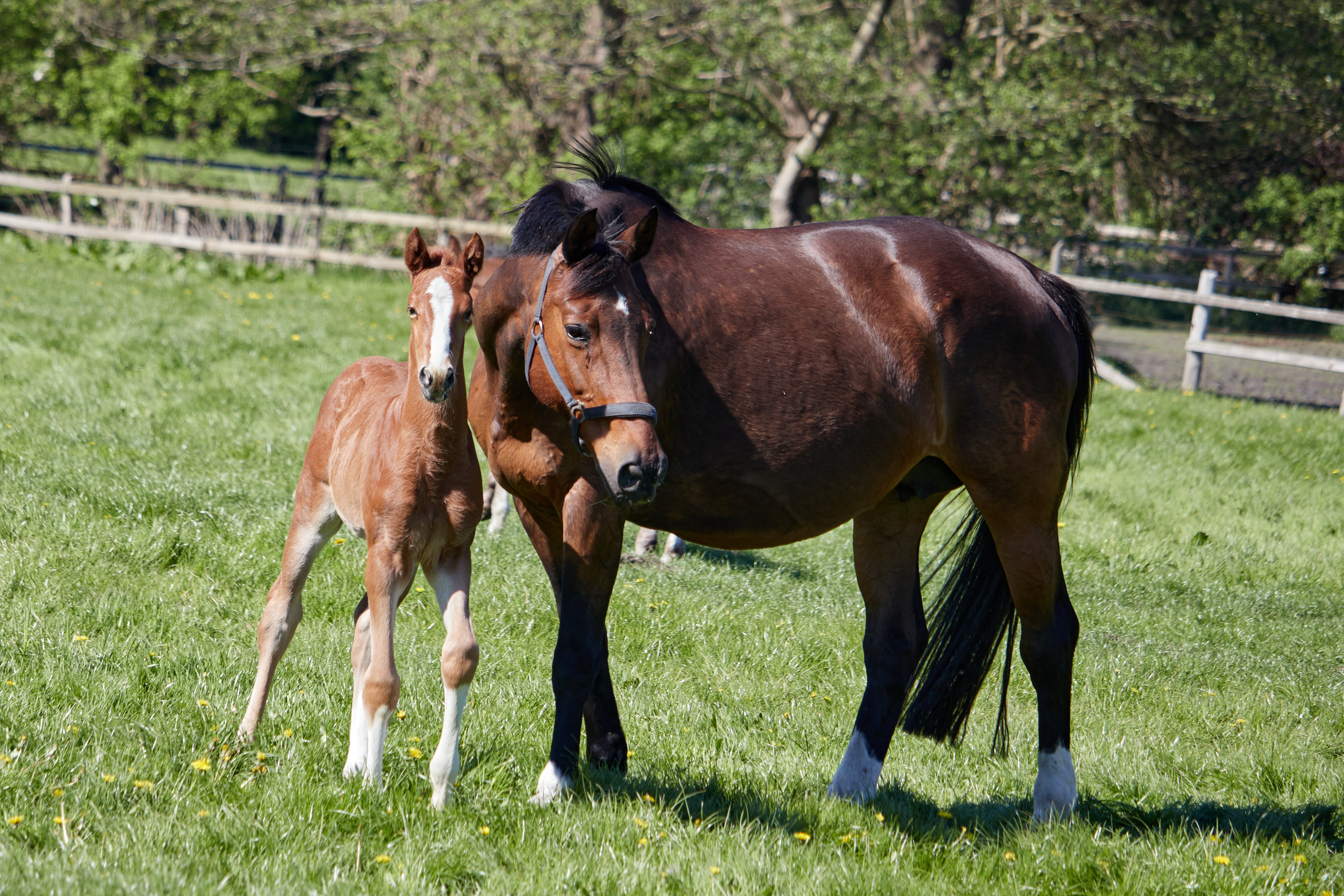
Sometimes it is not possible to capture an image perfectly straight, as it is in reality. A picture of the sea looks strange if the horizon is crooked. Sometimes, however, you might intentionally want to hold the camera tilted. It always depends on what you want to express with the image.
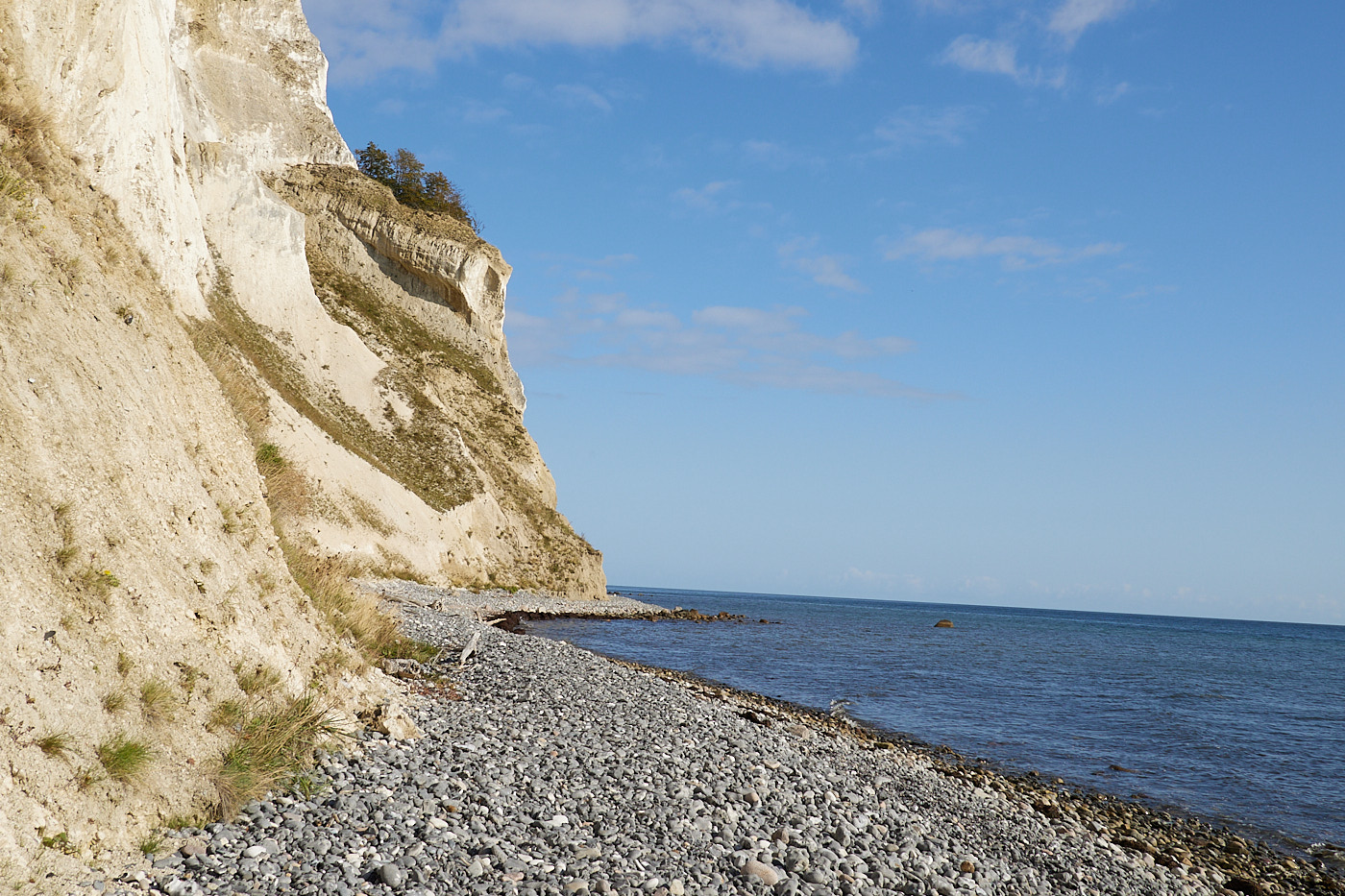
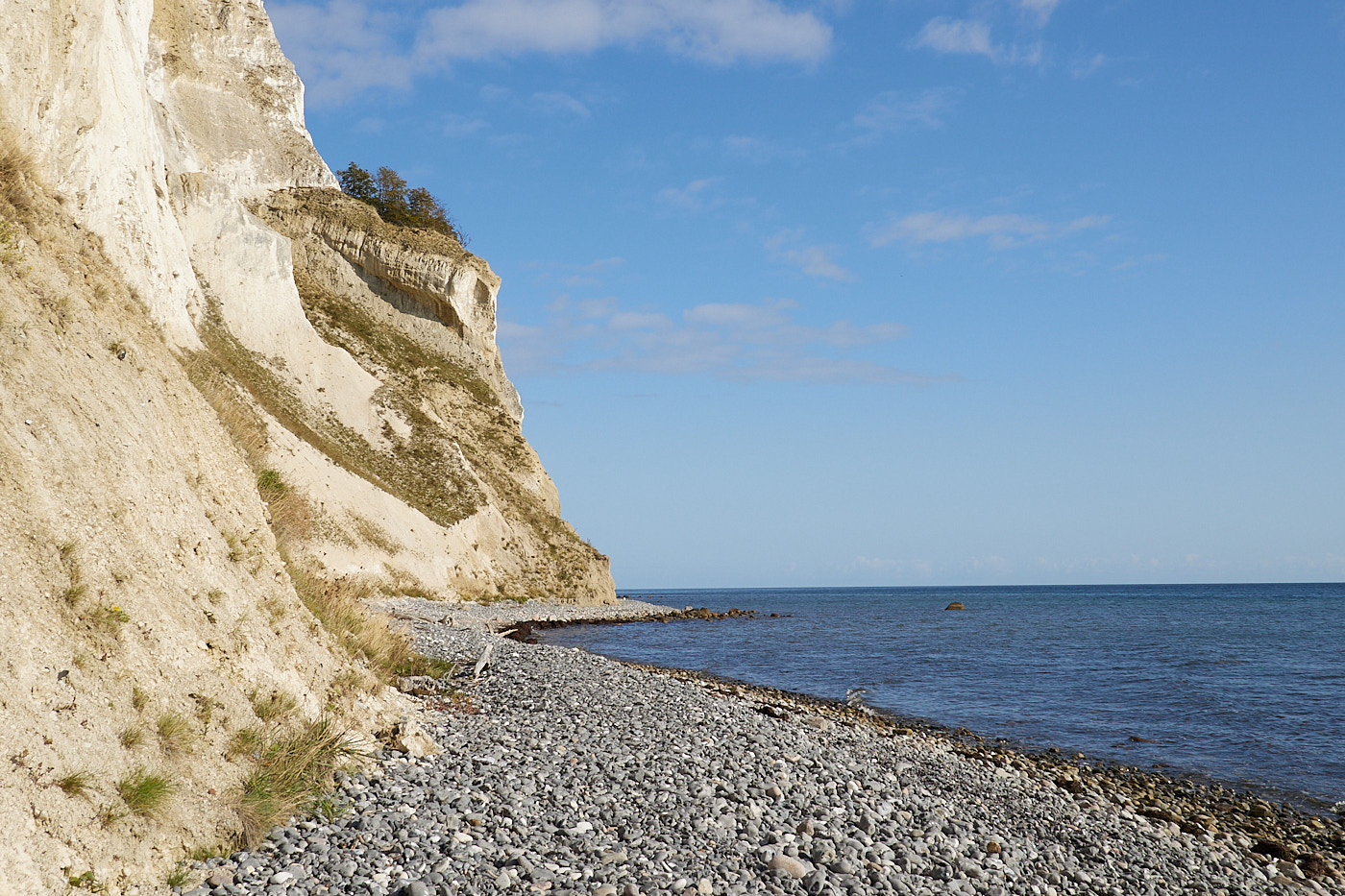
Fig. 9: A realistic picture of the sea looks strange if the horizon is crooked. The water appears to flow out of the image.
Fig. 10: A straight horizon looks more harmonious.
Fig. 11: The photo is captured correctly, but looks boring.
Fig. 12: With a tilted horizon, the shot appears more dynamic.
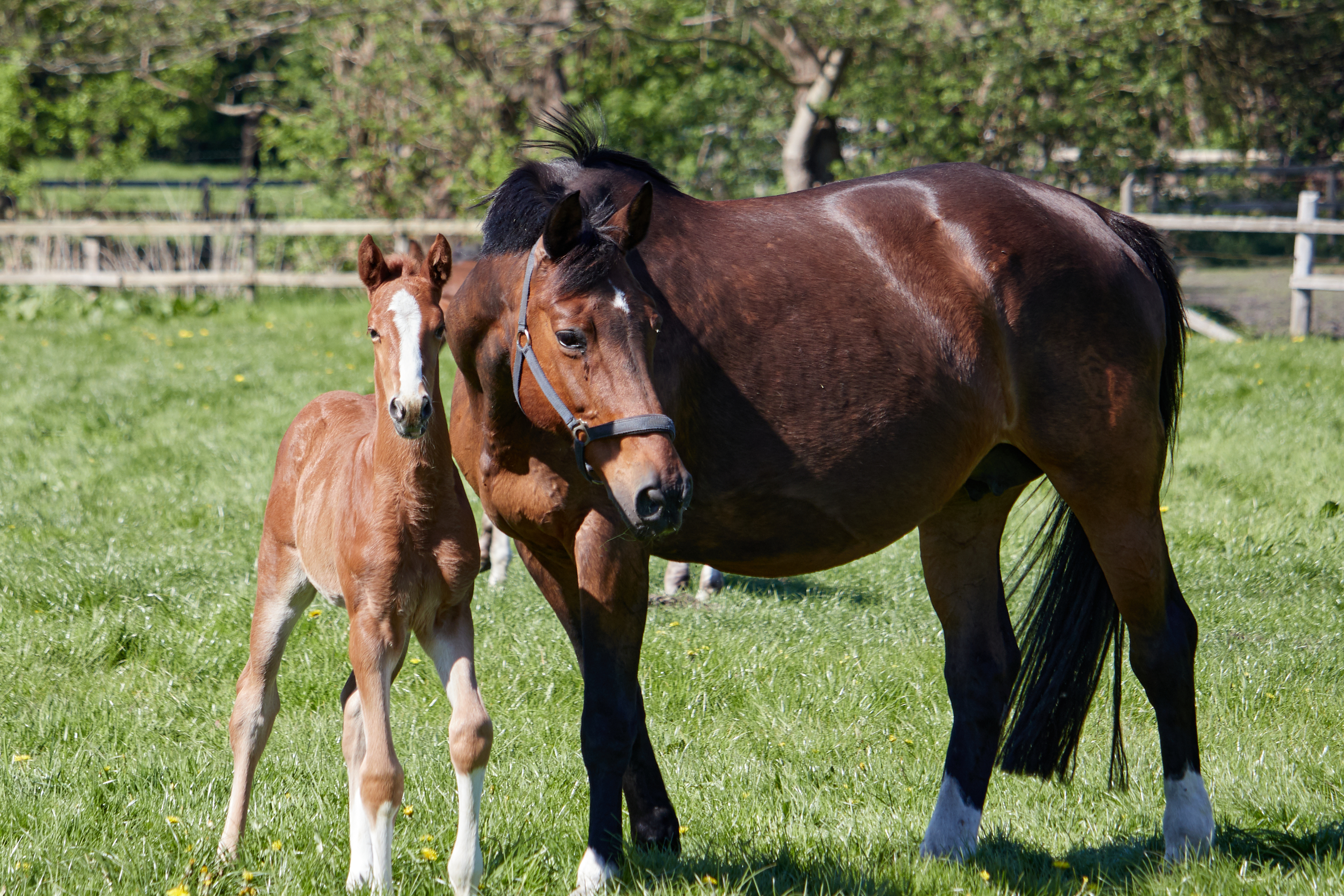
Fig. 13: The fence in the background makes it obvious that the image is crooked.
Fig. 14: Straightening the image afterward cuts off the foal’s hooves.
TipAlignment can also be corrected later with software. When taking the photo, you must keep in mind that quite a bit of the image will be cropped out, which might still be important.

Cropping

Cropping an image achieves the same result as choosing the right framing in the first place. However, this is not always possible. Especially in bird photography, the focal length is often insufficient to render the subject large enough. In such cases, it is possible to crop the image afterward.
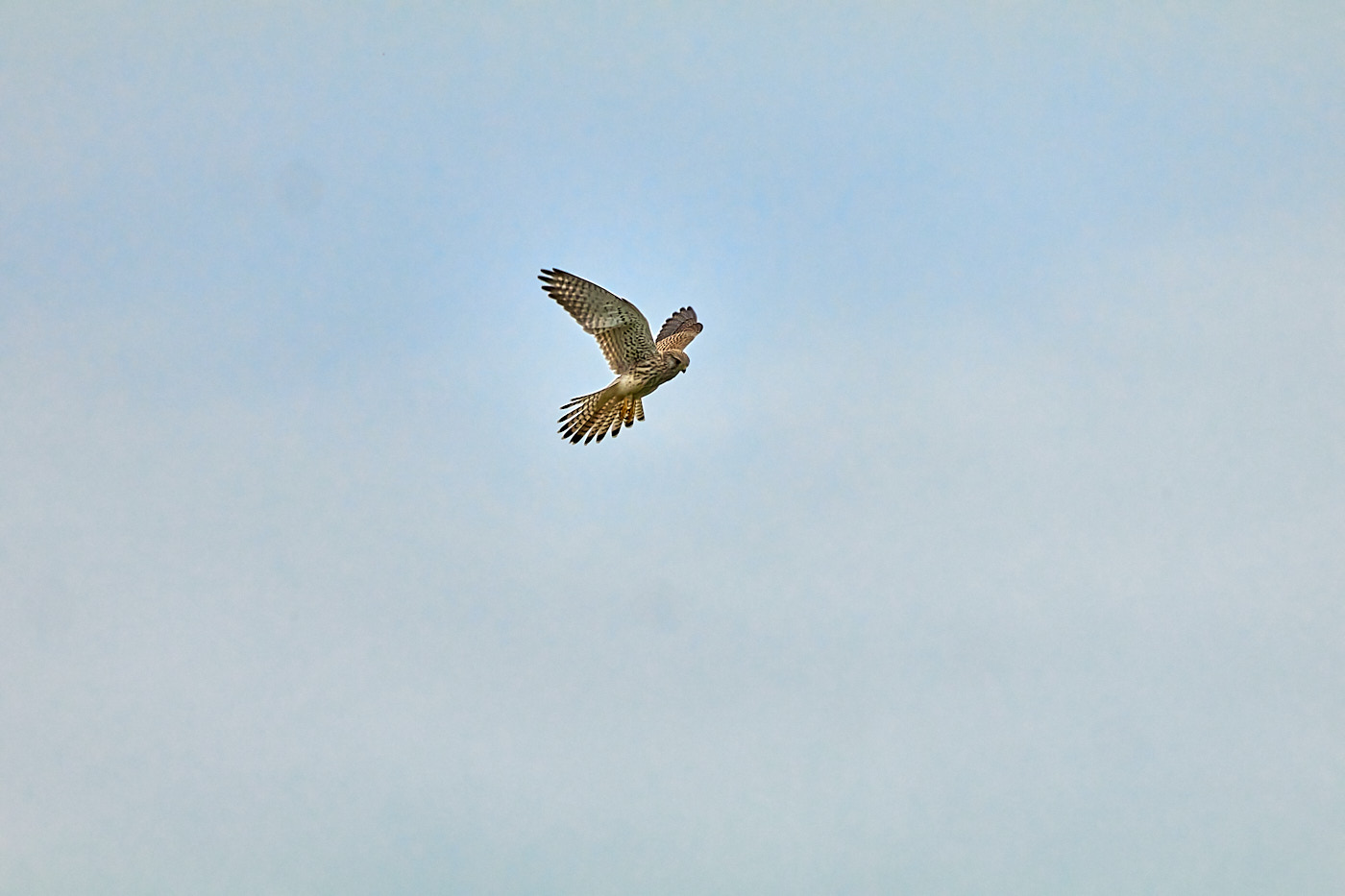
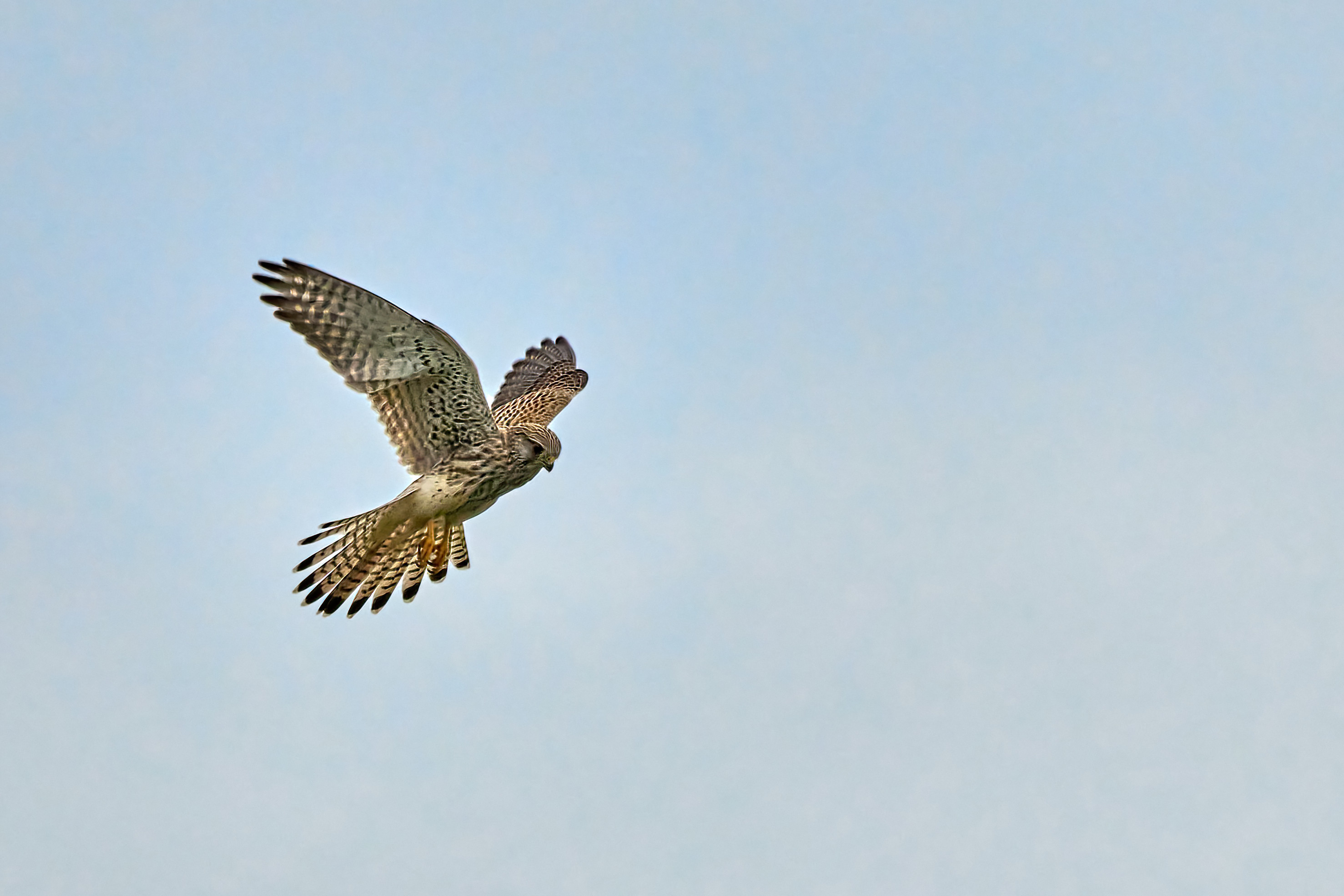
Fig. 15: The falcon was quite far away.
Fig. 16: Cropping afterward still works well here.

However, you should not overdo it. Otherwise, the image becomes too small overall, and you will start to see the pixels.
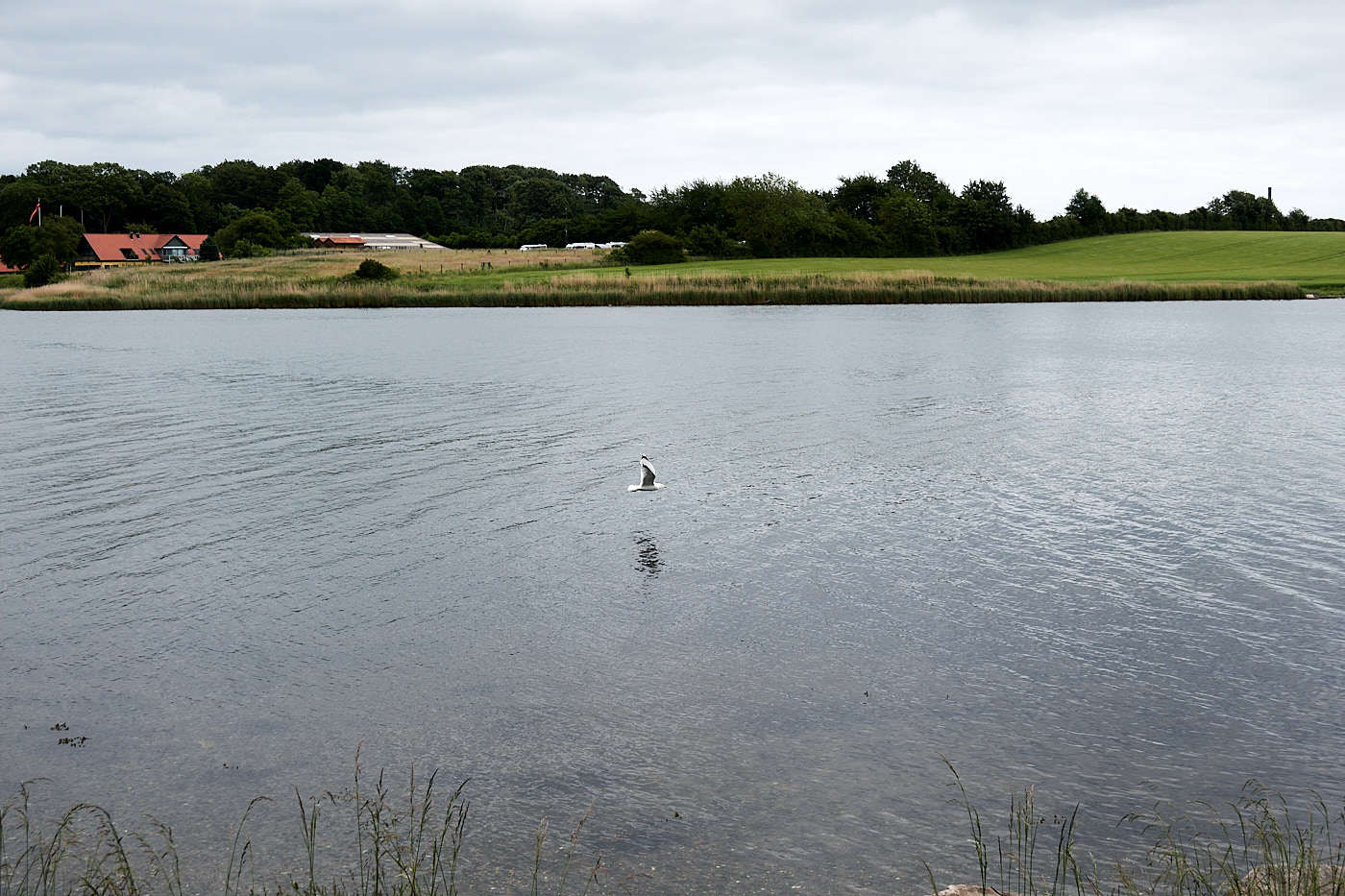
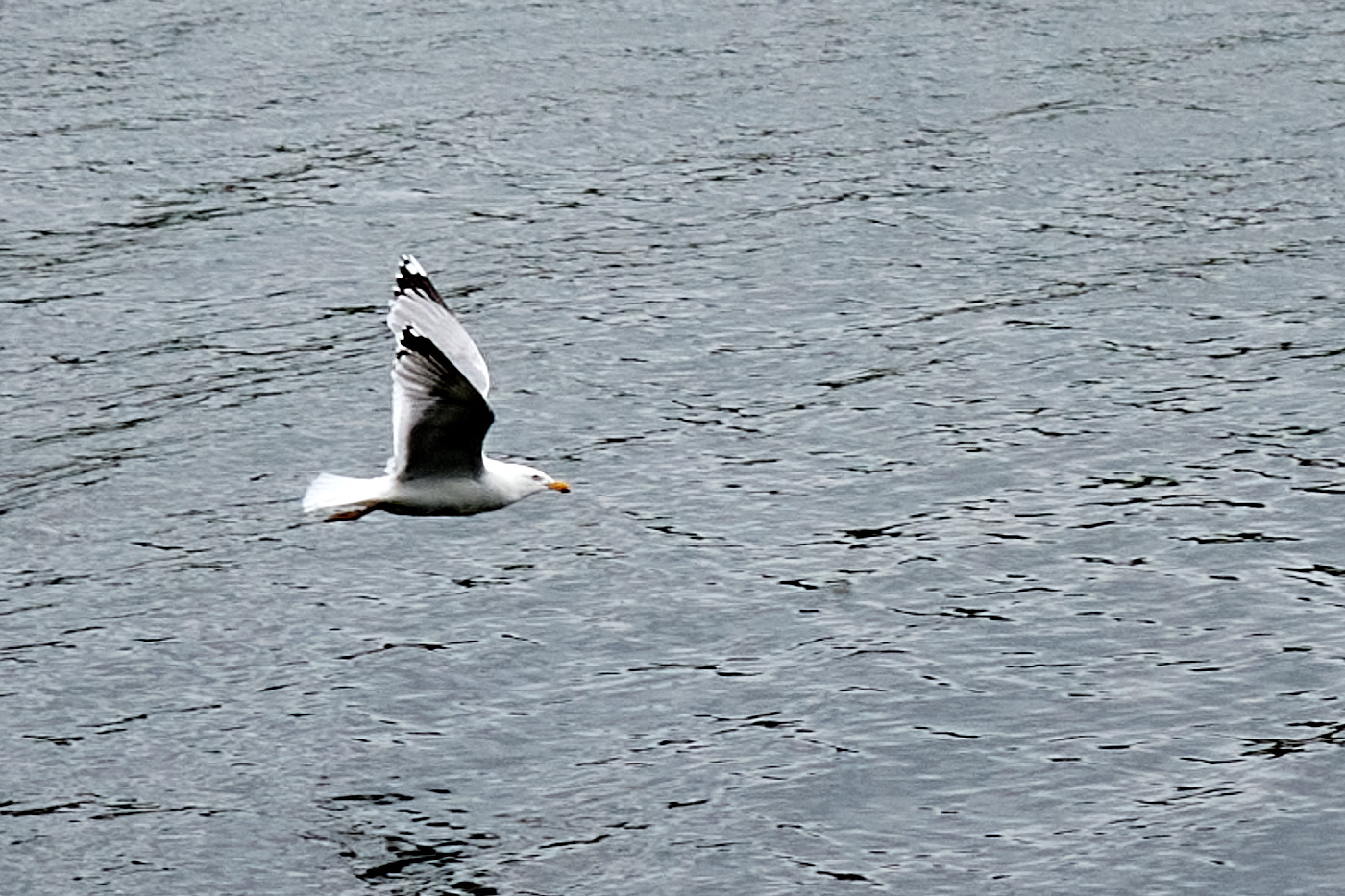
Fig. 17: There is definitely not much left to do here.
Fig. 18: Cropping no longer leads to a good picture. The image is too small and pixelated.

Cropping can also help get rid of image elements that you might have overlooked during the shot and that do not belong in the picture.
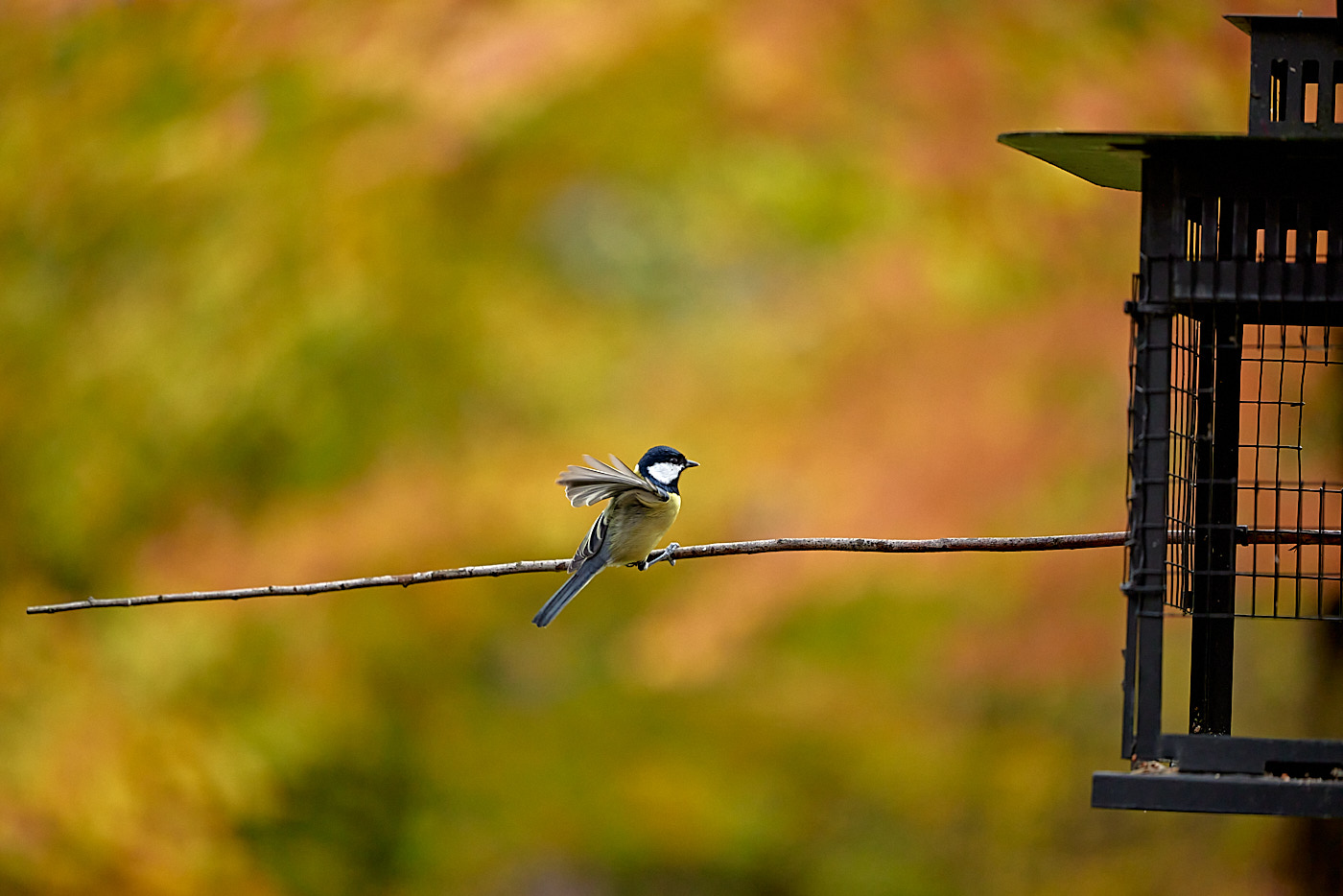
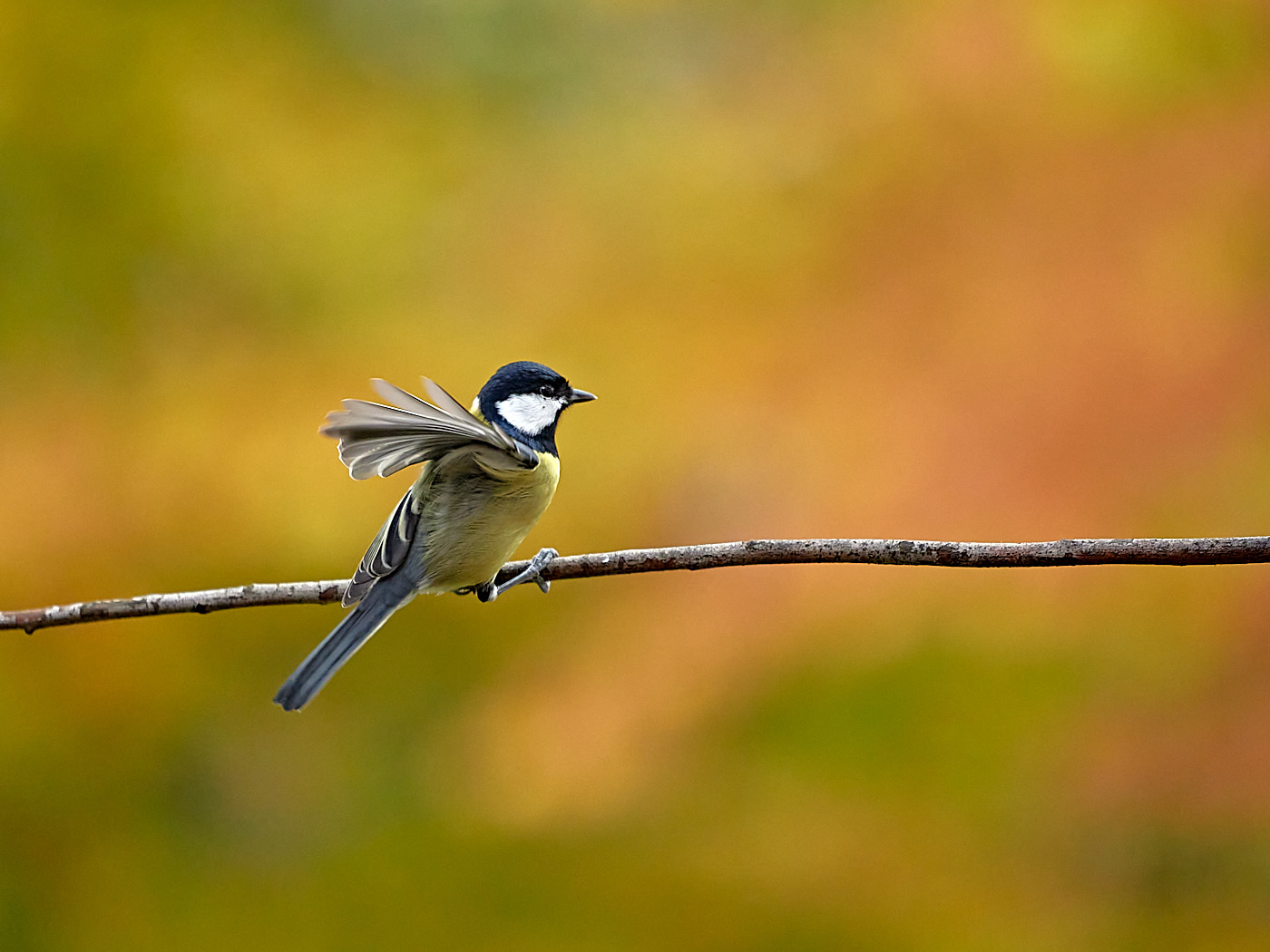
Fig. 19: The titmouse is too small, and the birdhouse is distracting in the frame.
Fig. 20: Cropping conceals the fact that the titmouse was photographed at the birdhouse. The image format was additionally changed here as well.

Furthermore, cropping can completely change the overall impact of an image. A famous example is a photograph from the Vietnam War.

Isolation / Subject Separation

Isolation refers to highlighting a subject against a blurry background. This is achieved with a shallow depth of field and by focusing on the subject. The background itself can appear homogeneous or still allow the surroundings to be guessed. Smartphone software developers put a lot of effort into creating a blurry background, even with lenses featuring very short focal lengths.
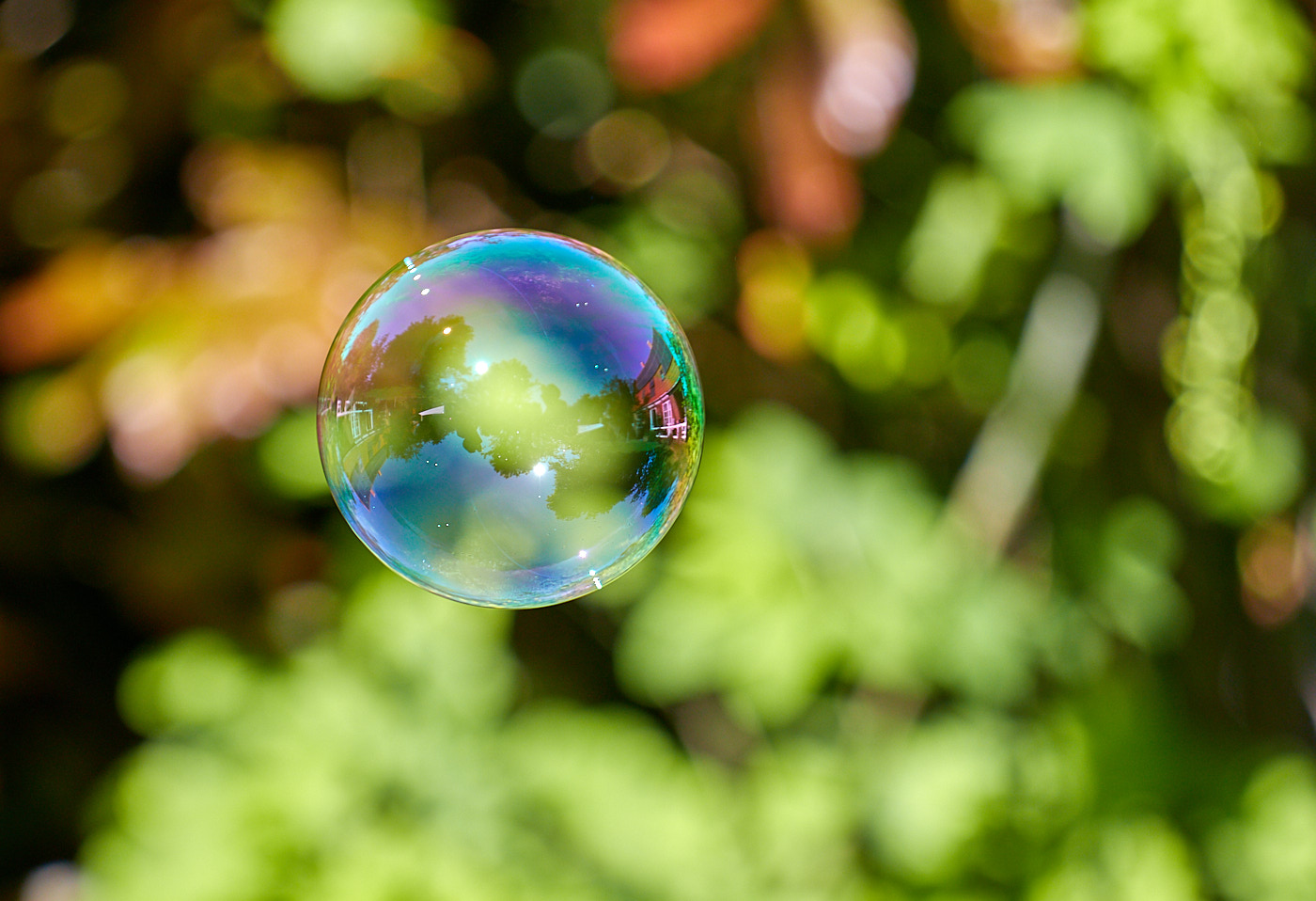
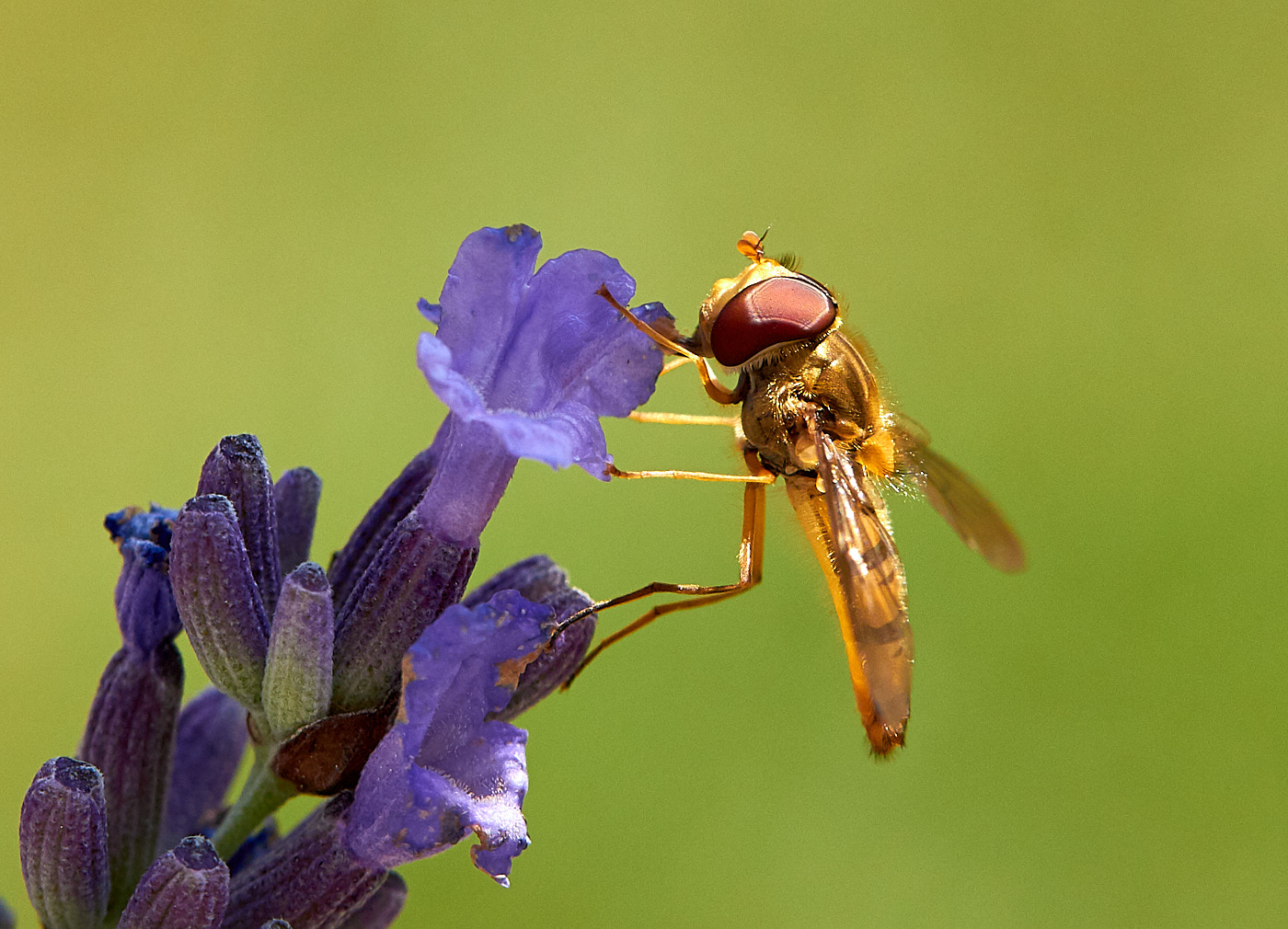
Fig. 21: The soap bubble is sharp, the background is blurry but still recognizable.
Fig. 22: The fly is sharp against a homogeneous background.

If you have small light sources in the background of the subject, such as a string of lights or backlighting through a forest, you can achieve a beautiful background look.
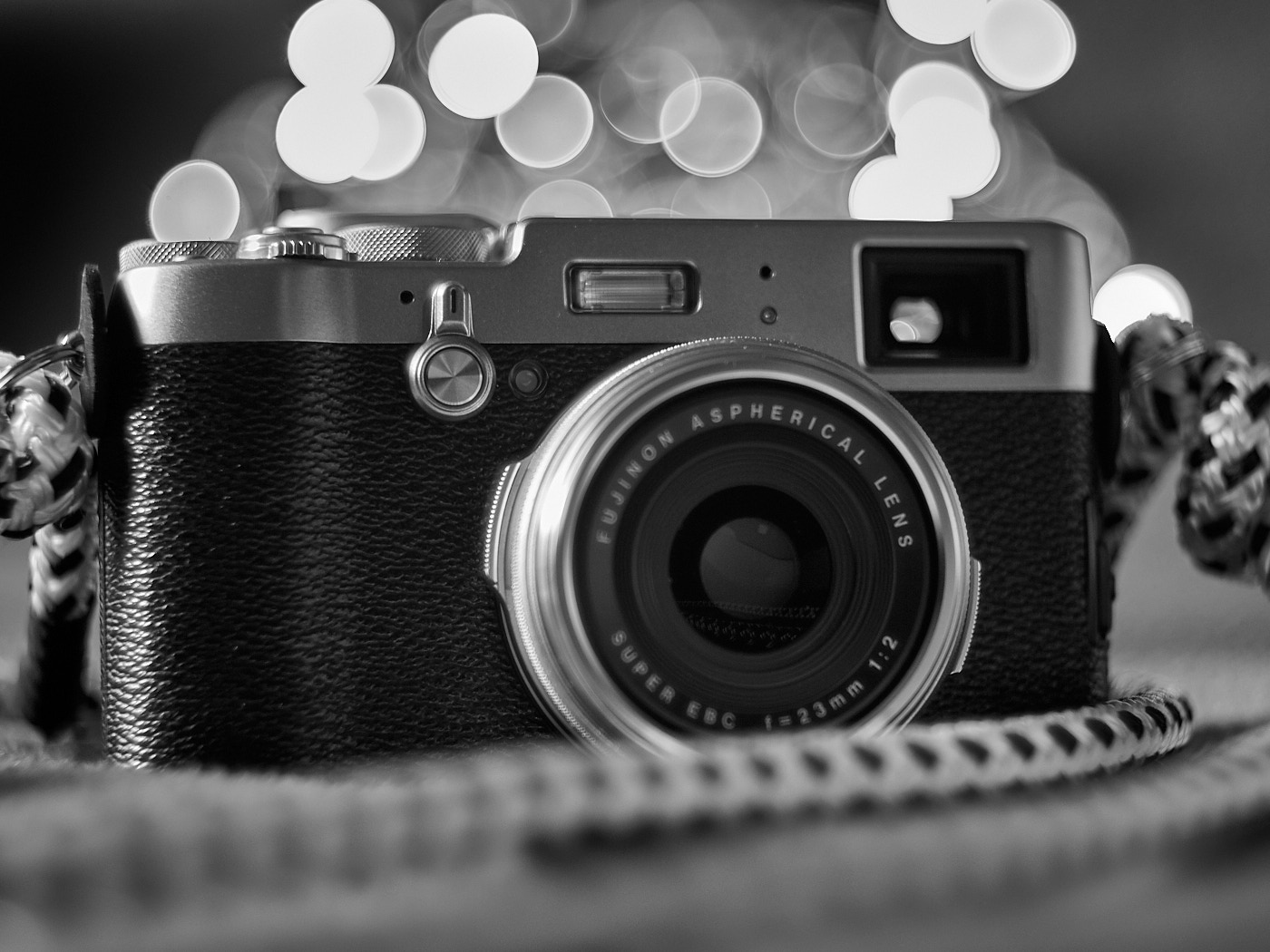
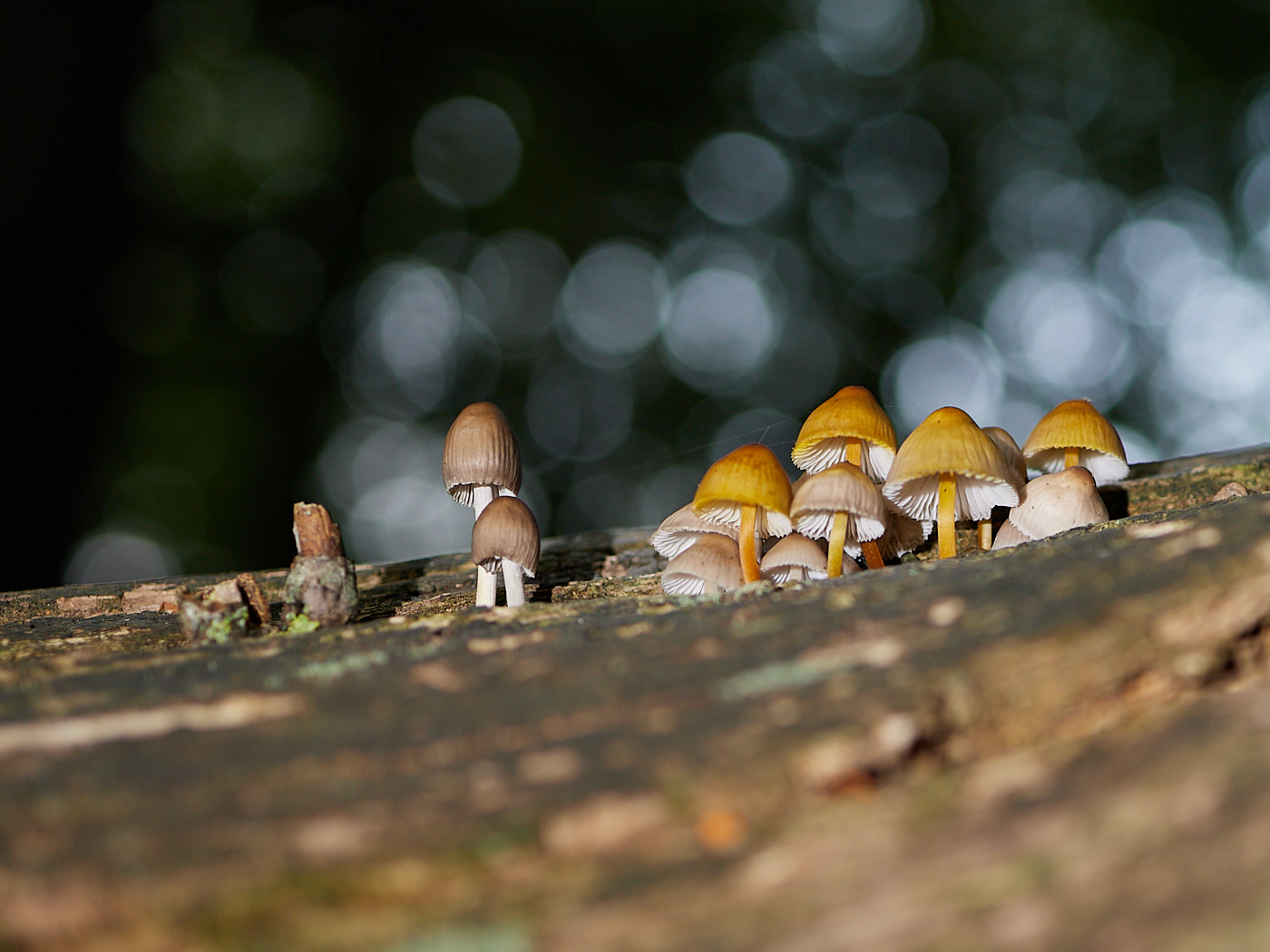
Fig. 23: A string of lights placed in the background provides an interesting image look.
Fig. 24: Natural light in the forest.
NoteMore Information

Panning Shots

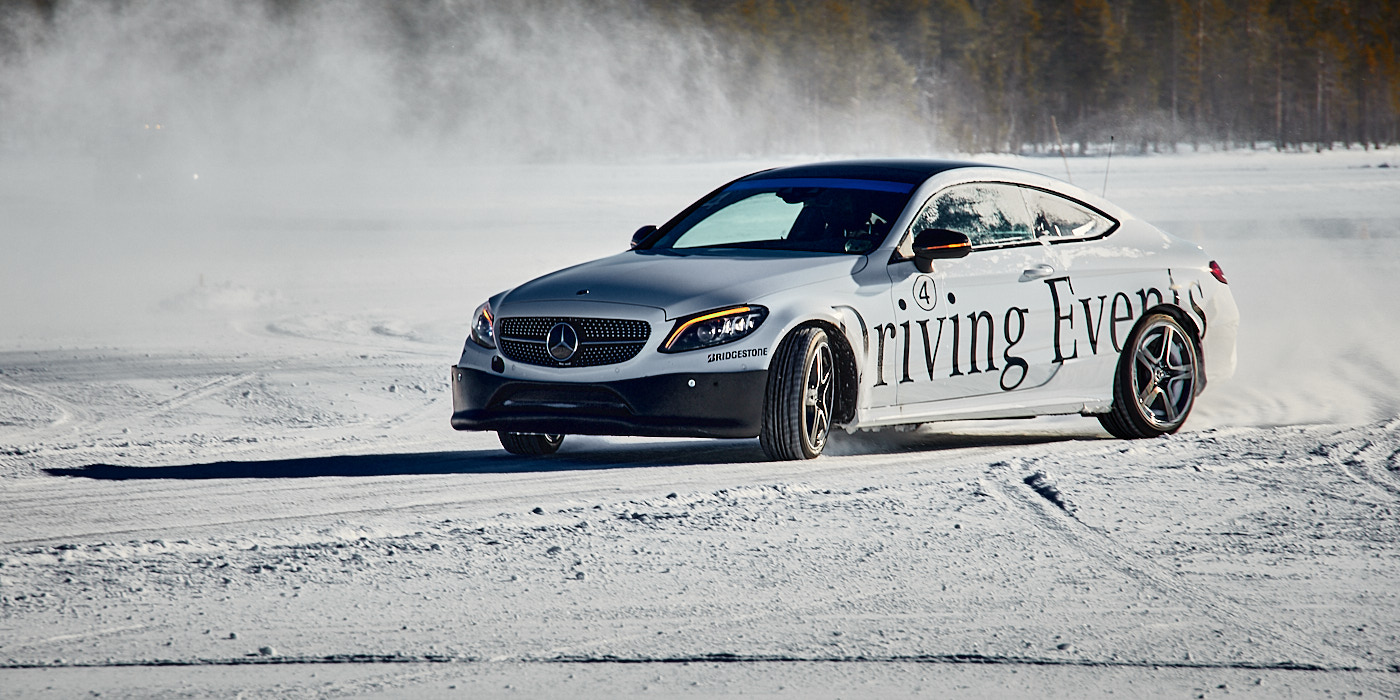
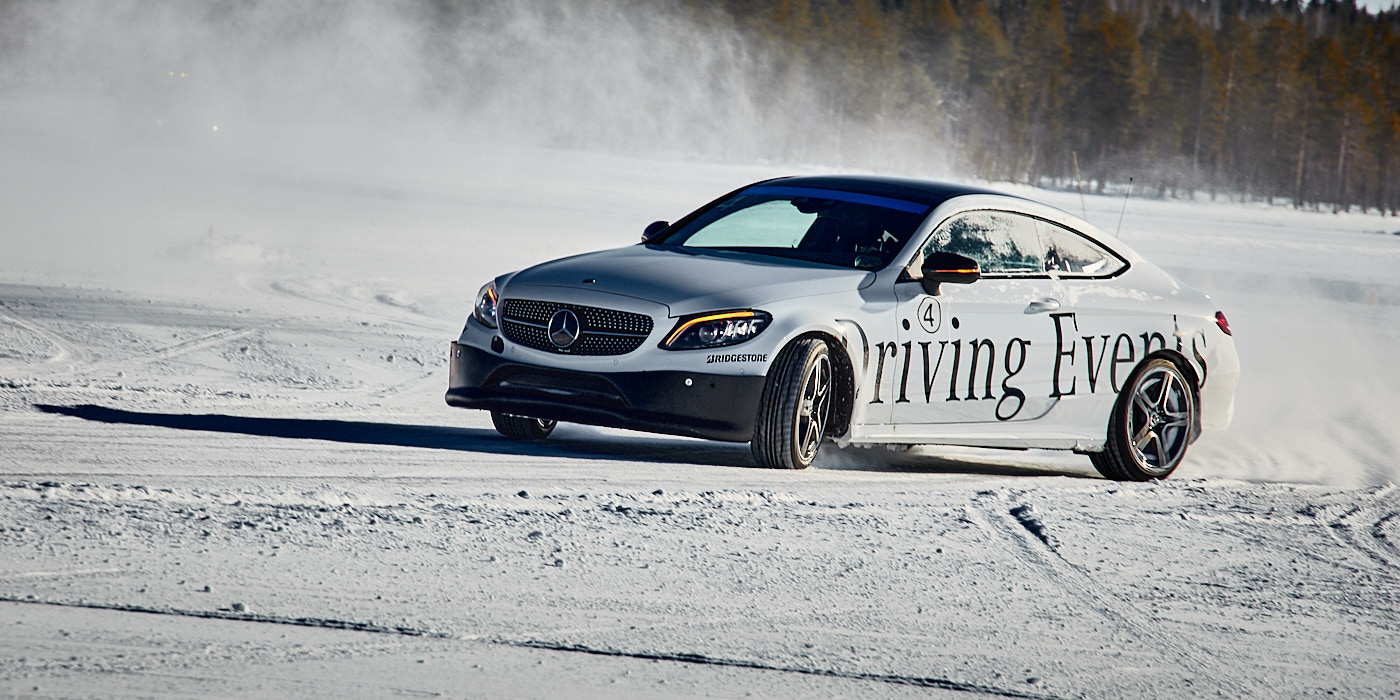
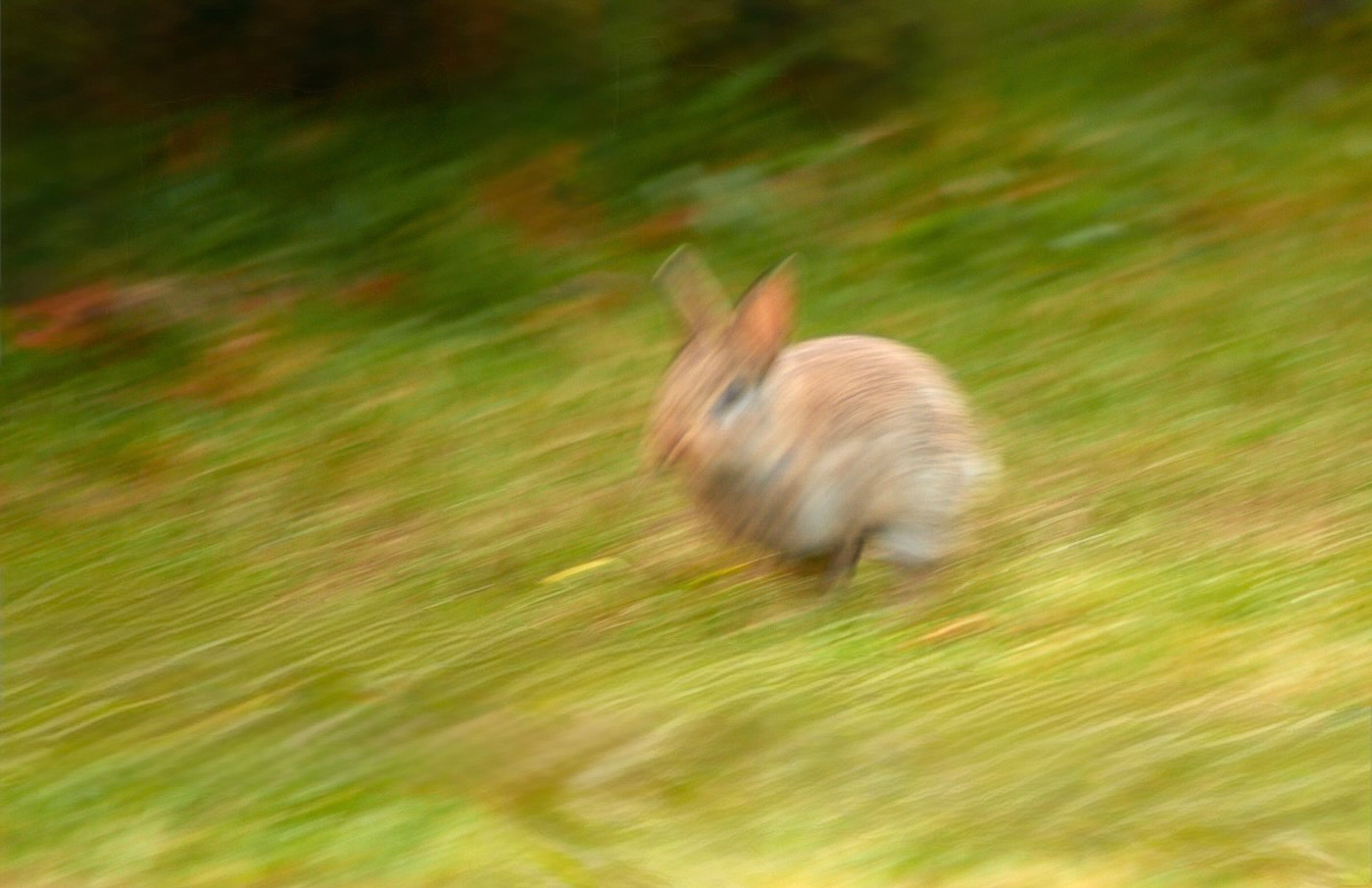
A panning shot is a photograph where the camera is moved in the direction of motion along with the object during the exposure. This reduces the relative speed; the object is rendered sharply while the stationary background becomes blurry. This technique requires a lot of practice.
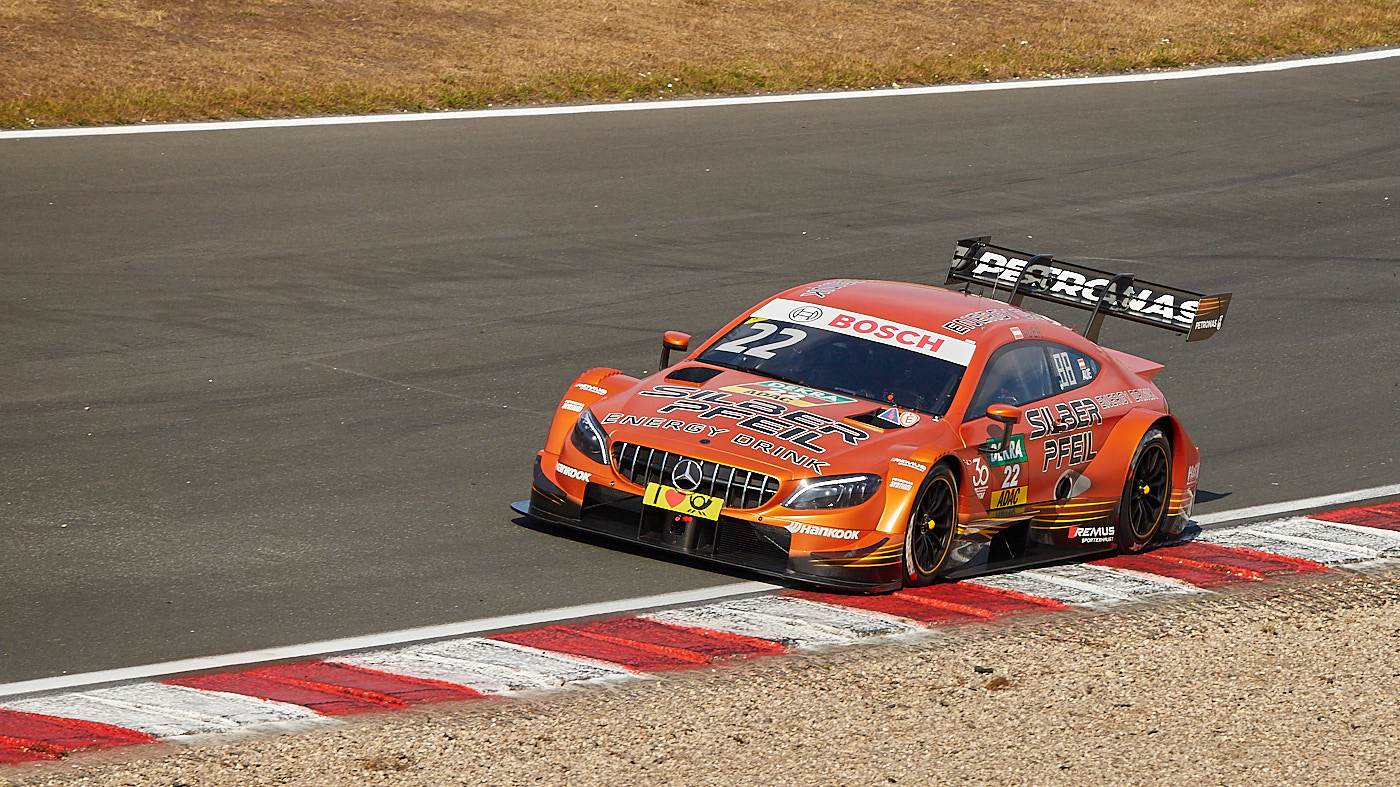
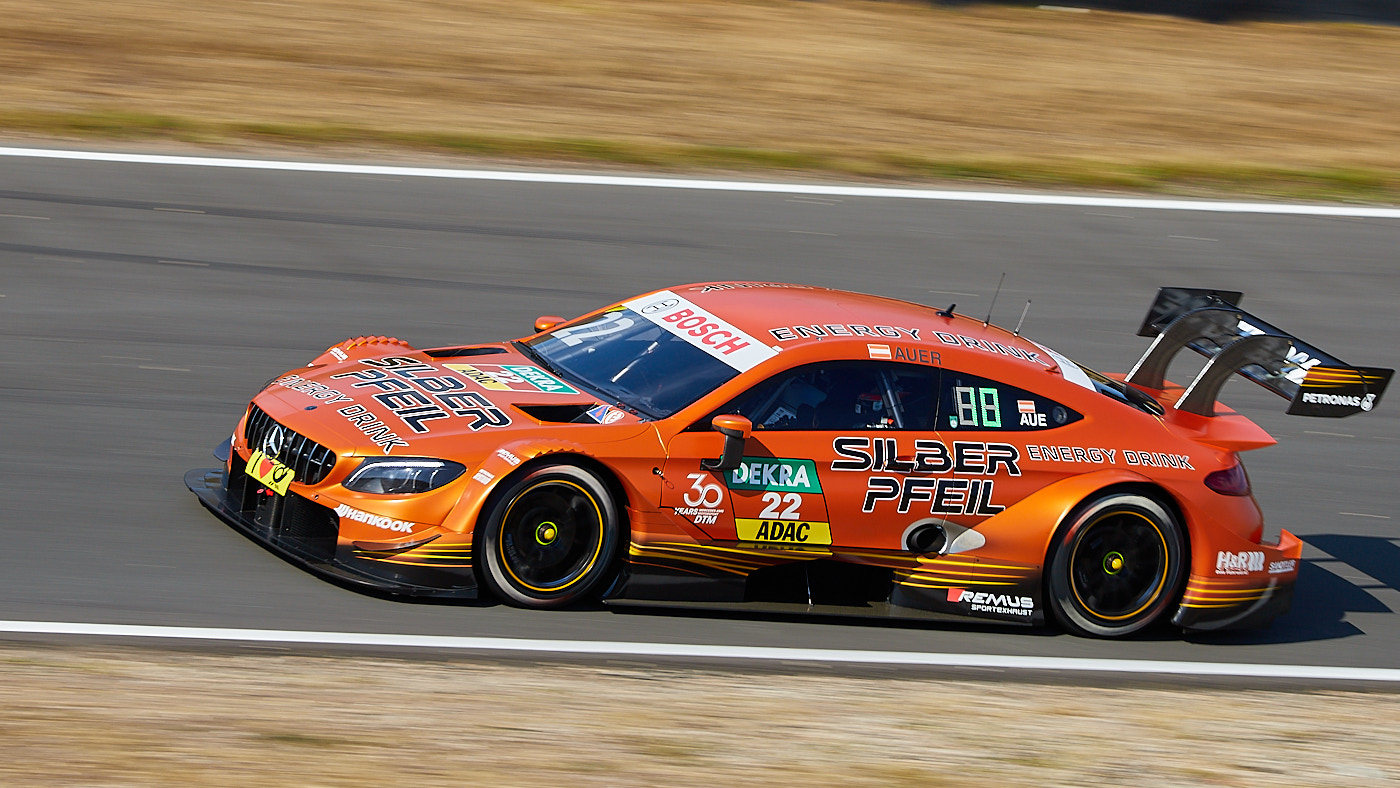
Fig. 25: Without panning: Captured with a shutter speed of 1/1250 s. The car is sharp, but the image feels static.
Fig. 26: Better: Captured as a panning shot with a shutter speed of 1/200 s. The image looks more dynamic.
Fig. 27: Panning shots require a lot of practice. Here, everything is blurry.
TipTurn off the image stabilizer if available. However, some lenses feature a special stabilization mode specifically for panning shots.

Black and White Photography

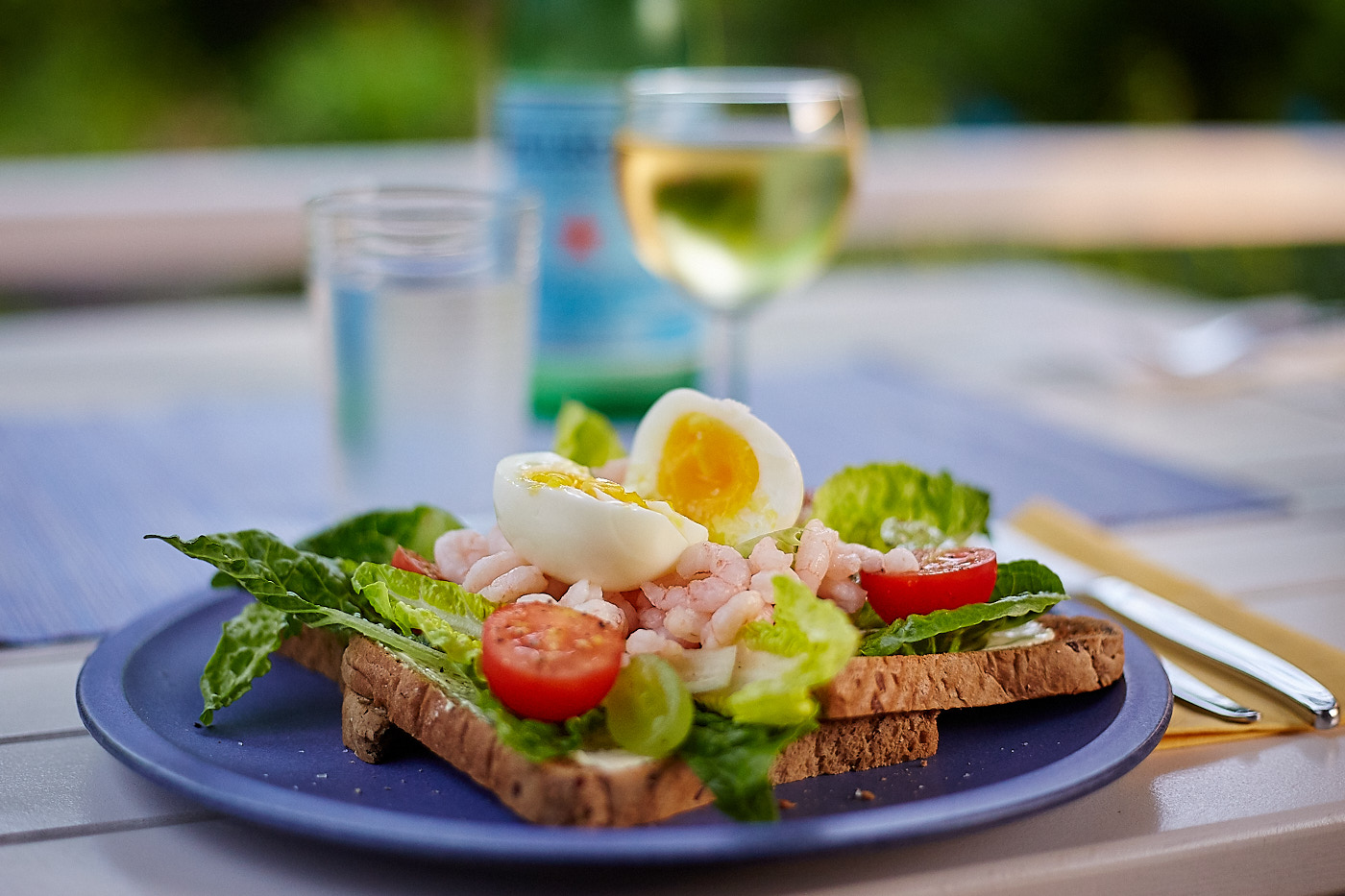
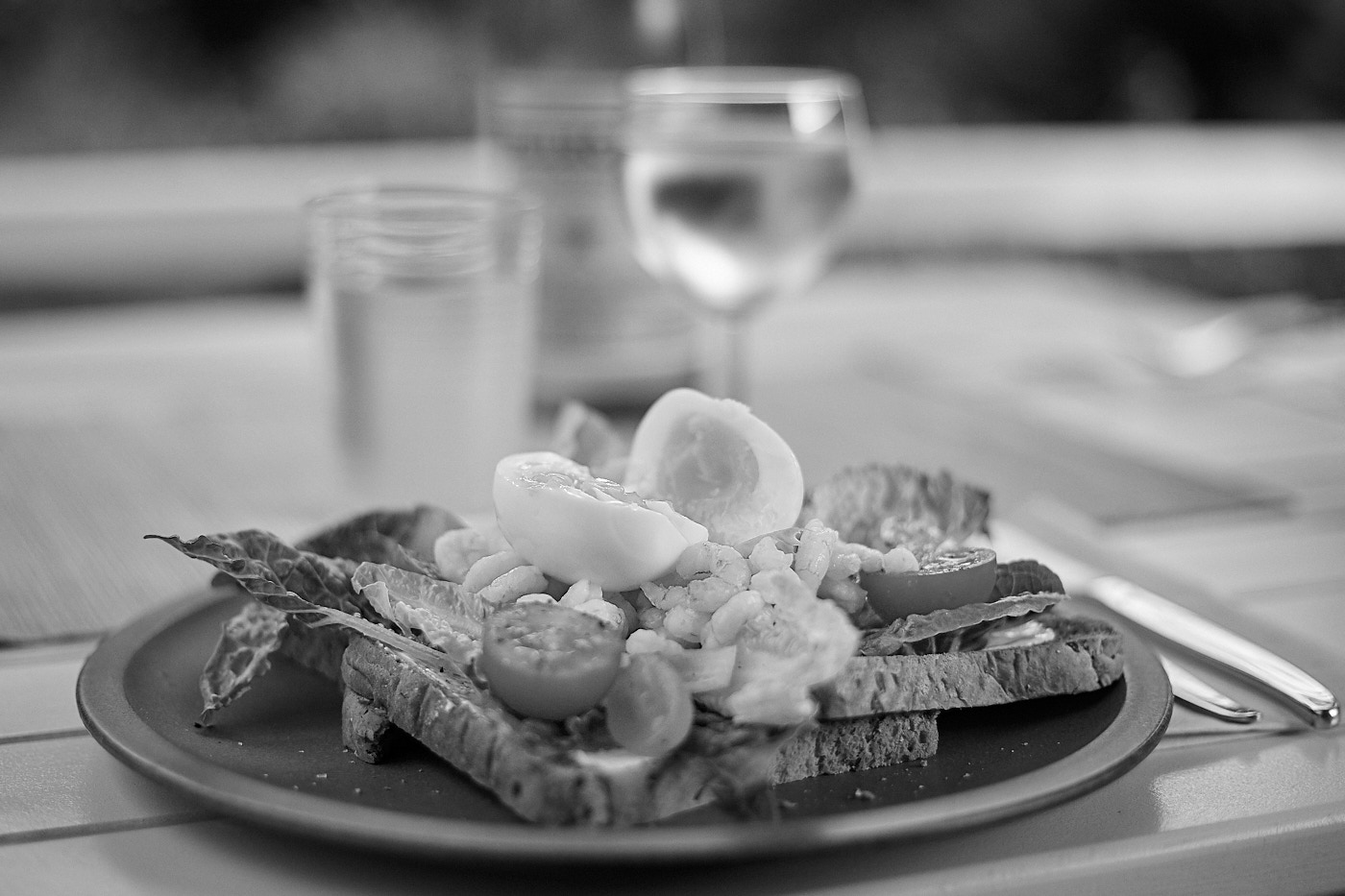
Black and white or monochrome photography is the oldest form of photography and remains a popular stylistic tool today. By omitting colors, attention is drawn to contrasts and brightness levels. This does not work for all subjects, but some gain artistic expressiveness. Most digital cameras feature a monochrome mode, allowing you to see the image in black and white directly in the viewfinder and on the screen, so you can evaluate the effect before taking the shot.
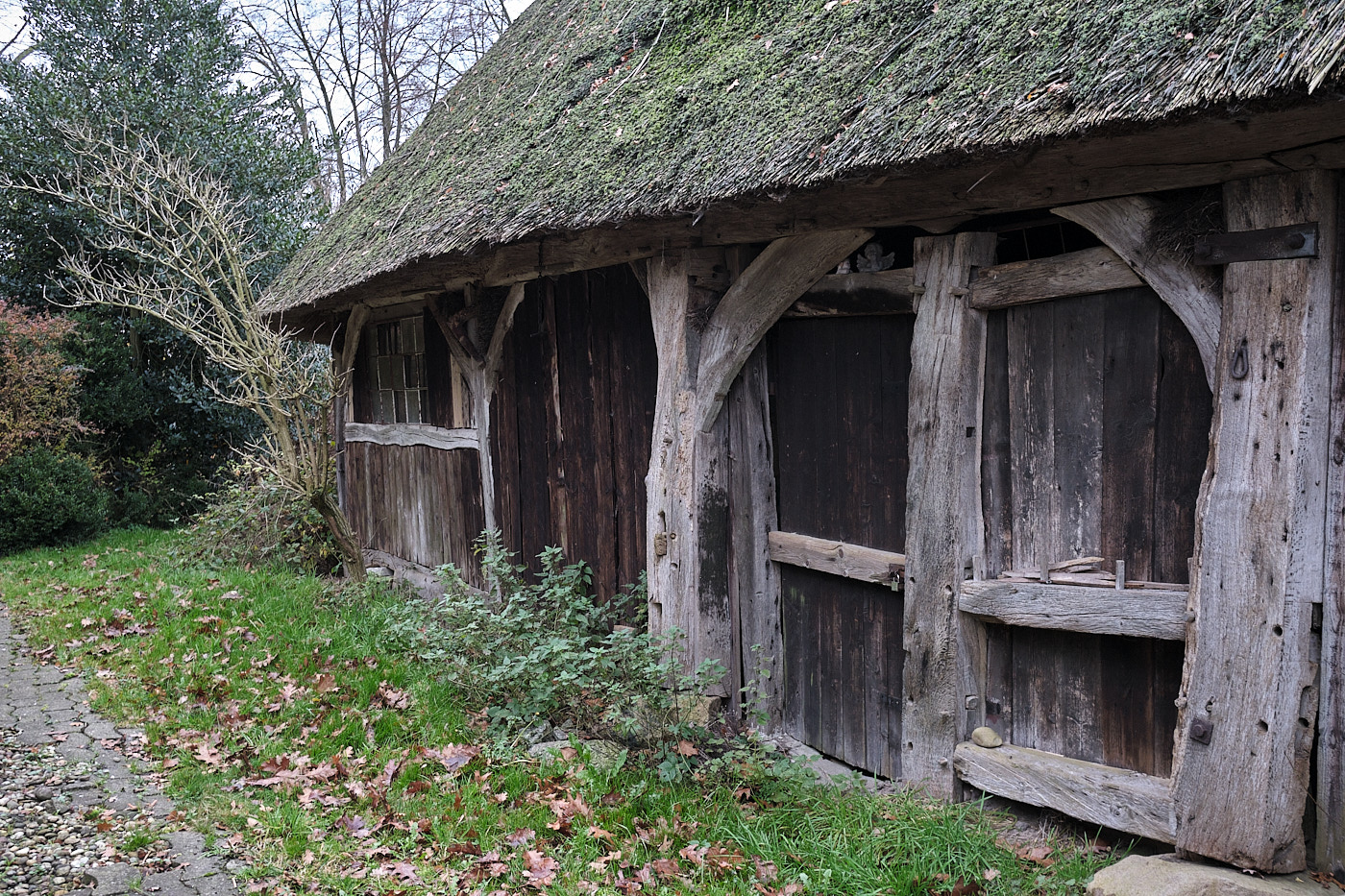
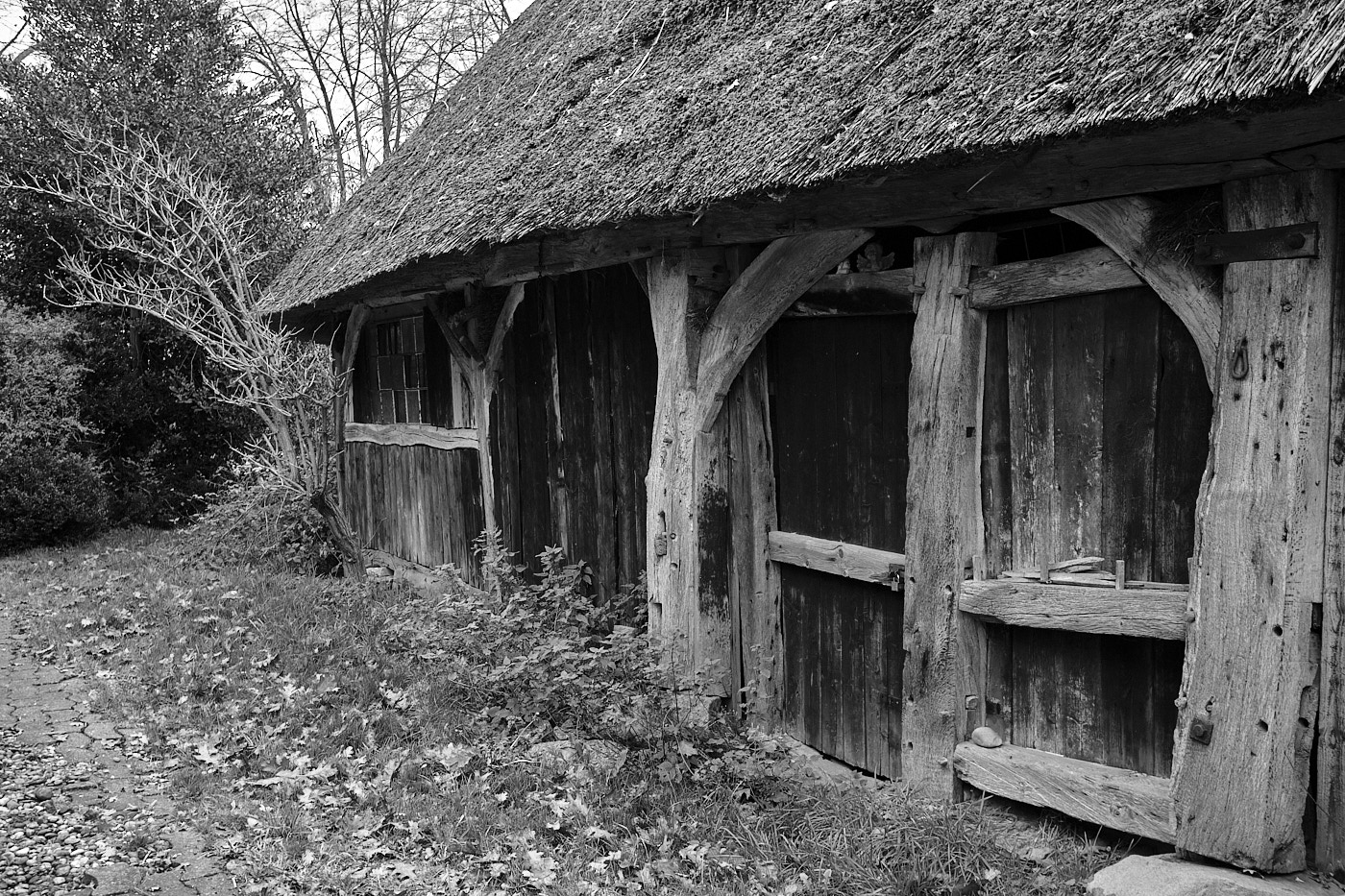
Fig. 28: The shot in color does not look as effective. The green grass distracts from the wood texture.
Fig. 29: In black and white, the wood texture stands out much better.
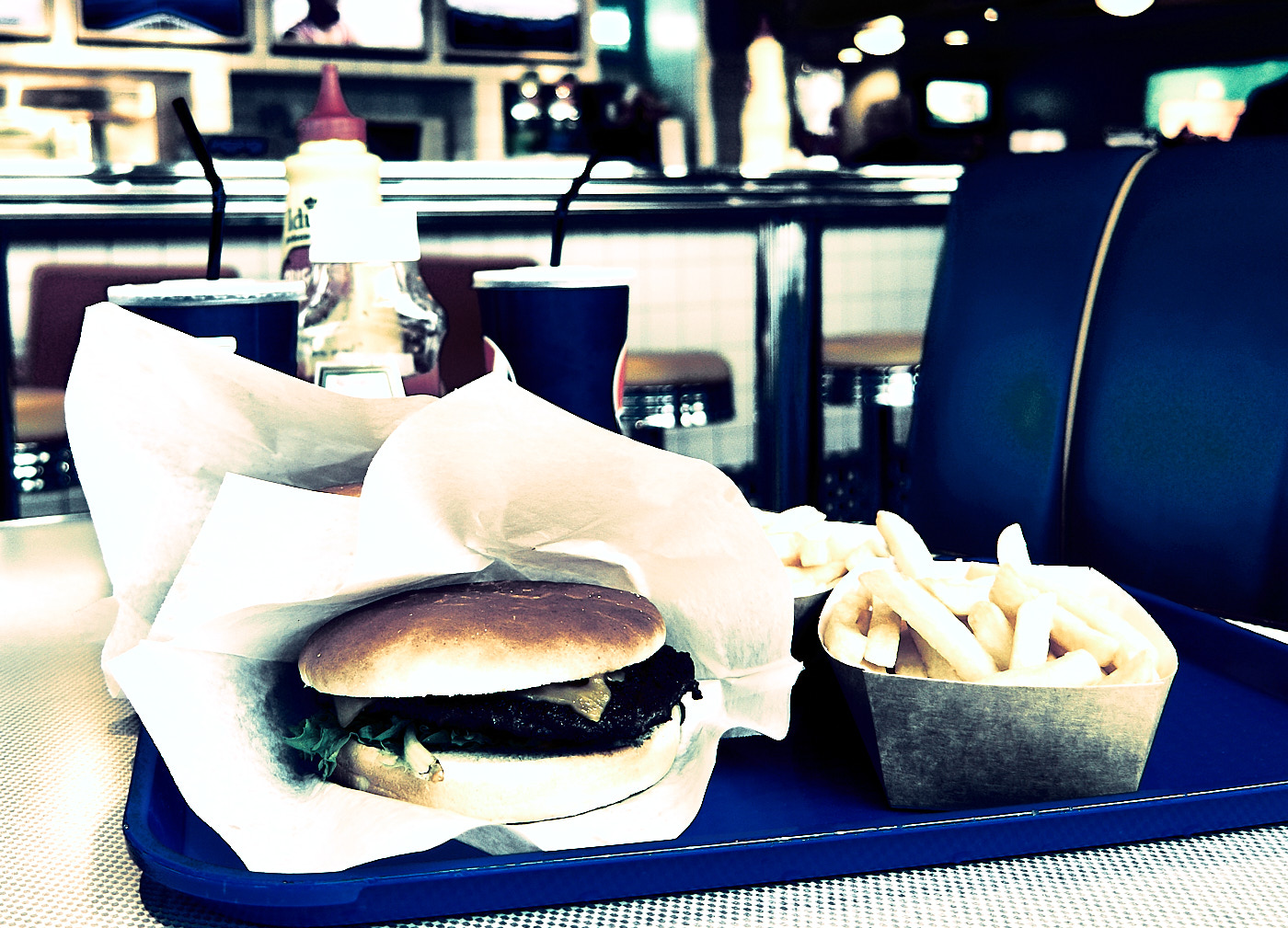
Fig. 30: Food photography usually only works in color.
Fig. 31: In black and white, the image appears flat and lacks an appealing statement.
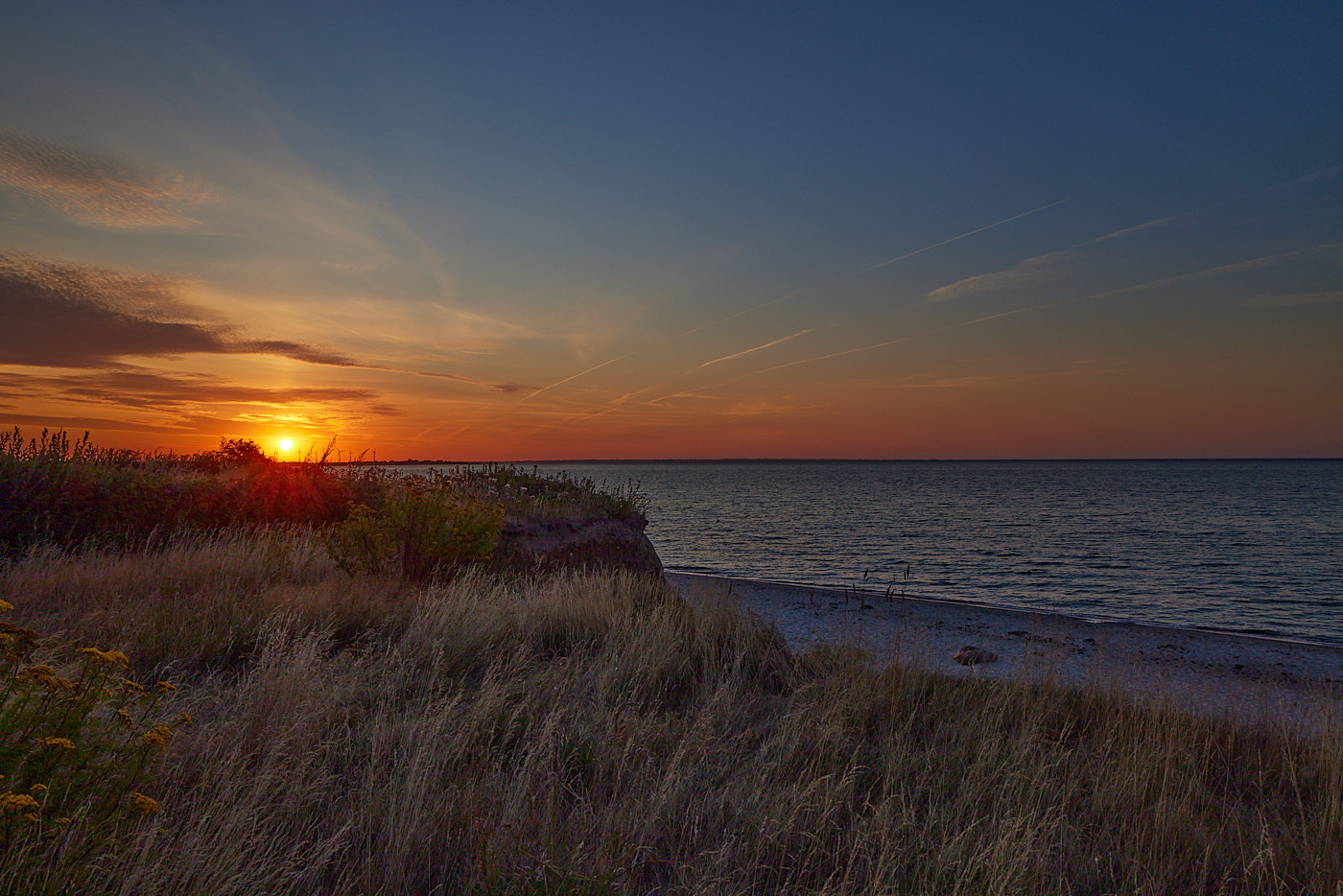
Fig. 32: Sunrises and sunsets thrive on color. The color determines the image mood.
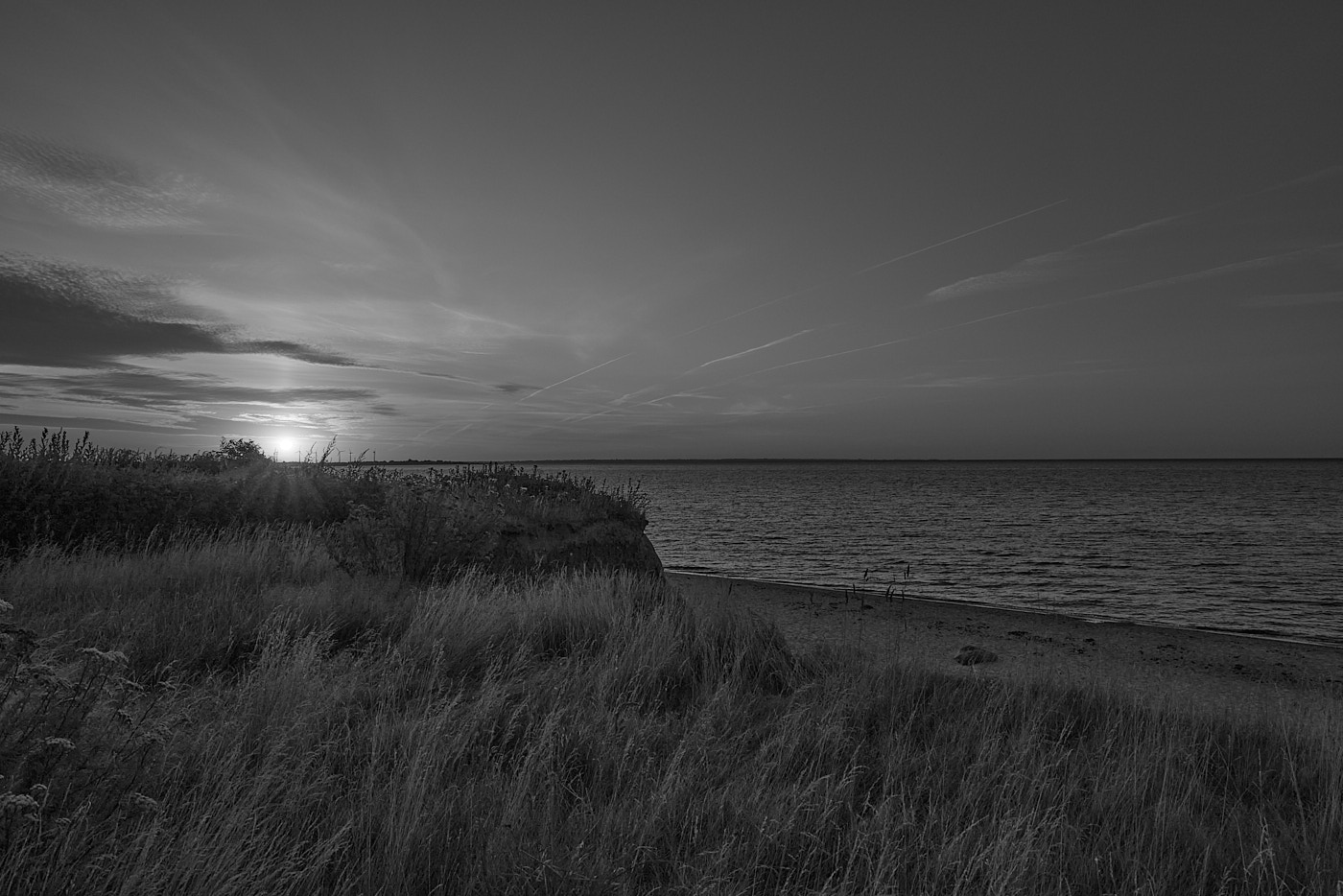
Fig. 33: In black and white, the picture is not bad, but the actual mood is lost. Now you notice the old contrails, which didn’t stand out in the color shot at first.
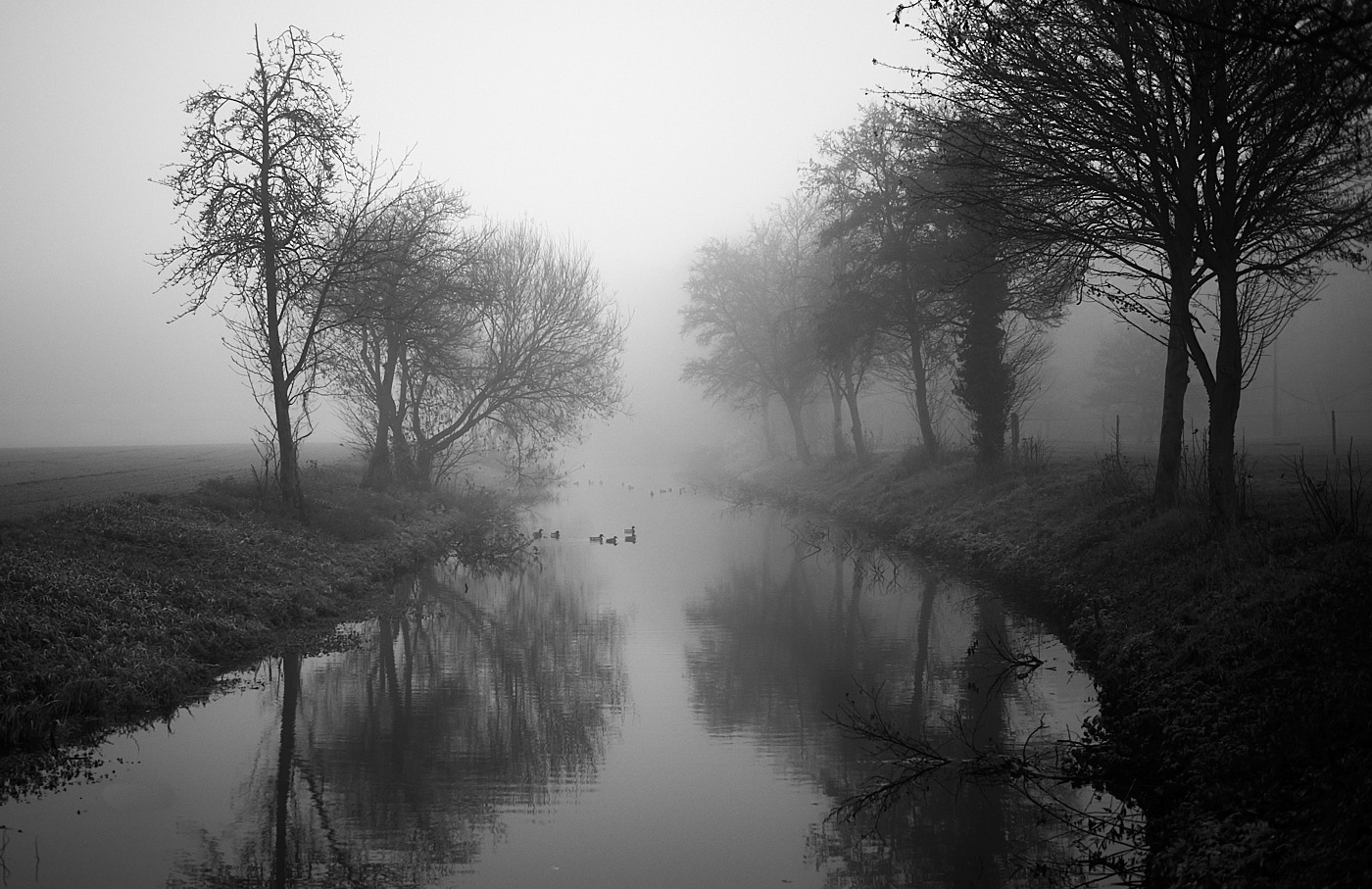
Fig. 34: November mood in black and white.
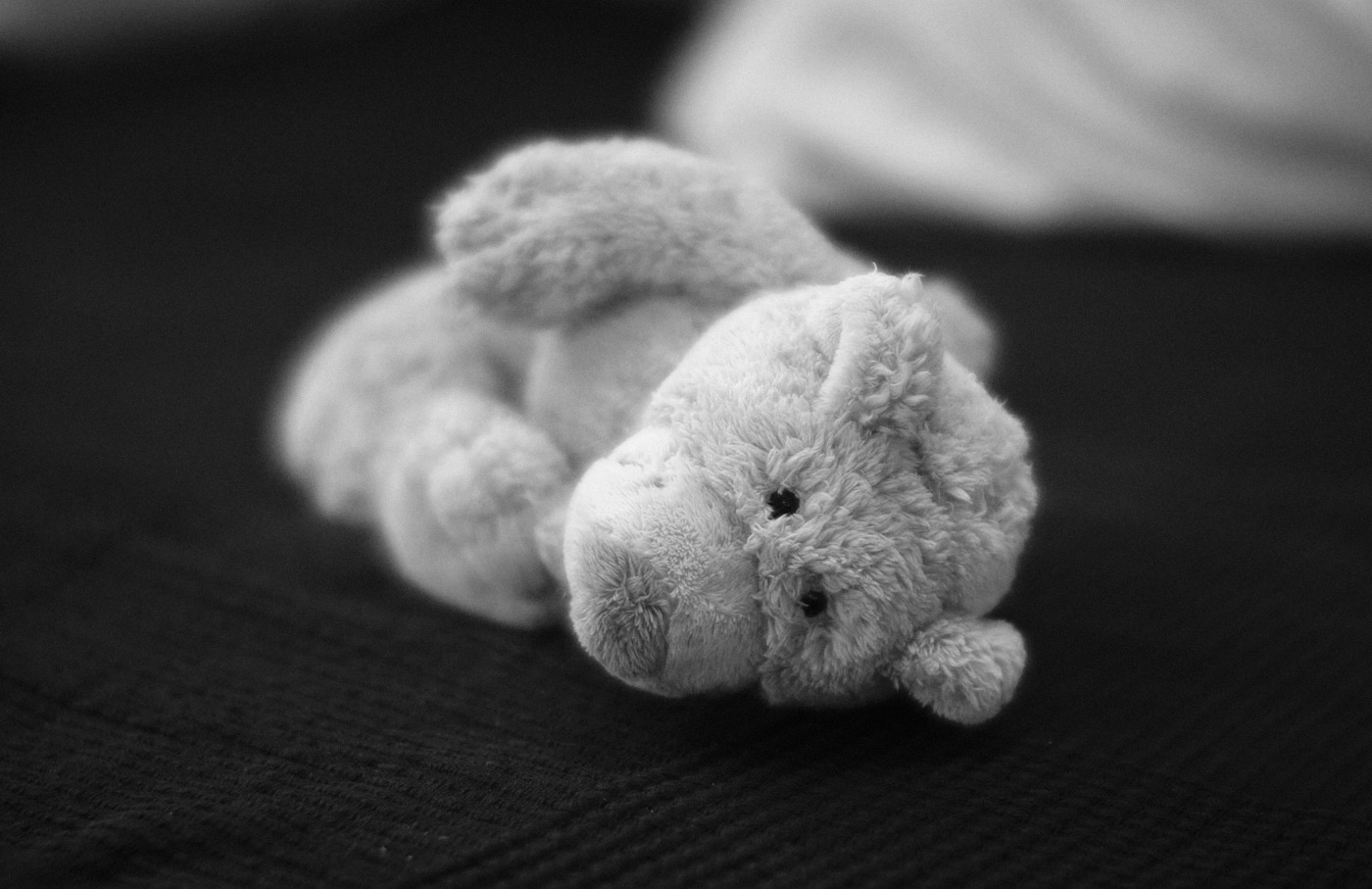
Fig. 35: Anton captured at aperture f/0.85.

High-Key / Low-Key

High-Key shots are characterized by predominantly bright tones, while Low-Key shots feature predominantly dark tones. Both types of photography usually exhibit high contrast.
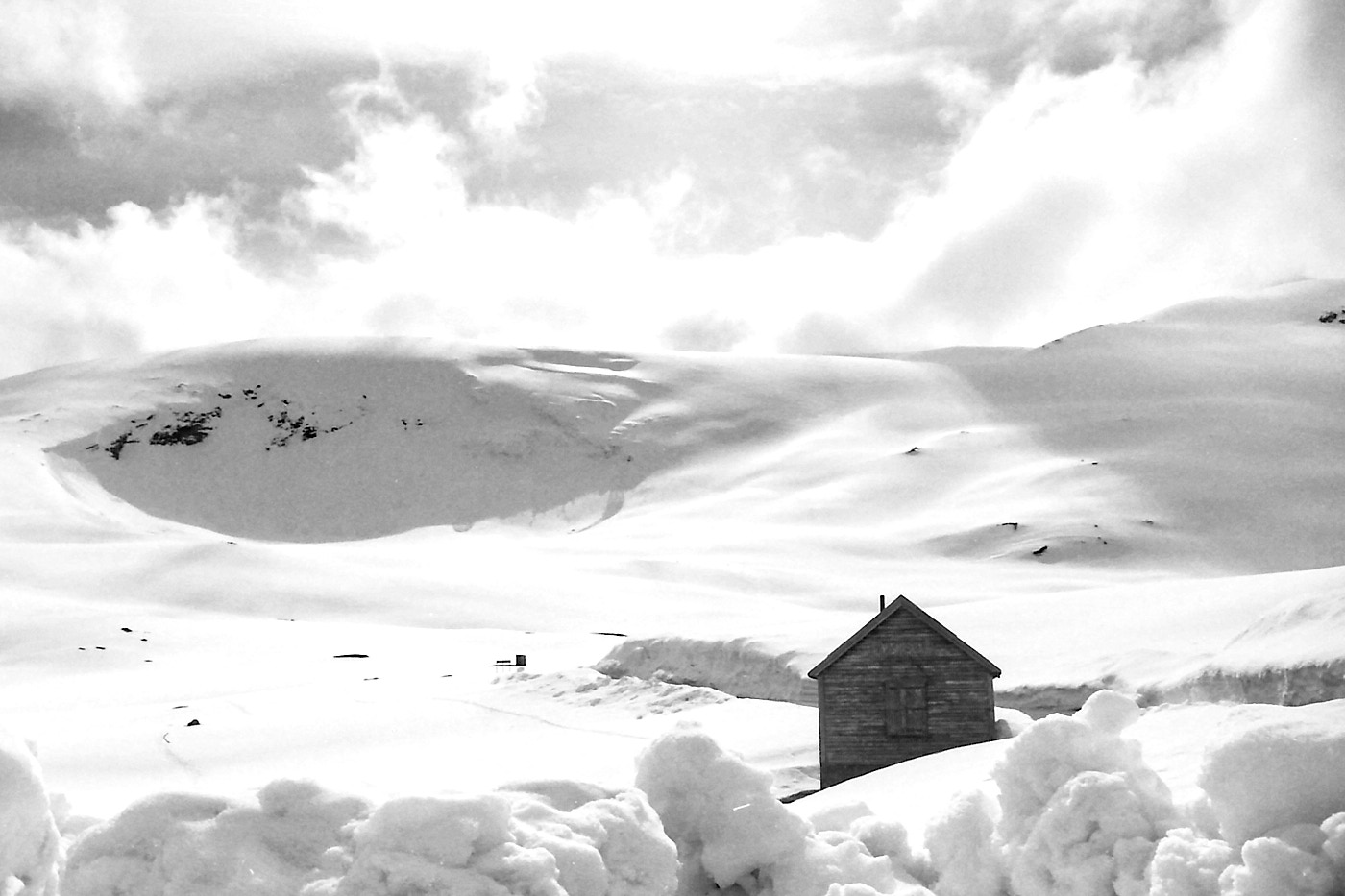
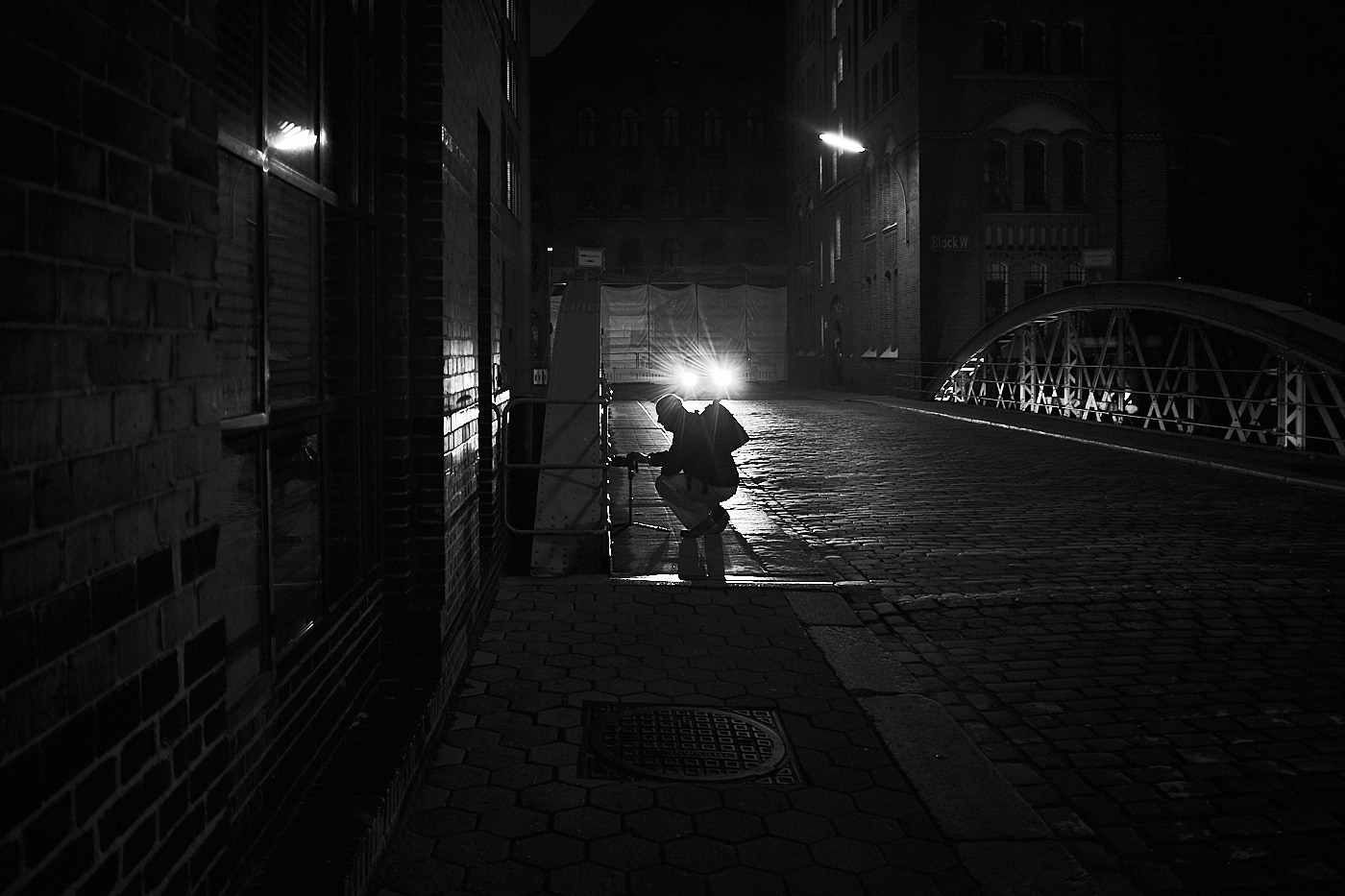
Fig. 36: High-Key shot (analog).
Fig. 37: Low-Key shot.

Styles

Styles or picture profiles alter a photograph to enhance or distort the image statement. The most famous is the black and white or monochrome style. Many cameras have pre-installed styles for food photography, portraits, or landscapes. Developing your own styles is more interesting.
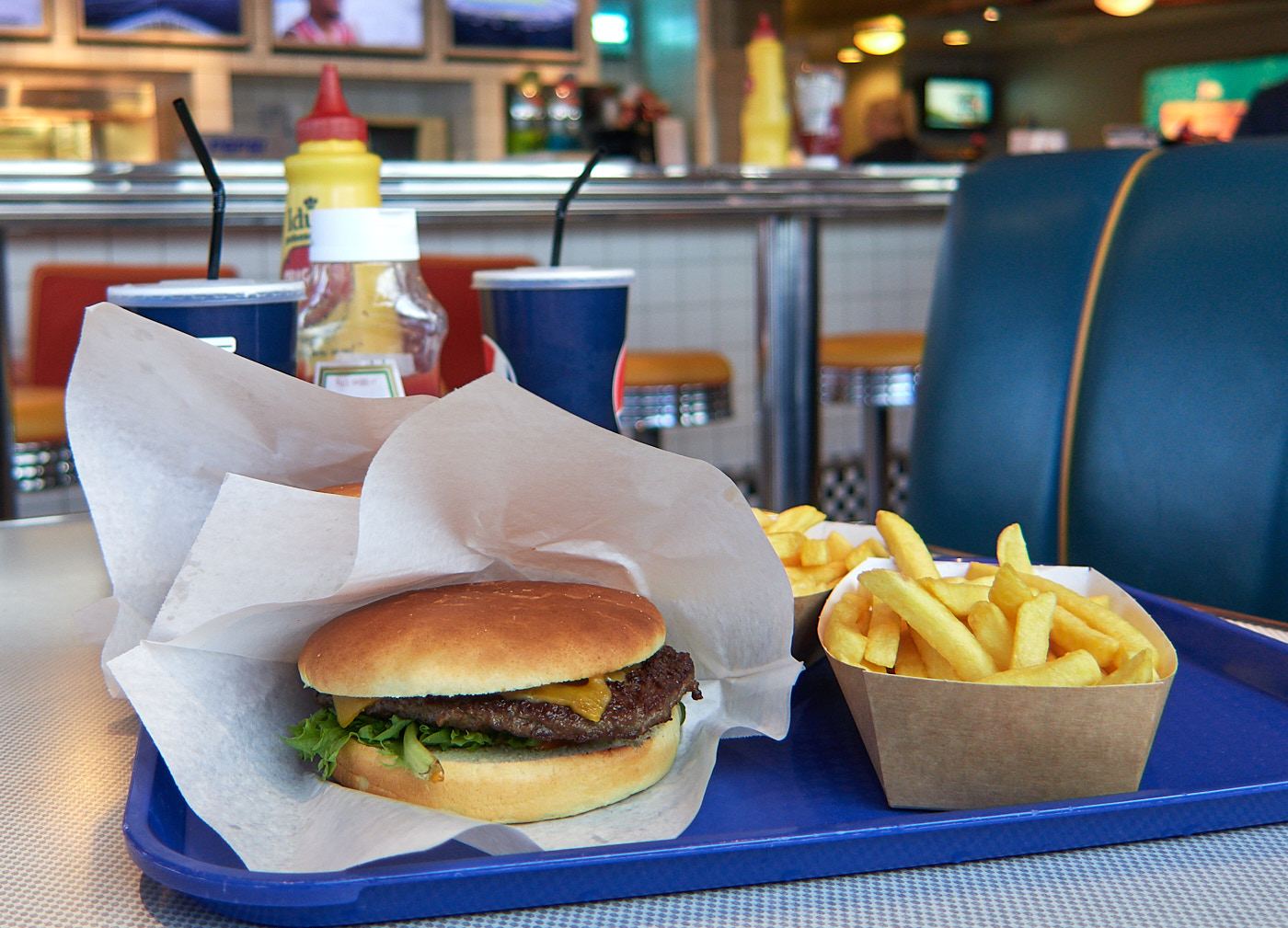
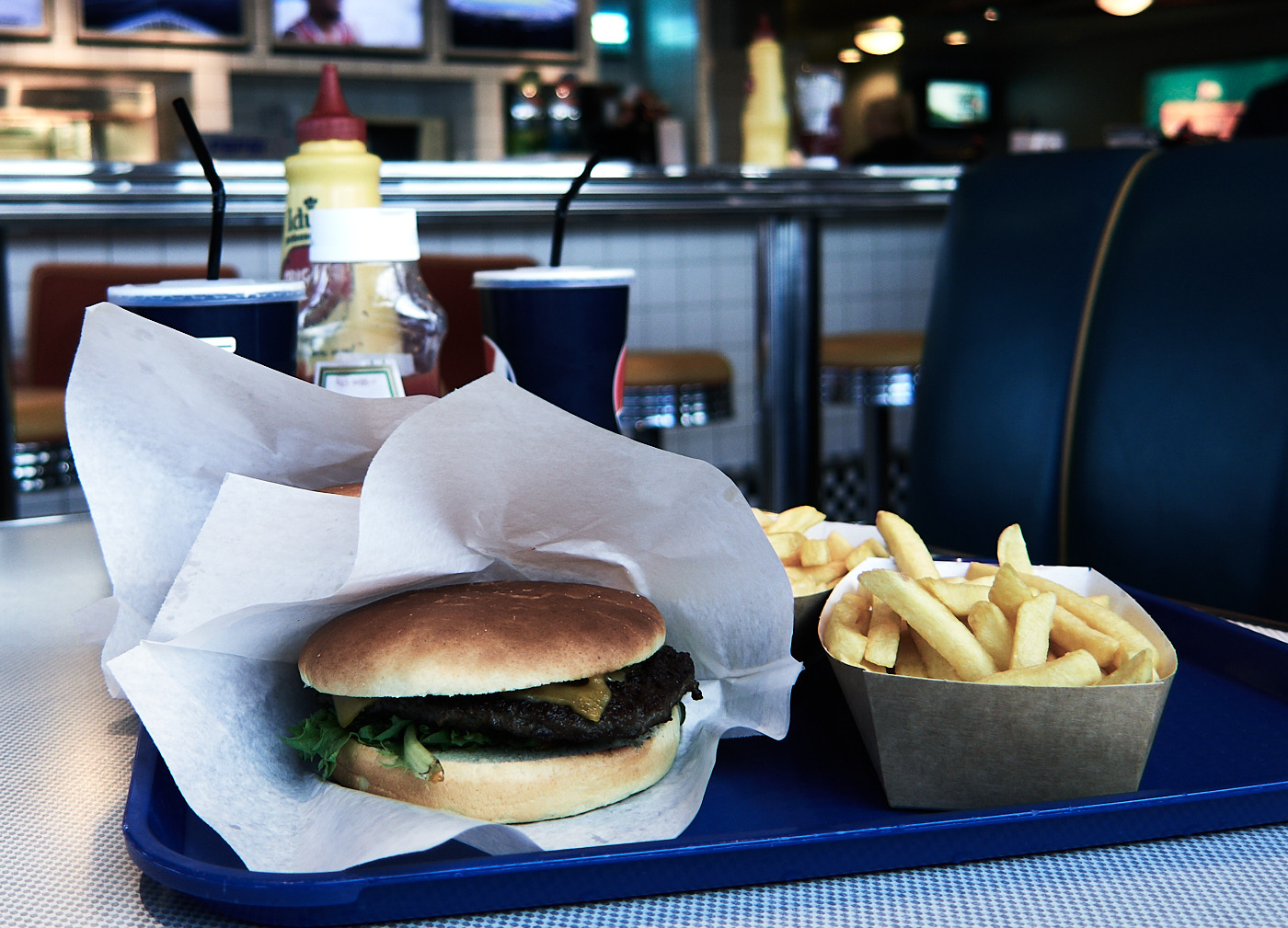
Fig. 38: Original holiday photo,
Fig. 39: in the style of a television crime drama,
Fig. 40: and as if from an article opposing factory farming.
TipSave in RAW format to retain full editing capabilities.

Street Photography

A special genre is street photography, which captures life in public spaces. This can be problematic because you must respect the rights of other people. Strictly speaking, you need to obtain consent from every person you photograph to use the picture. The legal situation in Germany is governed by several laws. The regulations vary from country to country, which is why you find great photos from some countries and hardly any from others. A notable street photographer was Martin Parr, a former president of the Magnum Photos agency.

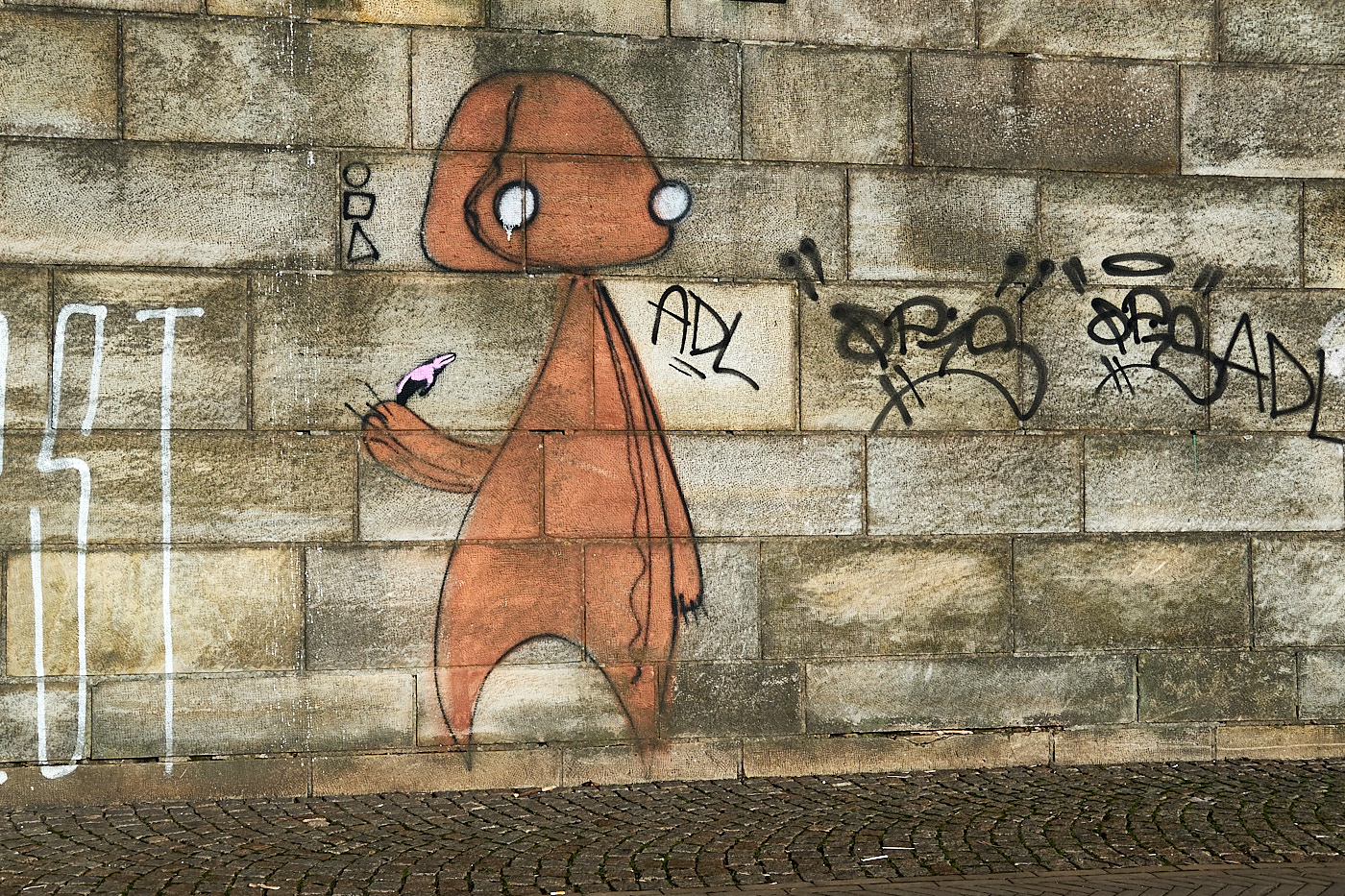
The motivation for street photography for most photographers is documenting real life and the zeitgeist, often combined with a certain amount of social criticism. This, of course, conflicts directly with the necessity of obtaining prior permission for a photo.

Even though it is not permitted in Germany to publish images of people without asking, you can still create interesting shots in this genre.
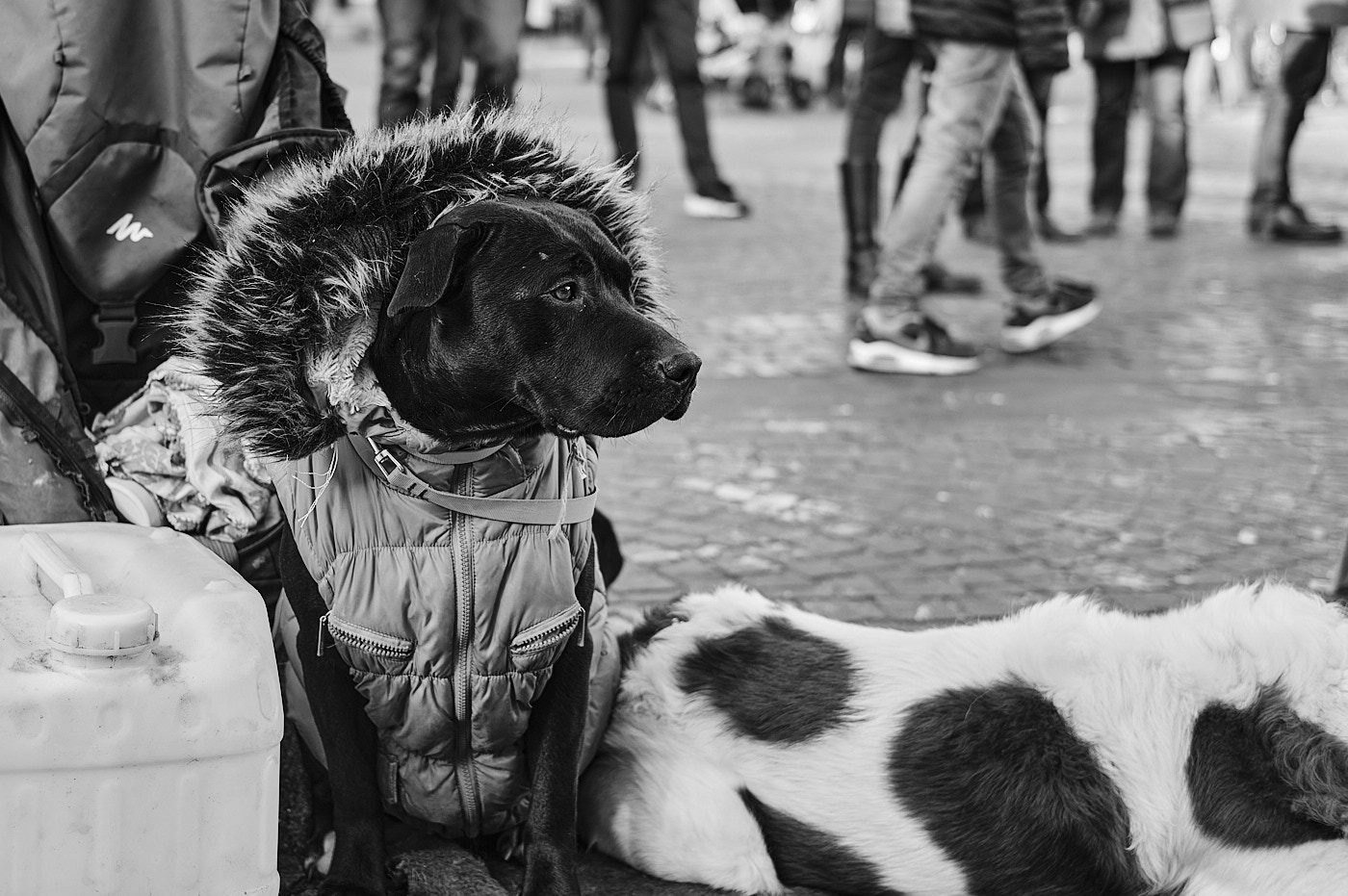
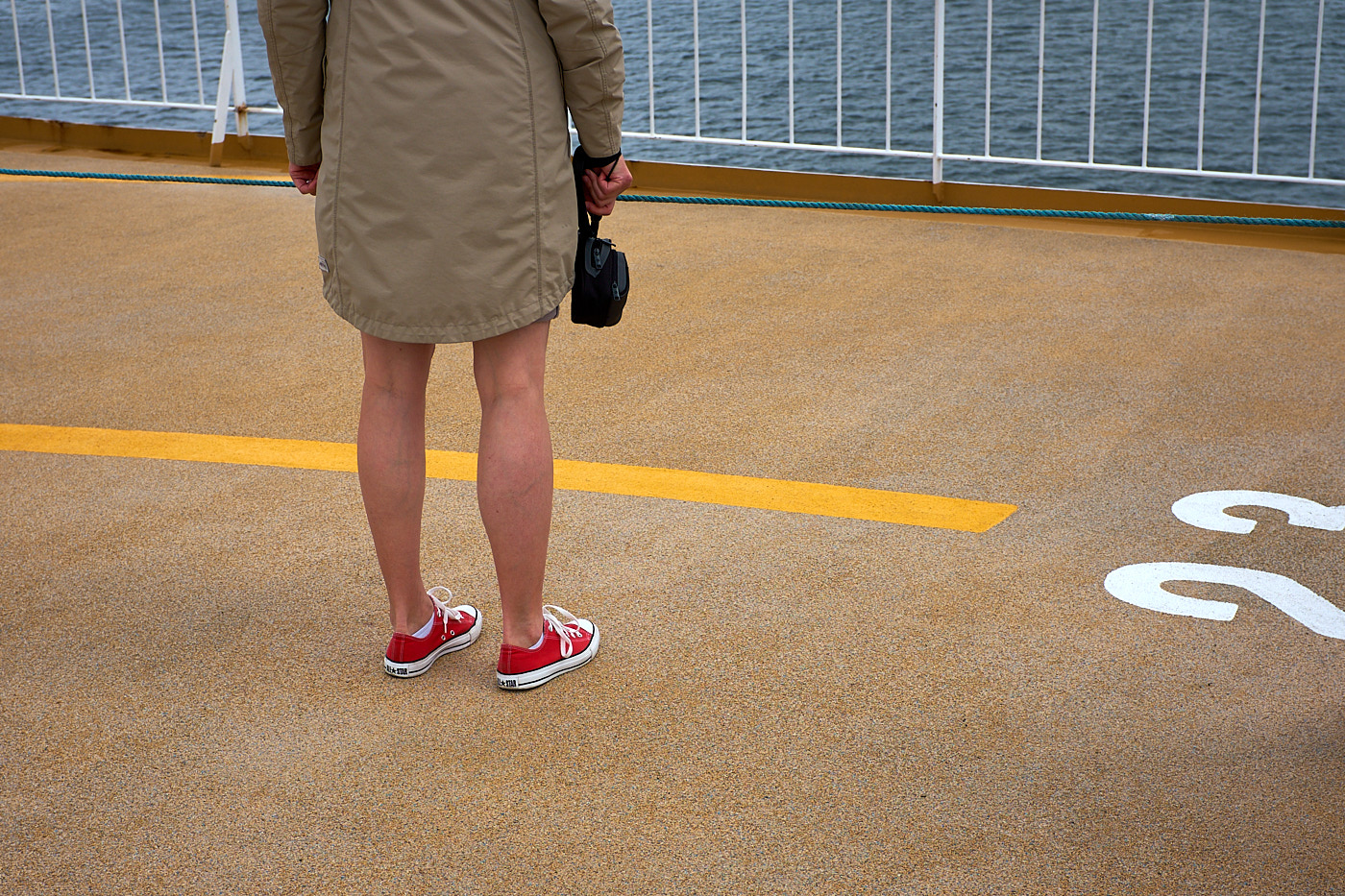
Fig. 41: Shot of a ‘Street Dog’.
Fig. 42: On the ferry to Norway.
Fig. 43: Graffiti in Bremen along the Weser.
ImportantEvery photographer should ask themselves whether a photo exposes a person and whether they would want to be photographed that way themselves.

Storytelling

An expansion of taking individual pictures is storytelling, where you try to capture an entire series of images based on a theme. Almost everyone knows this type of photography from traveling, but other topics can be considered as well.

TipA good preparatory exercise for storytelling is creating Mood Boards

Mood Boards

Mood boards are collections of images based on a specific overarching term or a particular mood.

Examples of mood boards can be found here.

Canon EOS 6D | 28.0mm | f/11.0 | 1/200s | ISO 200

Canon EOS R7 | 500.0mm | f/7.1 | 1/125s | ISO 6400

Canon EOS R7 | 451.0mm | f/7.1 | 1/60s | ISO 2000

Canon EOS R7 | 500.0mm | f/7.1 | 1/60s | ISO 1600

Canon EOS 6D | 300.0mm | f/9.0 | 1/180s | ISO 1600

Canon EOS 6D | 300.0mm | f/9.0 | 1/180s | ISO 1600

Canon EOS R6 | 31.0mm | f/16.0 | 1/160s | ISO 200

Canon EOS R6 | 31.0mm | f/16.0 | 1/160s | ISO 200

Canon EOS RP | 218.0mm | f/11.0 | 1/250s | ISO 400

Canon EOS RP | 218.0mm | f/11.0 | 1/250s | ISO 400

Canon EOS 200D | 135.0mm | f/5.0 | 1/250s | ISO 100

Canon EOS 200D | 135.0mm | f/5.0 | 1/250s | ISO 100

Canon EOS R10 | 840.0mm | f/16.0 | 1/1000s | ISO 800

Canon EOS R10 | 840.0mm | f/16.0 | 1/1000s | ISO 800

Canon PowerShot G5 X Mark II | 19.384mm | f/4.0 | 1/1600s | ISO 125

Canon PowerShot G5 X Mark II | 19.384mm | f/4.0 | 1/1600s | ISO 125

Canon EOS R5 | 200.0mm | f/2.8 | 1/1000s | ISO 2500

Canon EOS R5 | 200.0mm | f/2.8 | 1/1000s | ISO 2500

Canon EOS 80D | 200.0mm | f/4.0 | 1/400s | ISO 200

Canon EOS 600D | 100.0mm | f/8.0 | 1/320s | ISO 400

Canon EOS 6D | -mm | f/- | 1/40s | ISO 400

Canon EOS RP | 35.0mm | f/2.5 | 1/30s | ISO 125

Canon EOS 6D Mark II | 279.0mm | f/8.0 | 1/1250s | ISO 500

Canon EOS 6D Mark II | 186.0mm | f/8.0 | 1/200s | ISO 100

Canon EOS 70D | 500.0mm | f/6.3 | 1/80s | ISO 200

X-T30 | 23.0mm | f/4.5 | 1/60s | ISO 1250

X-T30 | 23.0mm | f/4.5 | 1/60s | ISO 1250

Canon EOS 6D | 50.0mm | f/2.2 | 1/1600s | ISO 800

Canon EOS 6D | 50.0mm | f/2.2 | 1/1600s | ISO 800

Canon EOS R5 | 24.0mm | f/11.0 | 1/320s | ISO 160

Canon EOS R5 | 24.0mm | f/11.0 | 1/320s | ISO 160

X-T2 | 35.0mm | f/2.0 | 1/1900s | ISO 200

X-T2 | 50.0mm | f/1.0 | 1/125s | ISO 2000

X100T | 19.0mm | f/2.0 | 1/12s | ISO 1600

Canon PowerShot G9 X Mark II | 10.2mm | f/2.0 | 1/100s | ISO 125

Canon PowerShot G9 X Mark II | 10.2mm | f/2.0 | 1/100s | ISO 125

Canon PowerShot G9 X Mark II | 10.2mm | f/2.0 | 1/100s | ISO 125

X-T2 | 35.0mm | f/2.5 | 1/300s | ISO 200

X100F | 33.0mm | f/5.6 | 1/850s | ISO 200

X-T2 | 35.0mm | f/8.0 | 1/600s | ISO 200

Photo Subjects
Image Defects
 
  • © Tiger Graphics 2026

  • Imprint (German)

  • Data Protection (German)