Presenting pictures
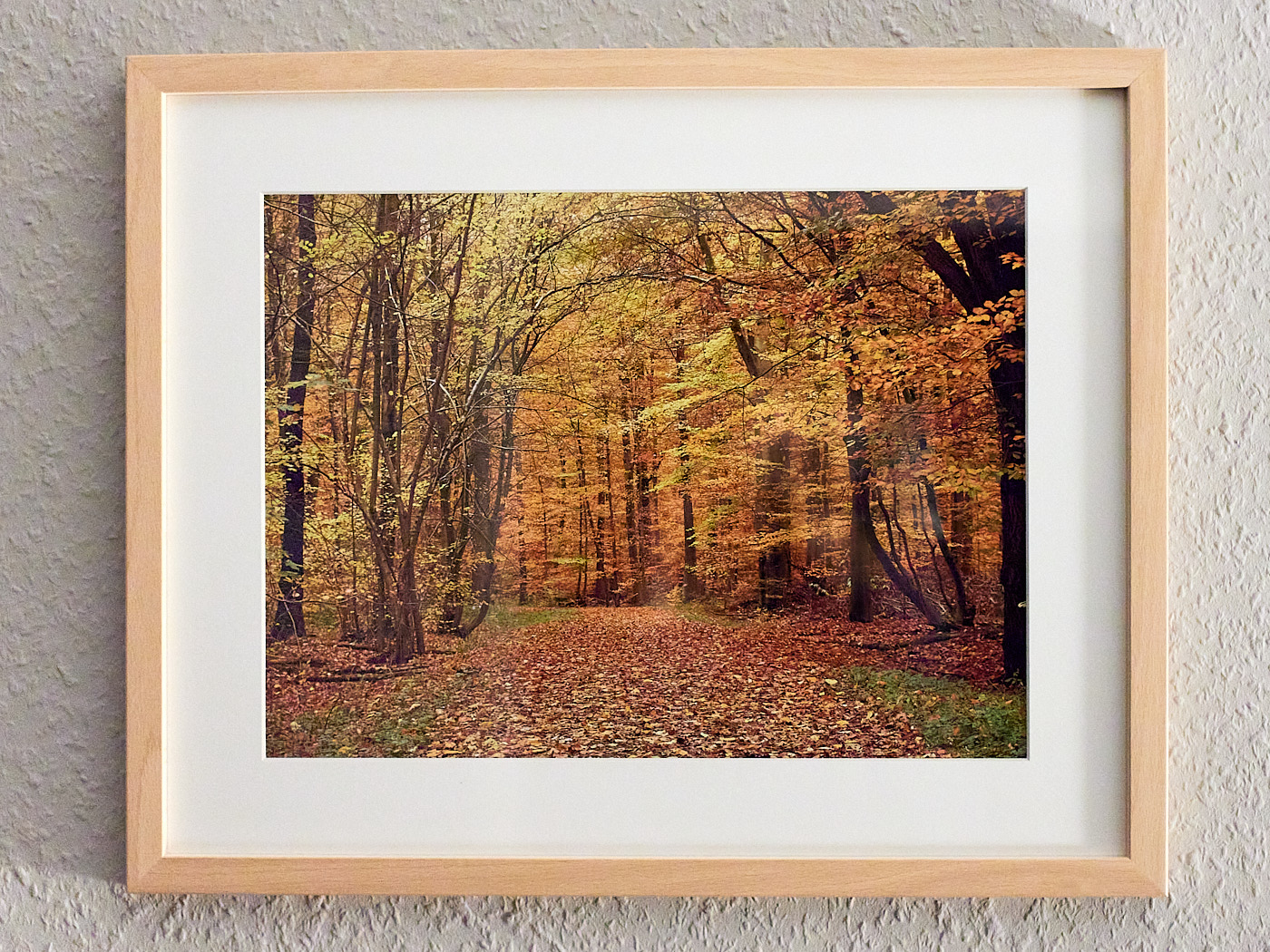
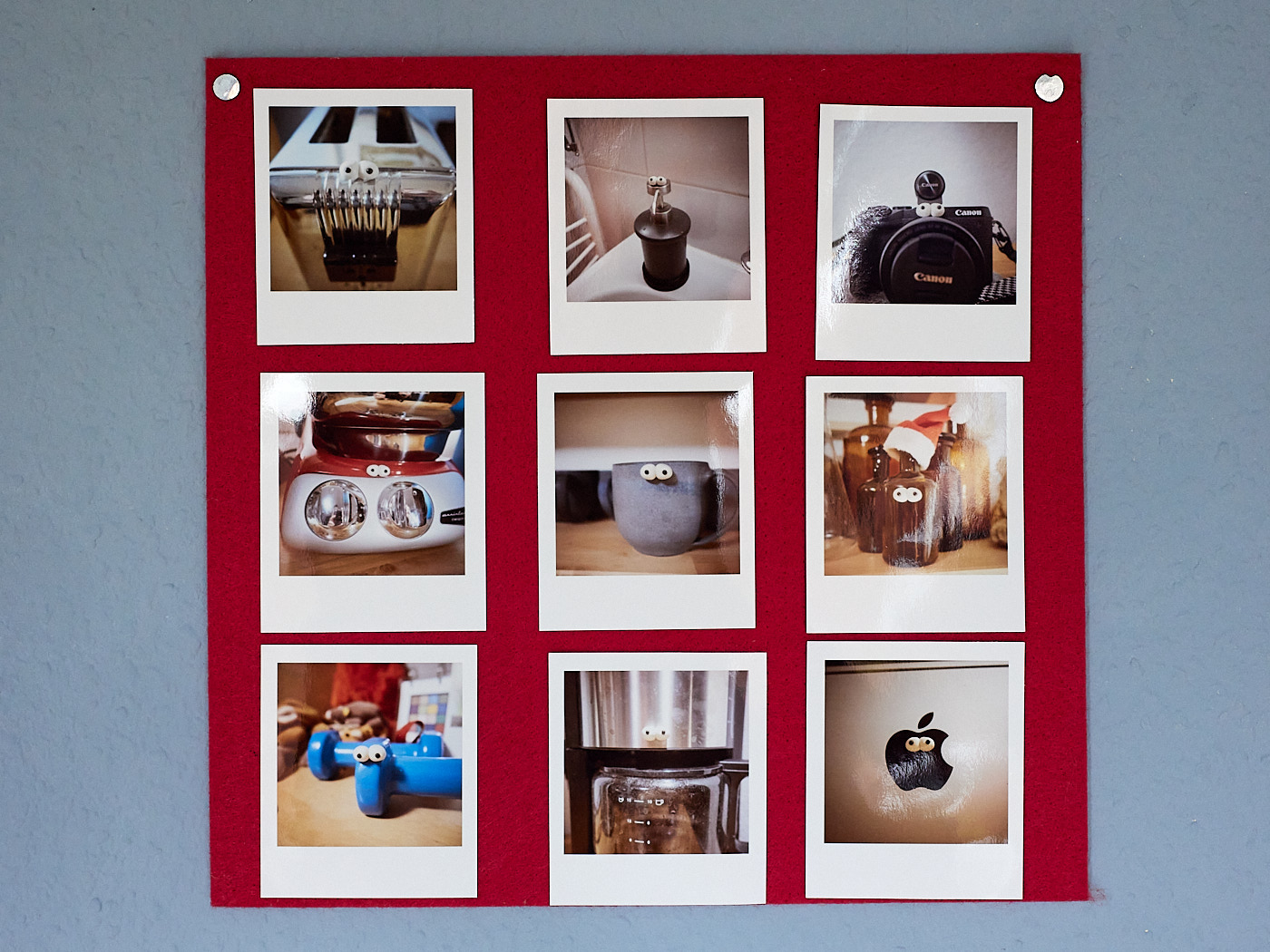
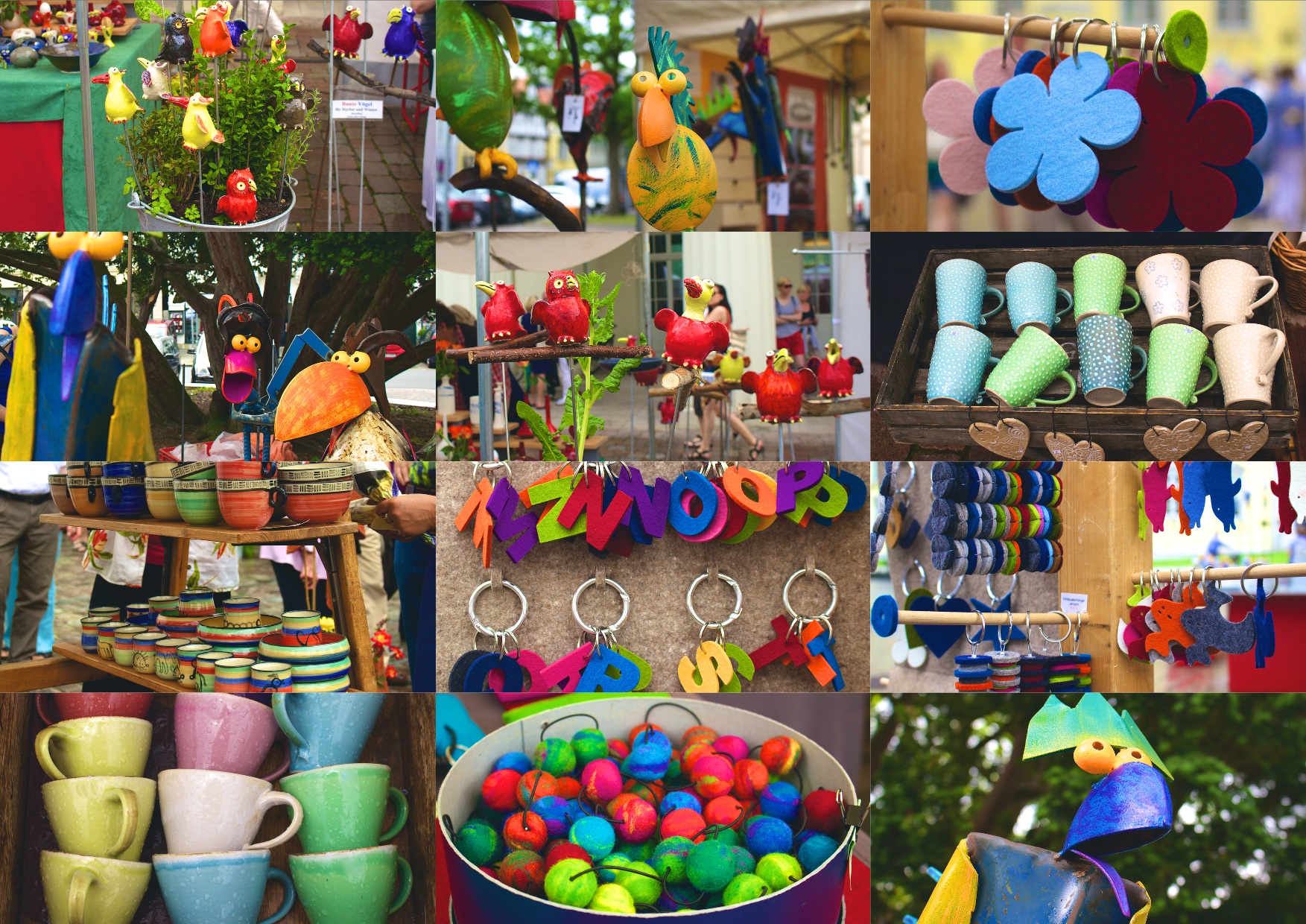
Even though nowadays most images are viewed on the smartphone, the effect is completely different when photographs are presented larger or even printed. The easiest and cheapest way is to present the images on a website. However, the effect of a printed image is quite another. Photo services do a very good job and also create pictures with frame and passepartout. Especially the effect is when you present many pictures that have a content context in the same style. This can be done on a pinboard in your own room but also in the context of an exhibition in a gallery.
At every presentation - from the birthday card for the girlfriend to the exhibition in a gallery - one should consider whether the picture or the pictures work for the viewers. You yourself experienced the entire context, the light, the smells, your own mood, the light. The viewer only sees the picture. Some pictures are great memories, but only work because you were there during the recording. Other images stand for themselves and convey their own statement.
Printing
Printing images yourself is of course also possible. A good quality is usually only achieved if you print on photopaper. A lot of ink is needed, so that a print in DIN A4 can cost a few euros. Often misprints also occur. The most common mistakes are
- Confusion of portrait and landscape format
- Colour casts
- Cut edges
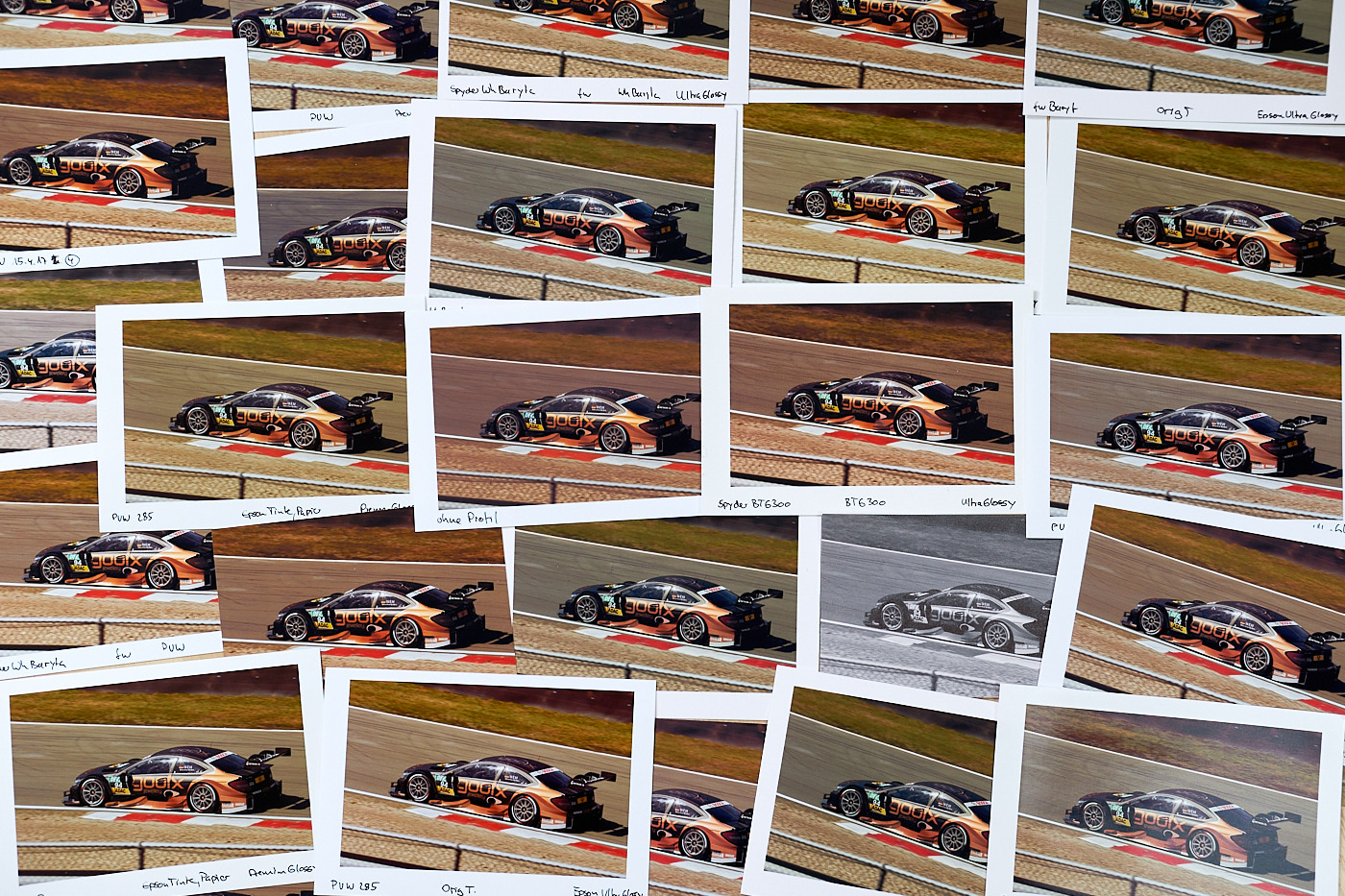
If you want to print on expensive photographic paper, it is recommended to make a test print on cheaper paper with less ink. How this works is different for each printer.
Color management
A challenge when printing is to get the colors exactly as on the monitor. Ultimately, this is possible for various reasons only conditionally with “home remedies”.